Best Software for Client Portal in 2026: 10 Top Picks
TL;DR
Client portal software is not one category. It’s at least three: onboarding/implementation portals for SaaS teams, all-in-one portals for agencies, and document-sharing portals for regulated industries. This guide compares 10 tools across real pricing (including seat minimums and annual billing requirements most listicles hide), use case fit, engagement features, and honest tradeoffs. GoLiveFlow tops the list for SaaS implementation teams that need engagement scoring, AI risk detection, and transparent per-seat pricing with no minimums.
What Is Client Portal Software?
Client portal software gives your customers a secure, branded space to log in, track progress, complete tasks, share files, and communicate with your team, without the back-and-forth of email threads and Slack messages. The market was valued at $1.7 billion in 2023 and is growing at over 8% CAGR through 2032. Roughly 71% of US-based service providers now use digital client portals for communication and task management. G2 alone lists 132 products in the category.
The problem? “Client portal” means wildly different things depending on who’s buying. An accounting firm sharing tax documents needs a completely different tool than a SaaS company onboarding enterprise customers through a 60-day implementation. Most comparison articles lump them together. This one doesn’t.
How to Choose the Right Software for Client Portal
Before comparing tools, figure out which category you actually fall into.
Segment by use case first
Onboarding and implementation portals are built for B2B SaaS teams managing multi-step, multi-stakeholder go-live processes. They include features like playbooks, engagement scoring, and time-to-value analytics. Tools: GoLiveFlow, Rocketlane, GuideCX, OnRamp.
All-in-one service portals combine CRM, invoicing, project management, and client communication. They work best for agencies, freelancers, and service businesses. Tools: SuiteDash, FuseBase.
Document sharing and collaboration portals focus on secure file exchange, permissions, and white-label branding. They suit enterprises, legal teams, and financial services. Tools: Clinked, Moxo.
Hybrid/builder portals let you construct a custom portal on top of existing data. Good for teams with specific workflows and some technical ability. Tools: Softr, Dock.
Five evaluation criteria that matter
- Portal type. Does it match your workflow, or will you be forcing a document portal to do onboarding work?
- Pricing model. Per seat? Flat rate? Seat minimums? Annual-only billing? The “starting at $19” number is meaningless without context.
- Engagement features. Does it track client activity, flag risk, and alert your team when clients go silent? For SaaS teams, this is a dealbreaker. Learn more about configuring engagement alerts to trigger PM intervention.
- Integrations. CRM sync, calendar, Slack, e-signature, and API access determine whether the tool fits your stack or creates another silo.
- White-label depth. A portal with your logo slapped on a generic template is not the same as full custom branding with SSO.
If you’re evaluating whether you even need dedicated portal software versus a project management tool, the distinction matters more than you’d think. Generic PM tools like Asana and Monday.com lack client-facing onboarding workflows that purpose-built portals provide.
Quick Comparison Table
| Tool | Best For | Starting Price | Seat Minimum | Engagement Scoring | E-Signatures | Free Trial |
|---|---|---|---|---|---|---|
| GoLiveFlow | SaaS implementation teams | $19/seat/mo | None | Yes | Yes | 30 days |
| Rocketlane | PS teams with resource/financial needs | $19/user/mo (annual) | 5 seats | No | No | Yes |
| GuideCX | Enterprise multi-stakeholder implementations | ~$100-143/license/mo | 4 licenses | Limited | No | Demo only |
| OnRamp | High-volume self-service onboarding | ~$7,164/yr (3 users) | 3 users | Limited | No | Demo only |
| Dock | Sales-to-onboarding continuity | $350/mo (5 users) | 5 users | No | No | Yes |
| SuiteDash | All-in-one for agencies | $19/mo flat | None | No | No | 14 days |
| Clinked | Secure enterprise file sharing | $119/mo | None | No | No | Yes |
| Moxo | Regulated industries (finance, legal) | ~$30-100/user/mo | Custom | No | No | Demo only |
| FuseBase | No-code portal building for SMBs | Free tier available | None | No | No | Yes |
| Softr | Custom portals on Airtable | Free tier available | None | No | No | Yes |
Now, the detailed breakdown of each tool.
Explore GoLiveFlow’s platform features to see how engagement scoring and AI risk detection work in practice.
The 10 Best Software for Client Portal in 2026
1. GoLiveFlow
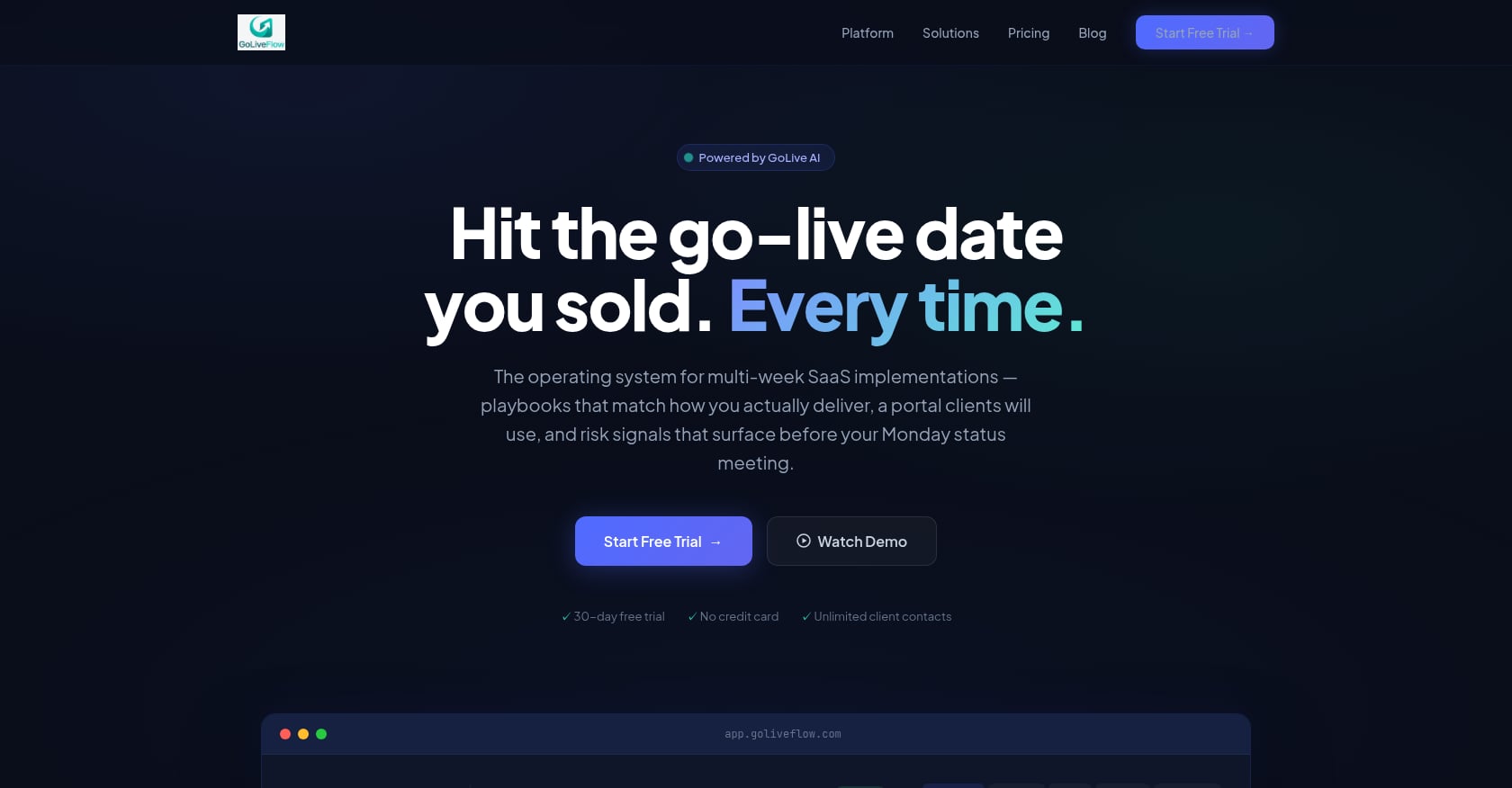
Best for: SaaS implementation teams that need a branded client portal with engagement scoring, AI risk detection, and onboarding automation
GoLiveFlow is purpose-built for the gap between “deal signed” and “customer live.” Unlike generic project management tools repurposed as client portals, it was designed from the ground up for B2B SaaS implementations.
Key features:
- Branded client portal with a step-by-step wizard that guides customers through tasks without overwhelming them
- Engagement scoring that tracks client activity and alerts PMs when a customer goes dark
- AI risk detection with coaching prompts that surface root causes (overdue dependencies, low login activity, budget burn) and suggest next actions
- E-signature approvals with audit trail, eliminating the need for separate DocuSign contracts
- Automation rules engine with conditional playbooks using if/then logic
- Portfolio analytics covering time-to-value, bottlenecks, task velocity, and project financials
- Resource management and capacity planning across implementations
- Multiple project views: Gantt, timeline, board, and list with baselines
- Integrations with HubSpot, Zapier, Slack, Google Calendar, SendGrid, and Stripe, plus REST API and webhooks
Pricing:
- Starter: $19/month per seat (up to 3 seats, 5 active projects)
- Professional: $49/month per seat (25 active projects, full portal, e-signatures, automation, analytics, API)
- Enterprise: $99/month per seat (unlimited projects, SSO/SAML, AI Copilot with 50 queries/day, priority support)
- No minimum seats on any plan. Unlimited client contacts included. 30-day free trial, no credit card required.
See full pricing details for a tier-by-tier breakdown.
What sets it apart:
The engagement scoring and AI risk detection combination is something no other tool on this list offers at this price point. The “client goes dark” problem is universal in SaaS onboarding, and practitioners across review platforms consistently cite it as their top frustration. GoLiveFlow directly addresses this with automated alerts and coaching prompts instead of just reporting lagging indicators after the damage is done.
The conditional playbooks with if/then logic mean your onboarding process adapts based on client inputs rather than forcing every customer through the same rigid sequence. If you’re building onboarding playbooks with KPIs, this flexibility matters.
Tradeoffs:
- Salesforce and Outlook integrations are listed as coming soon, so teams deeply invested in the Salesforce ecosystem may need to wait or use Zapier as a bridge
- SOC 2 certification is in progress but not yet complete; security-sensitive enterprises should review GoLiveFlow’s security posture and SOC 2 FAQ
- Newer brand with limited third-party reviews compared to established competitors
Claimed outcomes: 40% faster time-to-value, 3x better client engagement, 60% fewer overdue tasks, 90% on-time go-lives, and 50% less PM time on status updates.
2. Rocketlane
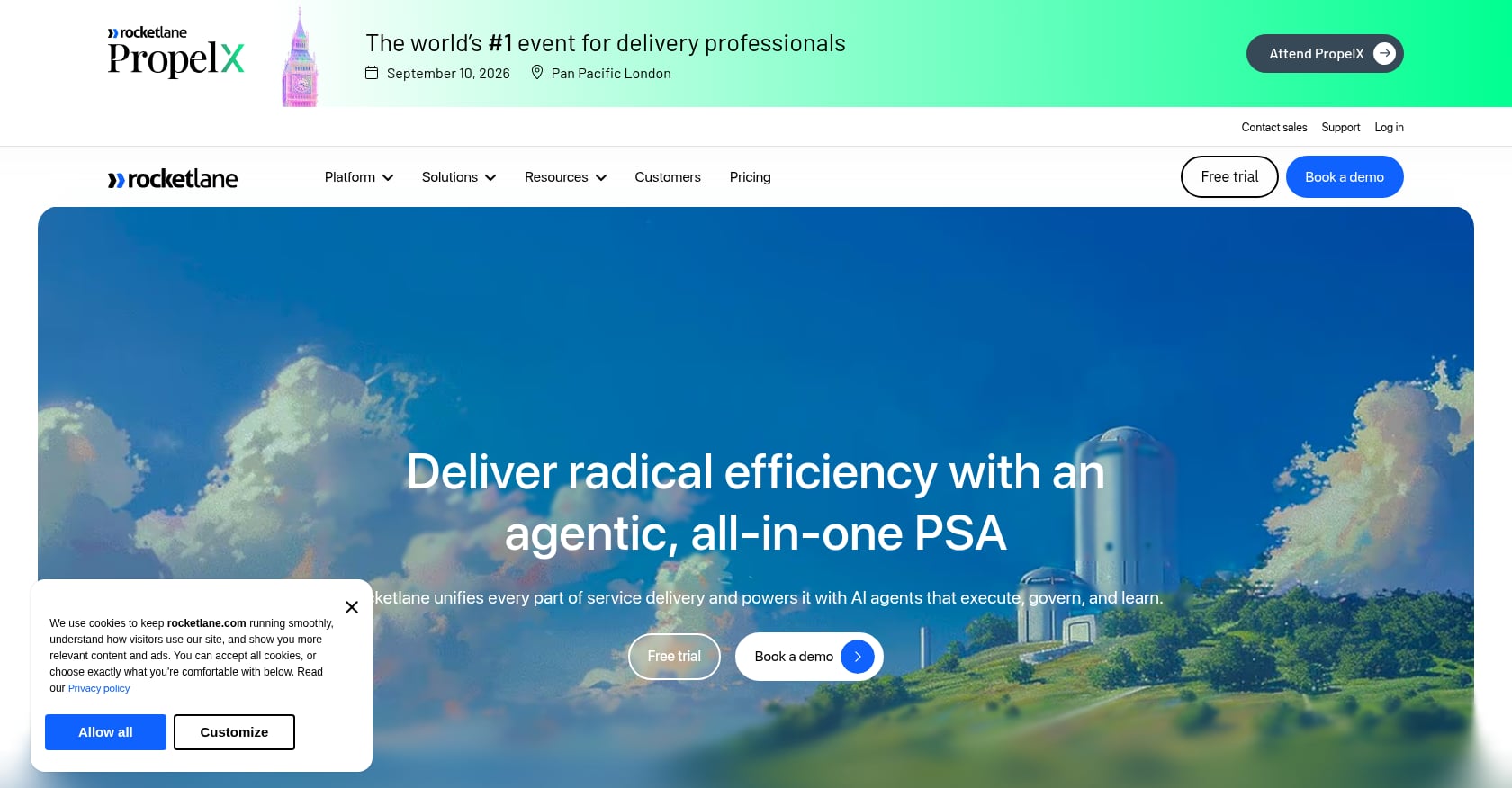
Best for: Professional services teams managing complex SaaS implementations with resource planning and financial tracking
Rocketlane positions itself as a PSA (professional services automation) platform with a client-facing portal. It’s strong on the internal operations side, particularly for teams that need resource allocation, time tracking, and revenue recognition.
Key features:
- Gantt, Kanban, and list views with time tracking
- Branded customer portal for external visibility
- Zapier integration and basic automation on the Essential plan
- Resource AI, financial tracking, and revenue recognition on Premium and above
- Salesforce integration available on higher tiers
Pricing:
- Essential: $19/user/month (billed annually)
- Standard: $49/user/month
- Premium: $69/user/month
- Enterprise: $99/user/month
- All plans require annual billing. The 5-seat minimum means your actual starting cost is $95/month on Essential, regardless of team size.
What real users say:
G2 reviewers consistently call out performance issues at scale, with slow loading and lag when navigating between large numbers of projects. The 5-seat minimum is a frequent complaint from smaller teams. Multiple reviewers also note the client-facing portal has limited configuration options compared to the internal workspace.
Tradeoffs:
- 5-seat minimum inflates cost for teams under five people
- Advanced differentiating features (resource management, financial reporting, AI allocation) are locked behind the $69+/seat Premium tier
- No engagement scoring or AI risk detection for client-goes-dark scenarios
- Annual billing required on all plans
If you’re weighing GoLiveFlow against Rocketlane specifically, there’s a detailed comparison guide covering feature differences and pricing analysis.
3. GuideCX
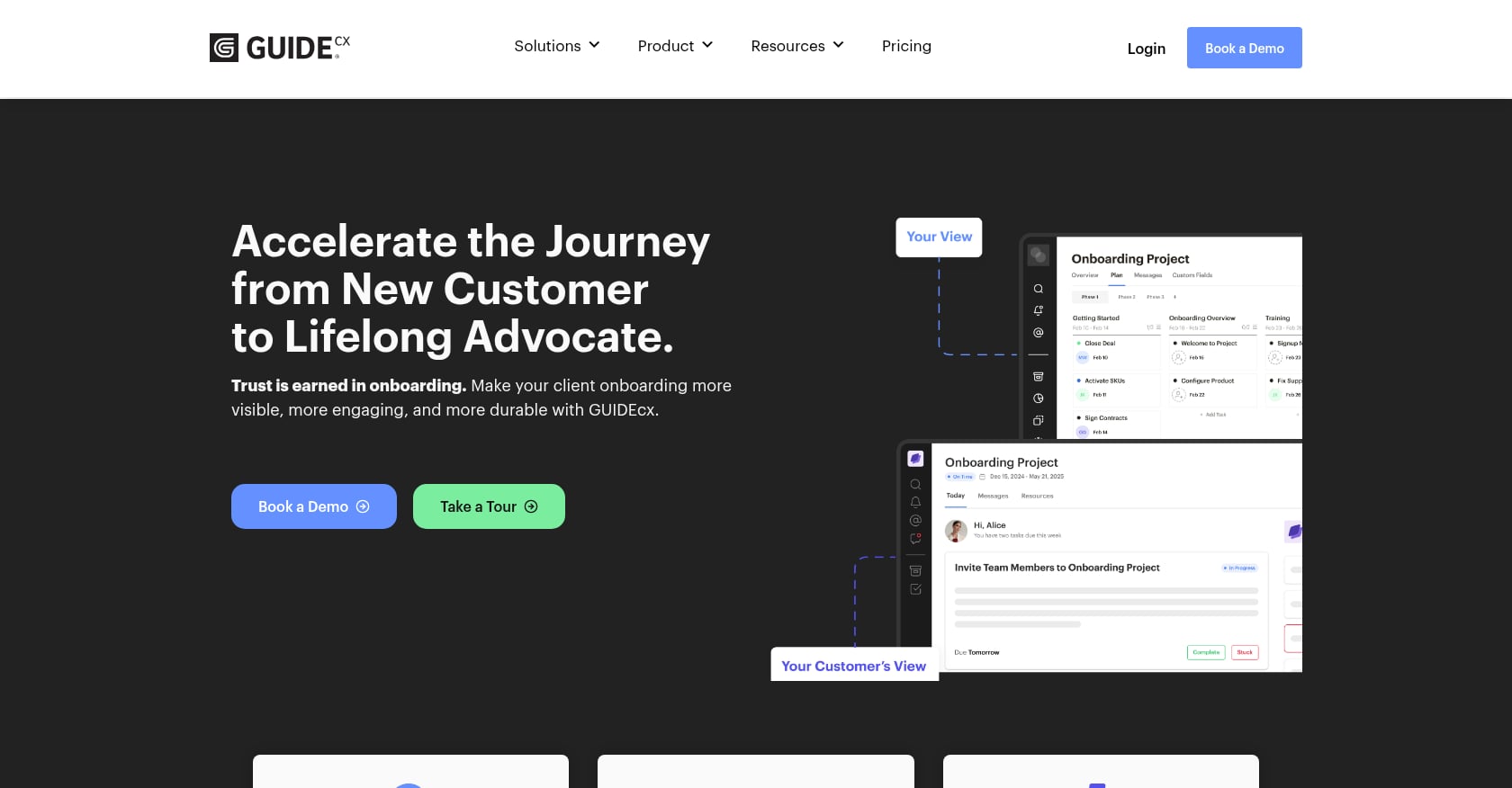
Best for: Mid-market to enterprise companies running complex, multi-stakeholder implementations with 45+ day timelines
GuideCX is the heavyweight in the client onboarding portal space. It targets larger organizations with long, complicated implementation cycles involving multiple internal and external stakeholders.
Key features:
- Unlimited projects and unlimited customers on all plans (volume-based model)
- Multi-stakeholder task assignment and visibility
- Template-based project creation
- Internal and external progress tracking
- Reporting and analytics dashboards
Pricing:
Third-party sources report the Starter plan starting at roughly $100 to $143 per license per month with a 4-license minimum, putting the practical entry point near $4,700 to $6,900 per year. Higher tiers require a sales conversation, with deal sizes likely exceeding $15,000 to $50,000 annually.
What real users say:
According to G2 reviews, the platform’s user interface has very limited customization options. Formatting and customization options for customer-facing emails are restricted, which matters when you’re trying to maintain brand consistency across client communications.
Tradeoffs:
- Expensive entry point that prices out smaller teams and startups
- Limited UI customization per multiple G2 reviewers
- Opaque pricing on higher tiers requires sales calls
- For simpler onboarding workflows (under 30 days), the price-to-value ratio doesn’t make sense
- No e-signatures or engagement scoring built in
4. OnRamp
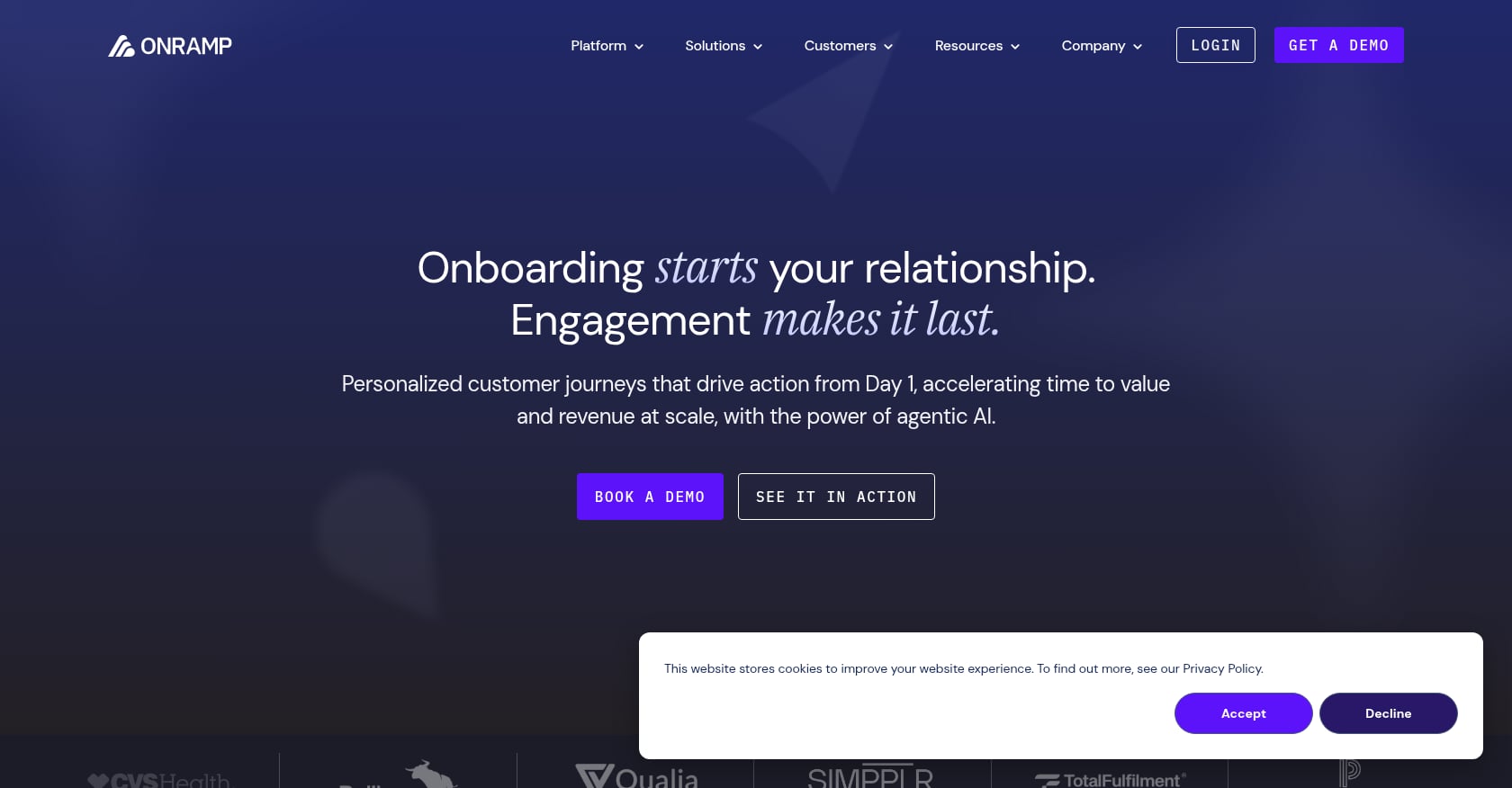
Best for: B2B SaaS companies scaling customer onboarding with guided self-service portals
OnRamp focuses on the self-service side of onboarding, letting customers complete tasks and provide information through a polished portal while internal teams manage everything from a centralized workspace.
Key features:
- Dual interface: polished client portal plus internal project workspace
- Automated follow-ups that can reduce go-live times by over 50% per vendor claims
- Task-based workflow management
- Centralized data collection from customers
Pricing:
Pricing is not publicly listed in a straightforward way. TrustRadius reports plans starting at $7,164 per year for 3 users, while other sources indicate plans starting at $15,000 per year. You’ll need to schedule a call to get accurate numbers.
What real users say:
A G2 reviewer noted the “customer portal is best in class and makes it a breeze to secure initial implementation configs from customers.” However, other reviewers flagged that “it can feel a bit stiff and hard to customize, making it difficult to change tasks once a project starts.” Cost that scales per seat is also a concern.
Tradeoffs:
- High entry price ($7K+ to $15K+/year) with no public pricing page
- Limited customization once projects are in progress
- Small review base makes it harder to validate at scale
- No engagement scoring or AI risk detection
5. Dock
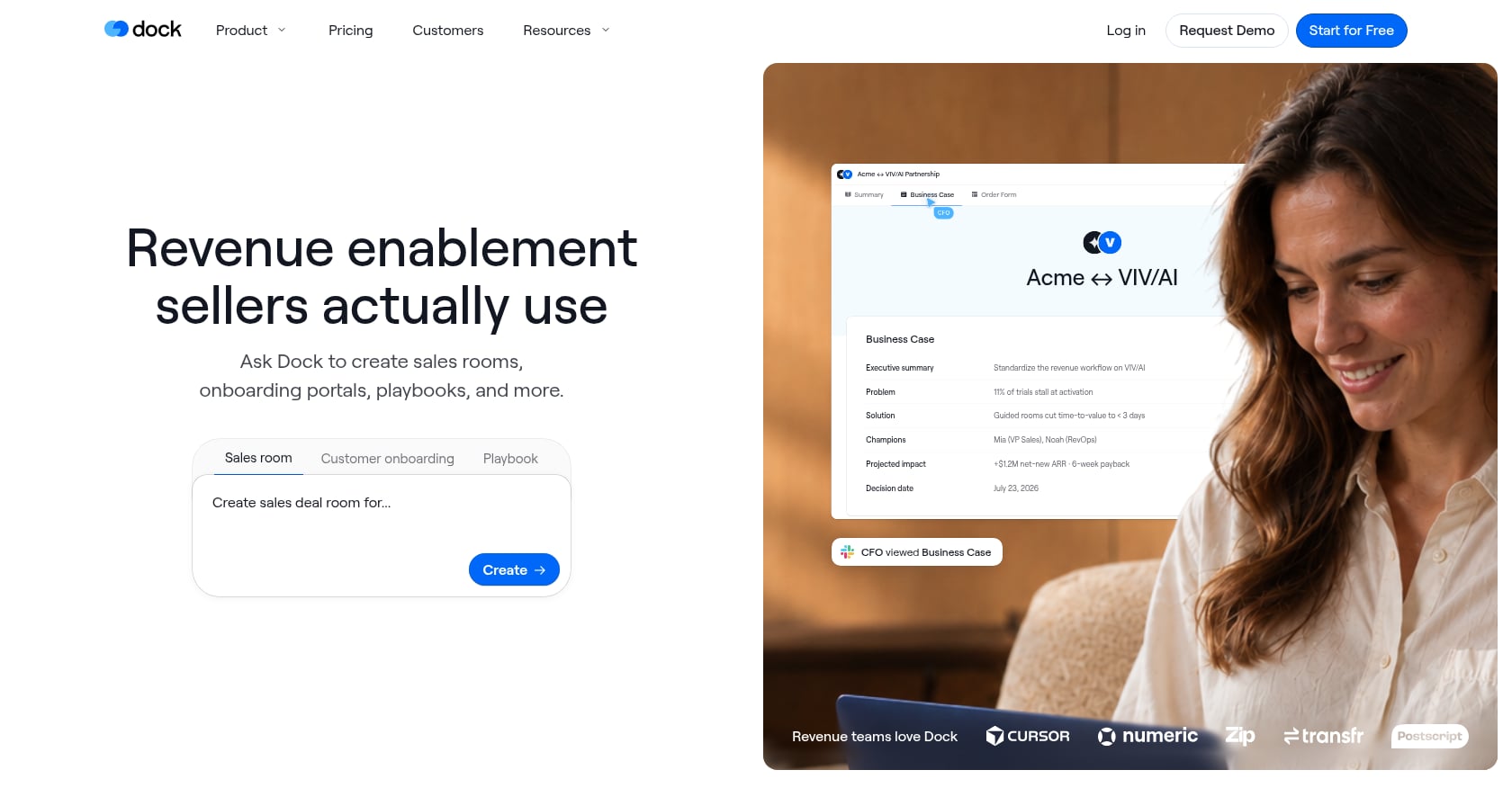
Best for: Revenue teams wanting a single workspace from sales deal rooms through customer onboarding
Dock blurs the line between sales enablement and client onboarding. Its core value is continuity: the workspace a prospect interacts with during the deal becomes the same workspace used during onboarding.
Key features:
- Digital sales rooms that transition into onboarding workspaces
- Templated workspaces for repeatable processes
- Clean, visual interface that clients find intuitive
- Only charges for internal team members; all external collaborators access for free
Pricing:
Standard plan starts at $350/month for 5 users. Premium costs $1,000/month for 10 users. Per-user costs are high, but unlimited external collaborator access offsets this for client-heavy teams.
What real users say:
A Capterra reviewer wrote, “I really love Dock because of its UI and easy to use model. It’s very easy to navigate and our clients love it.” But the same review ecosystem notes that “It’s not a complete CRM and task manager,” meaning you’ll still need other tools in your stack.
Tradeoffs:
- Expensive per-user pricing ($70/user/month on Standard)
- Lightweight on implementation-specific features: no engagement scoring, no e-signatures, no financial tracking
- Better suited for sales-to-CS handoff than deep onboarding orchestration
- Not a replacement for dedicated implementation management
6. SuiteDash
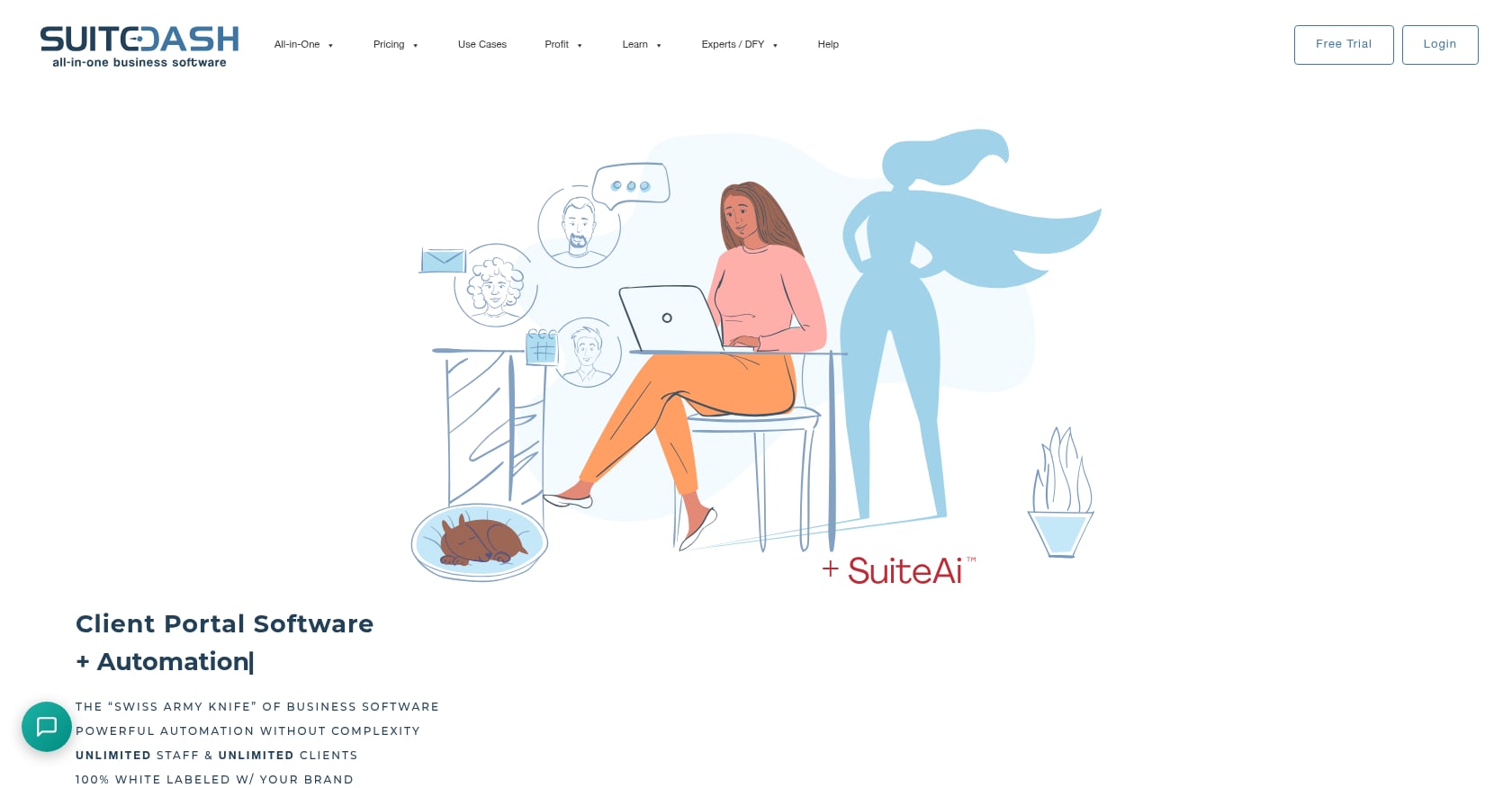
Best for: Agencies and service businesses wanting an all-in-one platform with CRM, portal, invoicing, and project management at a flat rate
SuiteDash is the budget champion on this list. Its flat-rate pricing model means you pay one price regardless of how many team members or clients you add, which is genuinely rare.
Key features:
- CRM, project management, invoicing, file sharing, time tracking, and client portals in a single platform
- White-label branding on all plans
- Unlimited clients and staff on all plans
- Learning management system (LMS) on the Pinnacle tier
- Support tickets and advanced automations on higher tiers
Pricing:
- Start: $19/month
- Thrive: $49/month
- Pinnacle: $99/month
- All flat-rate with unlimited users. 14-day free trial available.
What real users say:
Reviewers consistently praise the pricing model as predictable and cost-saving compared to per-seat alternatives. However, the Start plan leaves out key tools like Deals and Proposals. The Pinnacle plan is the only tier with the full toolkit, including Flows, Support Tickets, LMS, and advanced automations. Setup complexity is a common complaint, with some support being paid rather than included.
Tradeoffs:
- Not built for SaaS onboarding. No engagement scoring, no risk detection, no implementation-specific workflows.
- Key features gated behind the $99/month Pinnacle tier
- Setup can be time-consuming, and the learning curve is steep
- Email automation is an add-on that costs extra
- Best for general client management, not structured onboarding processes
7. Clinked
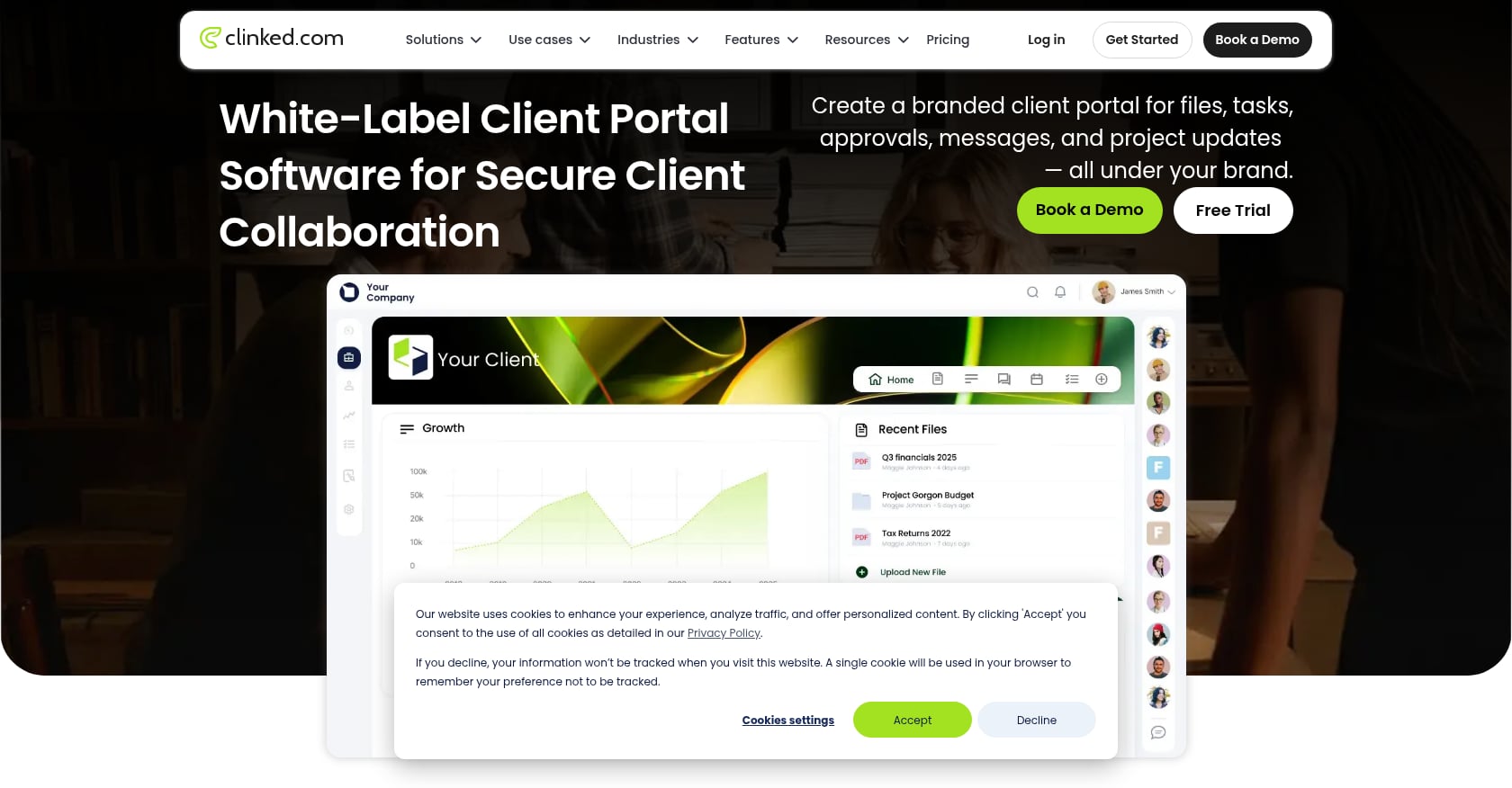
Best for: Enterprise teams needing secure, white-label file sharing and collaboration portals
Clinked is a document-centric portal built for organizations where secure file exchange is the primary use case. It’s popular with accounting firms, law firms, and enterprise teams that need strict access controls.
Key features:
- White-label client portals with custom branding
- Secure file sharing with granular permissions
- Task management and calendar features (Standard and above)
- Kanban boards on Premium tier
- Custom domain support
Pricing:
- Lite: $119/month (100 members, 100GB storage)
- Standard: $299/month (1TB storage, custom domain, tasks, calendar)
- Premium: $599/month (250 members, 3TB, Kanban boards)
- Enterprise: Custom pricing
These prices are significantly higher than most client portal tools on the market.
What real users say:
Reviewers value the customizable portal and strong security. However, G2 reviews frequently mention an “unintuitive and dated-looking UI” as a frustration. Multiple reviewers also noted that “the learning curve was a bit steep for some team members.”
Tradeoffs:
- High pricing for what is primarily a document-sharing tool
- No onboarding-specific features (no playbooks, no engagement scoring, no SLA tracking)
- UI feels dated according to multiple reviewers
- Lower-tier plans have notable feature restrictions
- Document-centric rather than workflow-centric
8. Moxo
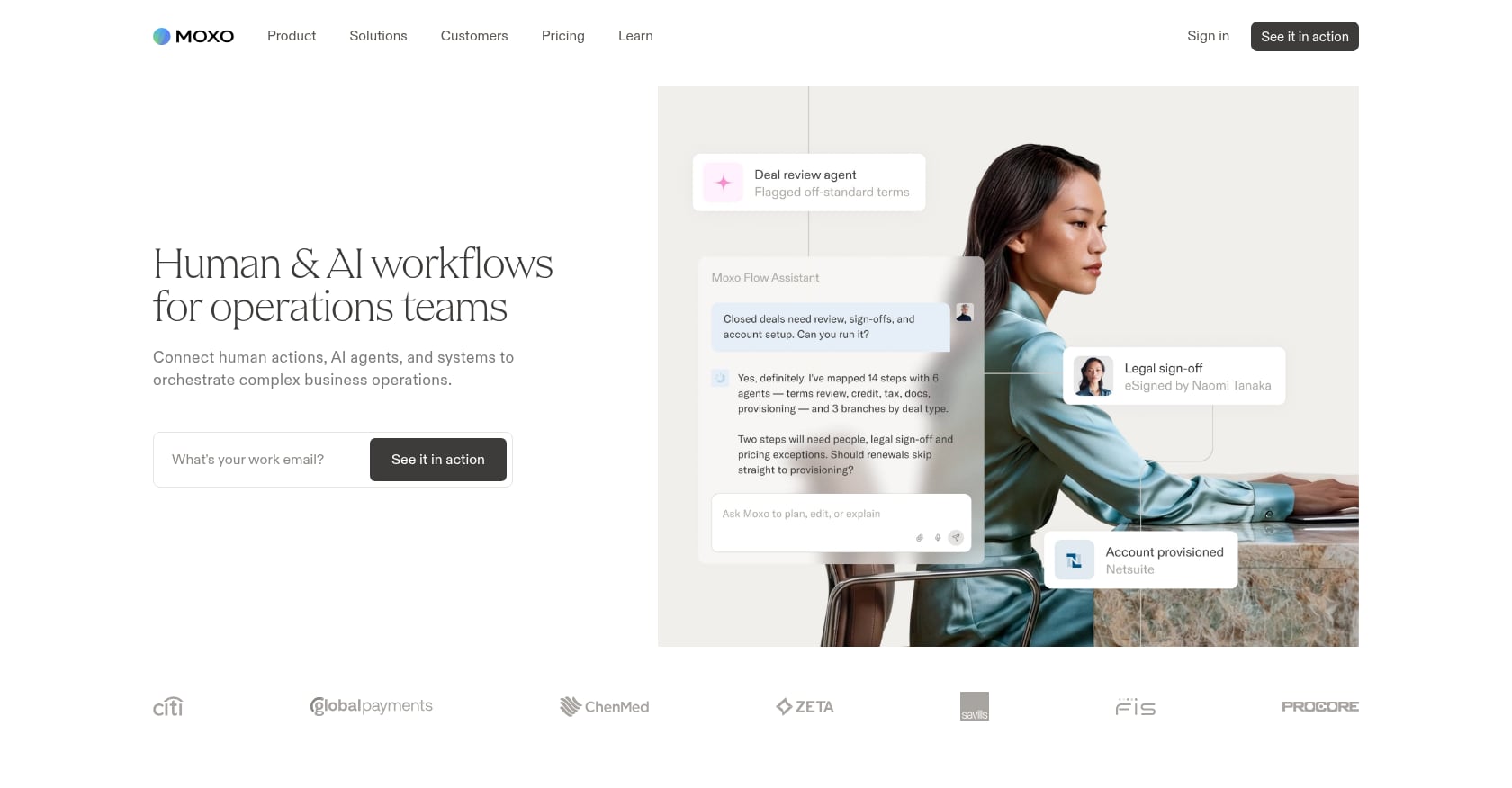
Best for: Regulated industries (financial services, healthcare, legal) needing workflow automation with compliance controls
Moxo consolidates client communication, files, and workflows into one secure portal. It’s designed for industries where compliance and audit trails are non-negotiable.
Key features:
- Secure client communication and collaboration
- Workflow automation for standardized processes
- Document collection and management
- Compliance-grade security controls
- Clean interface designed for non-technical end users
Pricing:
Not publicly disclosed. Custom quotes only. Small firms typically report paying $30 to $100 per user per month based on review platform data.
What real users say:
A Capterra reviewer described it as “a wonderful product for processes that will be exactly the same every time. It gets confusing for users when the process may deviate from a clear A-B-C-D path.” This is a telling limitation: Moxo works great for linear, repeatable workflows but struggles with the branching, conditional logic that complex implementations require.
Tradeoffs:
- No published pricing creates friction for evaluation
- Steep learning curve reported by multiple users
- Lacks branching or conditional logic per user feedback
- Not built for SaaS onboarding specifically
- Limited integration ecosystem compared to competitors
9. FuseBase

Best for: SMBs and agencies wanting affordable, flexible client portals with no-code customization
FuseBase (formerly Nimbus) is a generalist portal builder that gives teams the flexibility to create custom client-facing spaces without writing code.
Key features:
- No-code portal creation with customizable layouts
- Custom databases for structured data management
- Meeting dashboards for project tracking
- AI-powered coding features for building custom portal functionality
- Automation capabilities for common workflows
- Free tier available for basic use
Pricing:
Free tier available with limitations. Paid plans are affordable compared to enterprise-focused alternatives, though specific current pricing should be verified on their site.
Tradeoffs:
- Not established for SaaS onboarding use cases
- Generalist approach means it lacks depth in any single vertical
- No engagement scoring, risk detection, or implementation-specific analytics
- May require significant customization time to match the out-of-box experience of purpose-built tools
10. Softr
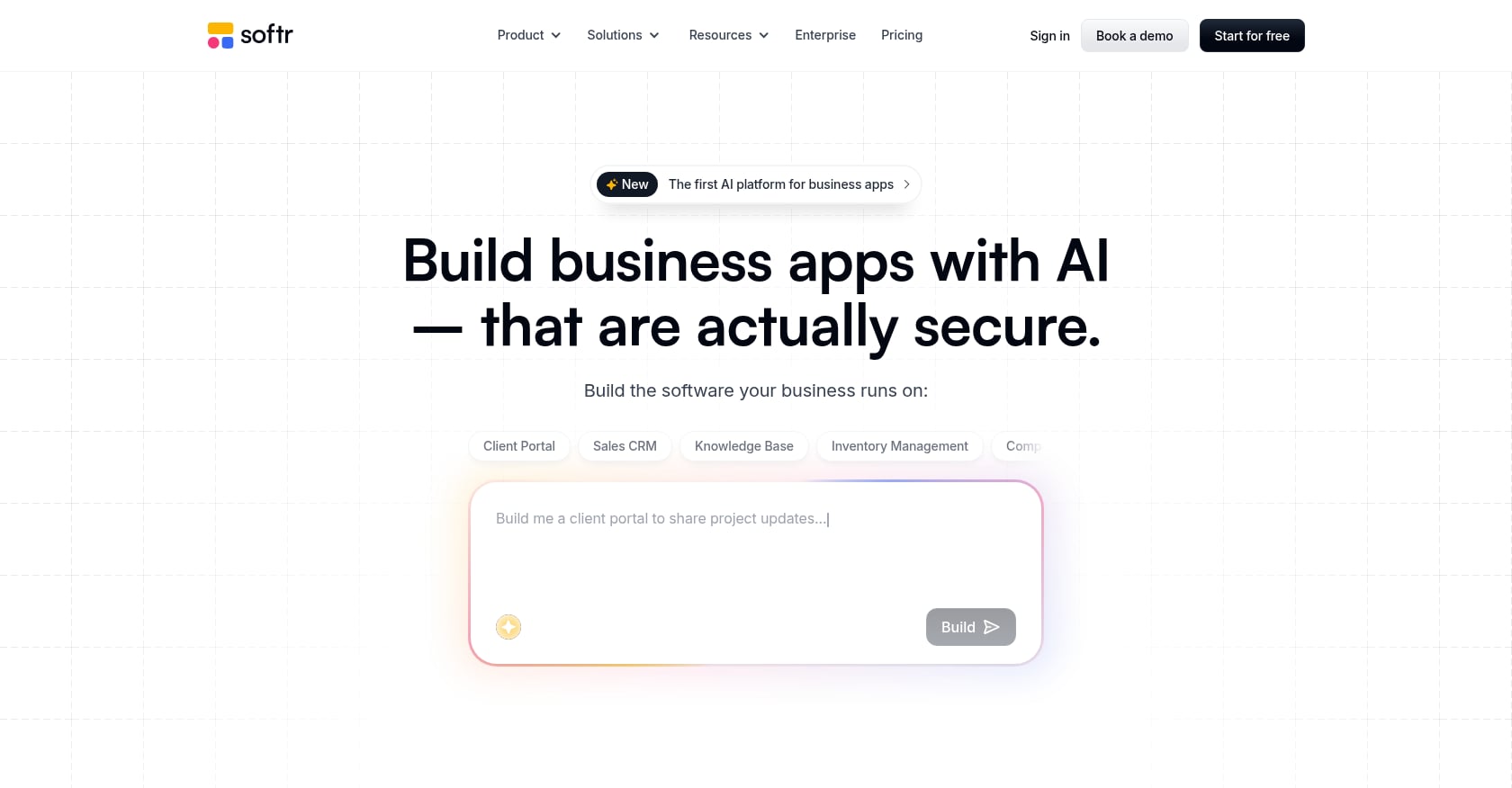
Best for: Teams wanting to build custom client portals on top of Airtable or Google Sheets data
Softr takes a different approach entirely. Instead of being a portal with its own data layer, it lets you build a client-facing interface on top of data you already manage in Airtable or Google Sheets.
Key features:
- No-code portal builder with pre-built templates
- Connects directly to Airtable and Google Sheets as data sources
- User authentication and access controls
- Customizable layouts and branding
- Free tier available for basic portals
Pricing:
Free tier available for simple portals. Paid plans unlock additional features, custom domains, and higher usage limits.
Tradeoffs:
- Requires Airtable or Google Sheets as the backend, adding complexity
- No built-in onboarding workflow, engagement tracking, or automation
- Technical setup required, even with the no-code label
- Portal capabilities are limited by the underlying data source
- Not a standalone solution; it’s a frontend for existing data
Client Portal for Onboarding vs. Generic PM Tools: What’s the Difference?
This is one of the most common mistakes teams make: assuming a tool like Asana, Monday.com, or ClickUp can serve as a client portal. These are excellent project management tools, but they were built for internal team coordination, not external client collaboration.
The key gaps in generic PM tools when used as client portals:
No client-facing portal. Clients either get full access to your internal workspace (messy and confusing) or limited guest access that feels like an afterthought. Purpose-built client portal software for onboarding gives customers a clean, branded experience showing only what’s relevant to them.
No engagement scoring. PM tools track whether tasks are complete or overdue. They don’t track whether your client has logged in, opened documents, or gone silent for two weeks. For SaaS implementation teams, detecting risk early using AI-driven signals is the difference between saving a project and watching it spiral.
No onboarding-specific automation. Generic automation in PM tools covers notifications and due dates. Onboarding portals automate conditional task creation, phase gates, e-signature collection, and escalation paths based on SLA thresholds. If you want to automate client onboarding with conditional logic, you need a tool built for it.
No time-to-value analytics. PM tools report on task completion. Implementation portals report on time-to-value, bottleneck analysis, and portfolio-level trends that leadership actually cares about.
Practitioners on Reddit and in community forums consistently report frustration when trying to repurpose Asana or Monday.com for client work. The guest access models are restrictive, the client experience feels clunky, and there’s no way to track whether customers are actually engaging with the process.
Key Features to Look For in Client Portal Software
Engagement scoring and client activity alerts
This is the single most underrated feature in the category. Approximately 64% of professional service firms have integrated client portals, but most of those portals are passive: they share information but don’t track whether anyone is actually looking at it.
Engagement scoring monitors client login frequency, task completion rates, document views, and response times. When a client goes dark, the system alerts your PM before a missed deadline forces a reactive scramble. For strategies on preventing this common problem, read about stopping customers from going dark after kickoff.
E-signature and approval workflows
If your onboarding process includes scope sign-offs, data processing agreements, or phase-gate approvals, built-in e-signatures eliminate the friction of switching to DocuSign or chasing PDF attachments. An audit trail matters here, especially for compliance-sensitive workflows.
Playbook and template automation
Repeatable processes should be templated. The best software for client portal use cases supports conditional playbooks where the workflow adapts based on client inputs. A “one size fits all” onboarding template doesn’t work when your enterprise tier requires SSO setup and your SMB tier doesn’t.
Portfolio analytics and time-to-value reporting
Individual project tracking is table stakes. What separates mature portal software is the ability to analyze trends across your entire implementation portfolio: average time-to-value, common bottlenecks, task velocity, and resource utilization. These metrics drive process improvement and give leadership the visibility they need.
White-label branding and SSO
A portal that looks like your product builds trust. Full white-label capabilities (custom domain, logo, colors, email templates) create a seamless client experience. SSO/SAML support is critical for enterprise customers who won’t accept another username and password. For a full checklist on white-label portal setup, see the branded client portal guide.
The Hidden Cost Problem in Client Portal Software
Most comparison articles list starting prices without context. Here’s what actually matters:
Seat minimums. Rocketlane requires 5 seats minimum. GuideCX requires 4 licenses. If you have a team of 3, you’re paying for seats nobody uses. GoLiveFlow has no minimum seats on any plan.
Annual billing requirements. Several tools on this list only offer annual billing, meaning your “monthly” price is really a 12-month commitment. Check whether monthly billing is available and what the premium is. Understanding monthly vs. annual billing tradeoffs helps you plan cash flow.
Feature gating. SuiteDash’s $19/month Start plan excludes Deals, Proposals, and advanced automations. Rocketlane’s best features (resource AI, financial tracking) require the $69/seat Premium tier. The advertised starting price often bears no resemblance to the plan you’ll actually need.
Client seat charges. Some tools charge per client user, which can make costs unpredictable as you grow. GoLiveFlow includes unlimited client contacts on all plans. Dock only charges for internal users. Others aren’t as generous.
Opaque enterprise pricing. GuideCX, OnRamp, and Moxo all require sales conversations for accurate quotes. This makes apples-to-apples comparison difficult and adds weeks to your evaluation timeline.
FAQ
What is client portal software?
Client portal software provides a secure, branded space where customers can log in to view project progress, complete tasks, share documents, sign approvals, and communicate with your team. It replaces scattered email threads, spreadsheets, and Slack messages with a centralized hub. Over 58% of these platforms now include automation and AI-driven tools.
How much does software for client portal typically cost?
Prices range dramatically. Flat-rate tools like SuiteDash start at $19/month with unlimited users. Per-seat tools range from $19/seat/month (GoLiveFlow, Rocketlane) to $100+/license/month (GuideCX). Enterprise-focused tools like OnRamp start around $7,000 to $15,000 per year. Always check for seat minimums, annual billing requirements, and feature gating before comparing headline numbers.
Can I use project management tools like Asana or Monday.com as client portals?
Technically, yes. Practically, it creates problems. Generic PM tools lack dedicated client-facing portals, engagement scoring, onboarding-specific automation, and time-to-value analytics. Guest access models are typically limited and confusing for clients. Teams consistently report frustration when repurposing PM tools for client-facing work. Purpose-built portal software solves these gaps.
What’s the difference between a client portal and a customer portal?
The terms are often used interchangeably. “Client portal” tends to appear in professional services, agencies, and B2B contexts where there’s an ongoing service relationship. “Customer portal” is more common in SaaS, ecommerce, and support contexts. Functionally, the difference depends on the tool’s focus: onboarding workflows, document sharing, support tickets, or account management.
What is engagement scoring in client portal software?
Engagement scoring tracks how actively your client is participating in their project: login frequency, task completion rates, document views, and response times. When engagement drops below a threshold, the system alerts your project manager so they can intervene before deadlines slip. Very few portal tools offer this feature. It’s most relevant for SaaS implementation and onboarding teams.
Do I need e-signatures built into my client portal?
If your onboarding or service delivery process includes scope agreements, data processing agreements, phase-gate approvals, or compliance documentation, built-in e-signatures save significant time. They eliminate the context switch to a separate tool and keep the audit trail in one place. For simple project collaboration, it’s less critical.
How do I evaluate which client portal software fits my team?
Start by identifying your primary use case: SaaS onboarding, agency client management, document sharing, or custom portal building. Then compare tools within that category on pricing (with minimums and billing terms), engagement features, integration compatibility with your existing stack, and white-label depth. A 30-day free trial is the best way to validate fit before committing.
Finding the right software for client portal needs comes down to matching the tool to your actual workflow, not picking the one with the longest feature list. For SaaS implementation teams, engagement scoring and AI risk detection are the features that separate good outcomes from projects that quietly derail.
Start a free 30-day trial of GoLiveFlow to see how a purpose-built onboarding portal handles your client projects, with no credit card and no seat minimums.