12 Best Professional Services Automation Software (2026)

TL;DR
Professional services automation software connects project delivery, resource planning, time tracking, billing, and client collaboration into one system. The right PSA tool depends on your services model, not just feature count. SaaS implementation teams need client portals and engagement visibility. Consulting firms need utilization tracking and project accounting. Agencies need quote-to-cash workflows. This guide compares 12 PSA tools with real pricing, user feedback, and honest tradeoffs so you can shortlist based on how your team actually works.
Professional services teams do not fail because they lack tasks. They fail because client work lives across email, Slack, spreadsheets, CRM notes, calendar invites, and half-updated project boards. Professional services automation software is supposed to fix this by connecting the delivery system to the financial system. But the right tool depends entirely on whether your bottleneck is onboarding speed, billable utilization, project margin, client engagement, or enterprise reporting.
The numbers make the case for urgency. The 2026 SPI Professional Services Maturity Benchmark, based on 509 firms representing 245,000+ employees and $63 billion in PS revenue, reports that billable utilization fell to 66.4%, the lowest in SPI’s surveying history. Average project margin sits at 37.7% and EBITDA at 9.9%. Meanwhile, 76% of high-performing organizations use PSA, and firms with PSA show 70.2% billable utilization versus 65.0% without it, plus 11.7% EBITDA versus 5.4%.
PSA adoption is not project management hygiene. It is a margin, predictability, and client-experience system.
This guide compares PSA tools by use case, pricing, user feedback, and tradeoffs, with special attention to client-facing implementation teams where traditional PSA tools tend to be heavier than needed.
See what purpose-built implementation software looks like on GoLiveFlow’s platform
PSA Software at a Glance: 12 Tools Compared
| Tool | Best For | Starting Price | Client Portal | Key Strength | Main Tradeoff |
|---|---|---|---|---|---|
| GoLiveFlow | SaaS implementation and onboarding | $19/seat/mo | Yes, branded with wizard | AI risk detection, engagement scoring, e-sign | Newer brand, limited third-party reviews |
| Rocketlane | Client-facing PSA for larger PS teams | $19-$49/user/mo (sources vary) | Yes | Onboarding + resource/financial PSA | Setup time, mobile/reporting gaps |
| GUIDEcx | Structured client onboarding visibility | ~$4,700+ (contact sales) | Yes | Repeatable onboarding journeys | Pricing opacity, performance lag |
| Kantata | Enterprise PS operations | Custom | Limited | Resource forecasting, project accounting | Enterprise-priced, complex |
| Certinia PS Cloud | Salesforce-native services orgs | Custom | Limited | Salesforce-native PSA depth | Steep learning curve, long deployment |
| BigTime | Time, expenses, invoicing for SMB firms | $20/user/mo | No | Time tracking and project accounting | Not client-facing, mobile gaps |
| Scoro | Quote-to-cash for agencies | $19.90/mo | Limited | Full business management suite | Can feel complex |
| Productive | Agency resource planning and profitability | $10/mo | Limited | Budget and utilization visibility | Smaller review base |
| Projectworks | Consulting capacity planning | ~$17-$19/user/mo | No | Forecasting and leave management | Pricing varies by source |
| Accelo | All-in-one client work management | Custom | Limited | CRM + projects + tickets + billing | Glitchy, complex for small teams |
| Teamwork.com | PSA-lite for agencies | Free; paid from £9.99/user/mo | Yes | Strong PM with time tracking | More PM than full PSA |
| HaloPSA | MSPs and IT service providers | ~$109/user/mo (5-user min) | No | Ticketing, service desk, billing | MSP-specific, reporting challenges |
Pricing checked August 2026. Sources sometimes conflict, so verify current quotes before signing.
What Professional Services Automation Software Actually Does
Gartner defines PSA platforms as tools that centralize service planning and execution, covering project management, resource allocation, contract management, time and expense tracking, billing, invoicing, and reporting. TechTarget describes PSA similarly: an application suite that manages resource planning, billing, time tracking, project management, and financial management across the project lifecycle.
That is the textbook definition. In practice, modern PSA software has split into two planes:
Back-office PSA focuses on utilization tracking, time and expenses, billing, revenue recognition, project margins, and financial forecasting. This is what consulting firms and enterprise services organizations typically need first.
Front-office PSA focuses on client portals, onboarding plans, approvals, stakeholder collaboration, go-live risk, and engagement signals. This is what SaaS implementation and customer onboarding teams need most.
Rocketlane’s co-founder described this split in a LinkedIn post, noting that the PSA category was traditionally back-office oriented (resource planning, utilization, revenue recognition) before newer tools started with the customer-facing experience. The distinction matters because many teams buy enterprise PSA when their actual bottleneck is clients going dark, approvals stalling, and go-live dates slipping. Understanding which plane you need prevents expensive misfits.
How to Choose PSA Software by Business Model
Most PSA listicles compare tools as if every services team operates the same way. A SaaS implementation team, a 50-person consulting firm, a creative agency, and an MSP need fundamentally different PSA depth. Here is how to narrow your shortlist.
SaaS Implementation and Onboarding Teams
Primary need: Client portal, implementation playbooks, stakeholder tasks, approvals, engagement and risk alerts, go-live timeline, time-to-value analytics.
Shortlist: GoLiveFlow, Rocketlane, GUIDEcx.
Default recommendation: GoLiveFlow for teams that want transparent pricing, unlimited client contacts, AI risk detection, engagement scoring, e-signature approvals, and onboarding-specific analytics without adopting a heavy enterprise PSA.
Consulting and Professional Services Firms
Primary need: Resource planning, utilization tracking, time tracking, project margin, forecasting, invoicing.
Shortlist: BigTime, Projectworks, Kantata.
Agencies
Primary need: CRM, quoting, retainers, time tracking, project budgets, utilization, profitability, client collaboration.
Shortlist: Scoro, Productive, Accelo, Teamwork.com.
Salesforce-Native Services Organizations
Primary need: PSA inside Salesforce, services-finance connection, customer data, revenue forecasting.
Shortlist: Certinia PS Cloud.
MSPs and IT Service Providers
Primary need: Ticketing, service desk, asset management, agreements, automated billing, dispatch, reporting.
Shortlist: HaloPSA.
Practitioners on Reddit confirm this segmentation is essential. One thread from a 50-person consulting team warns that G2’s PSA category includes MSP software that buyers need to actively filter out, and another commenter in the same thread describes one popular tool as “really a PM tool cosplaying as PSA.”
12 Best Professional Services Automation Software Tools
1. GoLiveFlow
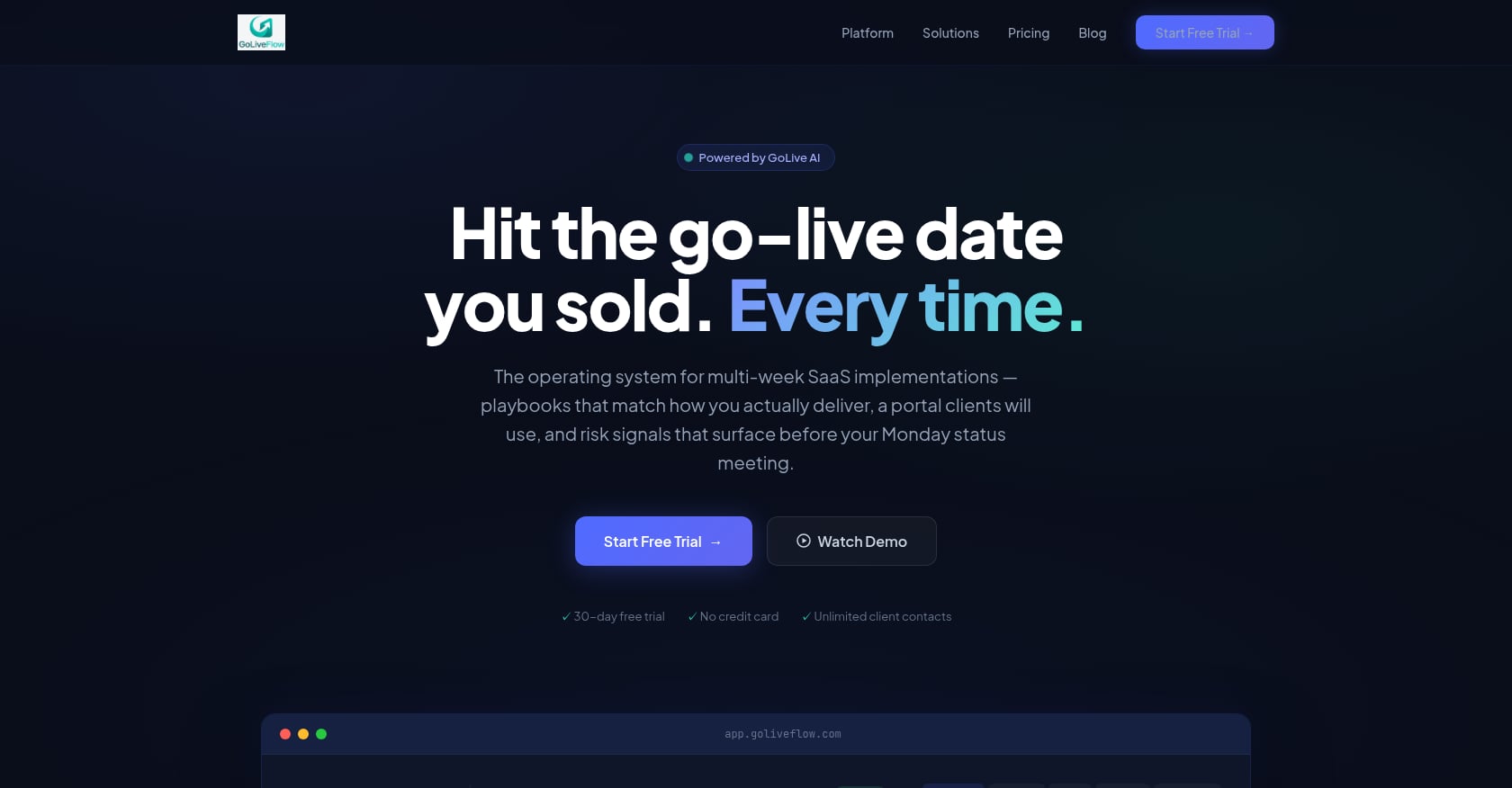
Best for: SaaS implementation and onboarding teams that need client-facing delivery, engagement signals, and risk detection without enterprise PSA weight.
Pricing:
- Starter: $19/month per seat (up to 3 seats, 5 active projects)
- Professional: $49/month per seat (25 active projects, full portal, e-signatures, automation, analytics, API)
- Enterprise: $99/month per seat (unlimited projects, SSO/SAML, AI Copilot, priority support, dedicated onboarding)
- No minimum seats. Unlimited client contacts on all plans. 30-day free trial, no credit card required.
Key features:
- Branded client portal with step-by-step wizard that reduces customer confusion
- Engagement scoring that alerts PMs when clients go dark
- AI risk detection with coaching prompts for root causes (overdue dependencies, low login activity, budget burn)
- E-signature approvals with audit trail
- Automation rules engine and SLA tracking
- Portfolio analytics: time-to-value, bottlenecks, task velocity
- Resource management and capacity planning
- Project financials and budget burn tracking
- Gantt, timeline, board, and list views with planned vs. actual baselines
- Integrations: HubSpot, Zapier, Google Calendar, Slack, SendGrid, Stripe, REST API, webhooks
Tradeoffs:
- Salesforce and Outlook integrations are coming soon, so deeply Salesforce-standardized teams may need to wait or use Zapier as a bridge.
- SOC 2 is in progress, not fully certified yet.
- Newer brand with limited third-party review coverage. Evaluate through the 30-day trial and feature depth rather than review volume.
- Better fit for SaaS implementation than MSP ticketing or enterprise ERP-style project accounting.
Verdict: Choose GoLiveFlow if your services bottleneck is not just billing hours but getting customers live faster with fewer silent accounts, stalled approvals, and surprise project risks. The transparent pricing and unlimited client contacts make it especially accessible for growing teams.
Compare GoLiveFlow plans and pricing
2. Rocketlane
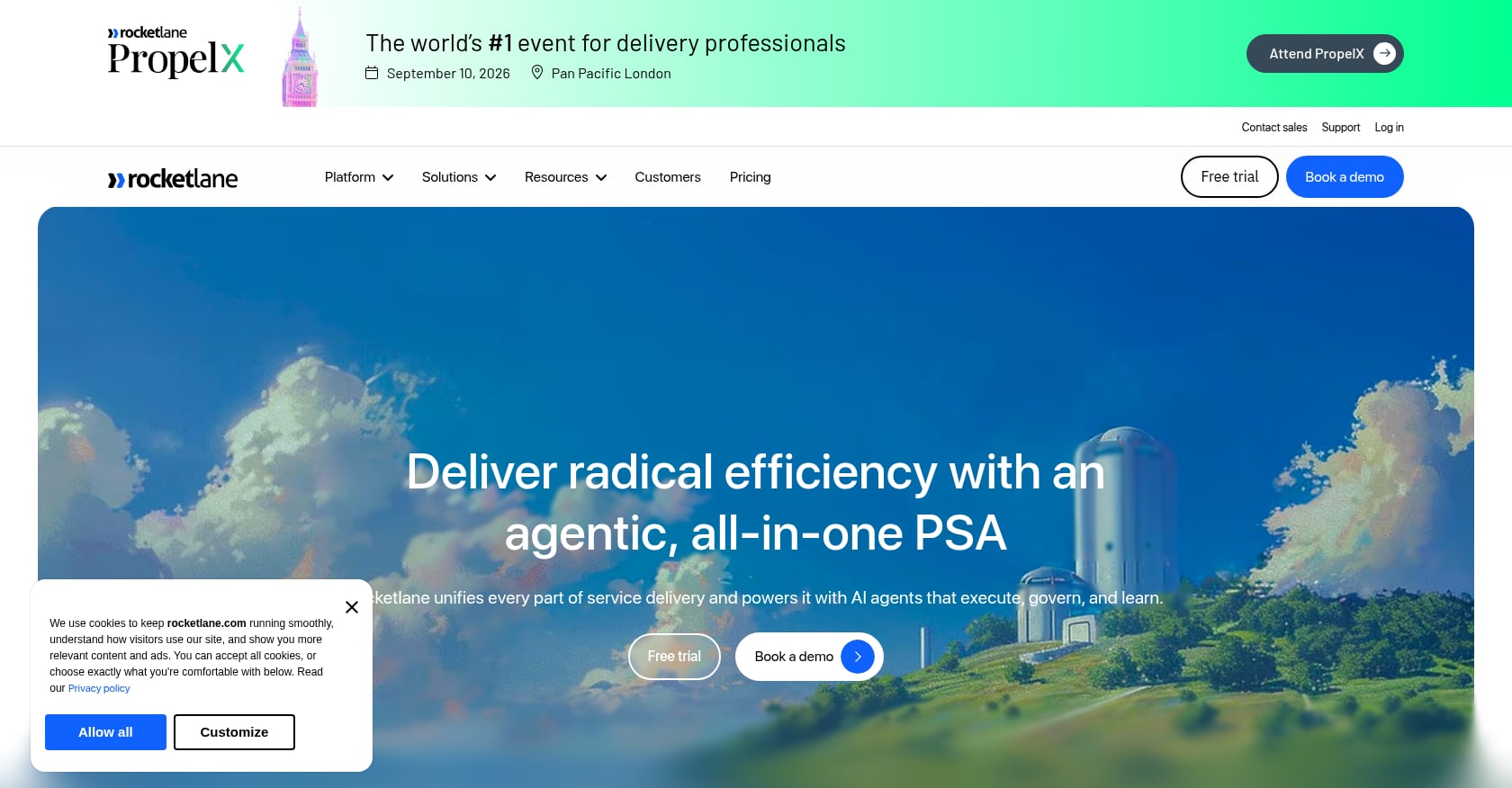
Best for: Client-facing PSA for larger onboarding and professional services teams that also need resource and financial management.
Pricing: Sources conflict. One source lists the Essential plan starting at $19/team member/month annually with a five-member minimum. G2’s visible pricing shows Standard at $49/user/month, Premium at $69, and Enterprise at $99. Verify current pricing before purchasing.
Key features:
- Client portal and shared project space
- Project and portfolio management
- Templates and task tracking
- Resource and capacity planning
- Timesheets, rate cards, and project budgets
- Margin tracking
- Integrations including Salesforce, HubSpot, Slack, Jira, and NetSuite
Tradeoffs:
- Setup and configuration take time according to multiple G2 reviewers.
- Mobile app and reporting flexibility receive consistent criticism.
- Pricing can escalate with minimum seats, AI add-ons, and higher tiers.
What users say: G2 rates Rocketlane 4.7/5 from 838 reviews. An implementation consultant on G2 reports that Rocketlane makes client onboarding more structured and transparent with milestones and reusable templates, but notes that setup effort and reporting flexibility can be pain points. Another reviewer says it reduced onboarding time by about 15% but wants a better mobile experience.
Verdict: Choose Rocketlane if you want a mature client-facing PSA with resource and financial management and you are comfortable with per-seat pricing and more implementation effort. For a detailed comparison, see GoLiveFlow vs. Rocketlane.
3. GUIDEcx
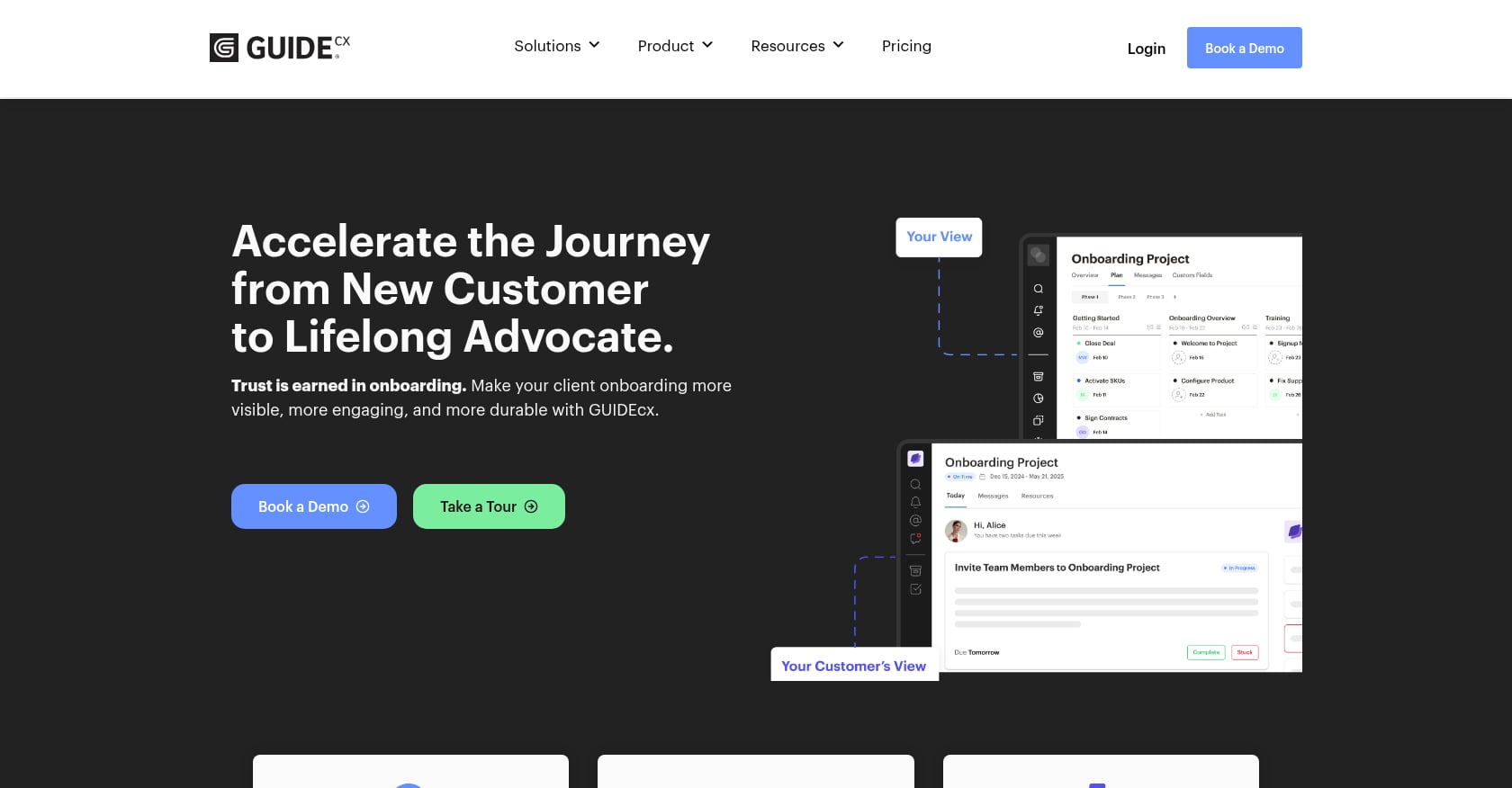
Best for: Customer onboarding teams that want structured external/internal task visibility and repeatable onboarding journeys.
Pricing: G2 lists Premium and Advanced as contact-sales plans with 4+ licenses. A separate G2 pricing result says 2026 pricing starts at approximately $4,700. Expect a sales conversation.
Key features:
- Customer onboarding project management
- Client-facing views and dependencies
- Templates and project tracking
- Reporting and status dashboards
- CRM and collaboration integrations
Tradeoffs:
- Pricing lacks transparency compared to per-seat options.
- Users report slow loading and occasional glitches on G2.
- More onboarding-focused than full financial PSA, which can be a strength or a limitation depending on your needs.
What users say: G2 rates GUIDEcx 4.6/5 from 461 reviews. A senior client onboarding manager says it keeps multiple onboarding journeys organized and serves as a single source of truth, but notes performance lag when navigating between projects and occasional logout issues.
Verdict: Choose GUIDEcx if your main goal is a repeatable client onboarding command center and you can work through custom pricing.
4. Kantata
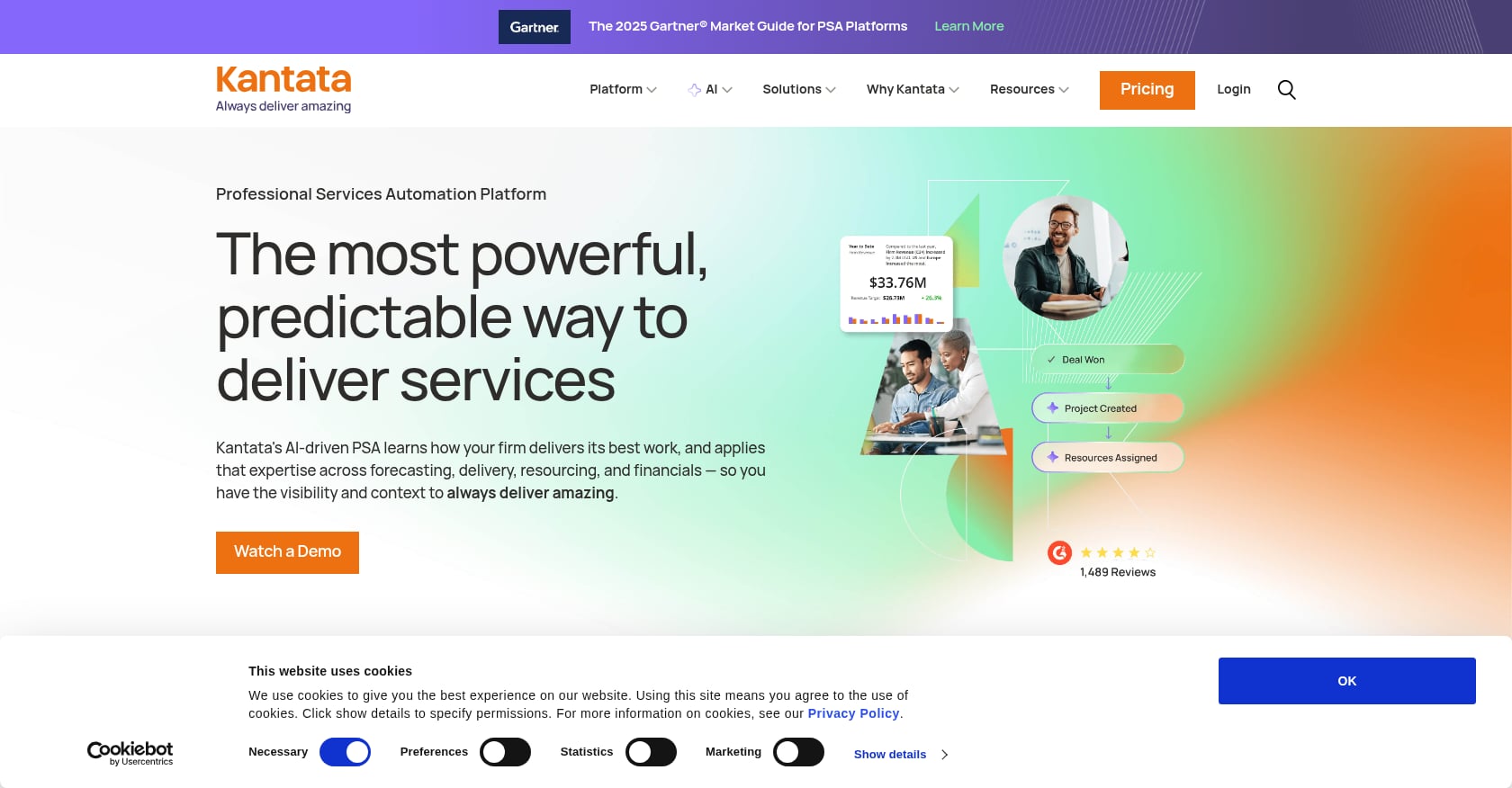
Best for: Mid-market and enterprise professional services organizations with complex resourcing, forecasting, and project accounting needs.
Pricing: Custom. Expect a sales-led process and implementation scoping.
Key features:
- Enterprise resource management and forecasting
- Project management and financial management
- Project accounting and utilization tracking
- Collaboration and reporting
- Complex services delivery visibility
Tradeoffs:
- Often overkill and expensive for smaller SaaS onboarding teams.
- Custom pricing means a longer evaluation cycle.
- Better suited to mature PS operations than lightweight implementation teams.
What users say: On Reddit, commenters in a consulting-firm PSA thread describe Kantata as “enterprise-priced,” which reflects a common perception among smaller services organizations evaluating PSA software.
Verdict: Choose Kantata if resource forecasting, utilization, project accounting, and enterprise-grade services operations matter more than quick rollout or lightweight client onboarding.
5. Certinia PS Cloud
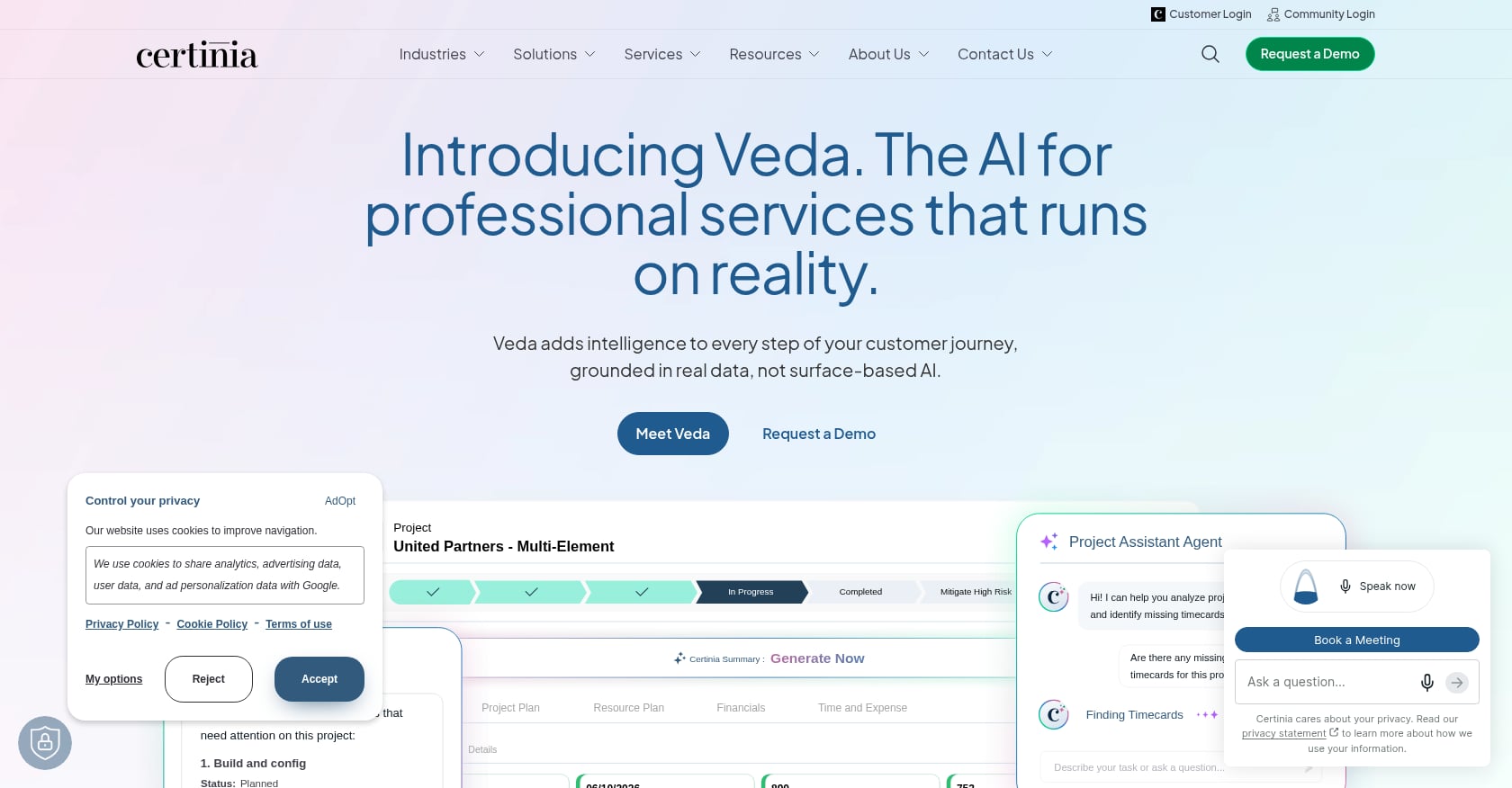
Best for: Salesforce-native services organizations that need professional services, customer data, and financial workflows connected on the Salesforce platform.
Pricing: Custom. Salesforce licensing costs apply separately.
Key features:
- Salesforce-native PSA
- Resource management and forecasting
- Project delivery dashboards
- Services-finance connection and revenue recognition
- AI capabilities
Tradeoffs:
- Implementation complexity is a recurring concern in user reviews.
- Steep learning curve, especially for teams new to Salesforce customization.
- Premium pricing on top of existing Salesforce costs.
What users say: G2 rates Certinia PS Cloud 4.3/5 from 711 reviews. Users praise dashboards, reporting, and resource management. The most common criticisms center on complexity, too many workflow steps, and lengthy deployment timelines.
Verdict: Choose Certinia if Salesforce is your system of record and your PSA must live natively inside that ecosystem. If you do not run Salesforce, this tool will create more friction than value.
6. BigTime
Best for: Small and mid-sized consulting, accounting, and architecture firms focused on time tracking, expenses, invoicing, and project accounting.
Pricing: Essentials $20/user/month, Advanced $35/user/month, Premier $45/user/month, BigTime Foresight custom. Free trial available.
Key features:
- Time and expense tracking
- Invoicing and project accounting
- Revenue recognition
- Reporting and operational visibility
- Accounting integrations (QuickBooks and others)
- Mobile time tracking
Tradeoffs:
- Not a client onboarding or implementation portal.
- Mobile experience and navigation receive mixed reviews.
- Less relevant for SaaS teams trying to reduce go-live risk and customer disengagement.
What users say: G2 rates BigTime 4.5/5 from 1,670+ reviews. Users consistently praise the intuitive interface for time tracking and invoicing. Common drawbacks include mobile polish, manual entry friction, and occasional navigation confusion.
Verdict: Choose BigTime if your PSA problem starts with billable hours, expenses, invoices, and project accounting, not client-facing delivery.
7. Scoro
Best for: Agencies and consultancies that want quote-to-cash visibility including CRM, quoting, projects, time, budgets, invoicing, and profitability.
Pricing: Core $19.90/month, Growth $32.90/month, Performance $49.90/month.
Key features:
- CRM and sales pipeline
- Quote-to-cash workflow
- Capacity and resource planning
- Time and expense tracking
- Cost and profit forecasts
- Billing, invoicing, and revenue forecasting
- Live dashboards
Tradeoffs:
- Broad platform can feel complex, especially during initial setup.
- ROI depends on using a wide range of capabilities, not just the project management module.
- May feel like too much for teams that mainly need guided client onboarding.
What users say: G2 rates Scoro 4.5/5. A 2026 reviewer says Scoro brings project management, budgeting, reporting, and invoicing into one platform and improves finance and ops visibility, but warns that the platform demands setup discipline and can feel overwhelming.
Verdict: Choose Scoro if your services team needs commercial control from sales pipeline to project profitability.
8. Productive
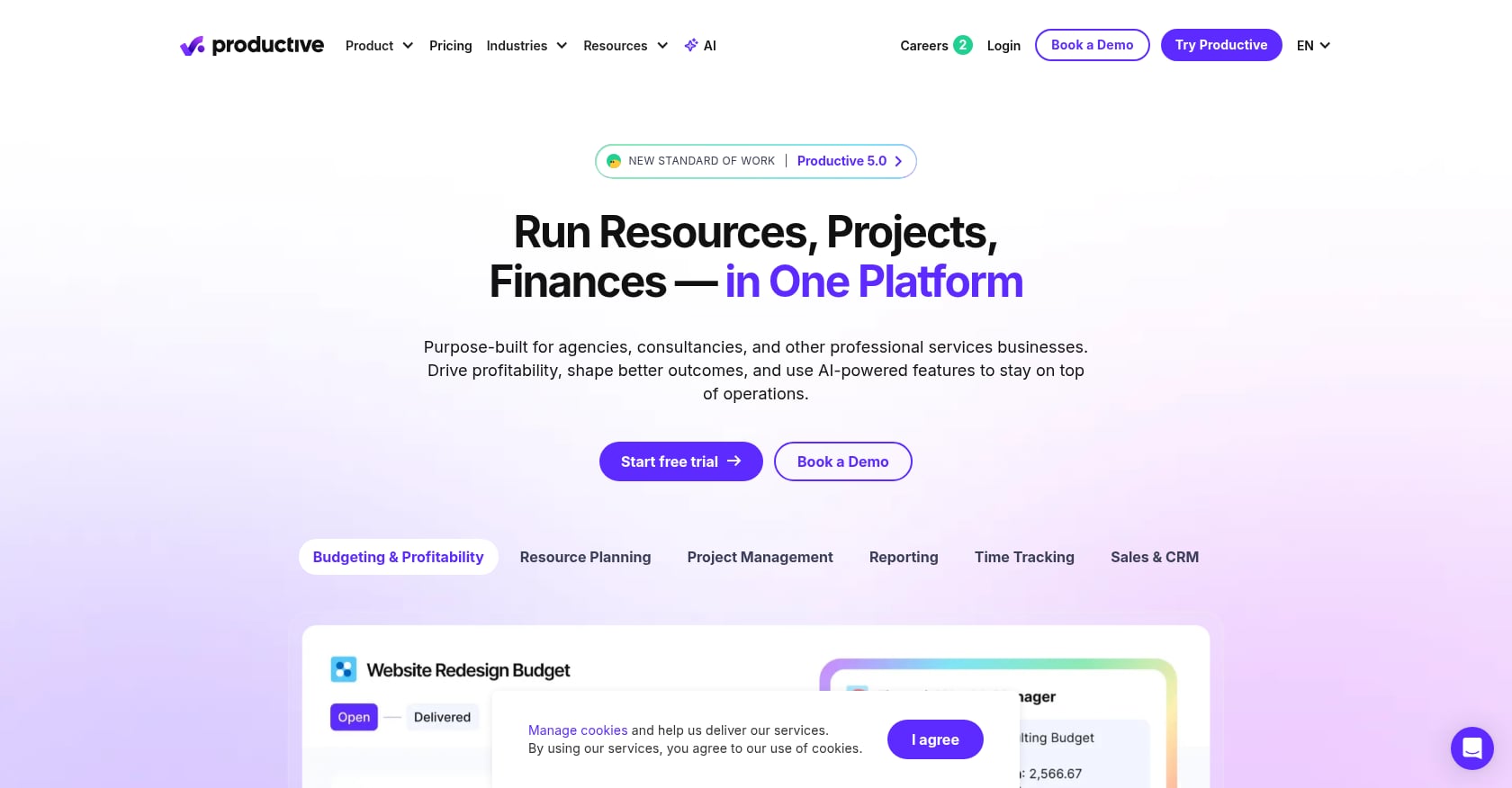
Best for: Agencies and service firms needing resource planning, budgets, time tracking, utilization, and profitability in one platform.
Pricing: Essential $10/month, Professional $25/month, Ultimate custom.
Key features:
- Sales pipeline integration
- Project and task management
- Time tracking
- Resource planning
- Budgeting and margin visibility
- Business insights and custom reports
- Invoicing and utilization reporting
Tradeoffs:
- Smaller G2 review base (73 reviews) compared to established PSA tools.
- Reporting customization can take effort and experimentation.
- Some integration gaps depending on your stack.
What users say: G2 rates Productive 4.6/5. Users praise the all-in-one approach for project management, budgeting, and profitability visibility. The most common criticism is that reporting setup takes time.
Verdict: Choose Productive if you run an agency or service firm and want utilization, budgets, margins, and resourcing in one affordable platform.
9. Projectworks
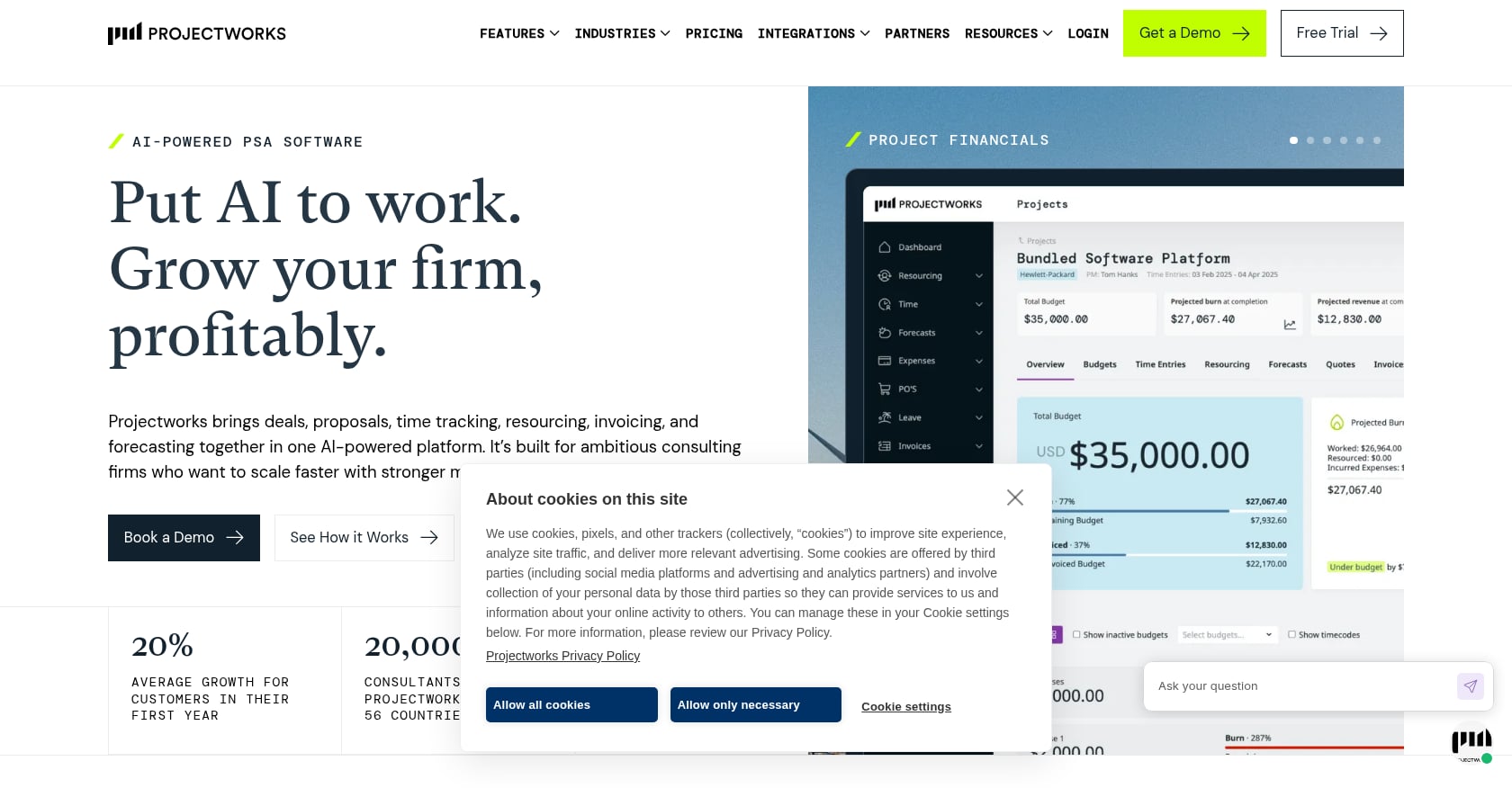
Best for: Consulting firms that need capacity planning, timesheets, leave management, and project financial forecasting.
Pricing: Sources vary. G2 lists paid plans starting at $19/user/month. Another source lists $17.10/user/month annually with a 10-user minimum. Verify before purchasing.
Key features:
- Resource and capacity planning
- Timesheets and leave management
- Project financial forecasting
- Utilization and project visibility
- Consulting-firm workflows
Tradeoffs:
- Stronger consulting and resource planning fit than SaaS onboarding fit.
- Pricing and minimums vary by source, so get a current quote.
- A G2 reviewer flagged concern about price increases above inflation.
What users say: G2 rates Projectworks 4.5/5 from roughly 200 reviews. Capterra rates it 4.7/5 from 156 reviews, highlighting strength in capacity planning, timesheets, and forecasting.
Verdict: Choose Projectworks if capacity planning and project financial forecasting are the core operating problem at your firm.
10. Accelo
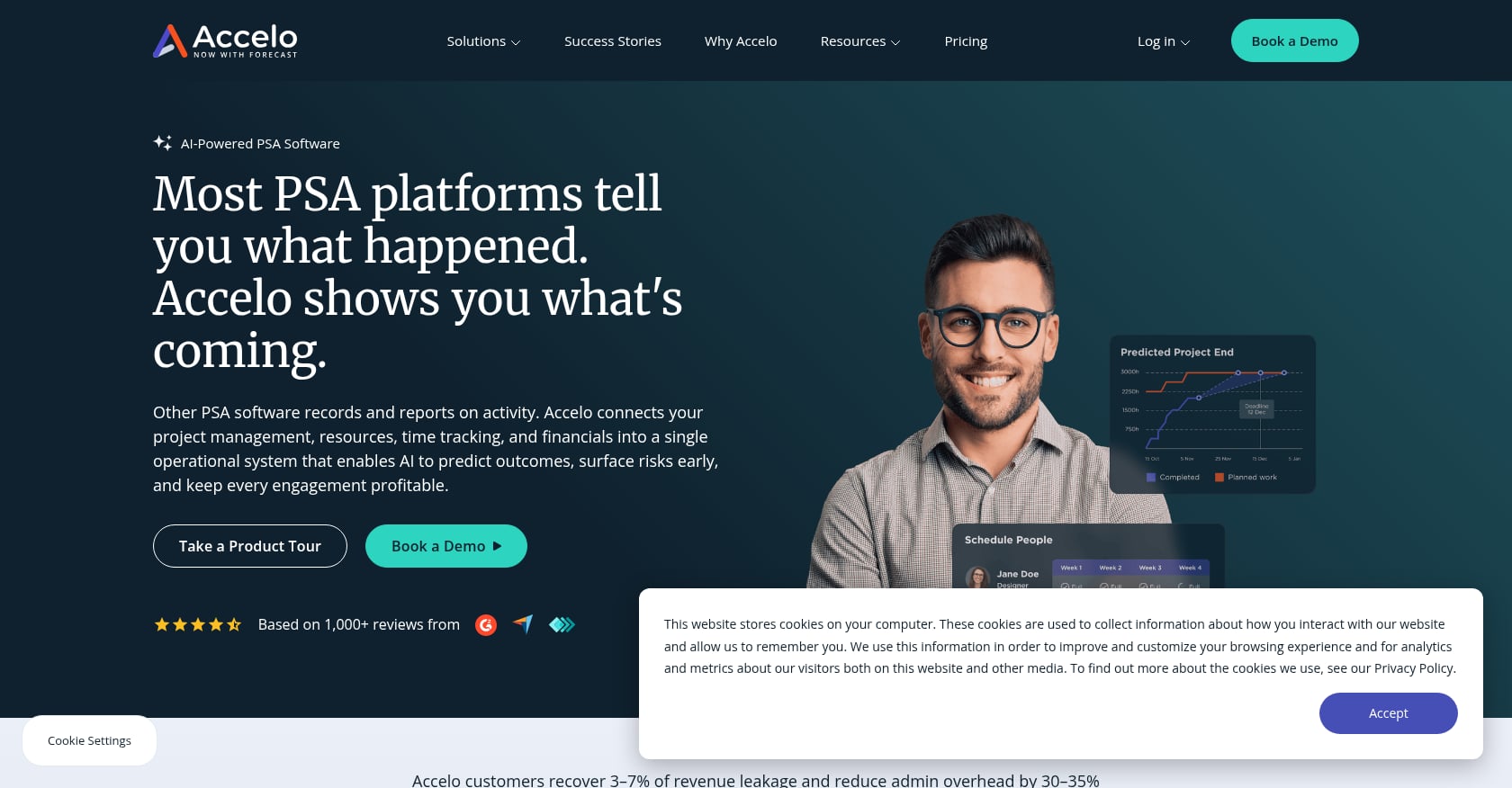
Best for: Agencies and client-service firms wanting CRM, projects, tickets, retainers, time, billing, and automation under one roof.
Pricing: Custom and demo-led in most current sources. Verify before purchasing.
Key features:
- CRM and sales pipeline
- Project management
- Tickets and retainers
- Timesheets and resourcing
- Billing and invoicing
- Automation and reporting
- Xero and accounting integrations
Tradeoffs:
- Steep learning curve and overall complexity.
- Users report glitches and limited customization options.
- Can feel heavy and expensive for small teams.
What users say: G2 rates Accelo 4.4/5 from 554 reviews. One reviewer praises keeping clients, projects, tasks, and Xero billing in sync. Another calls it an all-in-one CRM/project/time/billing hub but pricey and complex for smaller teams.
Verdict: Choose Accelo if you want one platform across CRM, projects, tickets, retainers, time, and billing, and you are prepared for a more complex rollout.
11. Teamwork.com
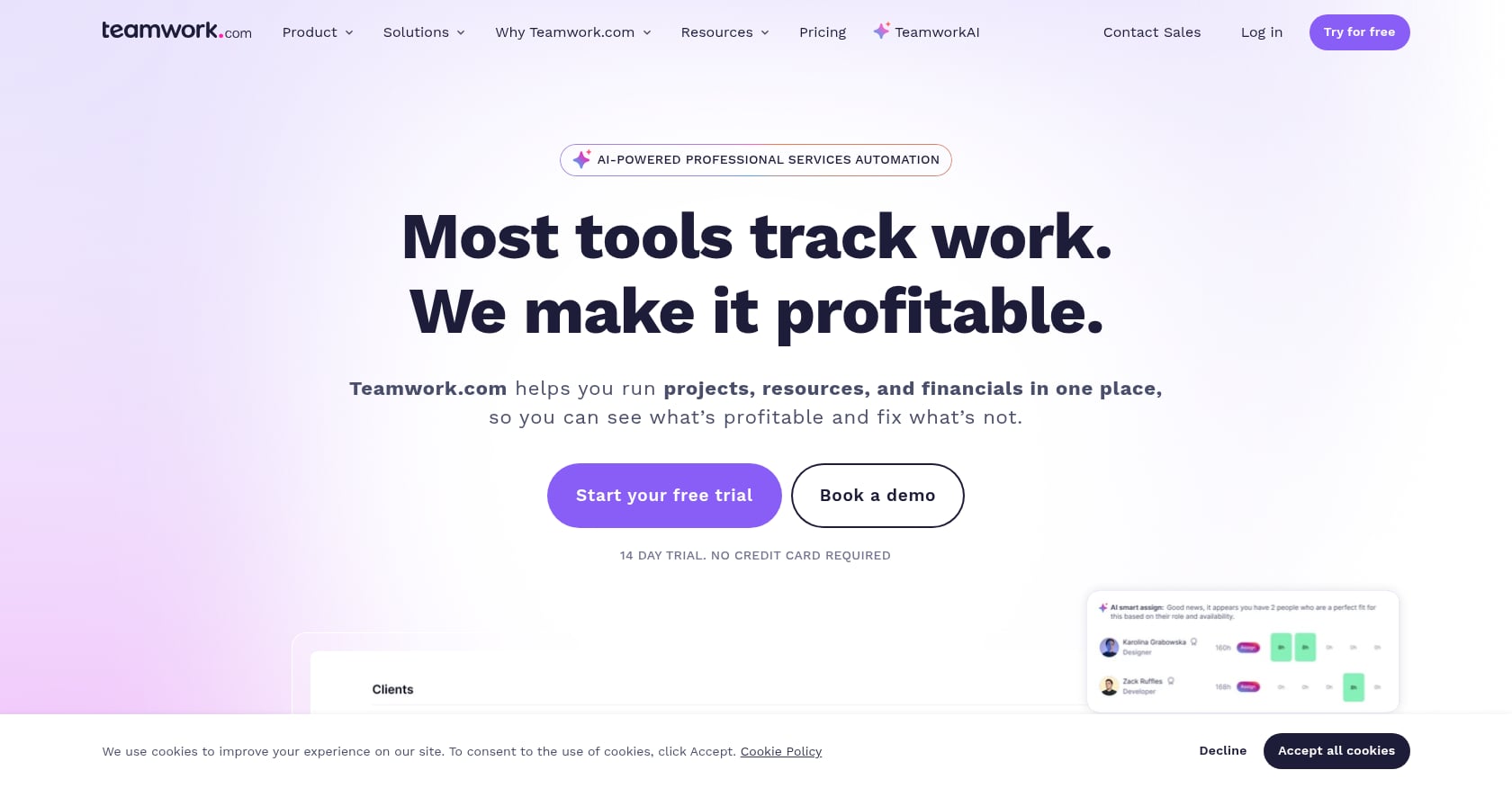
Best for: Agencies and client-project teams wanting project management, time tracking, and client collaboration without full enterprise PSA.
Pricing: Free plan available. Basics £9.99/user/month annually. Accelerate £24.99/user/month annually (5-user minimum). Optimize and Enterprise custom. 30-day trial available.
Key features:
- Project and task management
- Time tracking
- Client collaboration
- Project health and planned vs. actual tracking
- Automations
- Free collaborators on some plans
- Integrations including Xero
Tradeoffs:
- More of a project management tool than a full PSA platform, according to both users and Reddit commenters.
- Advanced resource forecasting and project accounting require higher tiers.
- Learning curve and feature overwhelm are common complaints.
What users say: G2 rates Teamwork.com 4.4/5 from 1,211+ reviews. Users praise task management, collaboration, and ease of use. On Reddit, one commenter describes Teamwork as “really a PM tool cosplaying as PSA,” which captures its positioning gap for mature services teams that need true PSA depth.
Verdict: Choose Teamwork.com if you want a client-project platform with time tracking and PSA-lite capabilities, not a full PSA system of record.
12. HaloPSA
Best for: MSPs and IT service providers needing ticketing, service desk, agreements, asset management, and automated billing.
Pricing: Sources differ. One lists $109/user/month with a five-user minimum. Others show custom pricing. Verify before committing.
Key features:
- Ticketing and service desk
- Asset tracking and contracts
- Time tracking and billing
- Automation and MSP workflows
- Agreements and dispatching
Tradeoffs:
- Built for MSPs, not SaaS onboarding or consulting delivery.
- Reporting is frequently called out as challenging by community members.
- Migration from other MSP PSA tools requires careful planning and sometimes specialist help.
What users say: In Reddit MSP discussions, users praise HaloPSA for automation and flexibility. But one common thread is that reporting was “the hard part,” and migration threads surface cost and specialist-help considerations.
Verdict: Choose HaloPSA if you are an MSP. If your work is SaaS customer onboarding rather than IT service desk operations, evaluate client-facing implementation tools first.
PSA Software Pricing: What Listicles Do Not Tell You
Professional services automation software pricing is harder to compare than most guides admit. Published starting prices often exclude costs that materially change the total.
Here is what to check before signing:
- Minimum seats. Some tools require 4, 5, or 10 seats, which raises your real starting cost well above the per-user price.
- Client and guest access. If external clients or contractors need access, ask whether that costs extra. GoLiveFlow includes unlimited client contacts on all plans. Many competitors do not.
- AI features. Some platforms include AI capabilities in base plans. Others sell AI as a premium add-on or gate it behind enterprise tiers.
- SSO/SAML. Enterprise security features are often locked to higher plans or sold separately.
- API and integrations. Check whether API access, Zapier, or specific CRM integrations require upgraded plans.
- Implementation fees. Enterprise PSA platforms sometimes charge separately for deployment and configuration support.
- Billing terms. Some tools only offer annual contracts, which affects cash flow for smaller teams.
Practitioners on Reddit surface these frustrations regularly. In one agency discussion, users cite seat-based pricing blocks that discourage collaboration and penalize teams for adding contributors.
Pricing source conflicts are also real. Rocketlane’s starting price appears as $19/team member/month in one source and $49/user/month in another. GUIDEcx’s pricing ranges from “contact sales” to a $4,700 floor depending on which page you read. The takeaway: do not trust any single pricing snapshot, including this article’s. Get a current quote and ask about every line item.
PSA Software vs. Project Management Software
A project management tool organizes tasks, timelines, and team collaboration. Professional services automation software connects that work to resources, utilization, time, billing, margins, and services reporting. An implementation management platform sits between the two, focusing on client-facing delivery and go-live outcomes.
| Capability | Generic PM Tool | PSA Software | Client Implementation Platform |
|---|---|---|---|
| Internal task management | Strong | Strong | Strong |
| Client portal | Sometimes | Sometimes | Core |
| Time tracking | Sometimes | Core | Useful but not always core |
| Resource planning | Limited | Core | Moderate to strong |
| Budget/margin reporting | Limited | Core | Project-level focus |
| Invoicing/project accounting | Rare | Core | Usually not full accounting |
| Engagement/risk signals | Rare | Emerging | Core differentiator |
| Onboarding playbooks | Manual templates | Sometimes | Core |
If your team is evaluating “PSA vs. project management,” the real question is whether clients participate in the workflow. If they do, the client portal is not a nice-to-have. It is part of the delivery system. And if your team needs leading indicators (login activity, overdue dependencies, stalled approvals, engagement drops) rather than just lagging metrics like utilization and margin, that points toward a client-facing implementation platform over a traditional PSA suite.
How to Buy PSA Software Without Creating Another Unused System
A LinkedIn practitioner post on PSA implementation argues that PSA success has almost nothing to do with the software itself and more to do with unclear ownership, poor data readiness, and weak change management. Teams that focus on adoption, not just configuration, get faster time-to-value.
Ask these questions before buying:
- What is the primary operating metric: time-to-value, utilization, project margin, or on-time delivery?
- Is the client part of the workflow, or is the system mostly internal?
- Do we need project accounting or just budget burn visibility?
- Do external clients cost money to include?
- What is the minimum seat count?
- Are AI features included or add-ons?
- Does the tool integrate with our CRM today?
- What reporting can leadership see without manual spreadsheet work?
- How long does implementation take?
- Who owns workflow standardization after launch?
- What will PMs stop doing manually?
- Can the tool detect risk before the due date slips?
- Does it help consultants and PMs see current work, upcoming work, and dependencies?
Start with one workflow. Standardize your onboarding playbooks and templates before rollout. Define owners. Clean source data. Test with real projects. Measure adoption by PM and client behavior, not just tool logins.
Need help evaluating whether GoLiveFlow fits your implementation workflow? Talk to the team.
Which PSA Software Should You Choose?
The best professional services automation software is not the tool with the longest feature list. It is the one that matches how your services team creates value.
If you run a SaaS implementation or onboarding team, start with GoLiveFlow. It is built around the client-facing work that makes or breaks go-live: guided onboarding, client engagement, approvals, automation, AI risk detection, and time-to-value visibility.
If your core problem is enterprise project accounting, choose Kantata or Certinia. If your core problem is time, expenses, and invoicing, look at BigTime. If you run an agency, compare Scoro, Productive, Accelo, and Teamwork.com. If you are an MSP, look at HaloPSA.
The gap between high-performing and average services organizations is largely a systems and visibility gap. The 2026 SPI benchmark makes this clear: firms that adopt PSA outperform on utilization, project margin, and EBITDA. The question is not whether you need a system. It is which system fits the way you deliver.
Start a free 30-day GoLiveFlow trial
Frequently Asked Questions
What is professional services automation software?
PSA software centralizes services operations including project management, resource planning, time and expense tracking, billing, invoicing, contract management, and reporting. Gartner’s PSA platform criteria list these as mandatory features for the category. The goal is to connect project delivery to financial outcomes in one system.
What is the difference between PSA software and project management software?
Project management software organizes tasks, timelines, and team collaboration. PSA software adds resource allocation, utilization tracking, time and expense management, billing, margin reporting, and services analytics. Some PSA tools also include client portals and engagement tracking, though this capability is more common in implementation-focused platforms.
What is the best PSA software for SaaS onboarding teams?
GoLiveFlow is built specifically for SaaS implementation and onboarding teams. It offers a branded client portal, engagement scoring, AI risk detection, e-signature approvals, automation rules, and time-to-value analytics. Rocketlane and GUIDEcx are strong alternatives for larger or more mature PS teams that also need deeper resource and financial management.
What is the best PSA software for consulting firms?
BigTime works well for smaller firms focused on time tracking, expenses, and invoicing. Projectworks is strong for capacity planning and forecasting. Kantata serves enterprise-grade resourcing and project financials. The right choice depends on firm size, financial complexity, and whether resource forecasting is a primary pain point.
What is the best PSA software for agencies?
Scoro, Productive, Accelo, and Teamwork.com each serve agencies with different emphasis. Scoro covers quote-to-cash. Productive focuses on resource planning and profitability. Accelo provides all-in-one client work management. Teamwork.com offers PSA-lite project management with strong collaboration features.
How much does professional services automation software cost?
PSA pricing ranges from free tiers to custom enterprise contracts. Published examples include Productive from $10/month, Scoro from $19.90/month, GoLiveFlow from $19/seat/month, BigTime from $20/user/month, and Teamwork.com from £9.99/user/month. Kantata and Certinia use custom pricing. Always check for minimum seats, client access costs, AI add-ons, and implementation fees.
Do PSA tools include AI features?
Increasingly, yes. The 2026 SPI benchmark reports that 27.1% of projects used generative AI in 2025, a 40% year-over-year increase. GoLiveFlow includes AI risk detection and coaching prompts. Other platforms are adding AI for forecasting, resource optimization, and decision support, though availability varies by tier and pricing.
How do I avoid buying PSA software my team will not use?
Start with one workflow rather than trying to automate everything at once. Standardize templates and playbooks before rollout. Define a clear owner (PS Ops, CS Ops, or PMO). Clean your source data. Test with real projects. Measure adoption by PM and client behavior, not just login counts. The most common PSA failure is automating a messy process instead of fixing the process first.