9 Best Onboarding Workflow Tools for SaaS Teams (2026)
TL;DR
Most onboarding workflows break not because teams lack tasks, but because ownership is unclear, clients go quiet, and leadership sees the delay only after the go-live date slips. This guide compares nine tools across pricing, client portals, automation, AI risk detection, and real user sentiment. GoLiveFlow is the top pick for SaaS implementation teams that need a guided client portal, engagement scoring, AI risk detection, e-signatures, and transparent per-seat pricing. If your onboarding happens inside the product, look at Userpilot or Appcues instead.
Why Your Onboarding Workflow Decides Revenue Retention
Here is what happens in most SaaS companies after a deal closes: the sales team celebrates, a PM gets a Slack message, and the customer receives a kickoff email that sits unread for a week. Credentials arrive late. Integrations stall. The go-live date quietly slides. Nobody realizes there is a problem until the customer asks for a discount at renewal, or worse, churns before ever reaching value.
This is not a people problem. It is a workflow problem.
Research from Wyzowl found that 86% of people say they would be more likely to stay loyal to a business that invests in onboarding content that welcomes and educates them after purchase. Paddle’s analysis goes further: customers with a positive onboarding perception had 12% to 21% higher willingness to pay than the median, while those with negative perceptions showed a 3% to 9% drop.
The stakes are clear. The question is which tool actually turns your onboarding workflow from scattered emails into a repeatable system. This guide answers that.
What Is an Onboarding Workflow?
An onboarding workflow is the repeatable sequence of tasks, owners, customer actions, approvals, automations, and milestones that moves a new customer from signup or signed contract to first value, go-live, or full adoption.
For SaaS implementation teams specifically, the customer onboarding workflow covers everything post-sale: sales handoff, kickoff, intake, data collection, configuration, integrations, training, approvals, go-live, and handoff to customer success.
Before comparing tools, it helps to understand that “onboarding workflow” means different things to different buyers. The confusion causes teams to buy the wrong software.
Workflow type | What it manages | Typical tools | Best for |
|---|---|---|---|
Customer/client onboarding workflow | Projects, milestones, dependencies, client tasks, approvals, go-live | GoLiveFlow, GUIDEcx, Rocketlane, OnRamp | B2B SaaS implementation, agencies, services |
Product/user onboarding flow | In-app guides, tooltips, checklists, activation events | Userpilot, Appcues, Pendo | PLG SaaS and self-serve activation |
Generic workflow/project management | Internal tasks, boards, timelines, approvals | monday.com, Asana, ClickUp | Broad cross-functional work |
Rocketlane’s guide makes this distinction directly: customer onboarding tools manage the work from contract signed to first value, while product onboarding tools focus on in-product behavior and adoption, and PSA tools focus on utilization, billing, and capacity.
If you are looking for employee onboarding (HR), this article is not the right fit. The tools and workflows here focus on customer and client onboarding for SaaS and services teams.
For a deeper look at building the process itself before choosing software, the onboarding playbook template guide covers KPIs, examples, and step-by-step planning.
At-a-Glance Comparison Table
Pricing below is based on publicly available data as of May 2026 research. Always verify current pricing before buying.
Tool | Best for | Starting price | Workflow type | Client portal | Automation / AI risk | Main tradeoff |
|---|---|---|---|---|---|---|
GoLiveFlow | SaaS implementation teams needing guided onboarding, AI risk, TTV analytics | $19/seat/mo | Customer onboarding / implementation | Yes, branded guided portal | Automation rules, engagement scoring, AI risk detection | Newer brand; limited third-party reviews; Salesforce/Outlook coming soon |
GUIDEcx | High-volume onboarding visibility and governance | Contact sales | Customer onboarding platform | Yes | AI risk/health tracking, project forecasts | Pricing opacity; no free trial listed |
Rocketlane | Services operations and PSA-style delivery | $19–$49/user/mo (varies by source) | Customer onboarding + PSA | Yes | Resource, delivery, reporting, AI positioning | Minimum-seat requirements; more operational depth than some teams need |
Dock | Lightweight client-facing workspaces | Free up to 50 workspaces | Client workspace / portal | Yes | Workspace analytics | Less depth in portfolio risk/forecasting |
OnRamp | Structured portal-led customer onboarding | ~$7,164/year | Customer onboarding platform | Yes | Workflow automation, task tracking | Smaller review footprint; pricing not self-serve |
Moxo | Secure document-heavy onboarding | $200/mo | Client portal + workflow orchestration | Yes | Workflow builder, branching, AI credits | Base-plan limits; can be expensive for small teams |
monday Work Management | Visual internal workflows and cross-functional ops | $12/seat/mo | Generic work management | Guest access (not onboarding-native) | Rule-based automations, dashboards | Not purpose-built for customer onboarding |
Asana | Clean internal project workflows | $10.99/user/mo | Generic project management | Free guests (not a guided portal) | Workflow builder, rules, forms | No onboarding-specific engagement or risk signals |
Userpilot | In-app product onboarding and adoption | $299/mo | Product/user onboarding | No implementation portal | Segmentation, surveys, product analytics | Does not manage external implementation projects |
How to Choose the Right Onboarding Workflow Tool
Most comparison articles list features. Features do not tell you whether a tool fits your operating model. Use this framework instead.
The WAVE Framework
W, Workflow type. Is your onboarding mostly inside the product, outside the product, or both? In-app activation needs Userpilot or Appcues. External implementation with client tasks needs GoLiveFlow, GUIDEcx, Rocketlane, or OnRamp. Internal-only task management needs monday or Asana.
A, Accountability model. Who owns each step? If the answer includes customers, partners, executive sponsors, and cross-functional technical resources (not just your internal team), you need a tool that supports external task owners. G2’s evaluation criteria emphasize that ownership clarity across teams is a key differentiator in client onboarding software.
V, Variability. How much does onboarding change by customer segment, plan tier, integration complexity, or compliance requirements? If 70–90% is repeatable and 10–30% varies, you need templates with conditional logic, not a blank canvas.
Practitioners on Reddit reinforce this. In a SaaS scaling discussion, one operator said every client originally felt like a one-off project, but mapping recent onboardings revealed most steps were identical. The useful move was separating standard steps from truly variable work, then templating the repeatable 80%. Another commenter said templated conditional steps by client tier cut onboarding time in half.
E, Early warning signals. What tells you the workflow is at risk before the go-live date slips? Look for tools that surface signals like no customer login, late customer tasks, missed kickoffs, integration blocks, budget burn ahead of progress, low engagement, or stalled approvals. Rocketlane’s guide argues that AI adds real value when it interprets execution signals and surfaces emerging risk, not when it only formats updates or triggers reminders.
Pricing Traps to Watch
Commercial onboarding software pricing is rarely as simple as the sticker price. Watch for:
Minimum seats. Some tools require 3–5 seat minimums, even if you have two PMs.
Client/guest costs. Tools that charge per external user punish you for involving customers.
MAU-based pricing. Product onboarding tools scale costs with monthly active users.
Workspace/project limits. Low-tier plans may cap active projects.
Automation run limits. Cheap plans may throttle automations.
Paid implementation packages. Some vendors charge extra to set up the tool itself.
SSO/API locked to enterprise. Security and integration basics should not require the most expensive tier.
Add-ons for AI, resources, or reporting. Check whether headline features require additional purchases.
The 9 Best Onboarding Workflow Tools
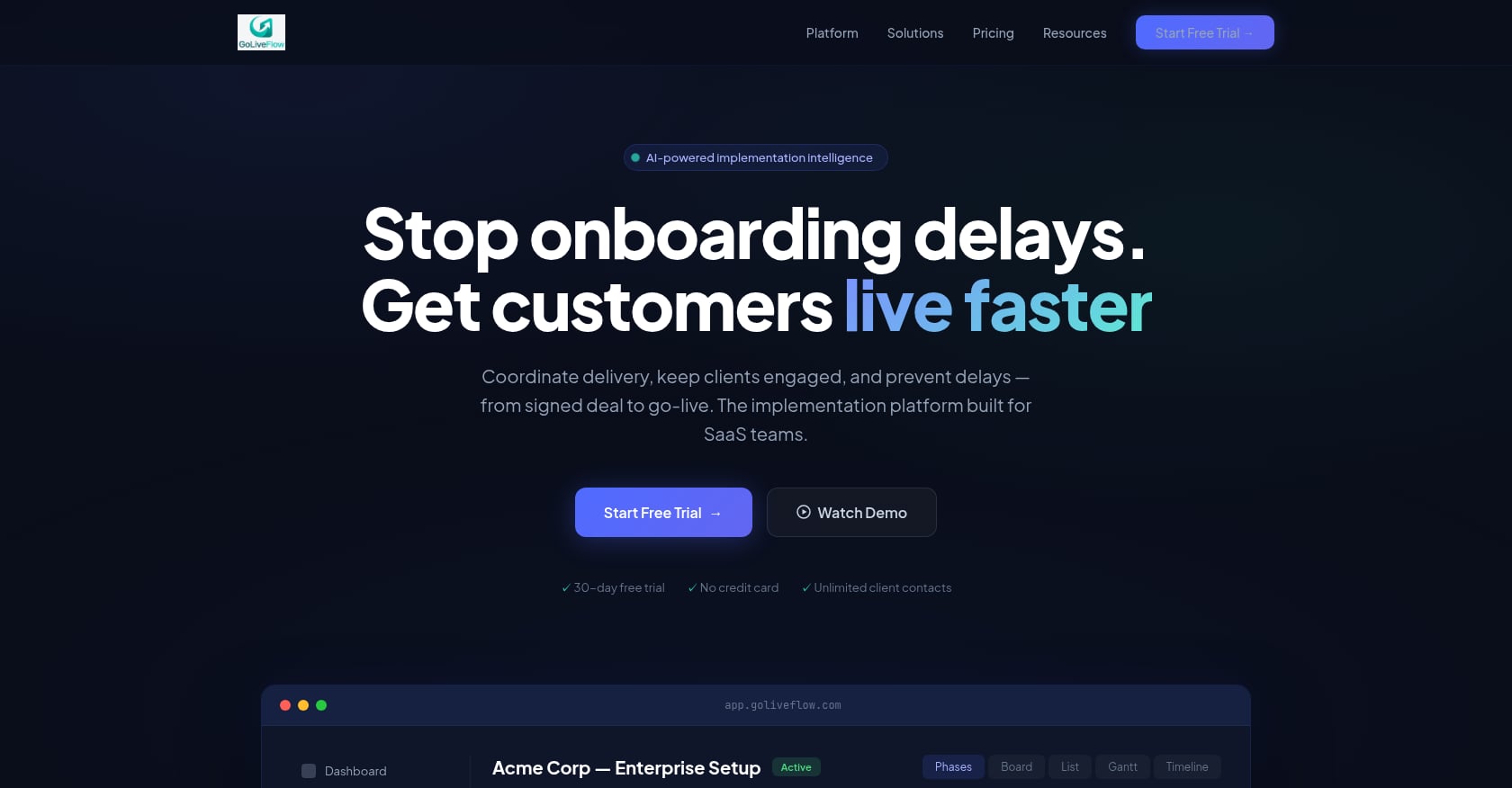
1. GoLiveFlow
Best for: SaaS implementation teams that need a guided client portal, engagement scoring, AI risk detection, e-signatures, and time-to-value analytics in one platform.
Pricing (per client brief):
Starter: $19/seat/month (up to 3 seats, 5 active projects)
Professional: $49/seat/month (25 active projects, full interactive portal, e-signatures, automation rules, analytics, API, Zapier)
Enterprise: $99/seat/month (unlimited projects, SSO/SAML, AI Copilot with 50 queries/day, priority support, dedicated onboarding, custom integrations)
No minimum seats. Unlimited client contacts on all plans. 30-day free trial with full Professional features, no credit card required.
Key features:
Branded client portal with a step-by-step wizard that shows one clear next action
Engagement scoring that flags when clients go dark
AI risk detection and coaching prompts that surface root causes (overdue dependencies, low login activity, budget burn) and suggest next actions
E-signature approvals with audit trail
Automation rules engine and SLA tracking
Portfolio analytics for time-to-value, bottlenecks, task velocity, capacity, and budgets
Resource management and capacity planning
Project financials and budget burn tracking
Gantt, timeline, board, list views plus baselines (planned vs. actual)
Integrations: HubSpot, Zapier, Google Calendar, Slack, SendGrid, Stripe, API/webhooks
White-label and SSO/SAML on Enterprise
Why it stands out:
GoLiveFlow is purpose-built for the specific workflow SaaS teams struggle with: getting a customer from signed deal to go-live without the process collapsing into email chains and spreadsheets. The guided client portal addresses a real pain point that practitioners on Reddit have flagged repeatedly. In a CustomerSuccess thread, users complained that onboarding often becomes a “documentation graveyard” or a bloated PM tool customers refuse to learn. GoLiveFlow’s approach of showing one clear next step rather than dumping a full project plan on the customer is the right design response.
The engagement scoring and AI risk detection address another common failure: customers who go silent. Instead of waiting until a go-live deadline passes, the platform surfaces disengagement early so PMs can intervene. This aligns with what G2’s client onboarding guide identifies as the core breakdown point: onboarding fails when ownership blurs, timelines drift, and customers go quiet before value is proven.
The transparent per-seat pricing with no minimum seats and unlimited client contacts is a genuine differentiator. Many competitors require sales conversations just to see a number. You can see GoLiveFlow’s full pricing and start a free trial without talking to anyone.
Tradeoffs:
Salesforce and Outlook integrations are listed as coming soon, so teams standardized on Salesforce should verify current integration fit
SOC 2 is in progress, not fully certified yet
Newer brand with limited third-party reviews and case studies; teams should evaluate directly through the free trial
Site claims representative outcomes (40% faster TTV, 90% on-time go-lives) but these are not independently validated
Choose it if you are a SaaS company running implementation-heavy onboarding and need a branded client portal, conditional playbooks, e-signatures, engagement scoring, AI risk detection, and portfolio analytics without opaque pricing.
Skip it if you only need simple in-app product tours or a basic internal task board.
2. GUIDEcx
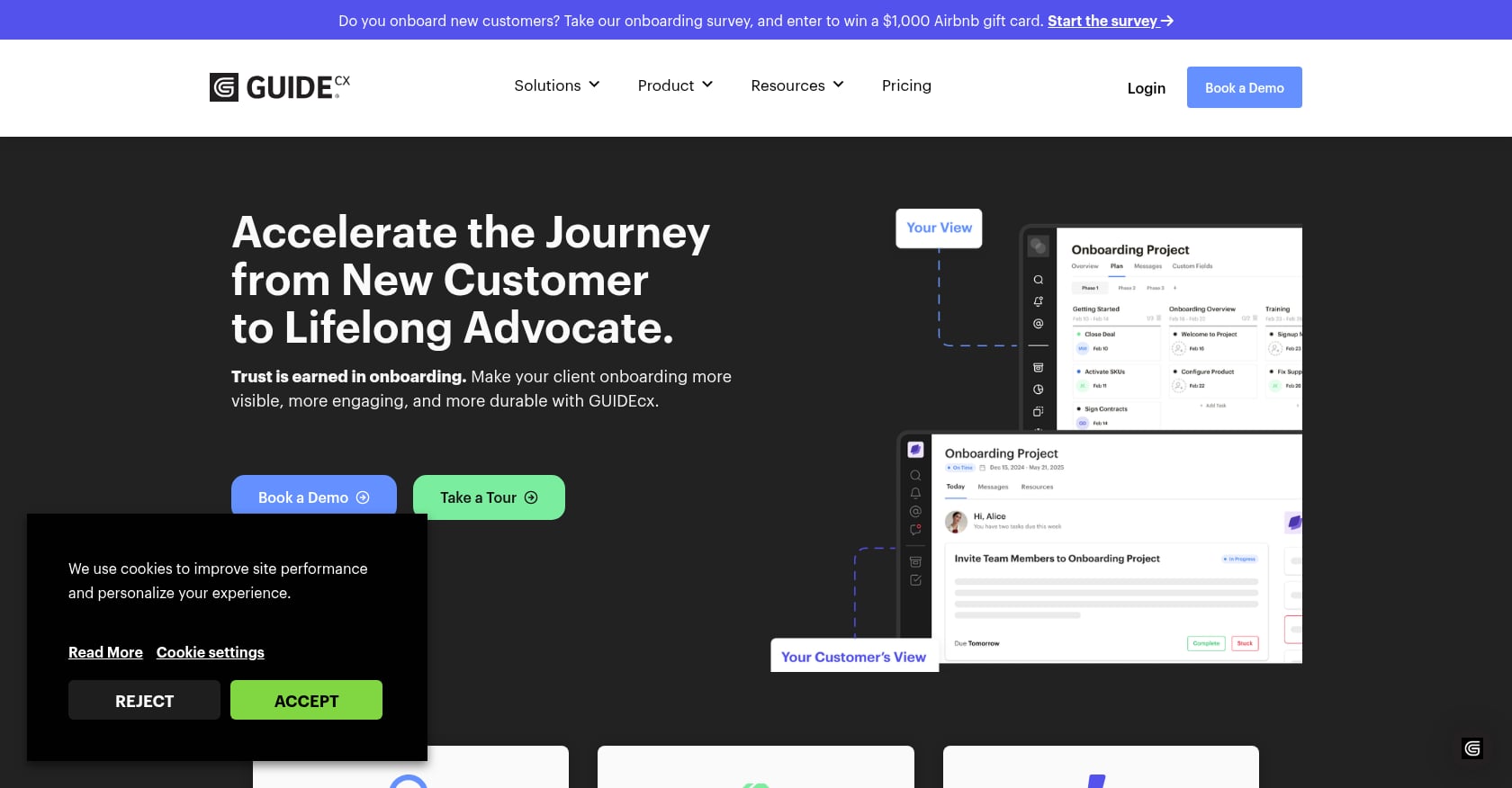
Best for: High-volume customer onboarding teams needing customer-facing visibility, standardized templates, project health tracking, and portfolio-level oversight.
Pricing:
Plans include Starter, Premium, and Advanced, all with unlimited projects and unlimited customers
G2 lists Premium and Advanced as contact sales with 4+ licenses
No free trial listed on the official pricing page
Key features:
Customer-facing workspaces with dynamic project templates
AI-powered project risk and health tracking
Intelligent project forecasts
Customer engagement tools
Portfolio-level visibility and governance
Real user perspective:
G2 shows GUIDEcx at 4.6/5 from 461 reviews. A March 2026 reviewer said GUIDEcx created a single source of truth for internal teams and customers, replacing spreadsheets and buried emails. The same review platform shows some users reporting slow loading or performance issues and occasional mid-task logouts.
Tradeoffs:
Pricing is not transparent or self-serve, which creates friction for evaluation
No free trial makes it harder to test before committing
May be more platform than very small teams need
User feedback includes performance and lag complaints
Choose it if you run a large implementation team with dozens of active onboarding projects and need mature governance. Skip it if you want self-serve pricing and a quick free trial to evaluate fit.
3. Rocketlane
Best for: Professional services and implementation organizations that need customer onboarding execution combined with PSA-style resource management, time tracking, billing, and delivery reporting.
Pricing:
G2 lists Standard at $49/user/month, Premium at $69/user/month, Enterprise at $99/user/month (billed annually)
G2’s client onboarding guide says plans start at $19 per team member/month billed annually
5-team-member minimum on paid plans; implementation packages charged extra based on scope
Key features:
Customer onboarding project management with customer-facing portal
Resource management and capacity planning
Time tracking and billing/financial operations
Delivery reporting and analytics
AI positioning for project intelligence (branded “Nitro”)
Templates with reusable project blueprints
Real user perspective:
G2 shows Rocketlane at 4.7/5. One reviewer said Rocketlane solved the “black box” problem of customer onboarding by replacing fragmented emails, spreadsheets, and PM tools with a customer portal and integrations that improved transparency and time-to-value.
Tradeoffs:
The platform carries more PSA/operations depth than a pure onboarding team may need
Minimum-seat requirements and implementation costs add to the total price
If you mainly need client-facing guided onboarding and early risk signals, a lighter purpose-built platform may be easier to adopt
Pricing tiers and add-ons can get complex
Choose it if customer onboarding is part of a broader services delivery operation with time tracking, billing, resourcing, and profitability requirements. Skip it if you want a simpler tool focused purely on the customer onboarding workflow without PSA overhead.
4. Dock
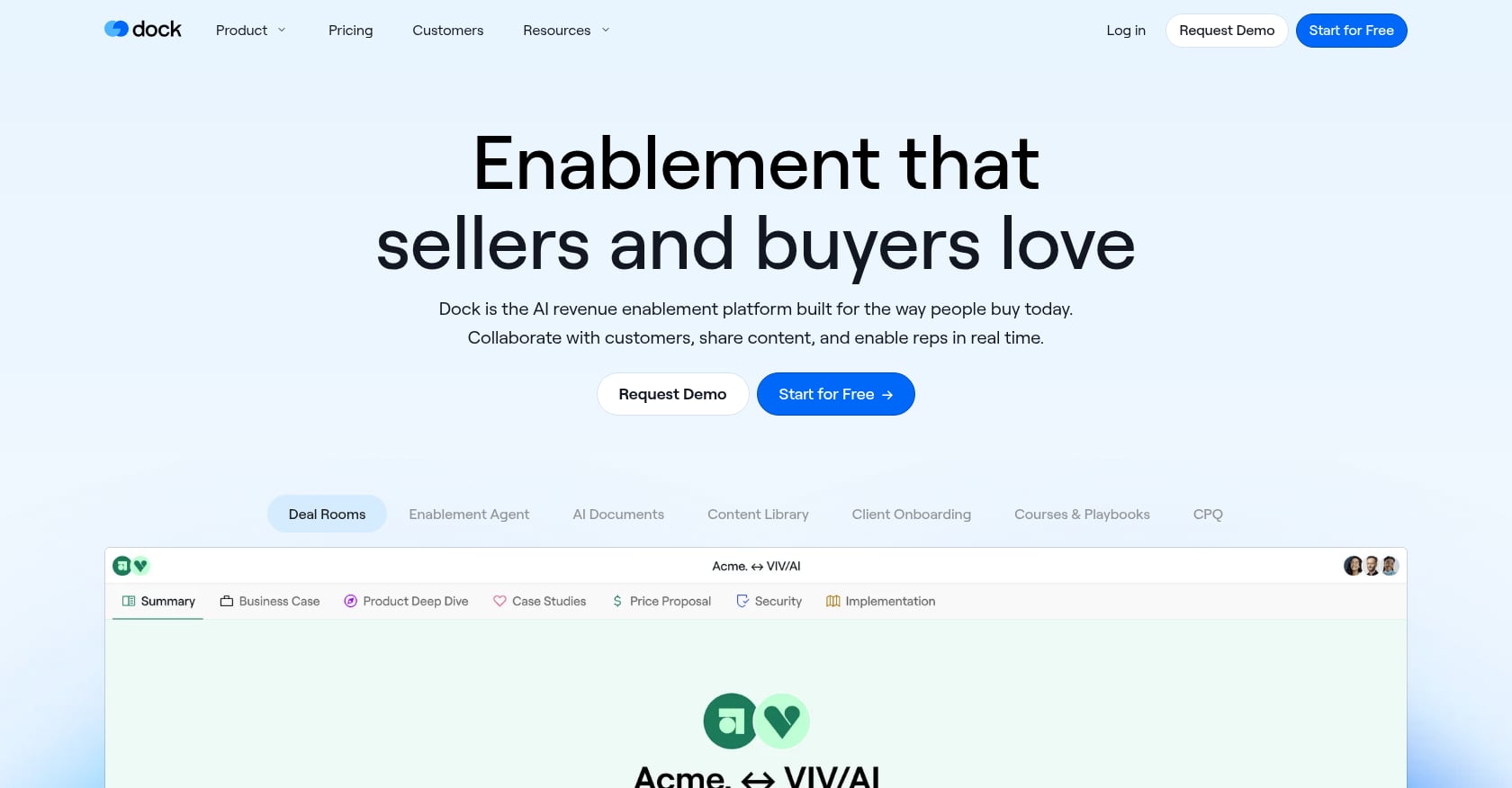
Best for: Teams that want a polished shared workspace for onboarding plans, checklists, documents, and sales-to-CS continuity without implementing a full onboarding or PSA platform.
Pricing:
Free to try for up to 50 customer workspaces with four pricing editions
Third-party pricing trackers report paid tiers vary; verify current pricing before committing
Key features:
Client-facing workspaces with branded onboarding plans
Digital sales rooms that transition into onboarding spaces
Templated workspaces with tasks, files, and visual clarity
Workspace analytics for customer engagement
Quick deployment with minimal setup
Real user perspective:
G2 shows Dock at 4.7/5 from 436 reviews. Users praise ease of use, quick workspace creation, and client engagement. One reviewer said Dock brought structure and clarity to email-driven onboarding. The same reviewer wanted more flexible automated check-ins and milestone updates not tied to tasks. Others mentioned search limitations and integration issues.
Tradeoffs:
Less implementation-native depth than tools designed for complex onboarding orchestration
May lack deeper resource, risk, forecasting, budget, and portfolio analytics
Customer adoption can still be a challenge if clients prefer email over logging into a workspace
Not built for conditional playbooks or advanced automation rules
Choose it if your onboarding workflow is lightweight and workspace-led, or you want continuity between sales and post-sale. Skip it if you need guided task flows, engagement scoring, AI risk detection, e-signatures, or portfolio-level analytics.
5. OnRamp
Best for: Teams that want a dedicated customer onboarding portal with structured customer-facing tasks, submissions, timelines, and separate internal/external experiences.
Pricing:
Pricing depends on number of playbooks, customer accounts, and user roles
Plan levels: Basic, Standard, Pro, Premier
Key features:
Separate customer and internal onboarding experiences
Branded customer portal with structured task sequences
Centralized task management with submission workflows
Automated workflows and reporting/analytics
Customized onboarding plans and centralized task management as core design principles
Real user perspective:
TrustRadius shows OnRamp with an 8.5/10 score. A verified reviewer said they use OnRamp for customer-facing onboarding and internal project management, with a single place for customer data requests and submissions. The reviewer estimated saving 2–8 follow-up emails/calls per project, or 30 minutes to 4 hours on projects with about 30 billable hours.
Tradeoffs:
Smaller public review footprint than GUIDEcx, Rocketlane, or Dock
Pricing is not fully self-serve
May not include as much PSA, resource, or financial depth as Rocketlane
Buyers should check fit for CRM, BI, and automation integration needs
Choose it if you want a portal-first onboarding experience with clear separation between what the customer sees and what your team manages internally. Skip it if you need portfolio-level risk analytics, PSA features, or extensive third-party validation before buying.
6. Moxo
Best for: Financial services, accounting, legal, and enterprise service teams running document-heavy onboarding workflows that require secure portals, forms, file requests, approvals, and e-signatures.
Pricing:
Business starts at $200/month, including 10 free workspaces/year and 100 free AI credits/year
Enterprise: contact sales
Features include workflow builder, templates, approvals, acknowledgements, file requests, e-signatures, forms, tasks, milestones, branching, and business rules
Key features:
Secure client portal with messaging, document signing, and video calls
Multi-step workflow builder with branching and business rules
E-signatures, forms, and file request workflows
Milestone tracking and reporting
G2’s client onboarding guide describes Moxo as best for guided, secure client onboarding experiences
Real user perspective:
G2 reviews mention ease of use for messaging, document signing, and video calls. Some users note missing features such as lack of client portal simulation and advanced notification controls, and frustration with base plan limitations that push teams to higher tiers.
Tradeoffs:
Broader than SaaS implementation needs; designed for general business workflow orchestration
Base plan limitations may force upgrades quickly
$200/month starting price is less friendly for smaller SaaS implementation teams
Not purpose-built around SaaS time-to-value, go-live risk, or implementation portfolio analytics
Choose it if your onboarding workflow is heavily document-driven with compliance, approvals, and secure file exchange as the primary challenge. Skip it if you are a SaaS company focused on implementation project orchestration, engagement scoring, and time-to-value measurement.
7. monday Work Management
Best for: Teams that want visual boards, flexible automations, dashboards, and cross-functional workflows across operations, marketing, sales, and project tracking.
Pricing:
Free plan available; Standard at $12/seat/month; Pro at $19/seat/month; Enterprise contact sales
3-seat minimum on paid plans with bucket-based pricing
Annual billing includes an 18% discount
Key features:
Flexible boards with list, Kanban, timeline, Gantt, and calendar views
Rule-based automations (with tier-based action limits)
40+ integrations and an API
Dashboards and reporting
Guest/client collaboration possible, though not onboarding-native
G2’s workflow management guide lists monday as best for visual workflow customization
Real user perspective:
G2 shows monday at 4.7/5 from over 15,000 reviews. Users praise the intuitive interface and automation capabilities. However, practitioners on Reddit are more critical about pricing. Users in the monday.com subreddit complained about seat costs, paying full rates for low-usage users, and paying extra for add-ons. G2 reviewers also mention setup effort, clutter as boards grow, and performance issues on large boards.
Tradeoffs:
Not purpose-built for client onboarding; the client-facing experience feels like a generic project board
No guided onboarding portal, engagement scoring, or onboarding-specific risk signals without extensive configuration
Pricing rises quickly with seats, products, and add-ons
Customers may not want to learn another PM tool just to complete onboarding tasks
This last point connects to a real pattern. Practitioners on Reddit have warned that many clients simply do not log into portals when the experience feels like a generic project board rather than a guided path. A tool built for internal workflows may amplify this problem.
Choose it if your onboarding is mostly internal task management and you already use monday.com for other operations. Skip it if clients need a guided onboarding experience with clear next steps, engagement tracking, and approval workflows.
8. Asana
Best for: Teams that want clean task management, simple workflow automation, forms, reporting, and cross-team collaboration for internal onboarding coordination.
Pricing:
Personal: free for up to 2 users
Starter: $10.99/user/month (billed annually) or $13.49 monthly
Advanced: $24.99/user/month (billed annually) or $30.49 monthly
Enterprise: contact sales
Unlimited free guests on Starter and above
Key features:
List, board, calendar, timeline, and Gantt views
Workflow builder with rules and automations
Forms with branching (Advanced tier)
Project dashboards and reporting
Goals, portfolios, and workload management (Advanced and up)
Approvals, proofing, and native time tracking (Advanced)
Real user perspective:
A G2 enterprise reviewer said Asana makes multi-team project and task management simple, with a clean UI and flexible views. Community discussions show users like the interface, but pricing and support issues come up in complaints. Several Reddit threads mention that advanced portfolio and workload features require higher tiers, which can make the total cost higher than expected.
Tradeoffs:
Not onboarding-native; no guided SaaS implementation portal out of the box
No built-in engagement scoring for customers who go dark
No implementation-specific AI risk detection or time-to-value analytics without custom integrations
Advanced capabilities (portfolios, workload, forms branching) require Advanced or Enterprise tiers
Choose it if your onboarding workflow is primarily internal and you need a clean, widely adopted task management tool. Skip it if your customer onboarding involves external client tasks, approvals, deadlines, risk signals, and go-live dependencies.
9. Userpilot (and Appcues)
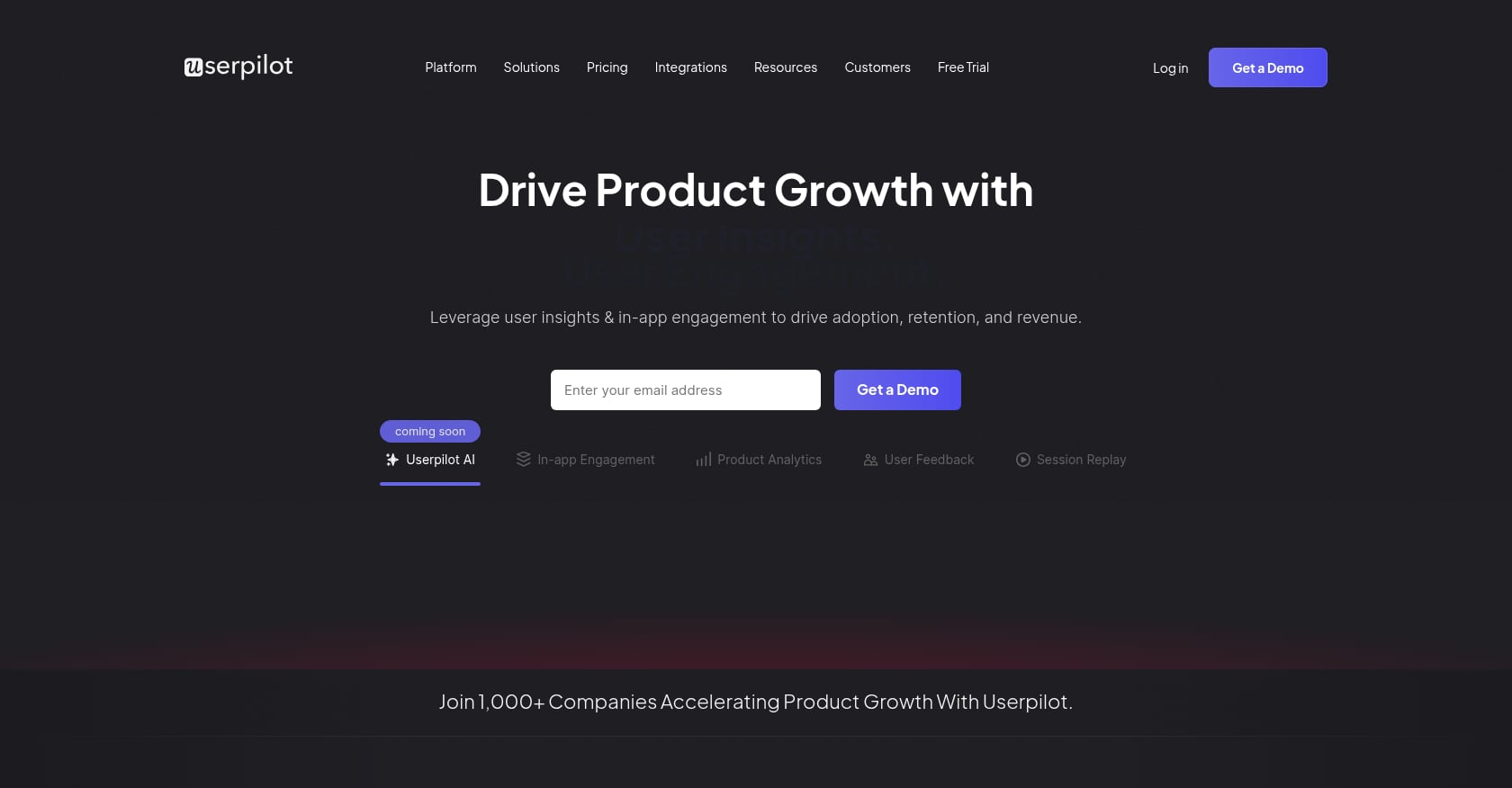
Best for: Product-led SaaS teams that need in-app onboarding flows, product analytics, segmentation, NPS surveys, and activation experiments.
Pricing (Userpilot):
Starter: from $299/month paid annually for up to 2,000 MAUs
Growth: from 5,000 MAUs, demo/contact-sales
Enterprise: SAML SSO, activity logs, compliance, custom roles, SLA
Pricing (Appcues):
Start: up to 3,000 MAUs; Grow: up to 50,000 MAUs; Enterprise: custom MAU volumes
Every plan includes the full platform; free trial available after sales call
Key features (Userpilot):
In-app flows, spotlights, tooltips, and checklists
Product analytics and feature adoption tracking
User segmentation and targeting
NPS, CSAT, and custom surveys
A/B testing for onboarding experiences
Real user perspective:
G2 shows Userpilot at 4.6/5 from 968 reviews. Users say flows and spotlights are easy to set up and help customers discover features. Support is noted as responsive.
Tradeoffs:
Great for in-app activation, not for external implementation workflows
Does not manage client-side dependencies, approvals, kickoff tasks, data migration, or go-live project orchestration
Pricing scales by MAU and can become expensive for high-traffic products
Cannot replace a customer onboarding platform when the process happens outside the app
This distinction matters. In a UXDesign discussion, practitioners argued that B2B products often still need an onboarding workflow because implementation teams, training, and domain-specific workflows are involved. Better UX can reduce onboarding friction, but it cannot eliminate complex onboarding entirely.
The simplest test: if your onboarding problem is “users do not discover the right feature,” use a tool like Userpilot or Appcues. If your problem is “customers do not complete implementation tasks, approvals, integrations, or go-live milestones,” you need a SaaS implementation workflow platform like GoLiveFlow.
Sample SaaS Customer Onboarding Workflow Template
One of the biggest gaps in competing guides is that they list tools without showing what the actual workflow looks like. Here is a practical template you can adapt.
Phase | Step | Owner | Customer-visible? | Automation trigger | Risk signal |
|---|---|---|---|---|---|
Handoff | CRM deal closes | Sales/CRM | No | Auto-create onboarding project from CRM trigger | Missing data in handoff form |
Handoff | Sales-to-implementation handoff | Sales + PM | No | Assign PM, notify team | Delayed assignment |
Kickoff | Internal readiness review | PM | No | Checklist auto-populated from template | Incomplete prerequisites |
Kickoff | Customer kickoff call | PM + Customer | Yes | Calendar invite, agenda sent | Rescheduled or no-show |
Intake | Requirements/intake form | Customer | Yes | Form auto-sent after kickoff | Form not completed within 5 days |
Dependencies | Credential collection | Customer | Yes | Reminder if not submitted in 48 hours | No submission and no login activity |
Dependencies | Data export/migration prep | Customer + PM | Yes | Task unlocked after credentials received | Data quality issues |
Configuration | Account setup and configuration | Implementation team | Partially | Auto-notify customer of progress | Configuration blocked by missing dependency |
Integration | Integration setup and testing | Technical team | Partially | Task created based on integration selections | Integration failure or timeout |
Training | Training sessions scheduled | PM + Customer | Yes | Calendar links auto-sent | No attendees registered |
Approval | Customer sign-off on configuration | Customer | Yes | E-signature request triggered | Approval delayed beyond SLA |
Go-live | Production deployment | Implementation team | Yes | Status update pushed to portal | Go-live date slipped |
CS handoff | Handoff to customer success | PM + CSM | No | Auto-create CS record with context | Missing context or delayed handoff |
Value check | 30/60/90-day adoption review | CSM | Yes | Scheduled check-in triggers | Low adoption or usage drop |
Practitioners on Reddit recommend mapping your actual recent onboardings first. One operator said the breakthrough was realizing that 80% of steps were standard across customers. You can separate your workflow into universal steps, segment-specific steps, exception steps, manual expert judgment, and automation triggers.
For a ready-to-use version of this framework with KPI tracking, see the onboarding playbook template with examples and KPIs.
Metrics Every Onboarding Workflow Should Track
Tracking task completion is not enough. In a Reddit thread about tracking onboarding progress, practitioners recommended focusing on 3–5 value moments that predict retention rather than every random action. Another commenter said manual tracking becomes a nightmare at scale.
Here are the metrics that matter most:
Time-based metrics:
Time to first value (the interval from contract close to the customer’s first meaningful business outcome)
Time to go-live
On-time go-live rate
Approval cycle time
Days waiting on customer
Engagement metrics:
Customer task completion rate
Engagement score / login activity
Champion activity level
Risk and operational metrics:
Milestone slippage
Budget burn vs. progress
PM hours per onboarding
Reopened tasks
Outcome metrics:
First 30/60/90-day adoption
CS handoff quality score
Onboarding completion rate
The best tools connect these metrics to portfolio-level dashboards so leadership sees trends across all active onboardings, not just individual projects. If you want practical tactics for accelerating these metrics, the guide on how to onboard customers faster covers both process and tooling approaches.
Common Onboarding Workflow Mistakes
Treating every customer as unique
When every onboarding feels like a custom project, you cannot scale. Map your last 10 onboardings. You will likely find that 70–80% of the steps were identical. Template the common work, use conditional logic for segment-specific variations, and reserve truly custom steps for genuine exceptions.
Automating before standardizing the process
Automation amplifies whatever process you have. If the process is chaotic, automation creates what one Reddit commenter called “Zapier spaghetti.” Map the workflow manually first, run it a few times, fix the gaps, then automate.
Using a generic PM board as the customer experience
Your customers do not want to learn Asana or monday.com just to complete onboarding. A practitioner in a CustomerSuccess thread said behavior-triggered workflows are underrated because time-based drips have no awareness of what the customer actually did. The customer portal should show one clear next step, not dump an entire Gantt chart.
Measuring task completion instead of value delivered
A customer can complete every task and still not reach value. The onboarding workflow succeeds when the customer reaches their first meaningful business outcome. One SaaS founder shared in a Reddit thread that the winning change was guiding users to one outcome fast, while the internal side needed a workflow where someone owned follow-ups when users stalled.
Sending time-based reminders instead of behavior-triggered actions
Weak automation: “send reminder every 3 days.” Strong automation: “if customer has not uploaded credentials within 48 hours of kickoff and no login in 5 days, alert PM and send a context-specific reminder.” Advanced automation: “if budget burn is high and the implementation milestone is late, escalate to manager with a suggested next step.”
Letting approvals live in PDFs and email threads
Approvals that require downloading a PDF, printing, signing, scanning, and emailing back add days (sometimes weeks) to the timeline. E-signature approvals with an audit trail inside the onboarding workflow eliminate this bottleneck.
Ignoring portal adoption friction
A portal is valuable only if the client uses it. Keep the customer view simple. Show one next action. Use email reminders with actionable links. Minimize logins where possible. Make the client’s benefit obvious at every step.
Giving leadership only lagging reports
If leadership finds out a go-live is slipping after the date passes, the onboarding workflow lacks early-warning visibility. Portfolio-level dashboards should surface risk signals (disengagement, overdue dependencies, budget burn) before they become failures.
The Onboarding Workflow Maturity Ladder
Not every team needs the most advanced tool on day one. This framework helps you place where you are and where to aim next.
Level | Description | Typical approach | Risk |
|---|---|---|---|
0 | Email and spreadsheets | Gmail, Sheets, manual tracking | No visibility, nothing repeatable |
1 | Internal task board | Asana or monday for internal tasks | Customer still outside the workflow |
2 | Repeatable templates | Generic PM tool with templates | Limited risk signals, no client portal |
3 | Client-facing onboarding workflow | Portal or workspace tools | Adoption depends on customer UX |
4 | Risk-managed implementation platform | GoLiveFlow, GUIDEcx, Rocketlane | Requires process discipline and clean data |
5 | AI-assisted portfolio operations | AI risk detection + analytics + automation | Needs mature workflow data as input |
Most teams reading this article are at Level 1 or 2, trying to get to Level 3 or 4. The workflow management market reflects this shift, with G2 citing growth from $13.80 billion in 2025 to $17.54 billion in 2026, projected to reach $79.26 billion by 2032.
Which Onboarding Workflow Tool Should You Choose?
The answer depends on where your onboarding actually lives.
If onboarding happens inside the product (tooltips, checklists, activation flows): Userpilot or Appcues.
If onboarding is mostly internal task management and clients are not involved in the workflow: Asana or monday Work Management.
If you need a lightweight client workspace for plans, documents, and basic collaboration: Dock.
If you need secure document-heavy workflows with forms, approvals, and e-signatures for compliance-driven industries: Moxo.
If customer onboarding is part of a broader services delivery operation with time tracking, billing, resource management, and profitability reporting: Rocketlane.
If you need mature enterprise onboarding governance at high volume and sales-led pricing is acceptable: GUIDEcx.
If you are a SaaS company that needs to move customers from signed deal to go-live with a guided client portal, conditional playbooks, e-signature approvals, engagement scoring, AI risk detection, time-to-value analytics, budgets, and capacity, all with transparent per-seat pricing and unlimited client contacts: GoLiveFlow.
You can explore GoLiveFlow’s onboarding workflow platform to see how the guided portal, automation, and analytics work together. Or compare plans and start the 30-day free trial with full Professional features, no credit card required.
For teams with enterprise security requirements, partner/reseller models, SSO/SAML needs, or custom integration questions, talk to GoLiveFlow directly.
Frequently Asked Questions
What is an onboarding workflow?
An onboarding workflow is the repeatable sequence of tasks, owners, customer actions, approvals, automations, and milestones that moves a new customer from signup or signed contract to first value, go-live, or full adoption. For SaaS implementation teams, it covers everything from sales handoff through configuration, training, approvals, and go-live.
What is the difference between customer onboarding and user onboarding?
Customer onboarding (or client onboarding) manages the external implementation process: projects, milestones, dependencies, client tasks, approvals, and go-live. User onboarding (or product onboarding) manages in-app experiences: tooltips, checklists, guides, and activation events. B2B SaaS companies with complex implementations often need both.
How do you automate an onboarding workflow?
Start by mapping the workflow manually and identifying repeatable steps. Then automate triggers (project creation from CRM, task assignments, reminders), escalations (overdue tasks, missing dependencies), and notifications (progress updates, engagement alerts). Behavior-triggered automation is more effective than time-based drips because it responds to what the customer actually did or did not do.
What should a SaaS onboarding workflow include?
A complete SaaS onboarding workflow typically includes: CRM trigger, sales handoff, internal readiness review, customer kickoff, intake/requirements collection, credential and data collection, configuration, integrations, training, approval/signoff, go-live, CS handoff, and 30/60/90-day value checks.
How do you measure onboarding workflow success?
Focus on time to first value, on-time go-live rate, customer task completion rate, engagement score, days waiting on customer, approval cycle time, and budget burn vs. progress. Practitioners recommend tracking 3–5 value milestones that predict retention rather than monitoring every individual action.
Do onboarding workflow tools need a client portal?
For B2B SaaS implementation, yes. A client portal gives customers one place to see what has happened, what is next, who owns it, and what is blocking progress. The key is making the portal useful without creating another tool the customer has to learn. The best portals show one clear next action and send actionable email reminders.
How much does onboarding workflow software cost?
Prices range widely. Purpose-built customer onboarding platforms start from $19/seat/month (GoLiveFlow Starter) to contact-sales pricing (GUIDEcx). Generic PM tools start from free or $10–$12/seat/month. In-app product onboarding tools start from $299/month and scale by monthly active users. Watch for hidden costs like minimum seats, client/guest fees, automation limits, and paid implementation packages.
What is the difference between onboarding workflow software and project management software?
Project management software (Asana, monday.com) manages internal tasks, timelines, and team collaboration. Onboarding workflow software adds client-facing portals, customer task management, engagement tracking, approval workflows, risk signals, and time-to-value analytics. The difference matters when customers are active participants in the process, not just recipients of a delivered outcome.