12 Best Customer Onboarding Software for SaaS in 2026
TL;DR
“Onboarding software” is not one category. Product tour tools, implementation platforms, client portals, and customer success platforms all claim the label, but they solve fundamentally different problems. This guide compares 12 tools across those categories so SaaS teams can pick the right one based on their actual onboarding motion, whether that is high-touch implementation, self-serve activation, or lifecycle management. If your biggest challenge is getting customers from signed contract to go-live without stalled approvals, hidden risks, and endless status emails, start with a purpose-built implementation onboarding platform like GoLiveFlow.
Why Choosing the Wrong Onboarding Tool Costs More Than Choosing None
Onboarding is where SaaS revenue lives or dies. According to OnRamp’s 2025 survey of 161 customer success and onboarding leaders, 48% of customers abandon onboarding if they don’t see value quickly, and 57% of companies that cut onboarding investment saw churn increase within six months. On the flip side, 65% of companies using digital onboarding tools reduced time-to-value by at least 25%.
Those numbers make it tempting to buy the first onboarding platform you find. The problem: most buyers pick the wrong type of tool.
A product team adding tooltips needs something completely different from an implementation team managing go-live dependencies across 40 parallel customer projects. A CS leader tracking account health and renewals has different requirements than a project manager chasing approvals and document uploads. Mixing these categories up leads to shelfware, wasted budget, and the exact same onboarding chaos the tool was supposed to fix.
Practitioners on Reddit confirm this frustration. In a recent r/CustomerSuccess thread, one user complained that many onboarding tools sound great on paper but become “another dashboard CSMs have to update manually.” The tool didn’t reduce work. It relocated it.
This guide exists to prevent that. Below, you’ll find 12 tools organized by what they actually do, what they cost, where they fall short, and which type of SaaS team should use each one.
Four Types of Onboarding Software (and Why the Distinction Matters)
Before comparing tools, you need to know which category fits your problem. Most listicles blur these lines, which is why buyers end up with a product-tour tool when they needed an implementation platform.
Implementation onboarding software. Built for post-sale project delivery. Customer-facing portals, task plans, dependencies, approvals, phase gates, engagement tracking, resource management, and go-live analytics. Best for B2B SaaS teams running high-touch implementations with multiple stakeholders.
Client portal and workspace software. Provides a polished hub for customers to see progress, access resources, complete checklists, and communicate with your team. Lighter on project execution depth, stronger on customer experience and content organization.
In-app user onboarding software. Product tours, tooltips, checklists, and behavioral triggers inside your application. Best for PLG (product-led growth) teams focused on self-serve activation and feature adoption.
Customer success platforms. Health scores, lifecycle playbooks, renewal workflows, and churn detection. These manage the ongoing customer relationship, not necessarily the initial implementation project.
If you want a deeper look at what separates high-touch and low-touch onboarding motions, this guide to building an onboarding playbook covers the differences with templates and KPIs.
How We Evaluated These Tools
Every tool was assessed on:
Best-fit use case. Which onboarding motion does it serve?
Pricing transparency. Published pricing, pricing model, free trial availability, and hidden cost risks.
Customer-facing portal. Does the customer interact directly, or is it internal only?
Automation and risk signals. Does it reduce manual PM work and surface problems early?
Analytics. Can you measure time-to-value, not just task completion?
Integrations. CRM, calendar, Slack, API, and automation connectors.
User sentiment. G2, Capterra, and Reddit feedback from real practitioners.
Tradeoffs. Every tool has them. We list them.
At-a-Glance Comparison Table
Tool | Best For | Starting Price | Pricing Model | Customer Portal | Risk/AI Signals | Main Tradeoff |
|---|---|---|---|---|---|---|
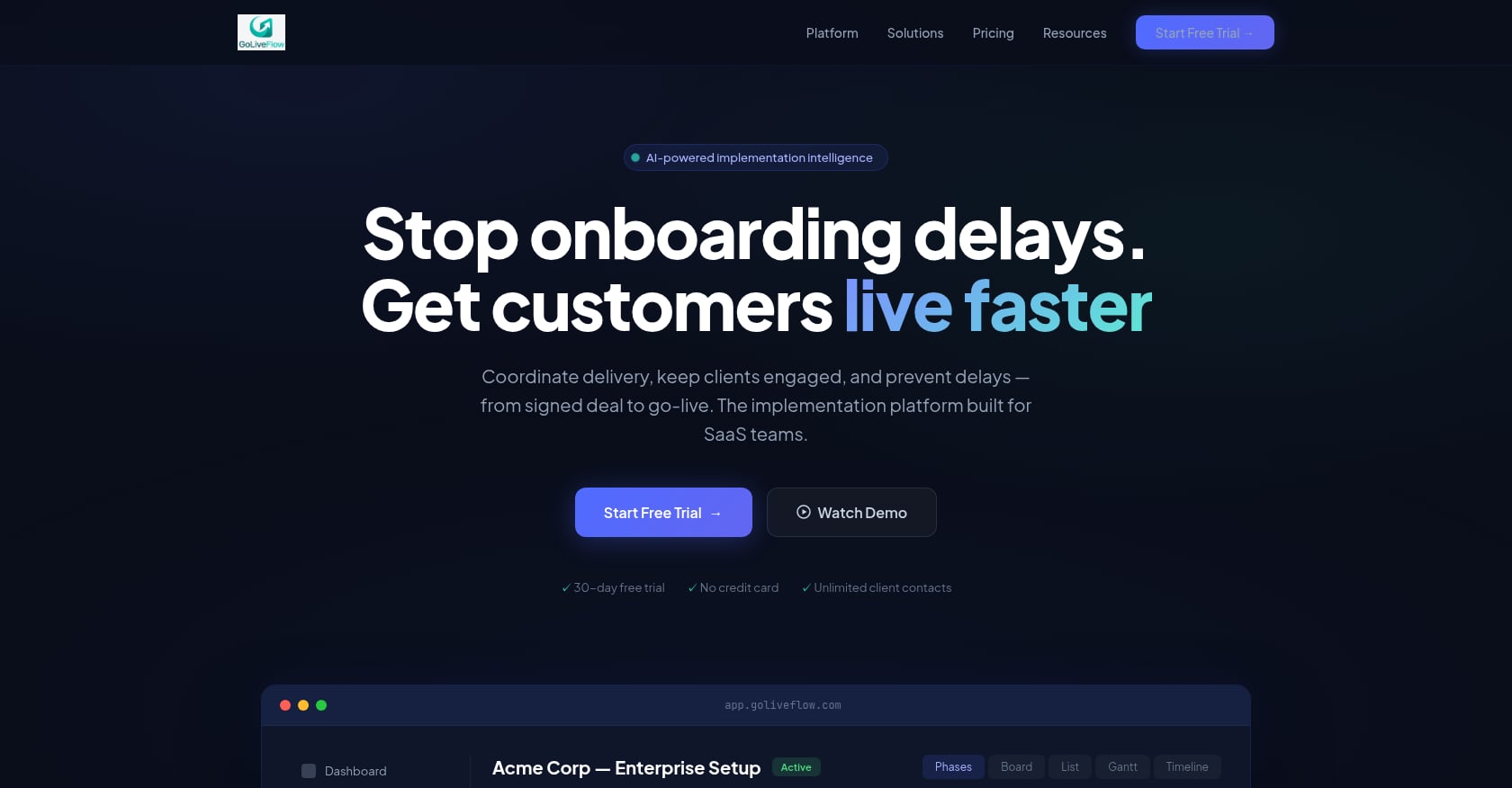
GoLiveFlow | SaaS implementation teams | $19/seat/mo | Per seat, no minimums | Yes (branded, guided) | Engagement scoring + AI risk | Newer brand, limited third-party reviews |
Rocketlane | Enterprise PSA + onboarding | $49/user/mo | Per user, annual | Yes | Project health | Learning curve, heavier PSA scope |
GUIDEcx | High-volume client implementations | Quote-based | Contact sales | Yes | CSAT scoring | Opaque pricing, reported bugs |
Dock | Lightweight client portals | Free / $350/mo | Per workspace tier | Yes | Limited | Less execution depth |
Arrows | HubSpot-native onboarding | $500/mo | Flat tier | Yes | Via HubSpot data | Tightly coupled to HubSpot |
Userflow | No-code in-app flows | $240/mo | MAU-based | No | No | Not for implementation projects |
Userpilot | Product adoption + analytics | $249/mo | MAU-based | No | No | Expensive for early-stage, web only |
Appcues | Behavior-triggered campaigns | $249/mo | MAU-based | No | No | Costs scale with traffic |
Pendo | Enterprise product analytics + guides | Quote-based (free tier exists) | MAU + modules | No | No | Complex setup, pricing barrier |
Vitally | CS health scoring | Quote-based | Contact sales | No | Health scores | Not an implementation execution tool |
ChurnZero | Churn prevention + CS automation | ~$10,700+/yr | Quote-based | No | Health scores | Expensive, no free trial |
Asana | Generic internal PM | Free / $10.99/user/mo | Per user | No (not native) | No | Not built for customer-facing onboarding |
Want a platform built specifically for SaaS implementation with a branded client portal, automation, e-signatures, engagement scoring, and AI risk detection? Start a free 30-day GoLiveFlow trial with no credit card required.
The 12 Best Customer Onboarding Software Tools
1. GoLiveFlow
Best for: SaaS implementation teams that need faster go-live and proactive risk visibility.
Pricing:
Starter: $19/month per seat (up to 3 seats, 5 active projects)
Professional: $49/month per seat (25 active projects, full interactive portal, e-signatures, automation rules, analytics, API, Zapier)
Enterprise: $99/month per seat (unlimited projects, SSO/SAML, AI Copilot with 50 queries/day, priority support, dedicated onboarding, custom integrations)
No minimum seats. Unlimited client contacts on all plans. 30-day free trial, no credit card.
Key features:
Branded client portal with a step-by-step wizard that guides customers through tasks without overwhelming them
Engagement scoring that alerts your team when a client goes dark
AI risk detection and coaching prompts that explain why a project is at risk and suggest what to do next
E-signature approvals with audit trail for scope sign-offs and phase gates
Automation rules engine with SLA tracking for escalations, notifications, and conditional task creation
Portfolio analytics covering time-to-value, bottlenecks, task velocity, and budget burn vs. progress
Resource management and capacity planning across implementations
Multiple project views (Gantt, timeline, board, list) with baselines comparing planned vs. actual
Integrations: HubSpot, Zapier, Google Calendar, Slack, SendGrid, Stripe, REST API/webhooks
White-label and SSO/SAML available on Enterprise/Partner plans
Why it stands out:
GoLiveFlow focuses on the problem most implementation teams actually have: customers miss deadlines, approvals block phases, PMs waste hours on status updates, and leadership has no visibility into which projects are at risk. The engagement scoring catches “gone dark” clients early. The AI risk detection doesn’t just flag a red number; it tells PMs the root cause (overdue dependencies, low login activity, budget burn) and recommends an action. The transparent per-seat pricing with unlimited client contacts is a clear contrast to tools that charge per external user or hide behind quote-only pages.
Tradeoffs:
Salesforce and Outlook integrations are listed as coming soon, so Salesforce-heavy teams may need workarounds today
SOC 2 certification is in progress, not yet complete
Newer brand with limited third-party reviews on G2 or Capterra; evaluate through the 30-day trial
Who should skip it: Teams whose onboarding is purely self-serve product activation (tooltips and tours) rather than project-based implementation.
Explore GoLiveFlow’s client portal, automation, e-signatures, and AI risk detection.
2. Rocketlane
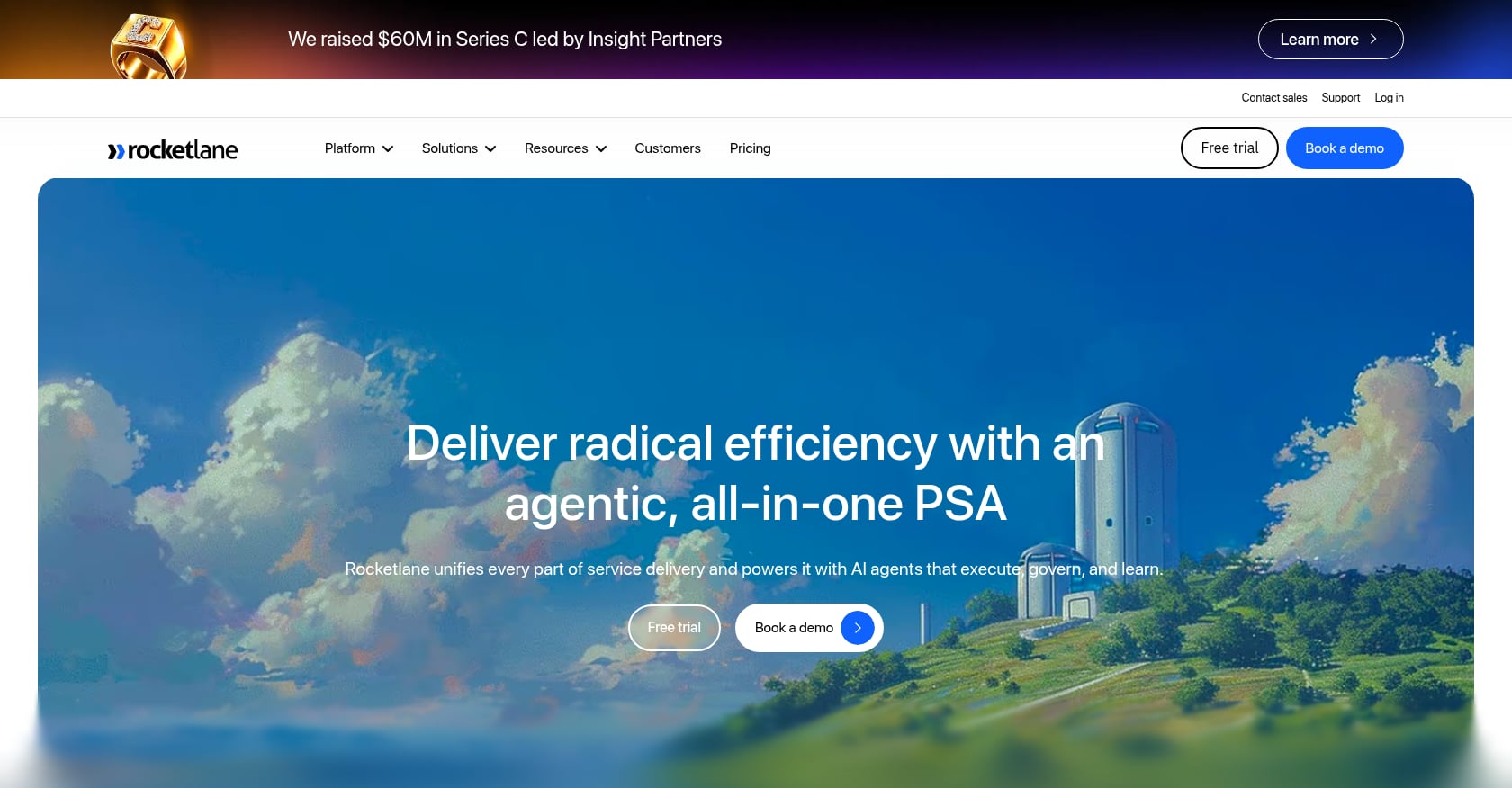
Best for: Enterprise professional services teams that want onboarding combined with PSA (professional services automation) depth.
Pricing:
Standard: $49/user/month (billed annually)
Premium: $69/user/month (billed annually)
Enterprise: $99/user/month (billed annually)
Key features:
Customer onboarding and PSA in a single platform
Project delivery, resource management, time tracking, billing, and financial operations
Client portal/spaces with chat, structured data, and custom apps
AI execution layer (branded “Nitro”)
Forms, document sharing, CRM integrations
Tradeoffs:
More complex than a lightweight customer portal; G2 reviewers frequently mention a learning curve
May be more PSA than some pure onboarding teams need
Mobile app and Microsoft-related integrations get criticized in reviews
User perspective: Rocketlane holds a 4.7/5 on G2 with hundreds of reviews. One recent reviewer said it improved transparency between PMs, CS teams, and clients and reduced onboarding time by about 15%, but also wanted better Outlook and Teams integrations.
Who should skip it: Teams that only need a guided client portal without time tracking, billing, or utilization management. The PSA scope adds power but also complexity.
3. GUIDEcx
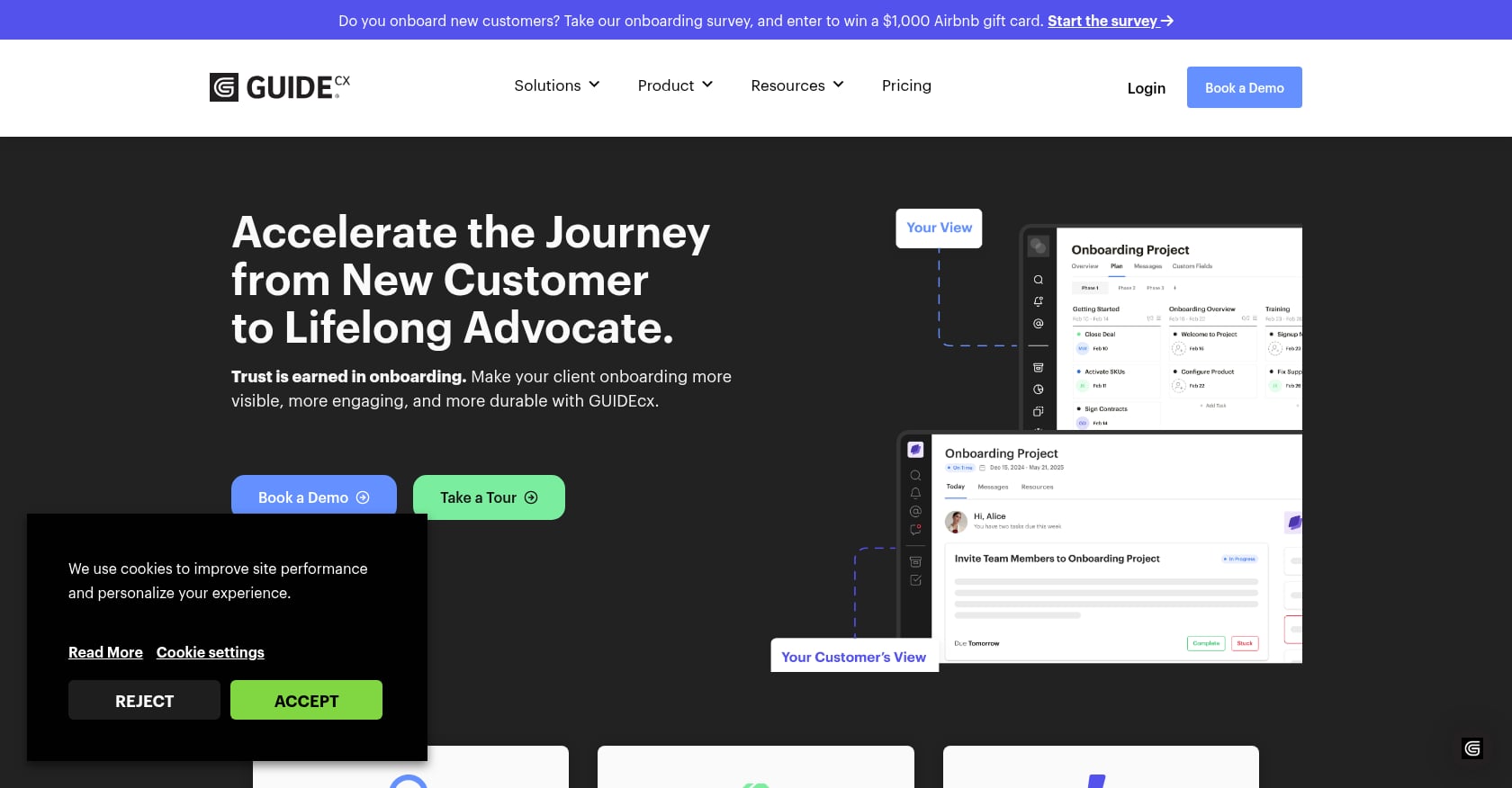
Best for: High-volume customer onboarding teams that need client engagement and external visibility across many parallel implementations.
Pricing:
Quote-based (contact sales, 4+ license minimum)
Plans: Professional, Premium, Advanced
Higher tiers add custom integrations, time tracking, resource management, SSO, and custom reporting
Key features:
Customer-facing project visibility and progress tracking
Templates and project tracking with CSAT scoring
Resource and capacity tools on higher plans
Integrations with Gainsight, Jira, Slack, Zendesk
Tradeoffs:
Pricing is not public, which creates buying friction
G2 review themes mention slow loading, glitches, and complexity
Setup requires a clearly defined onboarding process; the tool won’t build your playbook for you
User perspective: GUIDEcx has a 4.6/5 G2 rating with 461 reviews. A recent reviewer said it created a single source of truth for internal teams and customers after onboarding had been scattered across spreadsheets and emails.
Who should skip it: Small teams running fewer than a handful of implementations monthly, or anyone who needs transparent pricing before committing to a sales conversation.
4. Dock
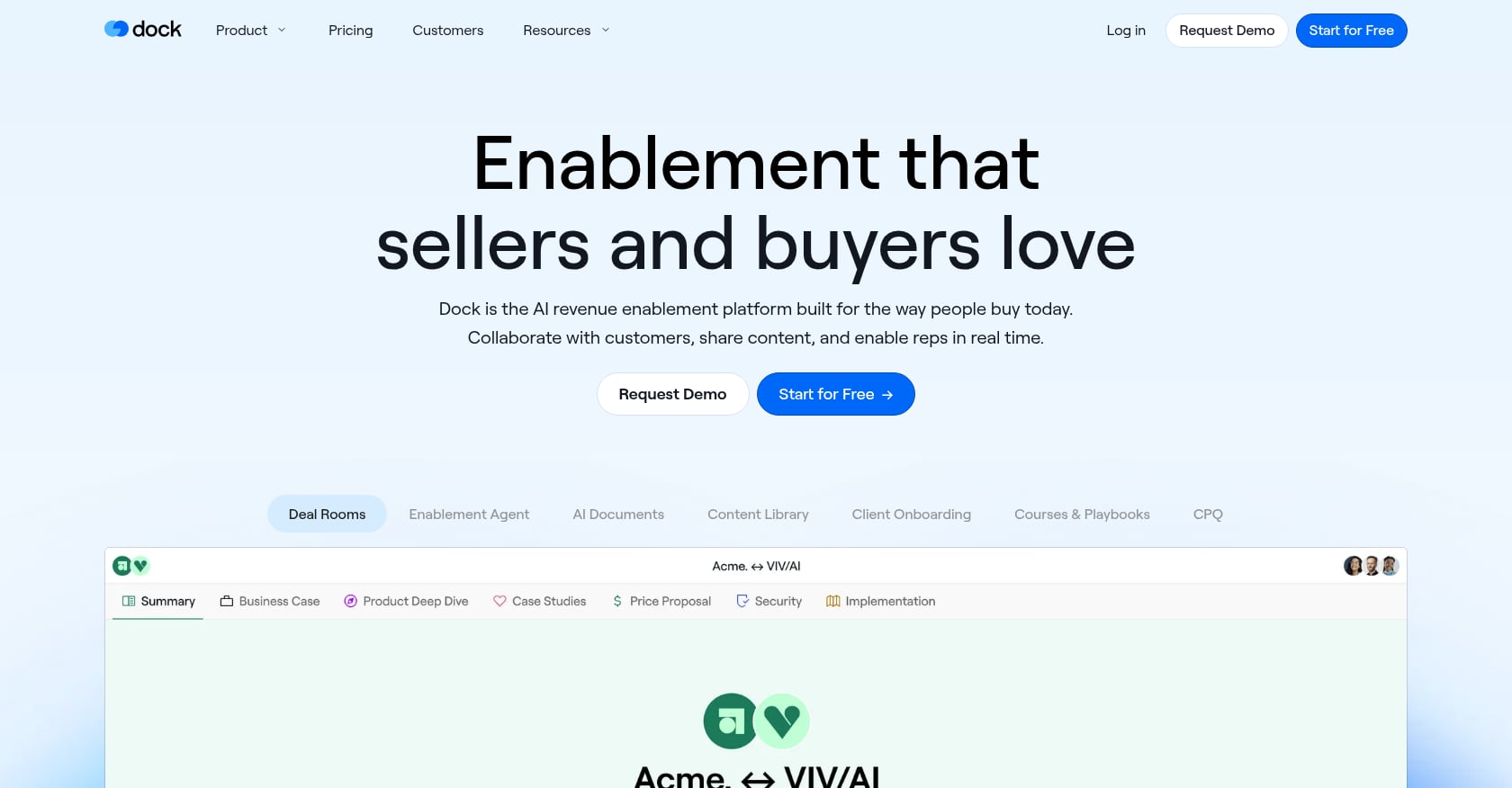
Best for: Lightweight client portals and customer-facing workspaces that connect sales rooms to onboarding hubs.
Pricing:
Free: up to 50 customer workspaces, basic integrations
Starter: $350/month (5 users, unlimited workspaces, basic CRM integrations)
Premium: $750/month (10 users, advanced CRM, content management, learning playbooks, sales order forms)
Key features:
Digital sales rooms and customer onboarding hubs
Content management and learning playbooks
AI Enablement Agent and AI Documents
HubSpot and Salesforce CRM integrations
Tradeoffs:
Less implementation management depth than purpose-built onboarding platforms (no native risk scoring, budgets, or capacity planning)
Some users want more customization options
Workspace-oriented rather than full project execution
User perspective: Dock holds a 4.7/5 on G2 with 436 reviews. A Manager of Customer Success praised Dock for centralizing onboarding instead of relying on scattered links and emails. However, another reviewer noted that some customers felt intimidated by adopting an organized workspace for the first time.
Who should skip it: Teams that need deep implementation operations: dependencies, phase gates, resource management, budget tracking, and portfolio-level go-live analytics.
5. Arrows
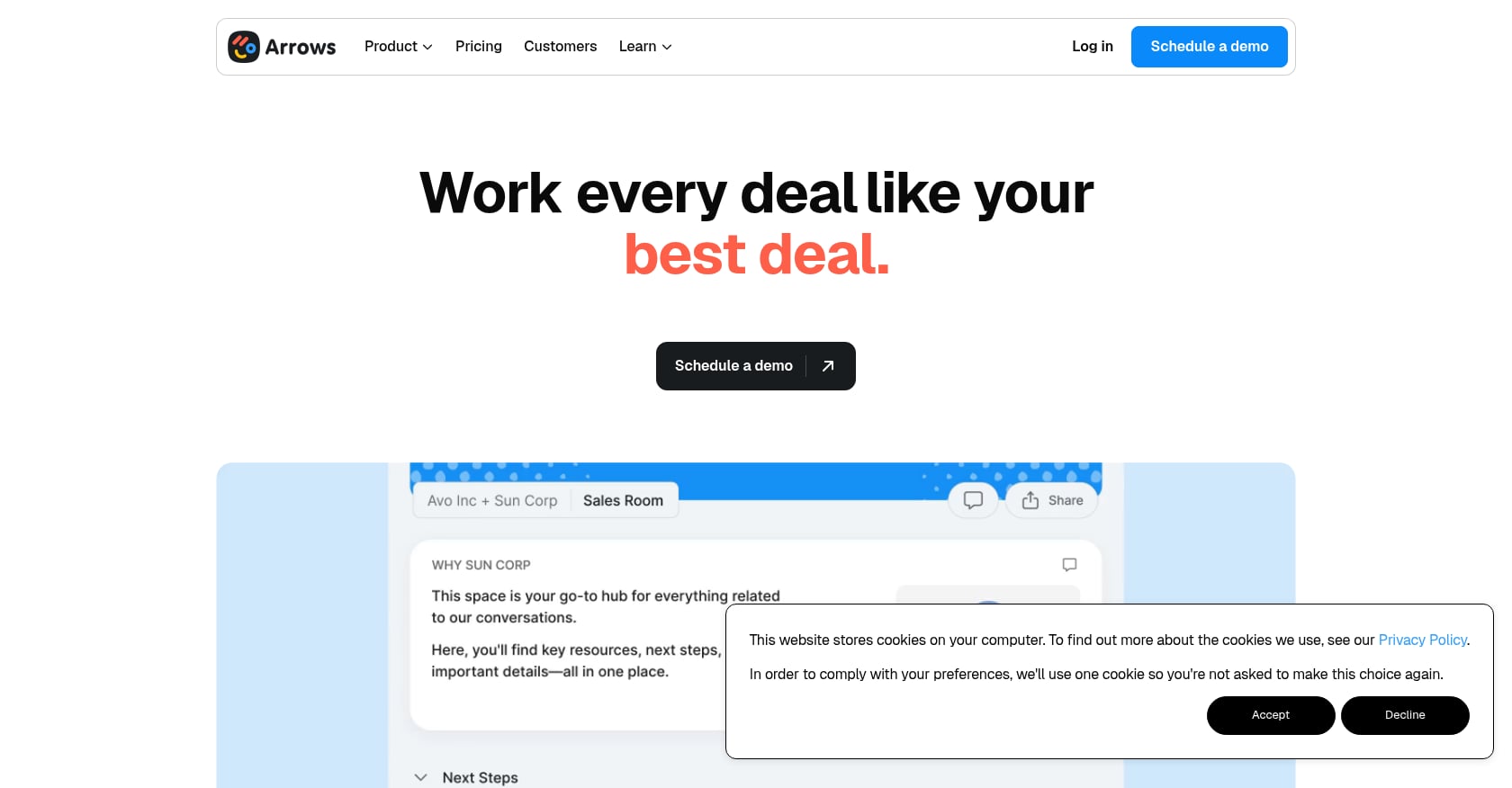
Best for: HubSpot-native onboarding plans where the CRM is the single source of truth.
Pricing:
Free trial available (create example plans and explore the HubSpot integration)
Growth: $500/month
Business: $1,250/month
Enterprise: contact sales
Key features:
Customer-facing onboarding plans with mutual action plans
Deep bi-directional HubSpot sync (deals, tickets, timeline events, CRM card)
Form-response sync, file uploads to HubSpot, workflow-triggered onboarding plans
Slack notifications and custom domain with email white-labeling
Tradeoffs:
Value proposition is tightly coupled to HubSpot; teams on Salesforce or other CRMs won’t get the same benefit
Higher starting cost ($500/month) than many per-seat alternatives
Does not include native risk scoring, budget tracking, or resource capacity management
User perspective: Arrows has a 4.8/5 on G2 (48 reviews). One reviewer described it as a map where both the client and onboarding team can see where they are at any time, but warned that using it forces the team to rethink onboarding steps carefully. A practitioner on Reddit confirmed the Arrows-HubSpot integration is useful for automating onboarding workflows directly from CRM data.
Who should skip it: Non-HubSpot teams, or teams that need standalone implementation management with budgets, capacity planning, and AI risk detection.
6. Userflow
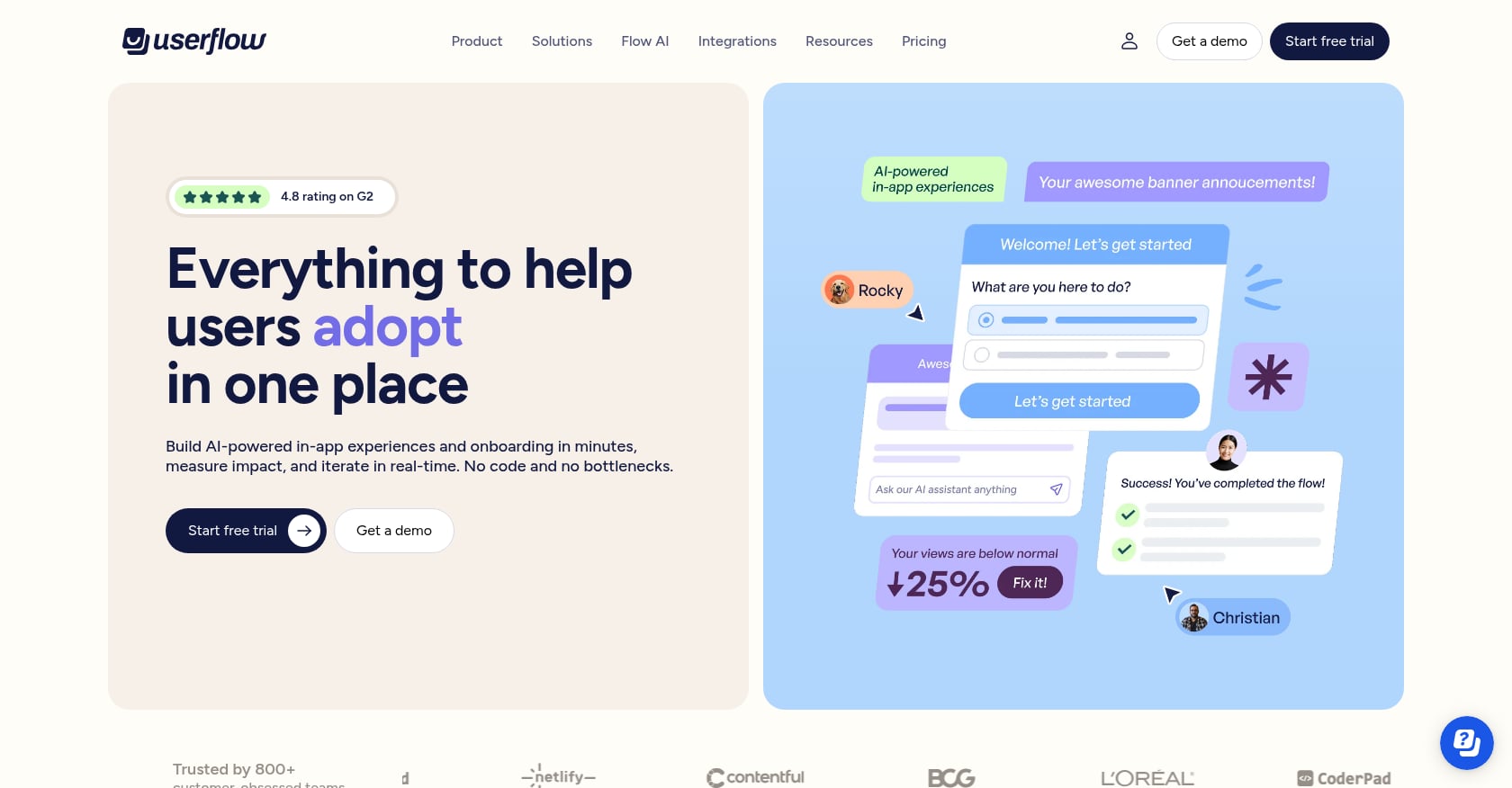
Best for: No-code in-app onboarding flows and checklists for PLG SaaS products.
Pricing:
Startup: starting at $240/month
Pro: starting at $680/month
Free trial available
Key features:
Product tours, onboarding checklists, surveys, feature announcements
Resource center
No-code builder for fast iteration without engineering
Tradeoffs:
Does not solve high-touch implementation management at all
Not designed for client approvals, multi-stakeholder dependencies, go-live tracking, or budget management
Pricing can feel steep as user counts grow; Reddit users have questioned the cost of similar in-app tools at scale
User perspective: Userflow holds a 4.8/5 on G2 with 112 reviews, earning praise as a product adoption engine for teams that want to ship tours and checklists without code.
Who should skip it: Anyone whose “onboarding” means coordinating customers, tasks, approvals, and go-live dates outside the product UI.
7. Userpilot
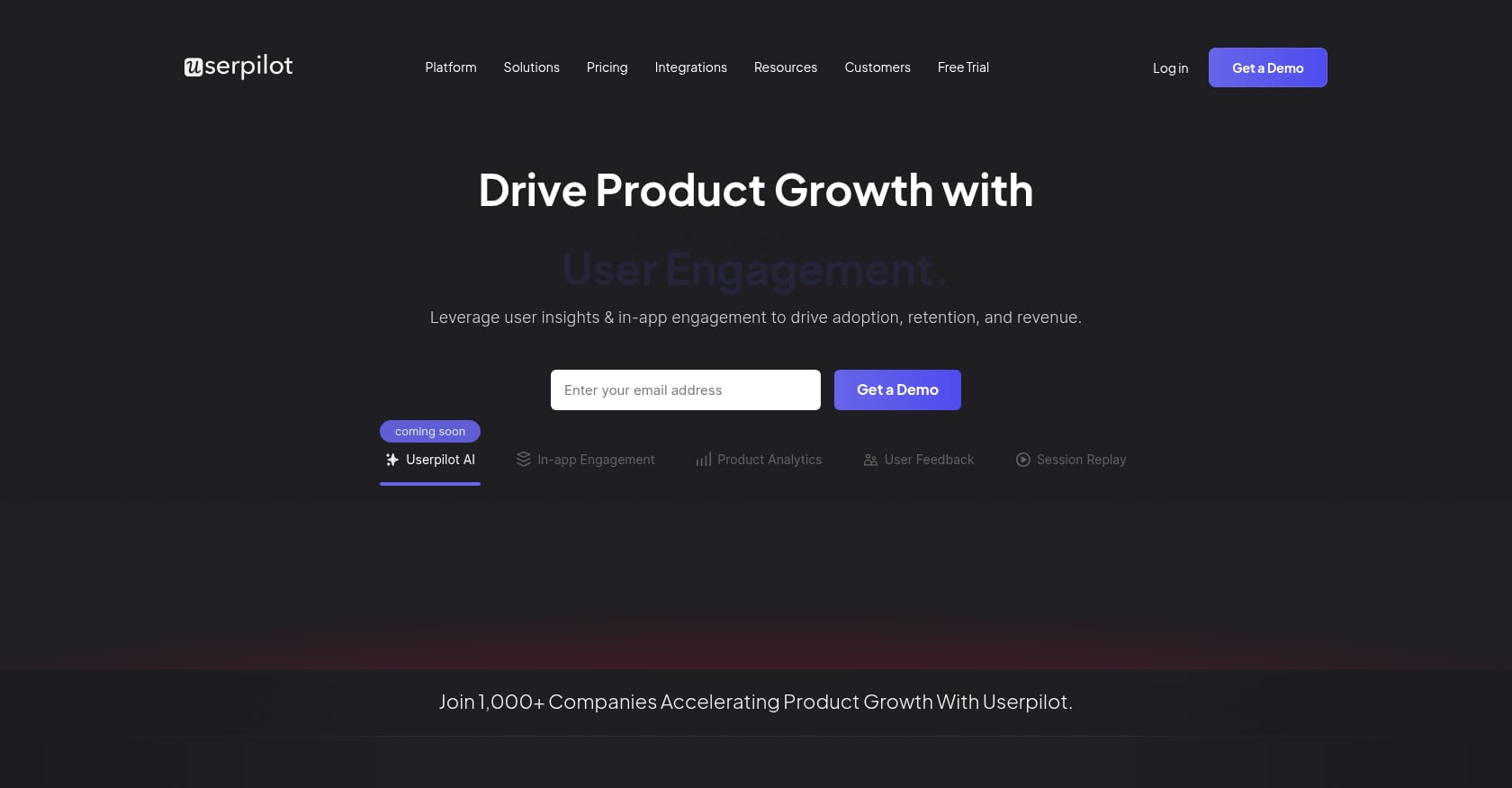
Best for: Product adoption teams that want in-app guidance combined with product analytics.
Pricing:
Starter: starting at $249/month (up to 2,000 MAUs)
Growth: starting at $799/month
Free trial available
Key features:
In-app onboarding flows, tooltips, banners, checklists
NPS surveys and segmentation
Product analytics and session replay
Integrations with Mixpanel, Amplitude, Heap, Intercom, Segment, HubSpot, Salesforce
Tradeoffs:
Not a high-touch implementation management platform
Mobile support appears limited in user feedback
Can be expensive for early-stage startups; no fully free plan
G2 reviewers describe the flow builder as clunky for complex journeys
User perspective: Userpilot has a 4.6/5 on G2 with 968+ reviews. Reviewers appreciate reduced developer dependency, but one noted advanced customization is constrained on lower tiers and the product is more limited for mobile-first apps.
Who should skip it: Implementation teams managing customer projects with dependencies, approvals, and resource allocation.
8. Appcues
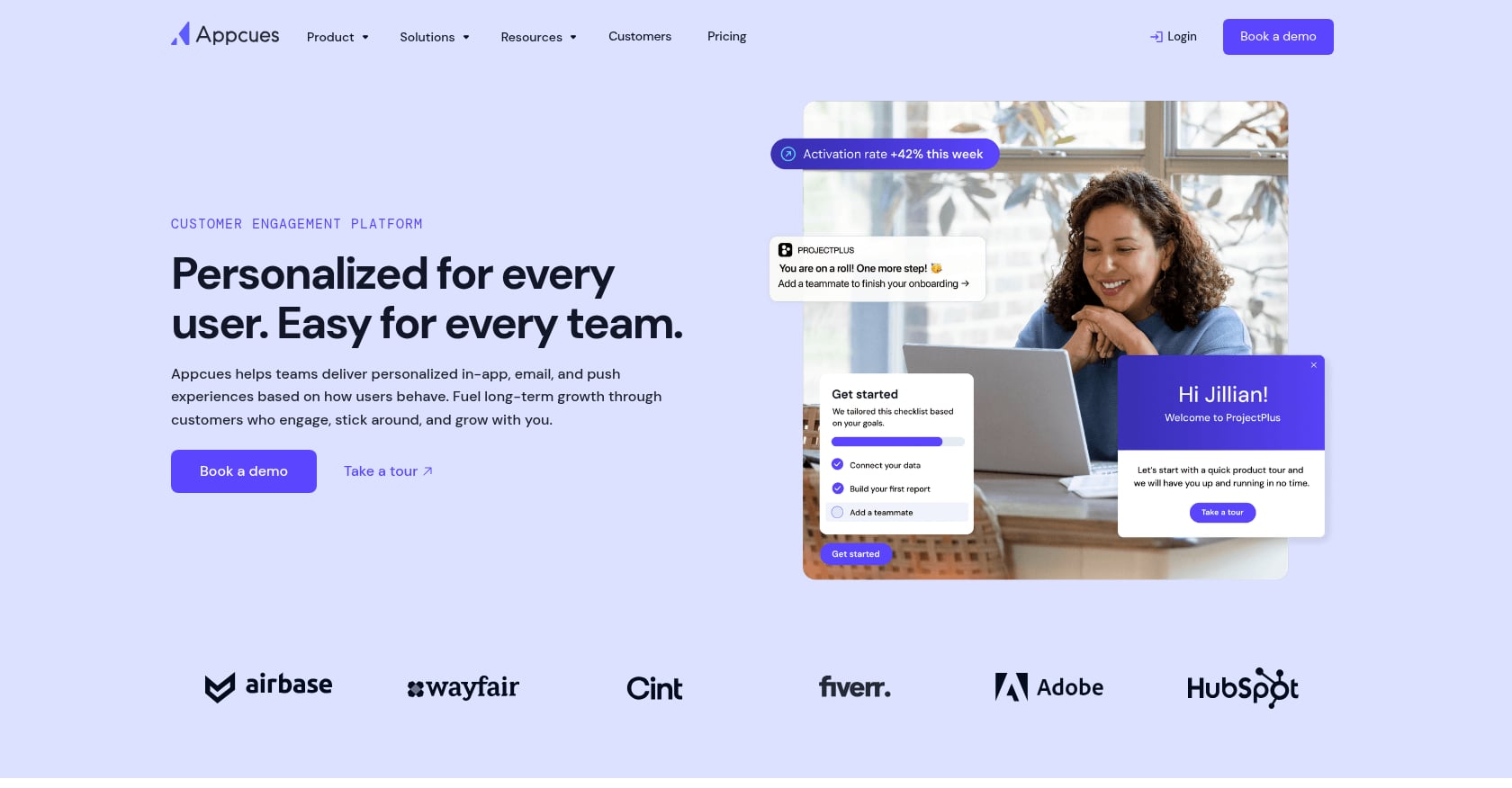
Best for: Behavior-triggered onboarding messages across in-app, push, and email channels.
Pricing:
Packages starting at $249/month
14-day full-featured free trial (no credit card)
MAU-based tiers; exceeding limits triggers a prorated upgrade to the next MAU tier
Key features:
Product tours and onboarding flows
In-app messages with behavioral segmentation
Push and email engagement
Feature adoption and conversion campaigns
Tradeoffs:
MAU-based pricing scales as your user base grows; G2 reviewers confirm it can become expensive
Does not manage customer implementation projects
Not a substitute for customer-facing project plans, approvals, or go-live governance
User perspective: Appcues has a 4.6/5 on G2 with 342 reviews. Users praise ease of setup and targeting, but common concerns include scaling costs and feature limitations on lower plans.
Who should skip it: B2B teams whose onboarding problem is project delivery, not in-product activation.
9. Pendo
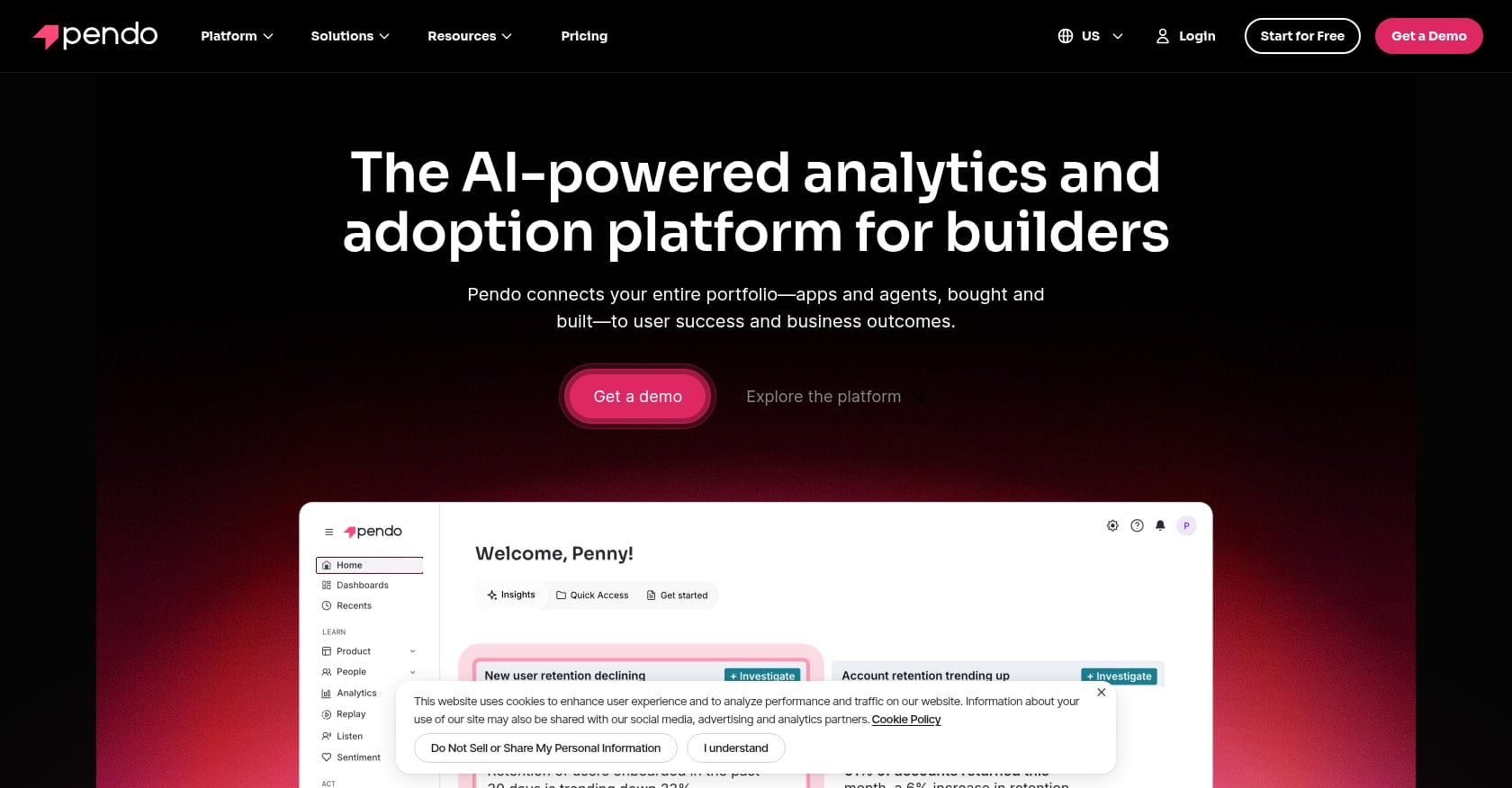
Best for: Enterprise product analytics combined with in-app guides.
Pricing:
Free tier available (NPS surveys with Pendo branding, dashboards, tagging, usage data)
Paid tiers are quote-based, combining MAU volume and chosen modules
Key features:
Product analytics and feature usage tracking
In-app guides and tooltips
NPS, feedback collection, and session replay
Product discovery and engagement workflows
Tradeoffs:
Overkill if you only need a customer implementation workflow
Steep learning curve and complex setup reported across reviews
Pricing can be a barrier, especially for smaller teams
A Reddit user noted Pendo has strong analytics but can feel “mentally heavy” without data team support
User perspective: Pendo has a 4.4/5 on G2 (1,758 reviews) and 4.5/5 on Capterra (238 reviews). Powerful analytics and guide creation, but the learning investment is real.
Who should skip it: Teams that need a customer onboarding portal or implementation tracker, not a product analytics suite.
10. Vitally
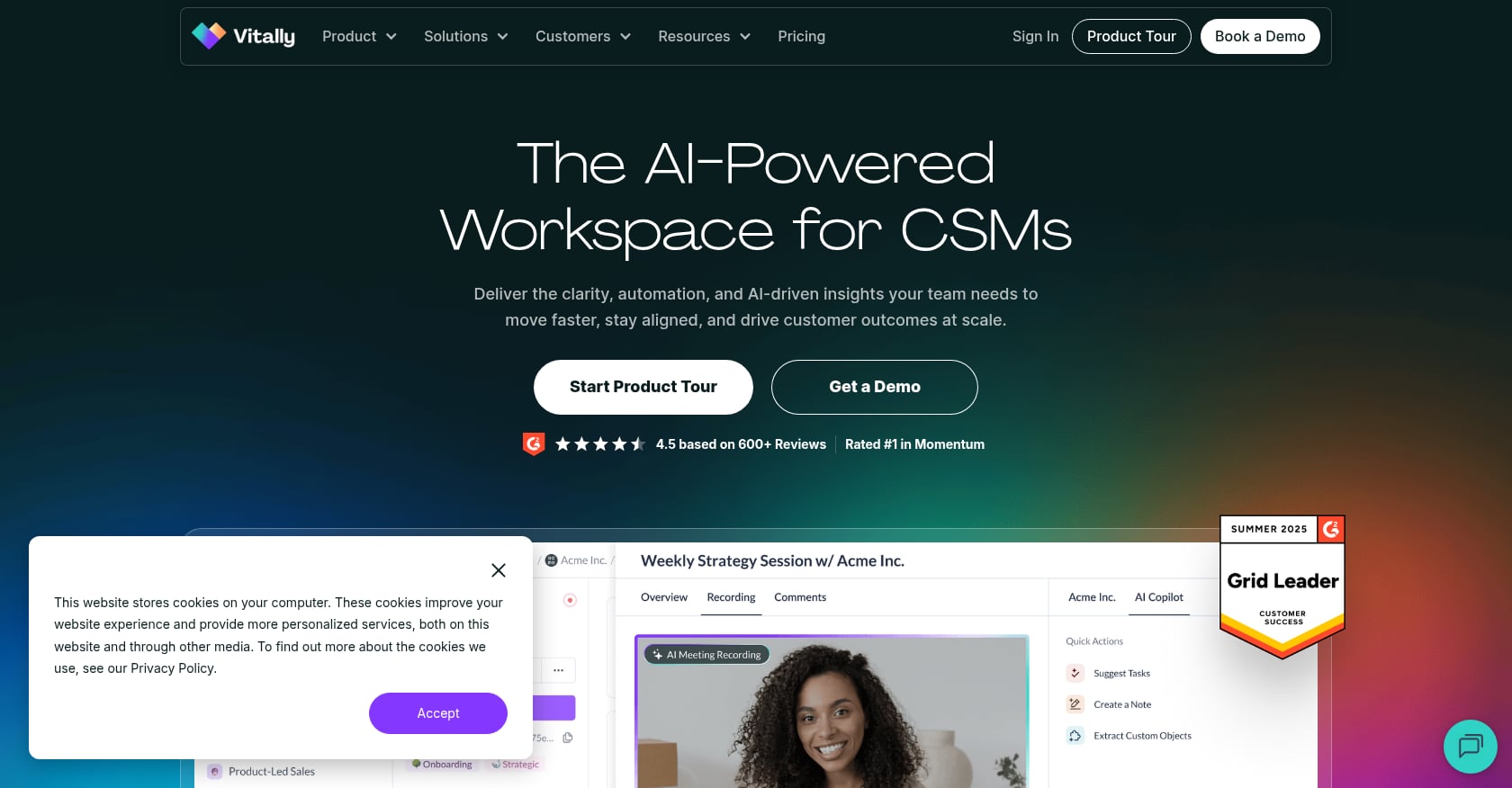
Best for: Customer success teams that need health scoring, account visibility, and lifecycle automation.
Pricing:
Quote-based across three plans: Tech-Touch, Hybrid-Touch, and High-Touch
All plans include unlimited automations, unlimited observer seats, SSO, full integration library, and unlimited docs
Key features:
Unified customer data with real-time bi-directional integrations
Customer health and account insights
Automations and lifecycle workflows
AI-powered customer summaries
Tradeoffs:
Quote-based pricing creates buying friction
Better as a CS operating system than a dedicated implementation project portal
May need integration and process maturity to extract full value
User perspective: Vitally has a 4.5/5 on G2 with 689 reviews. Practitioners on Reddit recommend pressure-testing how transparent health-score logic is and how easily you can explain a score change to an executive or customer.
Who should skip it: Teams that need implementation execution with approvals, dependencies, and go-live project management. Vitally manages the relationship, not the project.
11. ChurnZero
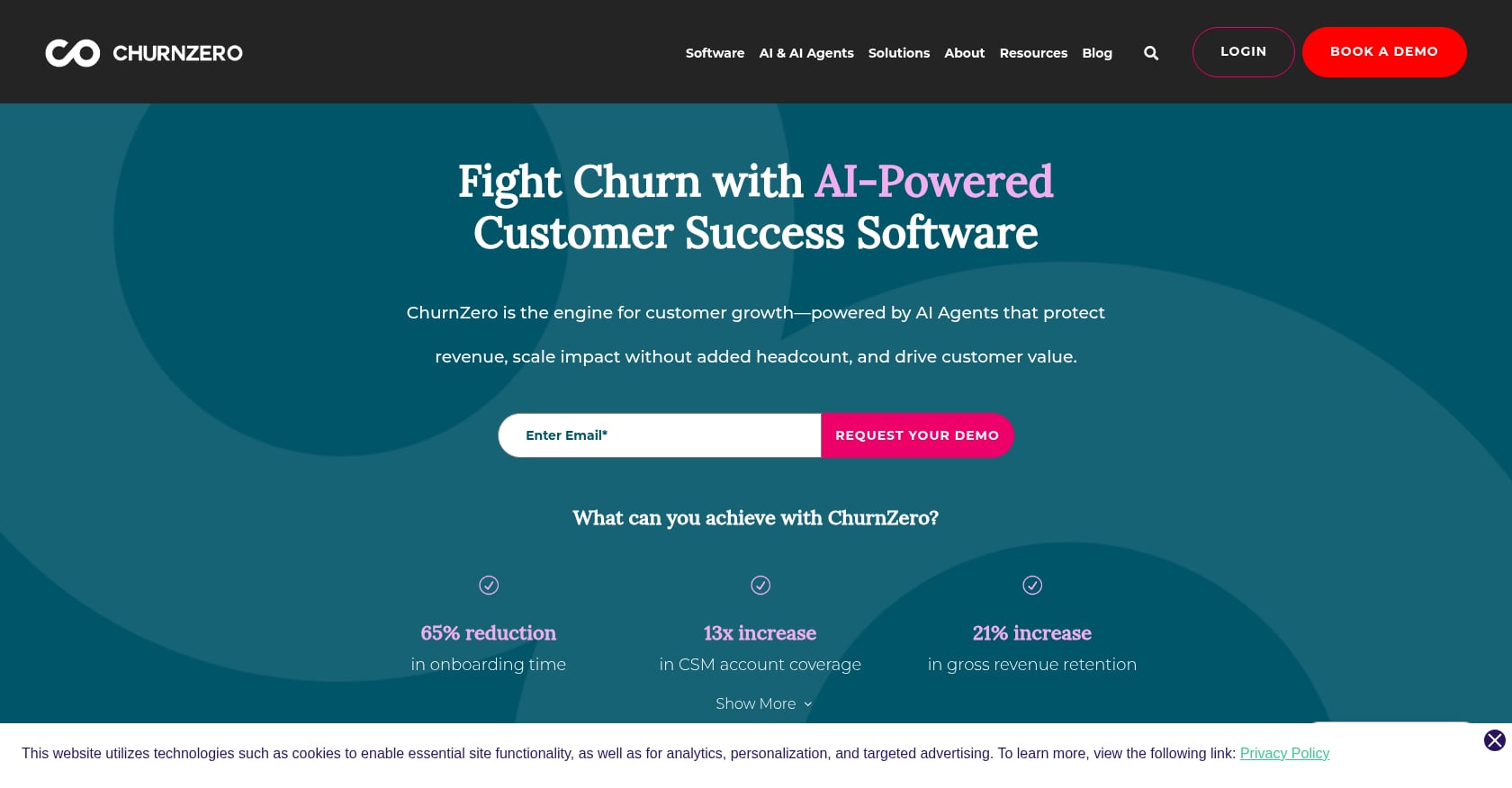
Best for: Subscription businesses focused on churn prevention and CS automation at scale.
Pricing:
No public self-serve pricing. A 2026 third-party analysis using Vendr contract data estimates annual costs from $10,700 to $180,100 depending on edition, team size, and negotiation.
No free plan. No free trial reported.
Key features:
Customer journeys and health scores
Automation for renewal and churn management
Onboarding and lifecycle tracking
Real-time customer insights
Tradeoffs:
Pricing is neither transparent nor cheap
Can be expensive and complex relative to smaller SaaS budgets; Reddit users describe enterprise CS tools as overkill for micro-SaaS teams
Not always the best primary execution layer for implementation-heavy onboarding
User perspective: A Reddit CS Ops user said they chose ChurnZero after being a Gainsight admin because they could stand it up more quickly as a small operations team, but the tool still required investment.
Who should skip it: Early-stage teams, or anyone whose primary pain is implementation project management rather than lifecycle churn analytics.
12. Asana
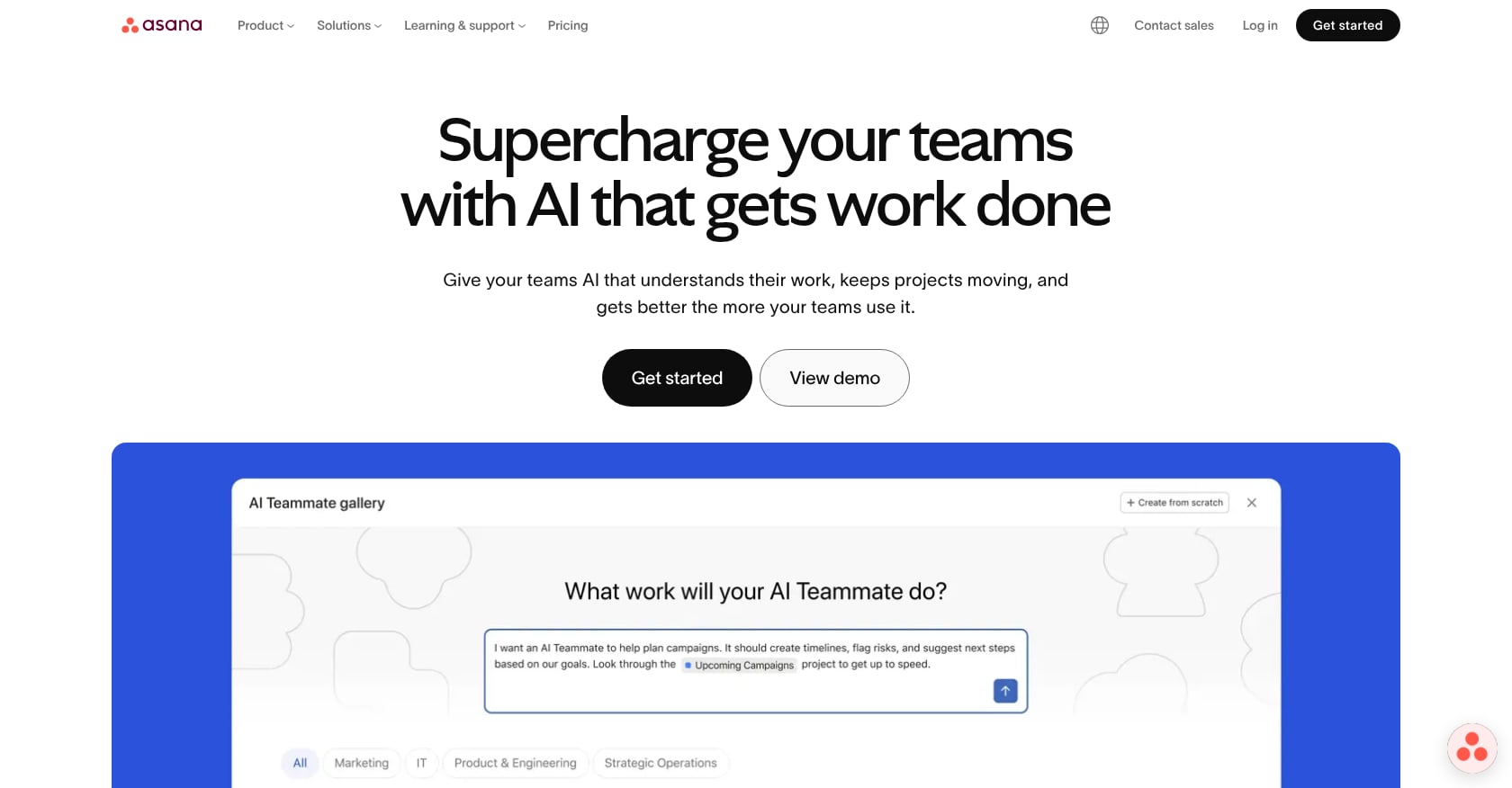
Best for: Generic internal project management when customer-facing onboarding polish is not a priority.
Pricing:
Personal: free for up to 2 users
Starter: $10.99/user/month (timeline/Gantt, workflow builder, dashboards, forms, automations)
Additional tiers available
Key features:
Tasks and projects with list, board, calendar, timeline, and Gantt views
Forms and workflow builder
Reporting dashboards
Broad integration ecosystem
Tradeoffs:
Not purpose-built for customer onboarding; no native client portal, engagement scoring, e-signature approvals, or implementation risk detection
External customers must be invited as guests, which creates a less polished experience
TTV analytics, portfolio go-live reporting, and resource capacity planning are not core strengths
User perspective: Asana has a 4.4/5 on G2 with over 13,000 reviews. It’s a proven project management tool, but practitioners on Reddit consistently note that purpose-built onboarding platforms provide customer-facing portals, tasks, uploads, and progress that generic PM tools can’t match without significant customization.
Who should skip it: Any team where the customer needs a guided, branded experience to complete tasks, upload documents, approve scope, or track progress toward go-live.
Which Onboarding Software Type Should You Choose?
The wrong category creates false negatives. You’ll reject a perfectly good tool because it wasn’t designed for your problem. Here’s a quick decision framework.
Choose an implementation platform if…
Customers need to complete tasks, upload documents, approve scope, or attend phase gates
Projects slip because customers go dark or approvals stall
PMs spend hours writing status updates instead of moving work forward
Leadership needs portfolio-level visibility across onboarding projects
You track (or should track) time-to-value, go-live rate, budget burn, or resource capacity
The sales-to-CS handoff causes rework because context gets lost
Start with: GoLiveFlow, Rocketlane, or GUIDEcx.
Choose a client portal/workspace if…
Your biggest pain is scattered links, assets, checklists, and customer communications
You need a polished hub for customers but not deep project execution features
You want continuity from sales room to onboarding hub
Start with: Dock or Arrows.
Choose in-app onboarding software if…
Your product is self-serve or PLG
You need tours, tooltips, checklists, and behavioral triggers inside your app
The issue is activation, not post-sale implementation management
Start with: Userflow, Userpilot, Appcues, or Pendo.
One important note from practitioners on Reddit: in-app tours get skipped unless they’re contextual. Showing export guidance when a user tries to export is far more effective than a generic welcome tour.
Choose a customer success platform if…
You need account health, churn risk, lifecycle playbooks, and renewal workflows
You have enough CS Ops maturity to configure and maintain a CS operating system
Onboarding is one stage in a larger customer lifecycle strategy
Start with: Vitally or ChurnZero.
Choose generic project management if…
Customers don’t need a guided portal
Your process is simple with few external dependencies
Budget is tight and customer-facing polish is less important
Start with: Asana, monday.com, or ClickUp.
For a framework on building the actual onboarding process before picking software, this onboarding playbook guide covers templates, KPIs, and examples.
Buying Checklist for Onboarding Software
Use this before demos and trials.
1. What type of onboarding are you solving?
High-touch implementation? Self-serve activation? Hybrid? CS lifecycle? Internal project management? This determines the category, not just the vendor.
2. Does the tool have a real customer-facing experience?
Look for: branded portal, customer task list, step-by-step guidance, file uploads, shared timeline, progress visibility. If customers can’t self-serve their tasks, your PMs will still chase updates manually.
3. Does it reduce manual work or create more?
This is the question practitioners on Reddit keep raising. Ask: are reminders automated? Are stalled projects surfaced automatically? Does the customer update progress directly? Does it integrate with your CRM, calendar, and Slack? Or is it just another dashboard to maintain?
4. Can it catch risk before the go-live date slips?
Look for engagement scoring, login/activity tracking, overdue dependency alerts, budget burn vs. progress analysis, and AI or rules-based risk explanations with suggested next actions.
5. Does it support approvals and phase gates?
For implementation teams, approvals are where projects stall. E-signatures, audit trails, scope sign-offs, and conditional next steps matter.
6. Does it measure value, not just completion?
A SaaS founder on Reddit explained the shift from tracking completion to tracking time-to-first-value because customers churn when they never experience something useful. Look for TTV, TTFV, go-live rate, and stalled milestone reporting.
7. Does it fit your stack?
Important integrations: CRM (HubSpot, Salesforce), calendar (Google Calendar, Outlook), collaboration (Slack, Teams), support (Zendesk, Intercom), automation (Zapier, webhooks/API). Gainsight’s implementation analysis found that data integrations typically consumed 30 to 40% of total implementation time, so integration quality matters.
8. What are the pricing triggers?
Ask: per seat, per project, per MAU, or quote-based? Are customer contacts free? Are external users billed? Are integrations gated to higher plans? What happens when usage exceeds limits?
9. How much process maturity do you need first?
Some tools require a clearly defined onboarding playbook before setup. G2 users note that tools like GUIDEcx and Arrows force teams to think carefully about onboarding steps during rollout.
10. Is the tool overkill?
If your team runs fewer than a handful of implementations per month, founder-led or template-based onboarding may produce better customer feedback before the process is mature enough to automate. For tactical approaches to speeding up onboarding without heavy software, see these tactics and tools for onboarding customers faster.
Common Onboarding Software Mistakes
Buying before defining the playbook. Tools can’t fix an undefined process. Build your onboarding steps, milestones, and success criteria first. Then automate.
Measuring task completion instead of value delivery. Completion rates feel good in dashboards but miss the point. ZapScale’s 2025 survey found that usage/adoption (56.4%) and delivering value (53.5%) were the top CS challenges, with time-to-value at 28.7%. Track when customers reach first value, not when they check boxes.
Treating in-app tours as implementation onboarding. Tours help users click the right button. They don’t manage dependencies, integrations, compliance steps, multi-stakeholder approvals, or go-live governance.
Ignoring the sales-to-CS handoff. A practitioner on Reddit described fixing onboarding churn by capturing what the customer expected before onboarding began. The first two to three weeks had been wasted rediscovering expectations. Any tool you buy should support structured handoff inputs from sales.
Choosing a tool that creates manual admin. If your PMs still have to copy-paste status updates, manually flag risks, and chase customers through email, the tool isn’t solving your problem. It’s decorating it.
Not pricing external users and AI usage. Ask about customer contacts, guest billing, MAU limits, AI credit metering, and overage handling. Appcues, for example, charges a prorated upgrade fee when you exceed your MAU tier.
What Good Onboarding AI Actually Does (and What’s Just Marketing)
Every tool claims AI now. Here’s what actually helps implementation teams.
Useful onboarding AI:
Detects stalled customers based on login activity, task completion velocity, and engagement patterns
Explains why a project is at risk, not just that it is
Recommends specific PM actions (reach out to stakeholder X about overdue dependency Y)
Drafts status emails and meeting briefs
Triages a portfolio of projects to surface the ones that need attention today
Weak onboarding AI:
Generic chatbot with no project context
Health score that’s a number without an explanation (practitioners on Reddit stress that health scores must be explainable)
AI status summary that still requires manual data entry to work
AI add-on with unclear usage pricing or credit limits
FAQ
What is the best onboarding software for SaaS implementation teams?
For teams managing customer implementations from signed deal to go-live, GoLiveFlow is the strongest fit with its branded client portal, engagement scoring, AI risk detection, e-signature approvals, and portfolio analytics at transparent per-seat pricing. Rocketlane and GUIDEcx are solid alternatives for larger or more mature implementation operations that need PSA depth or high-volume project management.
What is the best onboarding software for product-led SaaS?
Userflow, Userpilot, Appcues, and Pendo each serve PLG teams differently. Userflow is best for fast no-code tour building. Userpilot combines guides with product analytics. Appcues excels at behavioral triggers across channels. Pendo is strongest for enterprise product analytics with guides layered on top.
What is the difference between customer onboarding and user onboarding?
Customer onboarding covers the post-sale path to go-live and first value, often involving multiple stakeholders, project dependencies, approvals, and a dedicated implementation team. User onboarding covers in-product activation and feature adoption, typically through tours, tooltips, checklists, and behavioral triggers.
Is Asana good for customer onboarding?
Asana works for internal task tracking, but it’s not purpose-built for client-facing implementation workflows. It lacks native customer portals, engagement scoring, e-signature approvals, risk detection, and time-to-value analytics. Teams using Asana for customer onboarding often supplement it with manual workarounds or additional tools.
When should a SaaS team buy onboarding software?
When your onboarding process is repeatable enough to standardize and painful enough that delays, customer disengagement, missed approvals, or manual PM work are hurting time-to-value. If you’re still in founder-led onboarding with a few customers, focus on learning the process first. Software automates what already works.
What onboarding metrics should SaaS teams track?
Time-to-value, time-to-first-value, onboarding completion rate, go-live rate, overdue tasks, customer engagement/login frequency, first 90-day churn, feature adoption during onboarding, support ticket volume during onboarding, and budget variance. OnRamp’s research confirms that customers are making critical partnership decisions within the first 90 days.
How much does onboarding software cost?
It varies enormously by category. In-app tools like Userflow start around $240/month (MAU-based). Implementation platforms range from $19/seat/month (GoLiveFlow Starter) to $99+/user/month (Rocketlane Enterprise). CS platforms like ChurnZero can run $10,700 to $180,000+ annually. Client portals like Dock start free but scale to $750/month. Always ask about external user billing, project limits, and AI credit metering.
Can one tool handle all types of onboarding?
Not well. Implementation management, in-app product tours, client portals, and customer success health scoring are different disciplines. Trying to force a product-tour tool to manage implementation dependencies (or a CS platform to run go-live projects) creates frustration. Most mature SaaS teams use two to three tools across these categories, connected through CRM and automation integrations.
Choosing the Right Tool for Your Onboarding Motion
The market has more onboarding software than ever, but “more options” isn’t the same as “better decisions.” The single most important step is matching the tool category to your actual problem. An in-app tour won’t fix stalled implementations. A CS health-score platform won’t build a guided client portal. A generic PM board won’t tell you which customers are about to miss go-live.
For SaaS implementation teams whose core challenge is getting customers from signed contract to live value, without missed approvals, hidden risks, and endless manual updates, GoLiveFlow was built for that specific workflow.
Start a free 30-day trial to see how the branded client portal, engagement scoring, AI risk detection, and TTV analytics work with your onboarding process. No credit card, no seat minimums, unlimited client contacts.
Not sure if your onboarding process is ready for automation? Talk to GoLiveFlow about your implementation workflow.