Onboard Customers Faster: 10 Tactics + 8 Tools (2026)
TL;DR
Slow customer onboarding kills revenue. Nearly half of customers abandon the process if they don’t see value quickly, and 66% of B2B buyers never make another purchase after a poor experience. This guide diagnoses the seven root causes of slow onboarding, walks through process fixes you can implement today, and compares the eight best tools that help you onboard customers faster in 2026. If you want one recommendation: start by fixing your handoffs and visibility gaps, then layer in a purpose-built platform with engagement scoring and automated workflows.
The Real Cost of Slow Onboarding
Here’s a number that should make every CS leader uncomfortable: 48% of customers abandon onboarding if they don’t see value quickly. Not eventually. Not after months of frustration. They leave before they ever get started.
And the damage compounds. 66% of B2B customers who have a poor onboarding experience make no additional purchases, which means you’re not just losing the initial deal. You’re losing the entire expansion revenue stream.
Yet most articles about faster customer onboarding just throw tool names at you. This one is different. Before recommending software, it walks through the actual bottlenecks that slow onboarding down and the process changes that fix them, no credit card required. Then it compares eight tools across pricing, features, and honest tradeoffs so you can make a decision that fits your team.
Whether you run a three-person CS team or a 50-person implementation org, the goal is the same: compress time-to-value without cutting corners on quality.
At-a-Glance Tool Comparison
Tool | Best For | Starting Price | G2 Rating | Key Differentiator | Biggest Tradeoff |
|---|---|---|---|---|---|
GoLiveFlow | SaaS teams wanting AI risk detection + branded portal | $19/seat/mo | New to market | Engagement scoring, e-signatures, conditional playbooks, unlimited client contacts | Newer brand, SOC 2 in progress |
GuideCX | High-velocity multi-stakeholder implementations | ~$100/mo/license (min 4) | 4.6/5 (461 reviews) | Customer-facing workspace, AI risk agents, portfolio forecasting | Minimum seat requirements raise entry cost |
Rocketlane | Professional services orgs needing PSA + onboarding | $19/seat/mo | 4.7/5 (820+ reviews) | Resource management, time/expense tracking, billing | Performance complaints on G2 (45 mentions) |
Dock | Lightweight client portals, fast setup | Free plan; paid from $350/mo | 4.7/5 | Speed, simplicity, deal-room-to-onboarding continuity | Limited portfolio analytics and integrations |
OnRamp | Structured enterprise onboarding | Custom (not disclosed) | 4.4/5 | Adaptive workflows, conditional logic, enterprise logos | Opaque pricing, limited integrations |
Arrows | HubSpot-native CS teams | $500/mo | High (HubSpot ecosystem) | Deepest HubSpot integration, non-seat pricing | HubSpot-only, higher entry point |
ChurnZero | Full-lifecycle CS with onboarding phase | ~$45K/yr avg | 4.7/5 | Proactive alerts, health monitoring, automation playbooks | Expensive, not purpose-built for implementation |
EverAfter | Interactive in-product customer hubs | Custom | 4.6/5 | Embeddable interfaces, milestone dashboards | Requires product integration |
Why Onboarding Is Actually Slow (The 7 Root Causes)
Before throwing money at software, you need to understand what’s broken. Most onboarding delays trace back to seven recurring problems. Fixing even two or three of these can dramatically speed up your customer onboarding process.
1. The Sales-to-CS Handoff Is a Black Hole
A survey of CS professionals by Flowla found that information asymmetry during handover and lack of clarity on goals are challenges for over 45% of onboarding teams. What the customer was promised, what they actually need, and what the implementation team knows are often three different stories. Rocketlane’s 2025 State of Customer Onboarding Report (surveying 950+ respondents) identified four recurring obstacles: unclear sales expectations, decision-makers changing post-sale, vague documentation, and customers who hadn’t fully assessed the solution before purchasing.
2. Clients Disengage After Kickoff
Implementation leaders call it “going dark.” A Director of Sales quoted in GuideCX’s research described teams “chasing customers via text, phone call, and email, trying to get them engaged,” calling it “really time-consuming.” Without engagement tracking, you don’t know a client has stalled until the deadline has already passed. Tools with engagement scoring and risk detection address this by alerting PMs when client activity drops.
3. Over-Reliance on Live Training
Rachel Provan, a Customer Success Coach featured in Dock’s onboarding research, argues that live training is an expensive bottleneck. Her position: make at least part of the onboarding process async rather than being at the mercy of everyone’s calendars. When every milestone requires a live meeting, a single scheduling conflict can push a go-live date by weeks.
4. Approval and Dependency Stalls
45% of projects experience some form of scope creep, and much of it happens because approvals sit in someone’s inbox for days. Without built-in e-signatures or conditional logic that routes tasks automatically, each phase gate becomes a manual follow-up exercise.
5. Status Updates Scattered Across Too Many Tools
60% of SaaS companies use four to six tools to manage their onboarding process. That means status lives in email, Slack, spreadsheets, project boards, and sometimes text messages. The result: managers spend 21% of their time on project rework because nobody has a single source of truth.
6. No Early Warning System
62% of CS leaders lack real-time visibility into onboarding progress. A CXO quoted in GuideCX’s implementation research identified onboarding as “our biggest bottleneck,” with insufficient bandwidth to support the volume of concurrent projects. Without portfolio-level analytics, problems only surface when a customer complains.
7. Resource Blindness
69% of customer success teams are responsible for onboarding but often lack the tools needed to manage it. When you can’t see who’s overloaded and who has capacity, you either burn out your best PMs or let projects sit idle. Companies are pushing teams to achieve 2x output with the same resources, according to Rocketlane’s survey data.
Process Fixes That Speed Up Onboarding (No Tool Required)
Tools amplify good processes. They don’t fix broken ones. Here are five changes that help you onboard new customers faster before you spend a dollar on software.
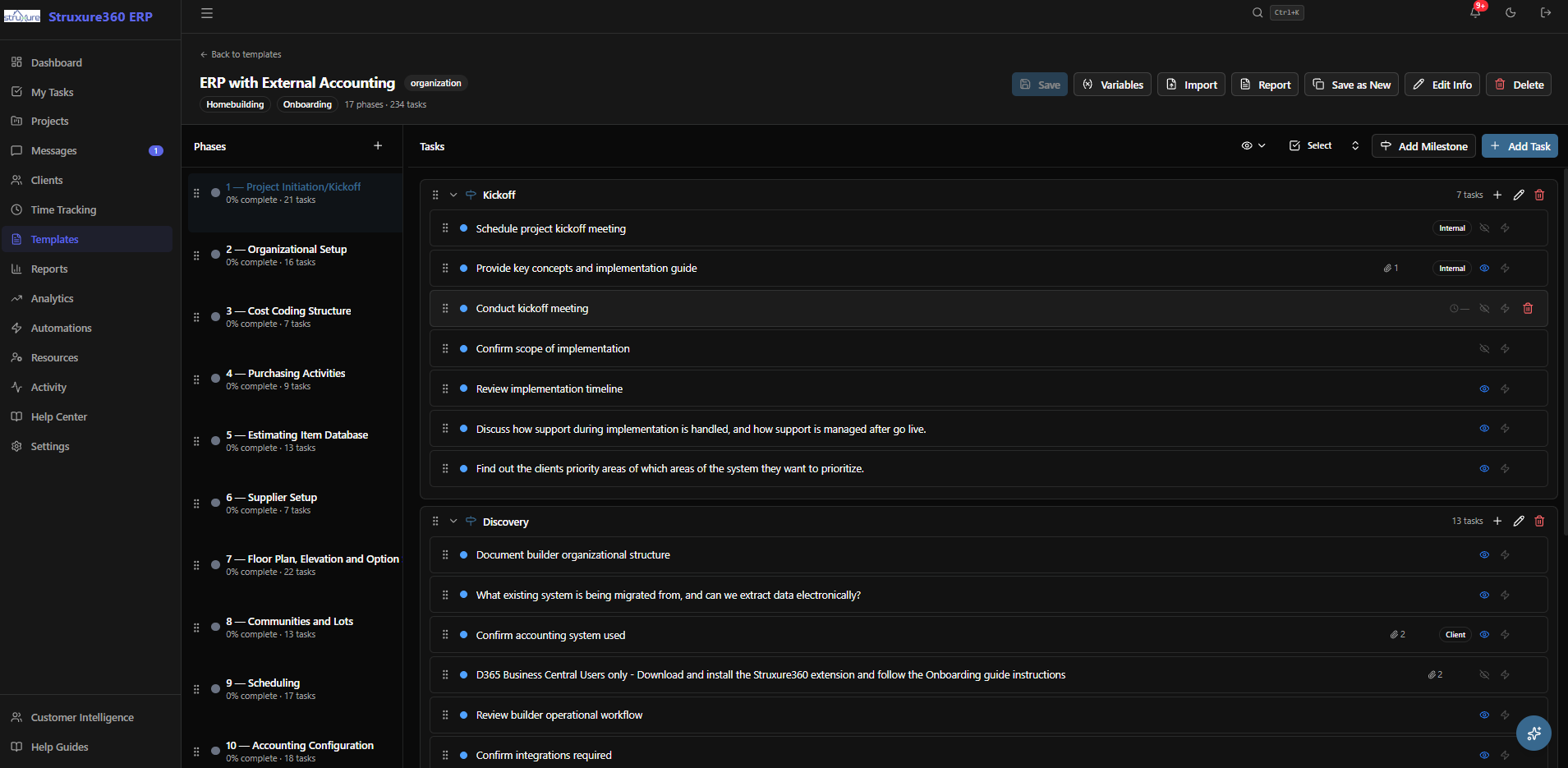
1. Standardize playbooks with conditional logic. Don’t build every onboarding from scratch. Create a base playbook for your most common customer segments, then branch based on variables like company size, use case, or integration complexity. Even a Google Doc template with decision points beats improvisation. For teams ready to automate this, platforms with onboarding playbooks and conditional logic can turn a static template into a dynamic workflow.
2. Shift training to async wherever possible. Record your standard walkthroughs. Build a knowledge base. Use Loom videos for common setup steps. Reserve live sessions for complex configurations, Q&A, and relationship building. This single change can cut days or weeks from timelines.
3. Create mutual action plans during sales. The best time to set onboarding expectations is before the contract is signed. Have sales and CS collaborate on a shared plan that outlines milestones, customer responsibilities, and a realistic go-live date. This reduces the handoff gap and gives customers skin in the game from day one.
4. Define “first value” milestones early. Customers don’t need to use every feature to feel successful. Identify the one or two outcomes that matter most and sprint toward those. Everything else can come after go-live. Structured onboarding increases customer retention by 50%, and structure starts with knowing what “done” looks like.
5. Establish clear RACI for customer-side tasks. The Flowla survey found that tracking tasks, owners, and deadlines is the number one onboarding challenge for nearly half of respondents. Many delays aren’t your team’s fault. They’re caused by unclear ownership on the customer side. Spell out who needs to do what, by when, in a shared document or portal.
The 8 Best Tools to Onboard Customers Faster in 2026
These eight platforms each tackle the speed problem differently. Some are full implementation suites. Others are lightweight portals. The right choice depends on your team size, customer complexity, and existing tech stack.
1. GoLiveFlow
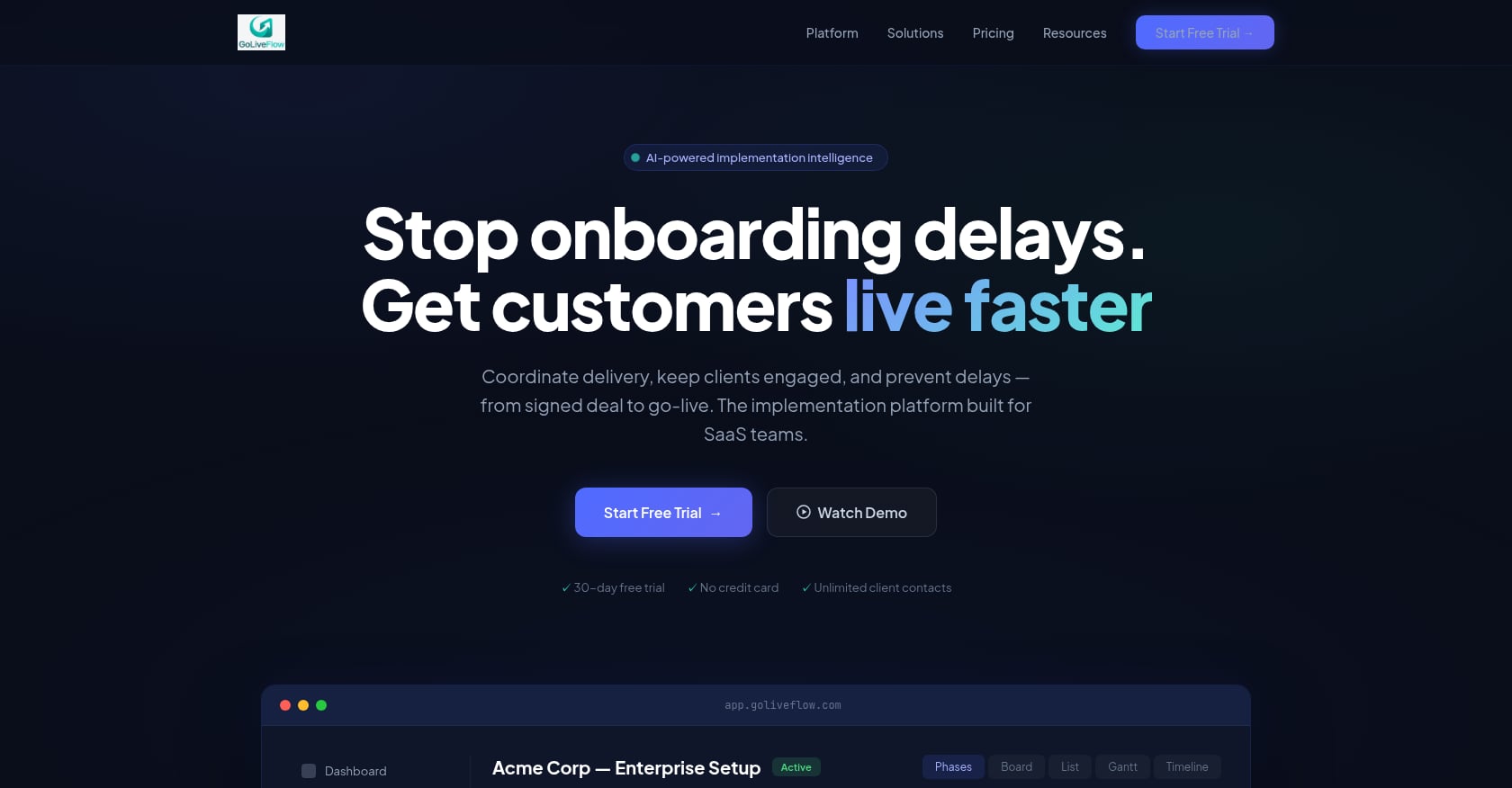
Best for: SaaS implementation teams that want AI-powered risk detection, a branded client portal, and transparent pricing without seat minimums.
Pricing:
Starter: $19/month per seat (up to 3 seats, 5 active projects)
Professional: $49/month per seat (25 active projects, full portal, e-signatures, automation, analytics, API)
Enterprise: $99/month per seat (unlimited projects, SSO/SAML, AI Copilot with 50 queries/day)
All plans include unlimited client contacts. 30-day free trial, no credit card required.
See all GoLiveFlow pricing plans
Key features:
Branded client portal with a step-by-step wizard that guides customers through tasks without overwhelming them
Engagement scoring that alerts your team when a client goes dark
AI risk detection that surfaces root causes (overdue dependencies, low login activity, budget burn) and suggests next actions
E-signature approvals with audit trail, eliminating the DocuSign back-and-forth
Automation rules engine with SLA tracking for escalations, notifications, and conditional task creation
Portfolio analytics covering time-to-value, bottlenecks, task velocity, and budget burn
Resource management and capacity planning across concurrent implementations
Multiple project views (Gantt, timeline, board, list) with baselines for planned vs. actual
Integrations: HubSpot, Zapier (5,000+ apps), Google Calendar, Slack, SendGrid, Stripe, REST API and webhooks.
Speed lever: Engagement scoring directly addresses the most common speed killer: clients stalling mid-process. Instead of waiting for a missed deadline to notice a problem, PMs get proactive alerts and can intervene early.
Tradeoffs:
Salesforce and Outlook integrations are coming soon but not yet available. Teams standardized on Salesforce may need a workaround via Zapier.
SOC 2 certification is in progress. Security-conscious enterprises may want to see the completed report.
Newer brand with limited third-party reviews. You’re trading brand maturity for product depth and pricing transparency.
Why it stands out: GoLiveFlow is the most price-transparent platform in this category. No minimum seats, unlimited client contacts on every tier, and a 30-day trial that doesn’t require a credit card. It’s purpose-built for the exact problem, getting SaaS customers from signed deal to go-live, rather than retrofitting a generic PM tool. The combination of engagement scoring, AI risk detection, and built-in e-signatures covers three of the seven root causes outlined above in a single platform.
2. GuideCX
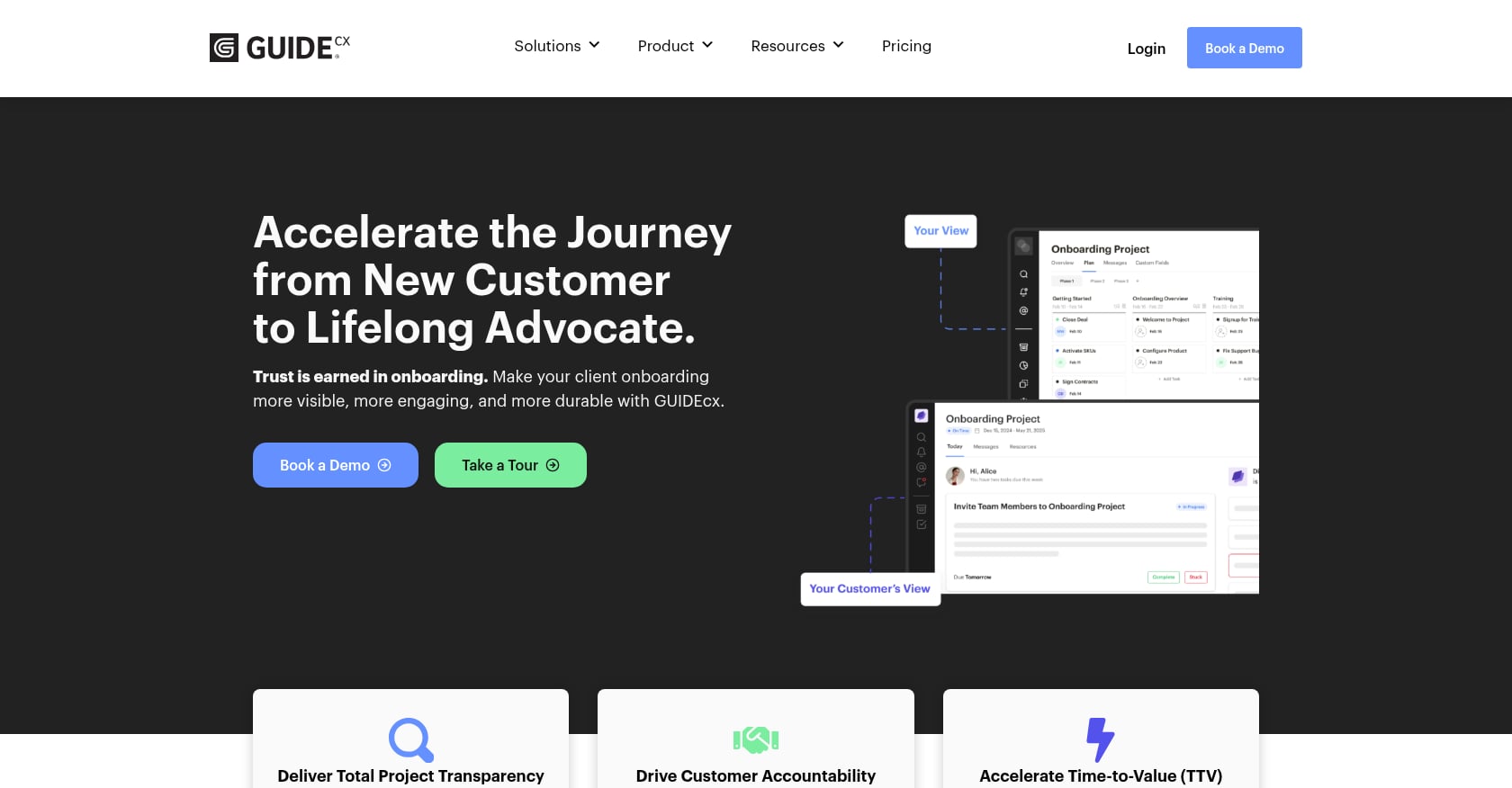
Best for: High-velocity teams running complex, multi-stakeholder implementations who need portfolio-level forecasting.
Pricing: Starts at approximately $100/month per license with a minimum of four licenses on the Starter plan. Premium and Advanced tiers require custom quotes.
G2 Rating: 4.6/5 (461 reviews). SOC 2 Type II certified.
Key features:
Customer-facing workspace with persona-based experiences (different views for sponsors vs. end users)
AI-powered risk tracking with agentic coaching that recommends next steps
Dynamic templates that adapt based on project variables
Portfolio forecasting across all active implementations
Smart assignment dispatching (part of their 2.0 platform relaunch)
Speed lever: Portfolio forecasting lets leaders spot systemic bottlenecks across dozens of concurrent projects, not just one.
Tradeoffs:
The four-seat minimum on the Starter plan means your entry cost is at least $400/month. Smaller teams may find this steep.
Premium features (the ones that really differentiate GuideCX) are locked behind enterprise tiers with custom pricing.
Users on G2 praise automated task updates and template reuse but note some loading performance issues.
User perspective: G2 reviewers consistently highlight template reuse as a time-saver, with several noting that standardized workflows cut their setup time for new projects significantly.
3. Rocketlane
Best for: Professional services organizations that need PSA (professional services automation) capabilities alongside customer onboarding.
Pricing: Essential at $19/user/month, Standard at $49/user/month, Enterprise custom. All billed annually.
G2 Rating: 4.7/5 (820+ reviews).
Key features:
Resource management with time and expense tracking
Built-in billing tied to project milestones
Customer-facing portal for status visibility
Project templates with approval workflows
Community and events (Propel conference) for peer learning
Speed lever: If your onboarding team also tracks billable hours and manages service profitability, Rocketlane consolidates what would otherwise require two or three separate tools.
Tradeoffs:
The top G2 complaint is slow performance and loading speed, with 45 mentions specifically calling out this issue. Users report frustration with navigation lag.
The platform leans more toward “services operations” than “customer experience.” If your priority is the client-facing portal experience, other options may fit better.
Salesforce integration is only available on Premium. Teams on Standard using Salesforce will need workarounds.
Case studies: Gamify reportedly cut implementation timelines from six months to 30 days using Rocketlane. SupportLogic improved time-to-value by 60%.
4. Dock
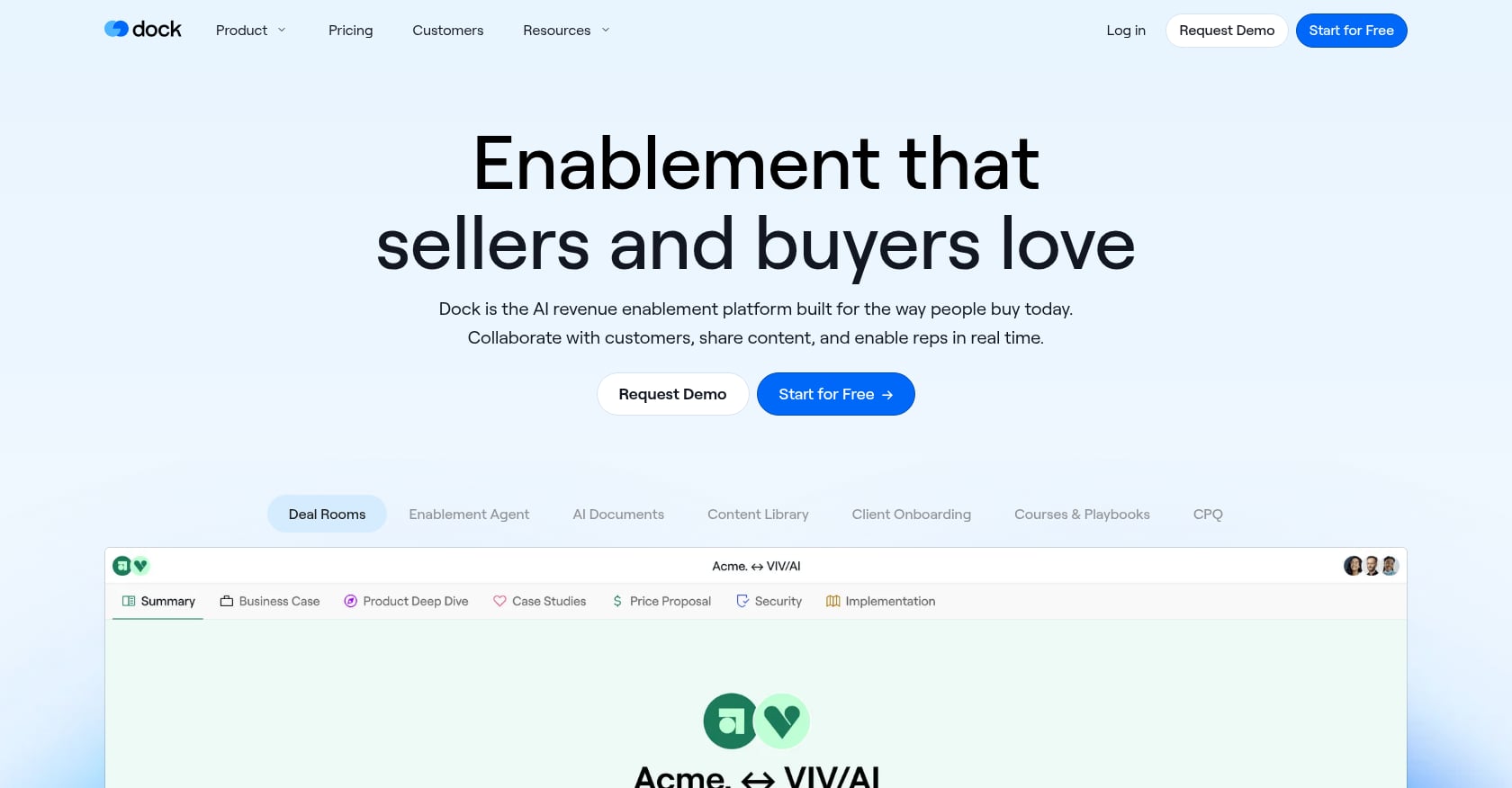
Best for: Teams that want a lightweight, beautiful client portal they can deploy in hours, not weeks.
Pricing: Free plan (50 workspaces), Standard at $350/month, Premium at $1,000/month. Additional seats are $50/user/month. All external users are free.
G2 Rating: 4.7/5.
Key features:
Intuitive UI that customers actually enjoy using
Content management hub for documents, videos, and resources
AI-assisted document creation
Deal room that transforms into an onboarding portal (sales-to-CS continuity)
Fast deployment with minimal configuration
Speed lever: Dock eliminates the sales-to-CS handoff problem by keeping the same workspace from the deal stage into onboarding. Context doesn’t get lost in translation.
Tradeoffs:
Limited depth in portfolio analytics, forecasting, or resource planning. Not ideal for teams managing 50+ concurrent implementations.
Fewer integrations compared to purpose-built implementation platforms.
The platform fee plus per-user cost adds up for larger teams ($350 base + $50 per additional user).
User perspective: Practitioners on review sites praise Dock’s design and responsive support team. The consensus: it does fewer things but does them well.
5. OnRamp
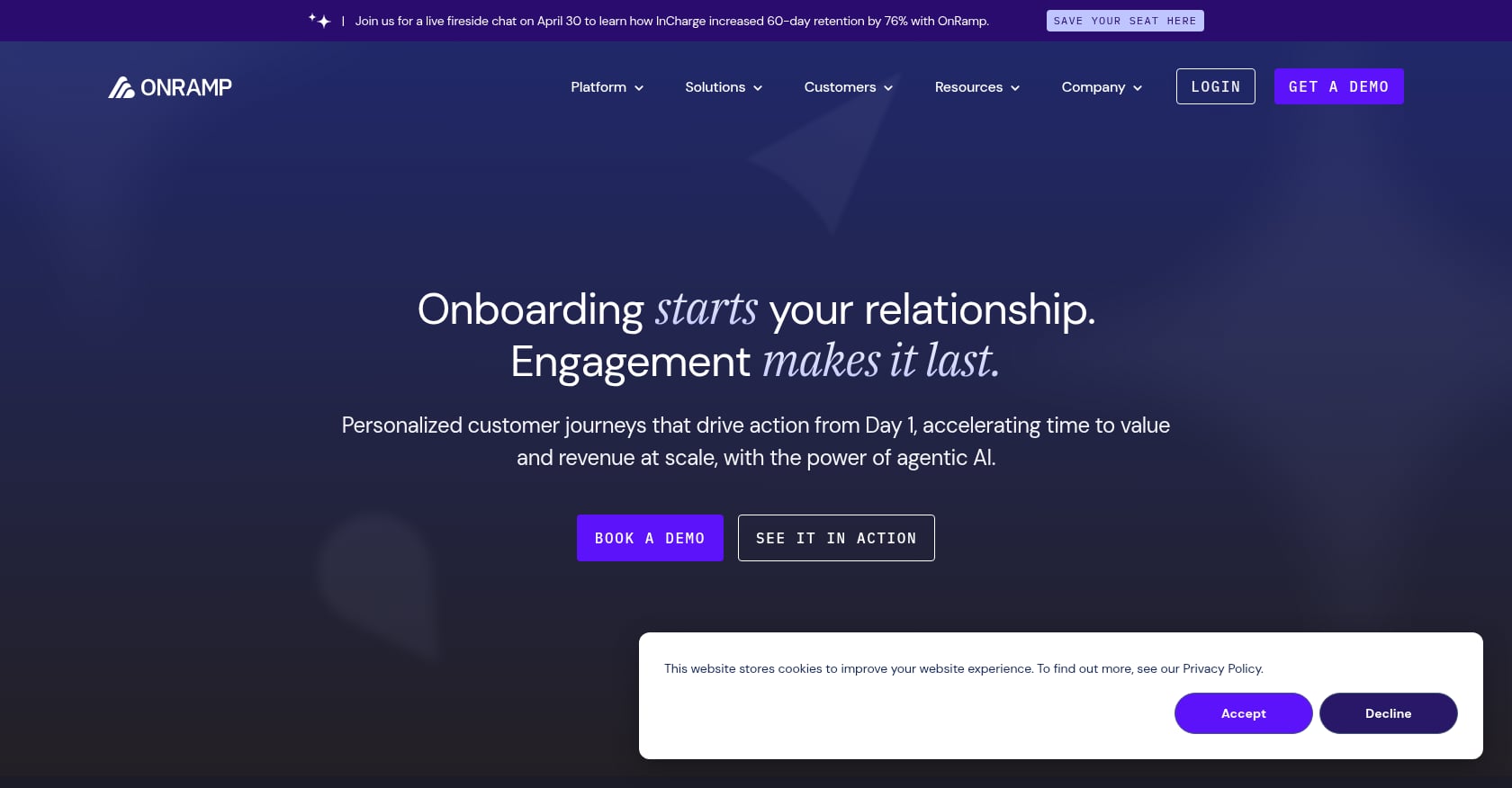
Best for: Enterprise teams running structured, portal-led onboarding with complex conditional workflows.
Pricing: Custom, quote-based. Not publicly disclosed. Unlimited customer users on all tiers.
G2 Rating: 4.4/5.
Key features:
Adaptive workflows with conditional logic (tasks change based on customer inputs)
Milestone tracking with automated status updates
AI-enhanced reporting and summaries
Enterprise logos including Cardinal Health, CVS, McKesson, and Bullhorn
Speed lever: Conditional workflows mean the onboarding path adapts automatically to each customer’s situation. No wasted steps.
Tradeoffs:
Opaque pricing is the biggest issue. Budget-constrained teams can’t plan without getting on a sales call first.
G2 users want more customization options for the portal experience.
Reporting capabilities, while improving, lag behind competitors with more mature analytics.
Case studies: Qualia cut go-live time by 53% and pushed completion rates from 92% to 99%. Flosum slashed onboarding time by 73%. AGS Health reduced onboarding time by 30% and recognized revenue three months sooner.
6. Arrows
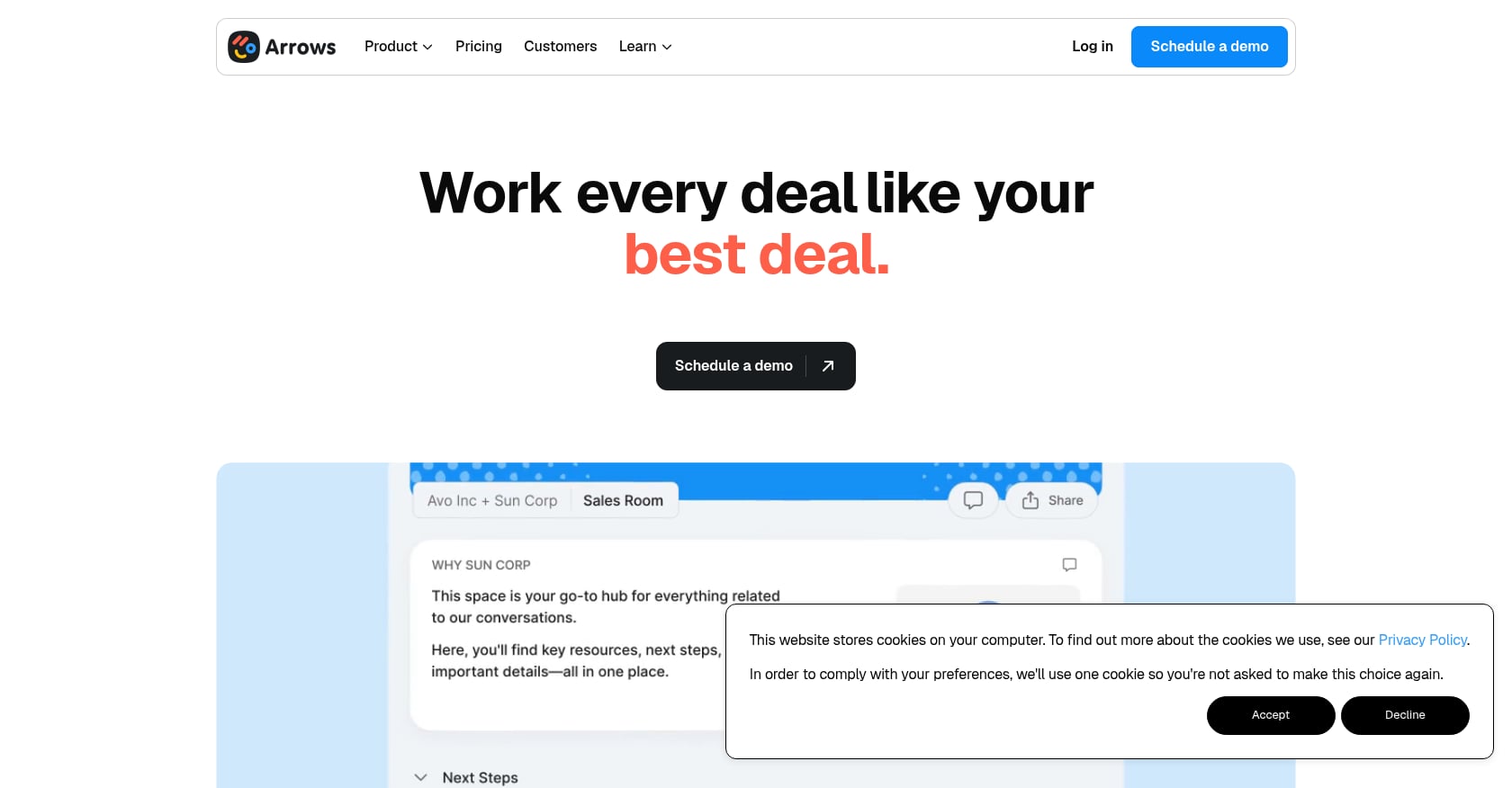
Best for: CS teams deeply embedded in HubSpot who want onboarding plans tied directly to deals and tickets.
Pricing: Growth at $500/month, Business at $1,250/month, Enterprise custom. Not per-seat pricing.
Key features:
Over 1,500 HubSpot installs with 50+ five-star reviews
Bi-directional CRM data sync (onboarding progress flows back into HubSpot)
Onboarding plans linked directly to deals and support tickets
HubSpot itself uses Arrows for customer onboarding
Speed lever: If HubSpot is your system of record, Arrows eliminates the data gap between sales, onboarding, and CS. No manual syncing.
Tradeoffs:
HubSpot-only. Teams on Salesforce, Pipedrive, or without a CRM simply cannot use it.
The $500/month minimum entry point is high for smaller teams, even though it’s not per-seat.
Limited functionality outside the HubSpot ecosystem.
7. ChurnZero
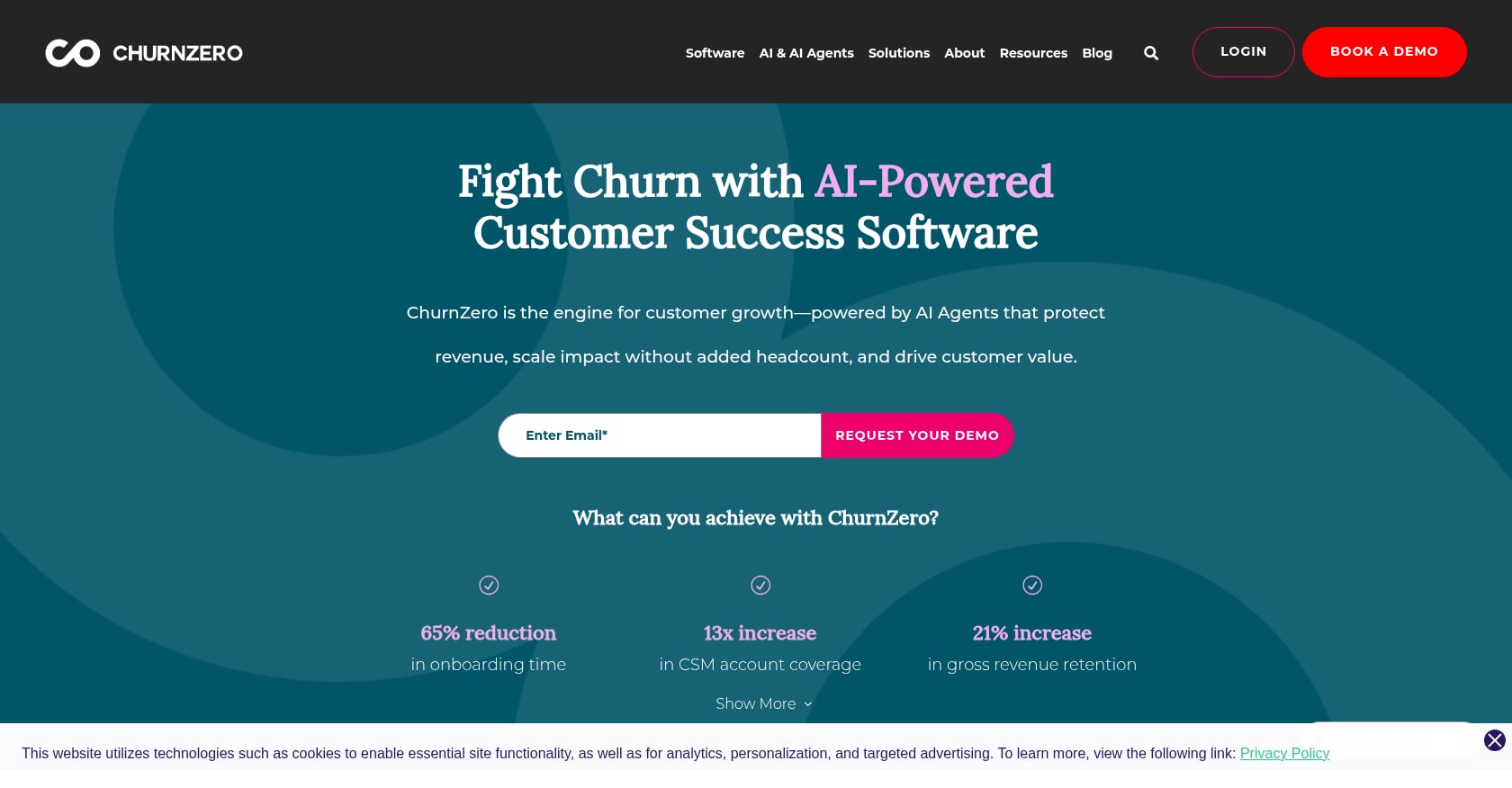
Best for: Enterprise CS teams managing onboarding as one phase of a broader customer lifecycle strategy.
Pricing: Custom. Average contract is approximately $44,869/year based on Vendr data, with reported 25% price increases recently.
G2 Rating: 4.7/5.
Key features:
Proactive alerts and customer health scoring
Automation playbooks for lifecycle stages
Unified customer data across multiple tools
Journey orchestration from onboarding through renewal
Speed lever: ChurnZero connects onboarding to the full customer lifecycle. If your onboarding delays are partially caused by post-sale chaos across departments, the unified view helps.
Tradeoffs:
Expensive. At roughly $45K/year average, this is the highest-cost option in the category.
Not purpose-built for implementation project management. It’s a CS platform that includes onboarding.
Complex setup. Expect a meaningful implementation effort for ChurnZero itself.
8. EverAfter
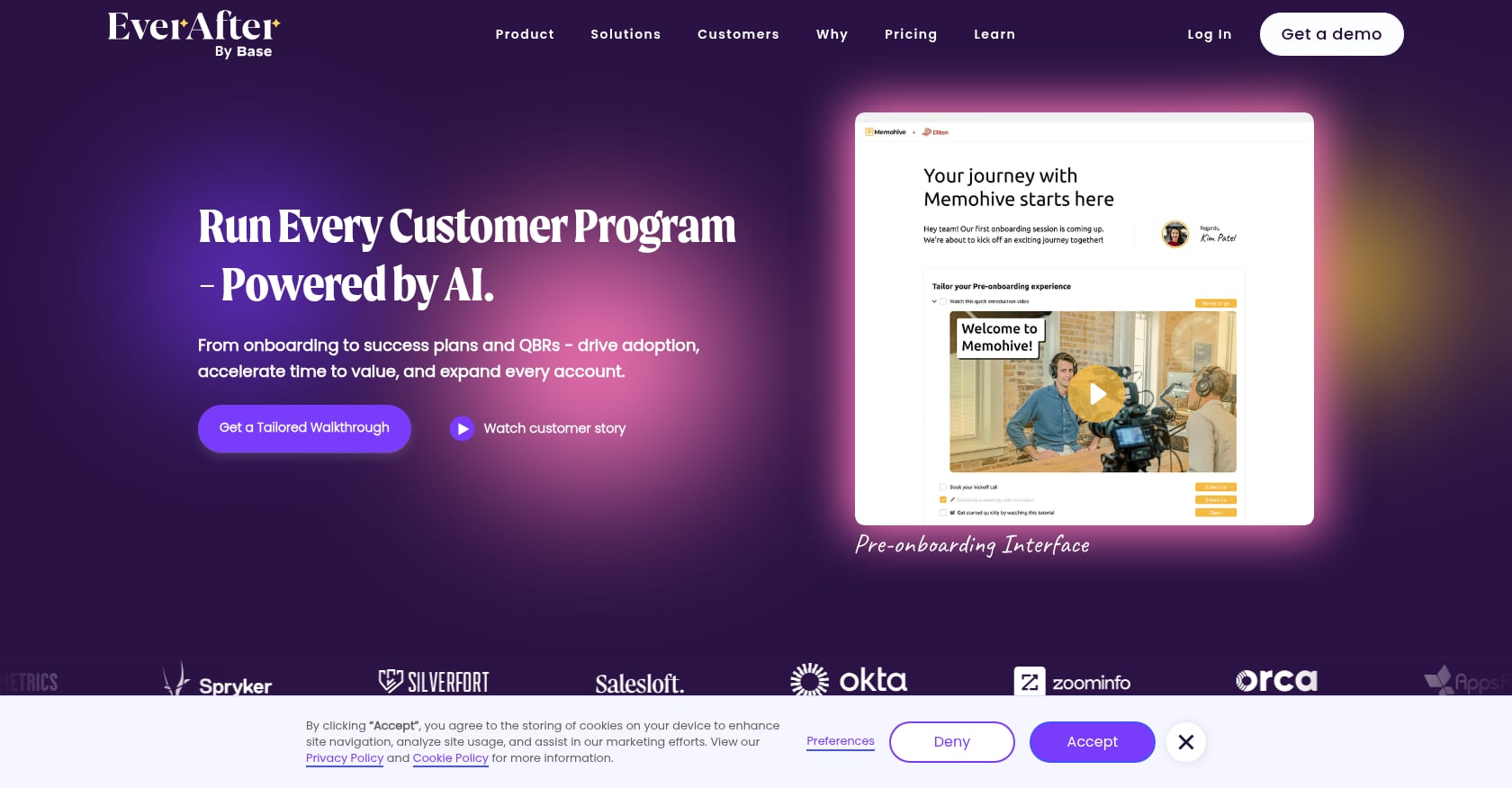
Best for: Teams that want to embed onboarding experiences directly inside their product.
Pricing: Custom. EverAfter claims typical ROI within 90 days, including 30% faster time-to-value and 50% reduction in CSM manual work.
G2 Rating: 4.6/5.
Key features:
Embeddable customer interfaces that live inside your product
Progress tracking with visible milestones for customers
Automation and segmentation by customer type
Interactive hubs replacing static email sequences
Speed lever: By meeting customers inside the product (rather than in a separate portal), EverAfter reduces friction. Customers don’t need to log into yet another tool.
Tradeoffs:
Requires integration into your existing product. This means engineering involvement and a longer deployment timeline.
Less standalone onboarding project management capability. If you need Gantt charts, resource planning, and portfolio analytics, look elsewhere.
Custom pricing with no public tiers makes budgeting difficult.
How AI Is Actually Changing Onboarding Speed
Every vendor in this space now claims “AI-powered” something. Most of it is marketing. Here’s what AI concretely does in onboarding today, and what’s still just rule-based automation with a new label.
Risk detection through behavioral signals. The most valuable AI application monitors client engagement patterns (login frequency, task completion velocity, portal activity) and flags projects likely to stall before they actually do. GoLiveFlow’s AI risk detection surfaces root causes like overdue dependencies and low login activity, then suggests specific next actions. GuideCX offers agentic AI that coaches PMs on intervention strategies. This is genuinely useful because it shifts teams from reactive to proactive.
Automated communication drafting. AI can generate status update emails, meeting briefs, and progress summaries from project data. This saves the 21% of manager time currently lost to rework and manual updates. The time savings are real, though the outputs still need human review.
Portfolio triage. When you’re managing 30, 50, or 100 concurrent implementations, AI can rank projects by risk level and recommend where to focus attention first. This is where the technology has the most impact at scale.
The reality check: Many “AI features” in this category are just conditional automation, if-then rules that trigger emails or reassign tasks. That’s useful but it’s not AI. When evaluating tools, ask specifically: does the AI learn from patterns across your portfolio, or does it just execute rules you set up manually?
How to Choose the Right Tool
Your pick should match three things: your onboarding motion, your team size, and your existing stack.
High-touch, complex implementations (enterprise SaaS, multi-month projects): You need portfolio analytics, resource planning, and risk detection. GoLiveFlow, GuideCX, and Rocketlane fit here. Compare them on transparent per-seat pricing vs. custom quotes.
Low-touch, high-volume onboarding (SMB SaaS, self-serve components): Prioritize automation, templates, and client portal simplicity. Dock and EverAfter work well when the goal is reducing CSM touch time per account.
HubSpot-native teams: Arrows is the only option with truly deep HubSpot integration. If HubSpot is your source of truth, the bi-directional sync alone justifies the price.
Budget-constrained teams: GoLiveFlow starts at $19/seat with no minimums. Dock has a free plan. Rocketlane’s Essential tier also starts at $19/seat. Avoid platforms that require sales calls just to learn the price.
Full-lifecycle CS teams: ChurnZero covers onboarding as part of a broader customer journey. The investment only makes sense if you need the full lifecycle toolkit.
Only 13% of SMBs currently use customer success software to manage onboarding. If you’re in the other 87%, almost any purpose-built tool will be a significant upgrade over spreadsheets and email.
The Bottom Line
Speed matters, but speed without quality just creates a different kind of churn. The companies seeing the best results, like Qualia’s 53% reduction in go-live time or SupportLogic’s 60% improvement in time-to-value, combined process discipline with the right tooling.
Start with the process fixes. Standardize your playbooks, shift training async, and define first-value milestones before the contract closes. Then choose a platform that fills your specific gaps.
If you want to see how engagement scoring, AI risk detection, and built-in e-signatures work together to speed up customer onboarding, start a free 30-day GoLiveFlow trial or book a personalized walkthrough with the team.
Frequently Asked Questions
How long should customer onboarding take?
It depends entirely on product complexity and customer size. Simple SaaS products can onboard customers in days. Enterprise implementations with integrations and data migrations commonly take 30 to 90 days. The benchmark to track isn’t absolute duration but whether you’re compressing time-to-value, the point at which customers experience their first meaningful outcome, over time.
What is time-to-value and how do you measure it?
Time-to-value (TTV) is the elapsed time between a customer signing their contract and achieving their first meaningful outcome with your product. “Meaningful outcome” varies: it might be completing their first workflow, importing their data, or hitting a usage threshold. Measure it by defining that milestone clearly, then tracking the median days from contract close to milestone completion across your customer base.
What’s the biggest reason customers abandon onboarding?
Disengagement. 75% of users abandon a product within the first week if they struggle during onboarding. The struggle isn’t always product complexity. It’s often unclear next steps, lack of accountability, or too many emails without a single place to track progress.
Does faster onboarding actually reduce churn?
Yes. Structured onboarding increases customer retention by 50%, and customers who complete onboarding have 21% higher lifetime value on average. Conversely, 57% of companies that cut onboarding investment saw churn within six months.
Can I speed up onboarding without buying new software?
Absolutely. Standardizing playbooks, shifting to async training, creating mutual action plans during sales, and establishing clear task ownership on the customer side can all reduce onboarding timelines significantly. Tools amplify these improvements but don’t replace them.
How do I handle customers who “go dark” during onboarding?
First, set expectations early about response times and customer-side responsibilities. Then build escalation triggers: if a customer hasn’t completed a task within X days, an automated reminder goes out. If they miss a second threshold, it escalates to their executive sponsor. Platforms with engagement scoring automate this detection so your team intervenes before the project stalls completely.
Is onboarding becoming a revenue function?
The data says yes. 57% of onboarding teams now report to the CRO or Revenue Operations, and over 50% of companies plan to generate additional revenue through advanced onboarding packages. Onboarding is shifting from a cost center to a monetizable service.
What does “onboard customers faster” actually mean in practice?
It means compressing the time between contract signing and the customer’s first value milestone, without dropping quality. In practice, that looks like fewer stalled projects, shorter approval cycles, less manual follow-up, and better visibility into where every customer stands at any given moment. The companies doing this well are hitting 90% on-time go-live rates and seeing measurable drops in early-stage churn.