9 Best Implementation Tracking Software Tools for 2026

TL;DR
Implementation tracking software helps SaaS teams manage every step from signed deal to go-live, with client-facing portals, engagement visibility, and time-to-value analytics that generic project management tools simply don’t offer. GoLiveFlow stands out as the best overall option for its combination of engagement scoring, AI risk detection, e-signatures, and transparent pricing starting at $19/seat/month. GuideCX suits complex enterprise implementations, Rocketlane fits PS teams needing financials and resource management, and Arrows is the pick for HubSpot-native workflows. Generic tools like monday.com and Asana can work in a pinch but require heavy customization and still lack client-facing features.
Why Implementation Tracking Is Not the Same as Project Management
Post-sale implementation is where SaaS deals live or die. A customer signs the contract, the champagne emoji hits Slack, and then… silence. The handoff from sales to implementation is one of the most fragile moments in the customer lifecycle. Without structured tracking, projects drift. Clients disengage. Go-live dates slip.
Most “implementation tracking software” lists are really just repackaged project management roundups. That’s a problem. Implementation managers don’t just need to track what their internal team is doing. They need to track what clients are doing (or not doing), surface risk before it becomes churn, and give leadership visibility into time-to-value across the entire portfolio.
Practitioners on Reddit’s r/CustomerSuccess forum express exactly this frustration: most SaaS onboarding tools still leave CS teams doing manual status updates, chasing clients over email, and piecing together progress from scattered spreadsheets. The tools that rank on Google for this keyword in 2026 are almost exclusively purpose-built for this problem, not generic PM tools.
This guide compares nine tools against the criteria that actually matter for implementation tracking. It’s written for implementation managers, CS leaders, and heads of onboarding at B2B SaaS companies who are ready to move past spreadsheets and duct-taped PM tools.
If you’re building an onboarding playbook for the first time, or looking to onboard customers faster, this comparison will help you pick the right platform.
What to Look for in Implementation Tracking Software
Before comparing tools, it helps to know what separates a good implementation tracker from a mediocre one. Here are the six capabilities that matter most:
Client-facing portal. Your customers shouldn’t need to learn your internal PM tool. A guided, branded portal gives clients a clear view of what’s done, what’s next, and what they owe you, without the overwhelm of a full project management interface.
Engagement scoring and risk signals. The biggest threat to on-time go-lives isn’t scope creep. It’s client disengagement. Tools that detect when a customer “goes dark” (low login activity, overdue tasks, stalled approvals) give your team time to intervene before things spiral.
Automation for approvals, escalations, and reminders. Manual follow-ups eat PM hours. Look for conditional logic that triggers the right action at the right time: escalation emails, task creation based on client inputs, SLA-based alerts.
Time-to-value and portfolio analytics. Individual project status is table stakes. Leadership needs portfolio-level views showing bottleneck patterns, average TTV, and resource utilization across all active implementations. If you want to explore onboarding workflow tools that handle this, several options exist.
CRM and collaboration integrations. Your implementation tracker should sync with your CRM (HubSpot, Salesforce), calendar, and Slack. If it lives in a silo, adoption will suffer.
Pricing transparency. Several tools in this space hide pricing behind sales calls. That’s a red flag for teams trying to budget and get internal buy-in quickly.
At-a-Glance Comparison Table
| Tool | Starting Price | Client Portal | Engagement Scoring | AI Risk Detection | E-Signatures | Free Trial |
|---|---|---|---|---|---|---|
| GoLiveFlow | $19/seat/mo | ✅ Branded, guided | ✅ Native | ✅ AI Copilot | ✅ Built-in | 30 days |
| GuideCX | ~$143/mo (4 seats min) | ✅ White-labeled | ❌ | ❌ | ❌ | Yes |
| Rocketlane | $19/seat/mo (5 min) | ✅ Branded | ❌ | ❌ | ❌ | 14 days |
| OnRamp | ~$7,164/yr (3 users) | ✅ Guided | Partial (AI Aero) | Partial | ❌ | No |
| Arrows | $500/mo flat | ✅ Via HubSpot/SF | ❌ | ❌ | ❌ | Yes |
| Dock | Custom pricing | ✅ Workspaces | ❌ | ❌ | ❌ | Yes |
| Moxo | $200/mo | ✅ Portal | ❌ | ❌ | ✅ | No |
| monday.com | $9/user/mo | ❌ | ❌ | ❌ | ❌ | 14 days |
| Asana | Free–$11/user/mo | ❌ | ❌ | ❌ | ❌ | Yes |
1. GoLiveFlow
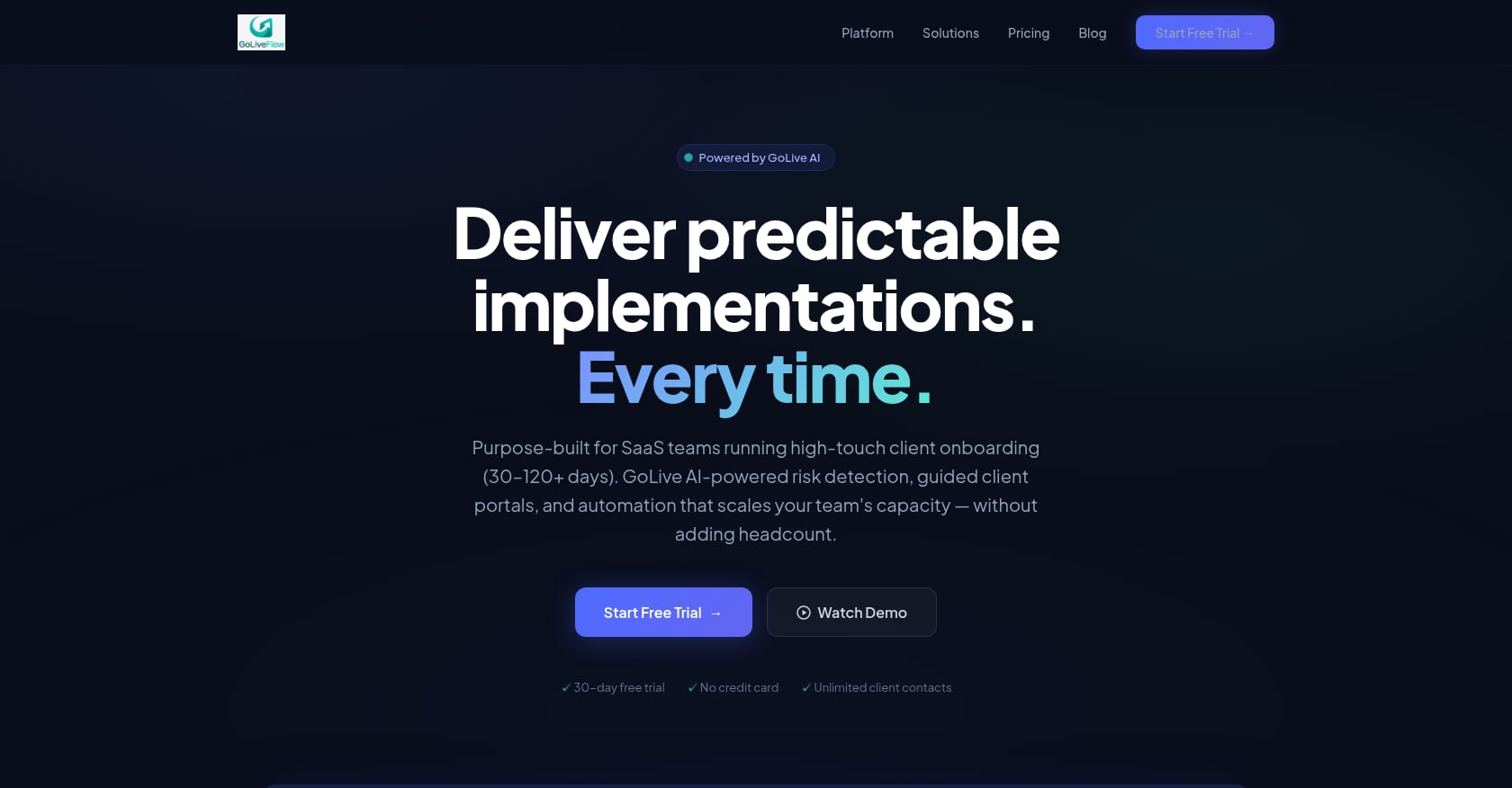
Best for: SaaS implementation teams that need a purpose-built platform covering deal close through go-live, with engagement scoring, AI risk detection, and portfolio analytics in one place.
Explore the GoLiveFlow platform to see the full feature set.
Pricing:
- Starter: $19/seat/month (up to 3 seats, 5 active projects)
- Professional: $49/seat/month (25 projects, full interactive portal, e-signatures, automation rules, analytics, API, Zapier)
- Enterprise: $99/seat/month (unlimited projects, SSO/SAML, AI Copilot with 50 queries/day, priority support, dedicated onboarding, custom integrations)
- No minimum seats on any plan. Unlimited client contacts included on all tiers. 30-day free trial, no credit card required.
Key features:
- Branded client portal with a step-by-step wizard that reduces “task dump” overwhelm and guides customers through what they need to do next
- Native engagement scoring that alerts teams when a client goes dark, so PMs can intervene before deadlines slip
- AI risk detection with coaching prompts that surface root causes (overdue dependencies, low login activity, budget burn) and suggest next actions
- Built-in e-signatures with audit trail, eliminating the DocuSign/PDF back-and-forth that slows phase gates
- Conditional playbook logic for if/then task branching based on client inputs
- Portfolio analytics covering time-to-value, bottlenecks, task velocity, and budget burn vs. progress
- Resource management and capacity planning to identify overloads and balance utilization
- Financial tracking per project, including revenue milestones and profitability
- Multiple project views: Gantt, timeline, board, list, plus baselines for planned vs. actual
- Integrations with HubSpot, Google Calendar, Slack, Zapier (5,000+ apps), SendGrid, Stripe, plus REST API and webhooks. Salesforce and Outlook coming soon.
Claimed outcomes: 40% faster time-to-value, 3x better client engagement, 60% fewer overdue tasks, 90% on-time go-lives, and 50% less PM time spent on status updates.
Tradeoffs:
- Newer brand with limited third-party reviews and case studies online
- Salesforce integration is not yet generally available (coming soon)
- SOC 2 certification is in progress rather than complete, though SSO/SAML and encryption at rest/in transit are available now
Why it stands out for implementation tracking: GoLiveFlow is the only tool in this comparison that combines engagement scoring, AI risk detection, e-signatures, a client portal, financial tracking, and resource capacity planning in a single platform. Most competitors offer two or three of these; none cover all six. The transparent pricing with no seat minimums and a 30-day trial also lowers the barrier for teams that want to test before committing.
For teams evaluating whether to automate client onboarding, GoLiveFlow’s automation rules engine handles escalations, notifications, and conditional task creation without manual PM intervention.
See GoLiveFlow pricing details
2. GuideCX
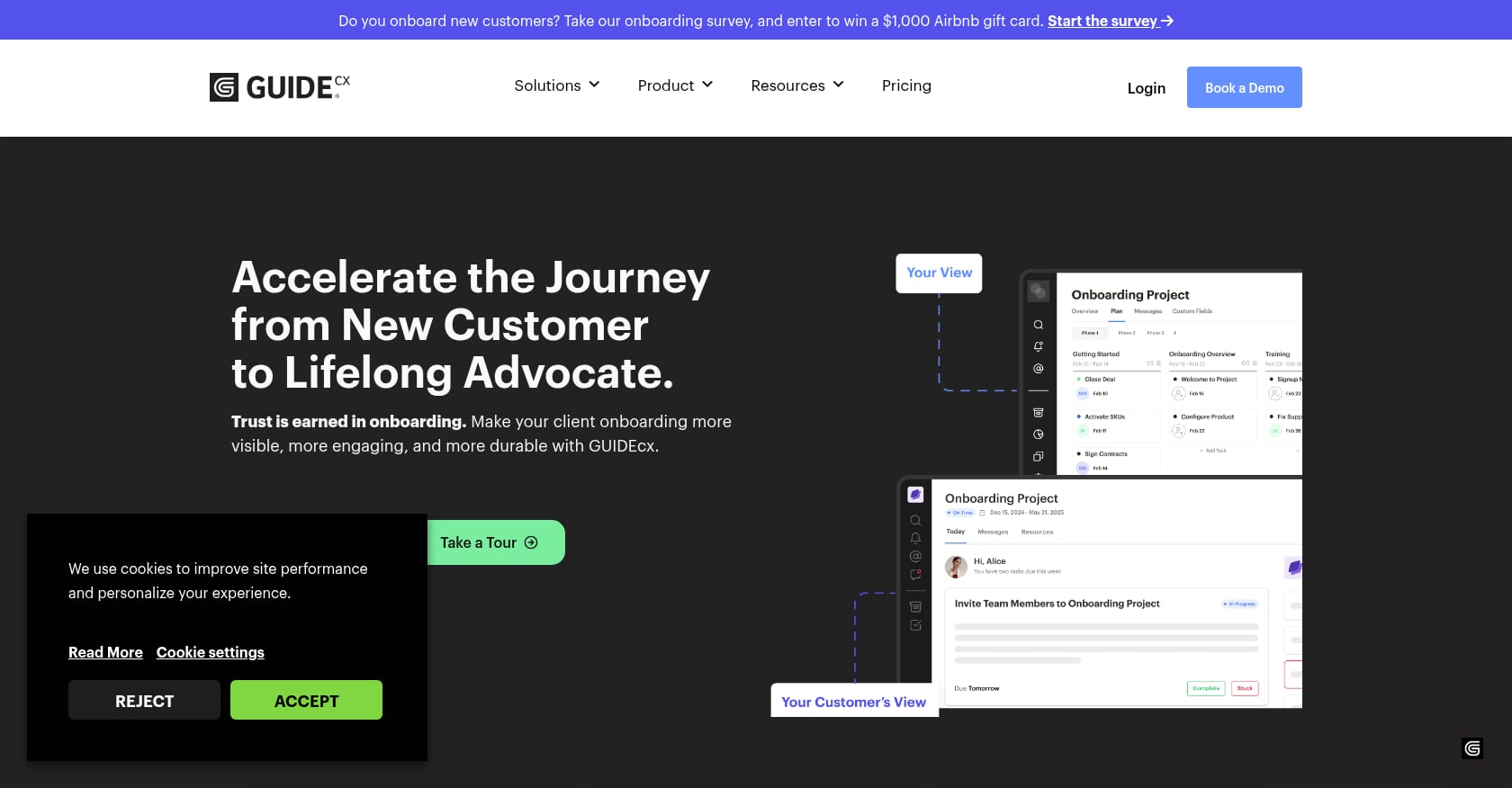
Best for: Complex enterprise implementations with 45+ day timelines and multiple external stakeholders.
Pricing:
- Starter tier begins at approximately $4,700/year (starting from $143/month for a minimum of 4 licenses)
- Professional adds Salesforce, HubSpot integrations, and API access
- Premium introduces native integrations and a custom integration builder
- Advanced adds SSO, resource management, and custom reporting
- Higher tiers require a quote
Key features:
- White-labeled client portal with Gantt views
- Alert-based reporting and automated task reminders
- Mobile app for on-the-go status checks
- CSAT surveys and SMS notifications
- Integrations with Microsoft Teams, Salesforce, HubSpot, Slack, Jira, Zendesk, OpenAI, and Gainsight
Real user perspective: One G2 reviewer reported that GuideCX cut their implementation time by 57%, while another credited it with doubling implementation capacity without adding headcount. The platform has completed over 300,000 onboarding projects across five years.
Tradeoffs:
- 4-license minimum means you’re paying for at least $572/month regardless of team size
- SSO is only available on the Advanced tier
- Report Builder is a paid add-on
- Some users report performance issues including slow loading times
- Resource management and time tracking are gated behind higher (and opaquely priced) tiers
GuideCX is a strong choice for large organizations running dozens of concurrent enterprise implementations. But the 4-seat minimum, gated features, and opaque upper-tier pricing make it harder to justify for smaller teams or those just getting started with dedicated implementation tracking software.
3. Rocketlane
Best for: Professional services teams that need PSA-level capabilities (time tracking, financials, resource management) alongside customer onboarding.
Pricing:
- Essential: $19/user/month (billed annually), includes Gantt/Kanban/List views, time tracking, Zapier integration, branded customer portal, basic automation
- Standard: $49/user/month
- Premium: $69/user/month, adds Salesforce, Resource AI, financial tracking, revenue recognition, advanced reporting
- Enterprise: $99/user/month, all features including SSO, custom reports, unlimited automation, multi-currency
- Minimum 5 seats required on all plans. 14-day free trial available.
Key features:
- Project management with reusable templates and multiple views
- Client portal with branded experience
- Time tracking and RAID logs
- Resource management with capacity planning
- Revenue recognition and financial tracking
- NPS surveys for post-onboarding feedback
- SOC 2, ISO 27001, HIPAA, GDPR, and Cyber Essentials certified
Real user perspective: One user reported a 50% decrease in time-to-value while maintaining a perfect CSAT rating. However, a verified reviewer noted the absence of a customer health score forced them to go outside the platform to their CSP to monitor onboarding health. Other users flagged that clients get confused by too many communication channels within the tool.
Tradeoffs:
- 5-seat minimum means the entry cost is $95/month minimum (Essential) or $345/month for Premium features
- 14-day trial feels short for evaluating an implementation tool
- Notification management is a common user complaint
- No engagement scoring equivalent, which is the exact gap Rocketlane users complain about on G2
- Salesforce integration locked behind the $69/user Premium tier
For a deeper comparison, see the GoLiveFlow vs Rocketlane guide.
4. OnRamp
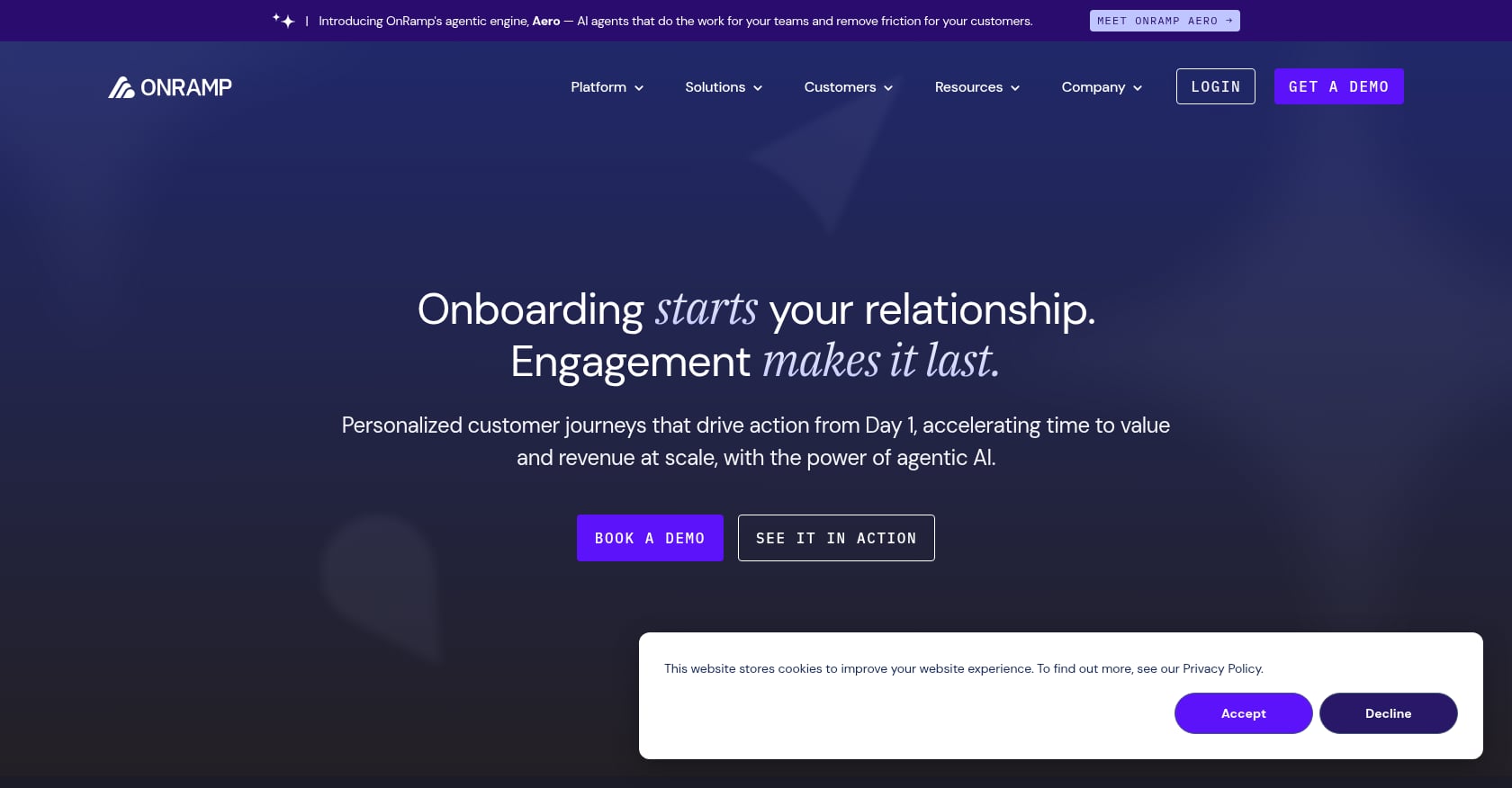
Best for: B2B SaaS companies that prioritize a clean, guided customer portal experience above all else.
Pricing:
- No public pricing page. According to TrustRadius, pricing starts at approximately $7,164/year for 3 users, with some reports indicating plans starting at $15,000 depending on requirements.
- No free version. No free trial.
Key features:
- Dual-view approach: customers see a simple, intuitive portal with step-by-step guidance; internal teams get full project management tools with progress and blocker visibility
- CRM-triggered automation and playbook templates
- Conditional logic for branching workflows
- Agentic AI assistant (Aero) for partial risk detection and recommendations
Real user perspective: One customer reported that retention from start to 60 days reached almost 90% for clients who completed OnRamp, versus 51% for those who didn’t. Another slashed onboarding time by 73%. But a reviewer found that a customer can only have one project attached to their account, which limits use for multi-product implementations.
Tradeoffs:
- No free trial and no published pricing, requiring a sales call to evaluate
- Limited to one project per customer account
- Support documentation is thin
- English-only interface
- Smaller ecosystem of integrations compared to competitors
OnRamp’s portal experience is genuinely impressive. The lack of a free trial and opaque pricing make it hard to recommend for teams that want to test before buying.
5. Arrows
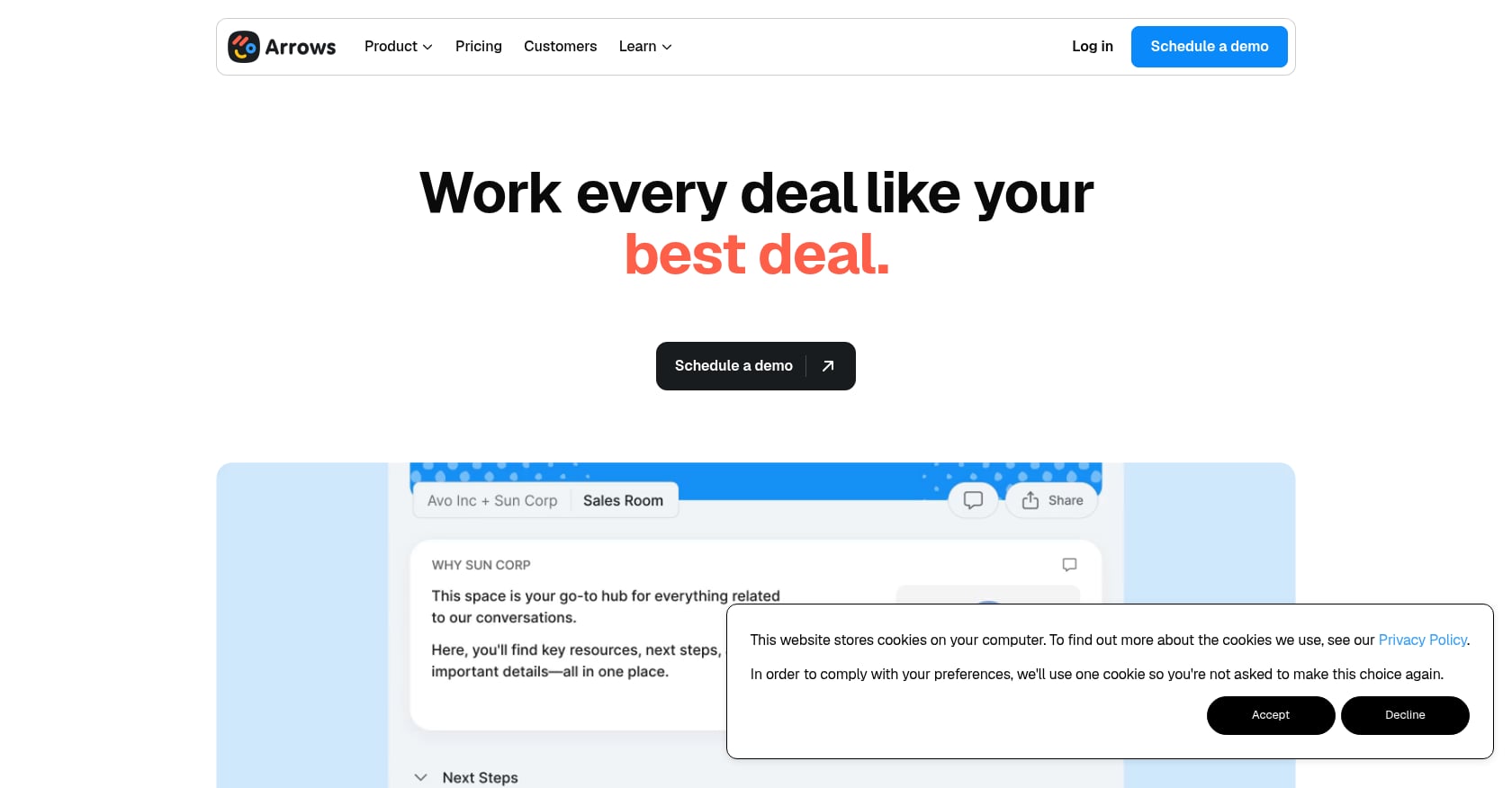
Best for: Teams deeply embedded in HubSpot who want onboarding data flowing directly into their CRM without maintaining a separate system.
Pricing:
- Growth: $500/month (flat, not per-seat)
- Business: $1,250/month
- Enterprise: custom pricing
- Free trial available
Key features:
- Customer-facing onboarding plans that attach directly to HubSpot deals, tickets, or custom objects
- Syncs over 60 data points about every onboarding plan into HubSpot
- Dynamic task branching and file collection
- Automated reminders and follow-ups
- Sales rooms for pre-sale and handoff
Real user perspective: One user reported that average implementation time dropped by 58% just from turning on Arrows. A G2 reviewer noted it forces you to rethink your onboarding flow entirely, which is both a benefit and a time investment. The platform claims 44% higher win rates with sales rooms and 2x faster onboarding.
Tradeoffs:
- Requires HubSpot (or Salesforce) as its foundation; not a standalone tool
- $500/month entry point is steep for small teams, even though it’s not per-seat
- No standalone analytics dashboard outside the CRM
- Not built for complex multi-phase implementations with resource management needs
- No native e-signatures (users embed PandaDoc or similar)
Arrows is an excellent choice if your entire revenue operations stack runs through HubSpot. If you use Salesforce, are CRM-agnostic, or need deeper project management capabilities, the dependency becomes a limitation.
6. Dock
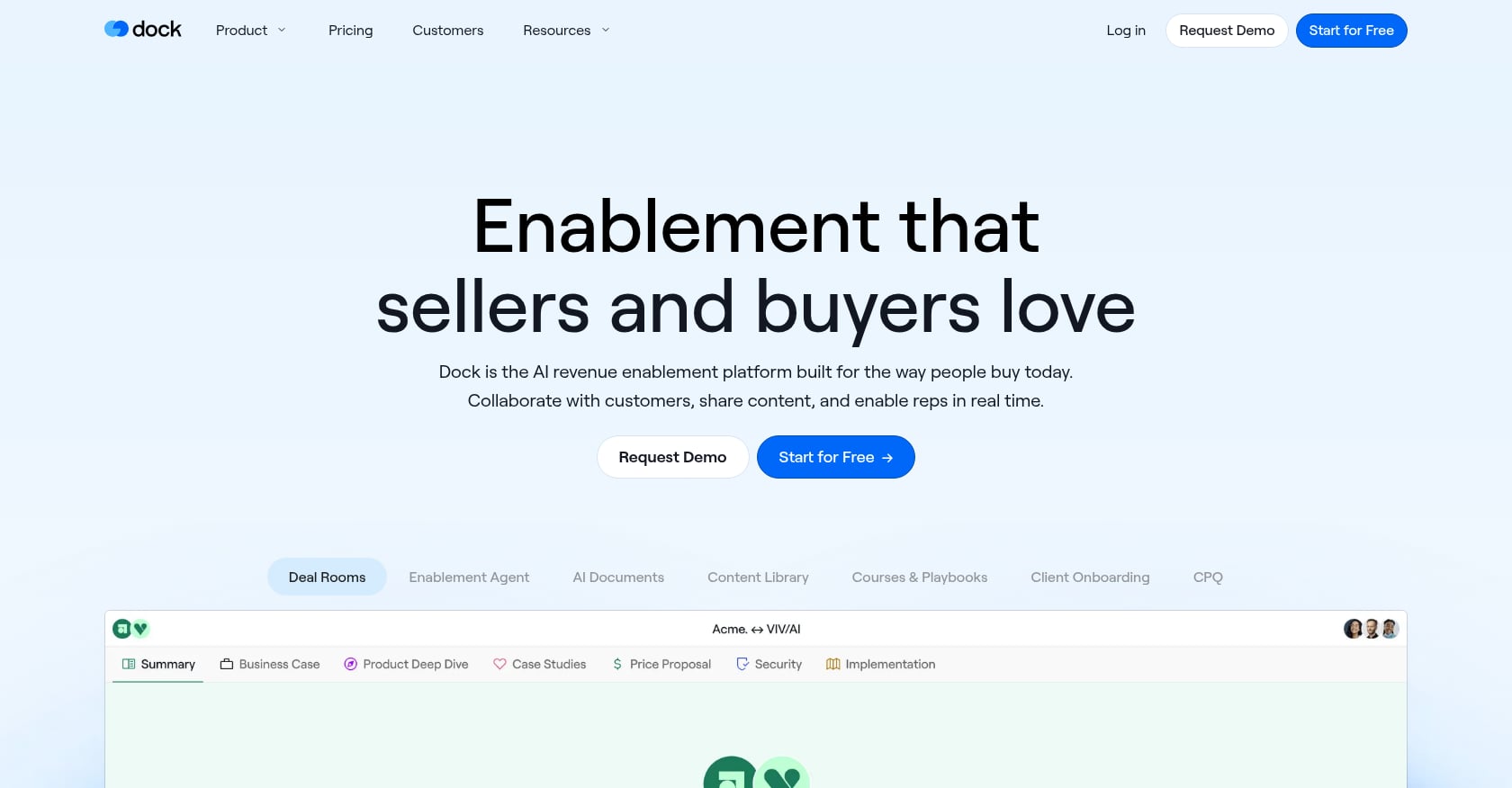
Best for: Customer success teams wanting a visually clean workspace that spans the full customer lifecycle from sales through onboarding to renewals.
Pricing:
- Custom pricing only. Dock does not publish fixed pricing and requires a consultation. Annual subscription model tailored to company size and needs.
Key features:
- Client-facing workspace tool with clean, structured portals
- Templated workspaces for repeatable processes
- Content management and action plans
- Workspace analytics showing client engagement
- HubSpot and Salesforce integration
Real user perspective: Users consistently praise ease of use and customization, highlighting how Dock simplifies onboarding and sales handoffs. Some note that search capabilities need improvement for better document recognition, and others wish for more design tools including custom column widths.
Tradeoffs:
- Opaque pricing with no published tiers
- Not a full PSA or project management tool; limited depth for complex implementations
- May feel redundant for teams already using comprehensive PM tools
- Full value depends on CRM integrations
- No engagement scoring, AI risk detection, or e-signature capabilities
Dock works well as a client-facing layer over your existing systems. It’s less of an implementation tracking software platform and more of a collaboration workspace, which is fine if your implementation complexity is low.
7. Moxo
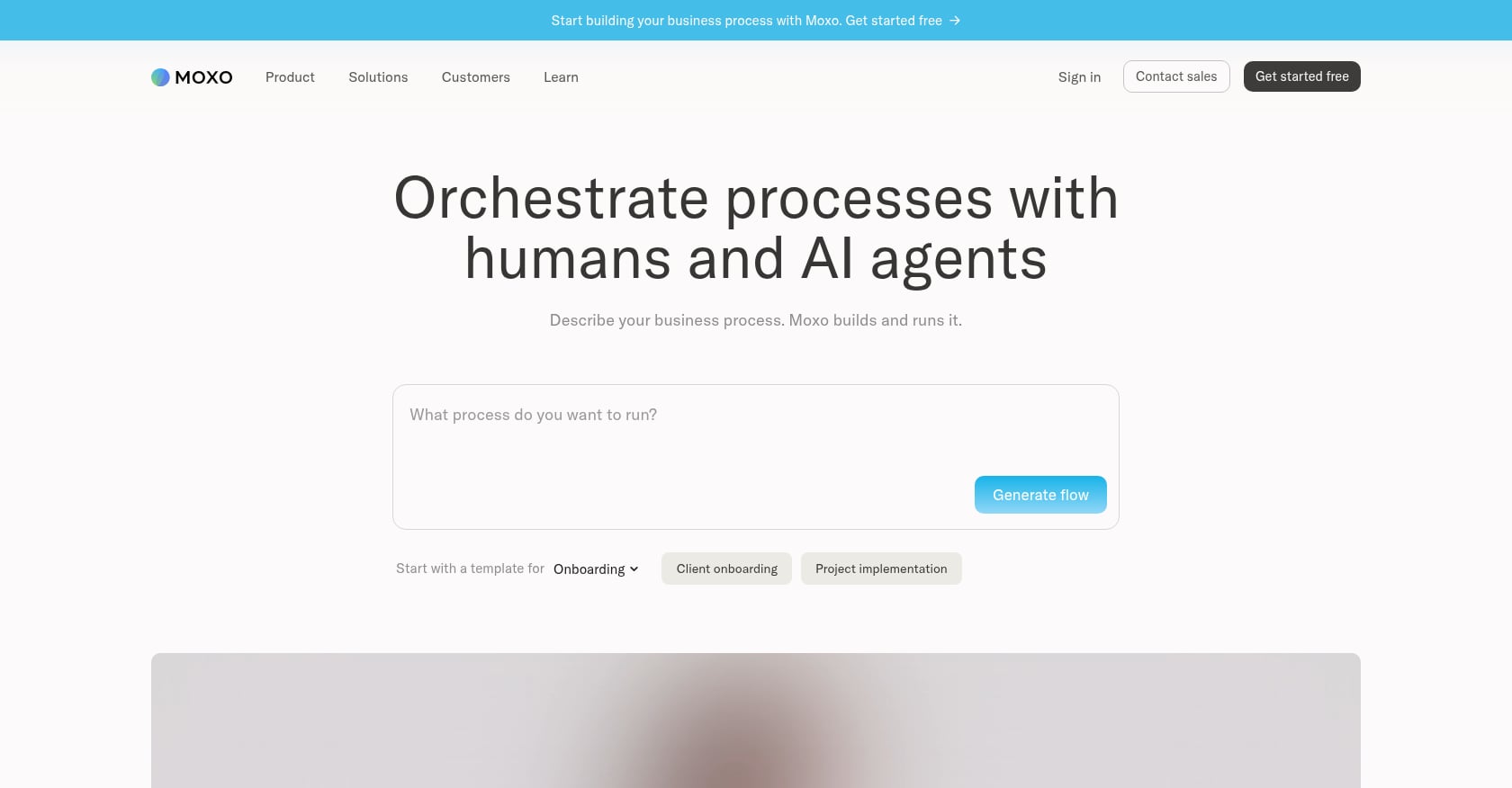
Best for: Regulated industries (financial services, legal, healthcare) that need bank-grade security and workflow orchestration for client onboarding.
Pricing:
- Business: starting at $200/month
- Business Pro: $1,000/month (includes white-label)
- Enterprise: custom pricing
Key features:
- Workflow automation with approval chains
- Built-in e-signatures and document collection
- Audit trails for compliance
- Private cloud deployment option
- Secure messaging and file sharing
Real user perspective: Users report that Moxo has eliminated repetitive manual tasks and saved countless hours of administrative work. However, many say the pricing fits larger firms better than small businesses. One user described the setup as feeling “a bit heavy at first” with a significant learning curve when building workflows.
Tradeoffs:
- $200/month entry point is expensive, and white-label requires the $1,000/month tier
- No free trial found during research
- Limited integrations on the base plan, with users reporting frustration connecting other tools
- Customer service complaints around billing
- Overkill for teams that don’t operate in regulated environments
Moxo is the right choice if compliance requirements drive your tooling decisions. For standard SaaS implementations, the cost and complexity are hard to justify against purpose-built alternatives.
8. monday.com
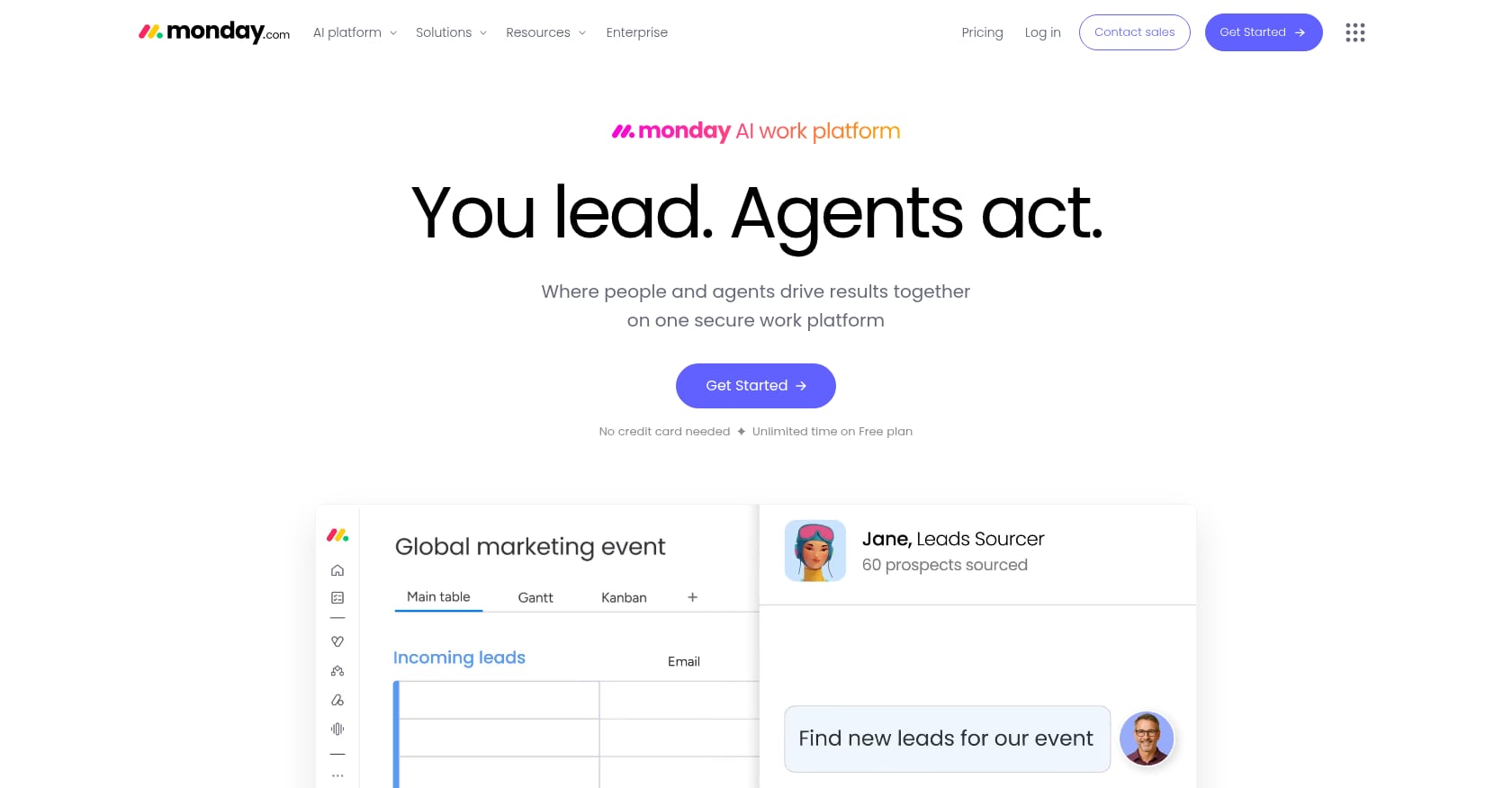
Best for: Teams that already own monday.com and want to customize it for basic implementation tracking without buying another tool.
Pricing:
- Basic: ~$9/user/month
- Standard: ~$12/user/month
- Pro: ~$19/user/month (all billed annually)
- Enterprise: custom quote
Key features:
- Flexible work OS with multiple views (Kanban, Gantt, calendar, timeline)
- Dashboards and reporting
- Automation rules (capped by tier)
- 200+ integrations
- Forms and workdocs
Why it falls short for implementation tracking: monday.com is a powerful general-purpose tool, but it wasn’t built for client-facing implementation work. There’s no native client portal, no engagement scoring, no built-in e-signatures, and guest/external user access is limited and costs extra. A veteran project manager noted on a community discussion that they’ve worked with many PM tools and “each of them has some piece that isn’t exactly what Implementation (Onboarding) needs, OR they do, but you have to buy it separately.”
The total cost of ownership is also harder to predict than the per-seat sticker price suggests. Multiple products and tiers, each with different limits on automation and integration “actions” per month, create complexity at scale.
Tradeoffs:
- Requires heavy customization for implementation use cases
- No client-facing guided experience
- Automation caps create friction at scale
- No native time-to-value or onboarding analytics
- Guest access for clients is limited and often requires paid upgrades
For a detailed breakdown, read the GoLiveFlow vs monday.com comparison.
9. Asana
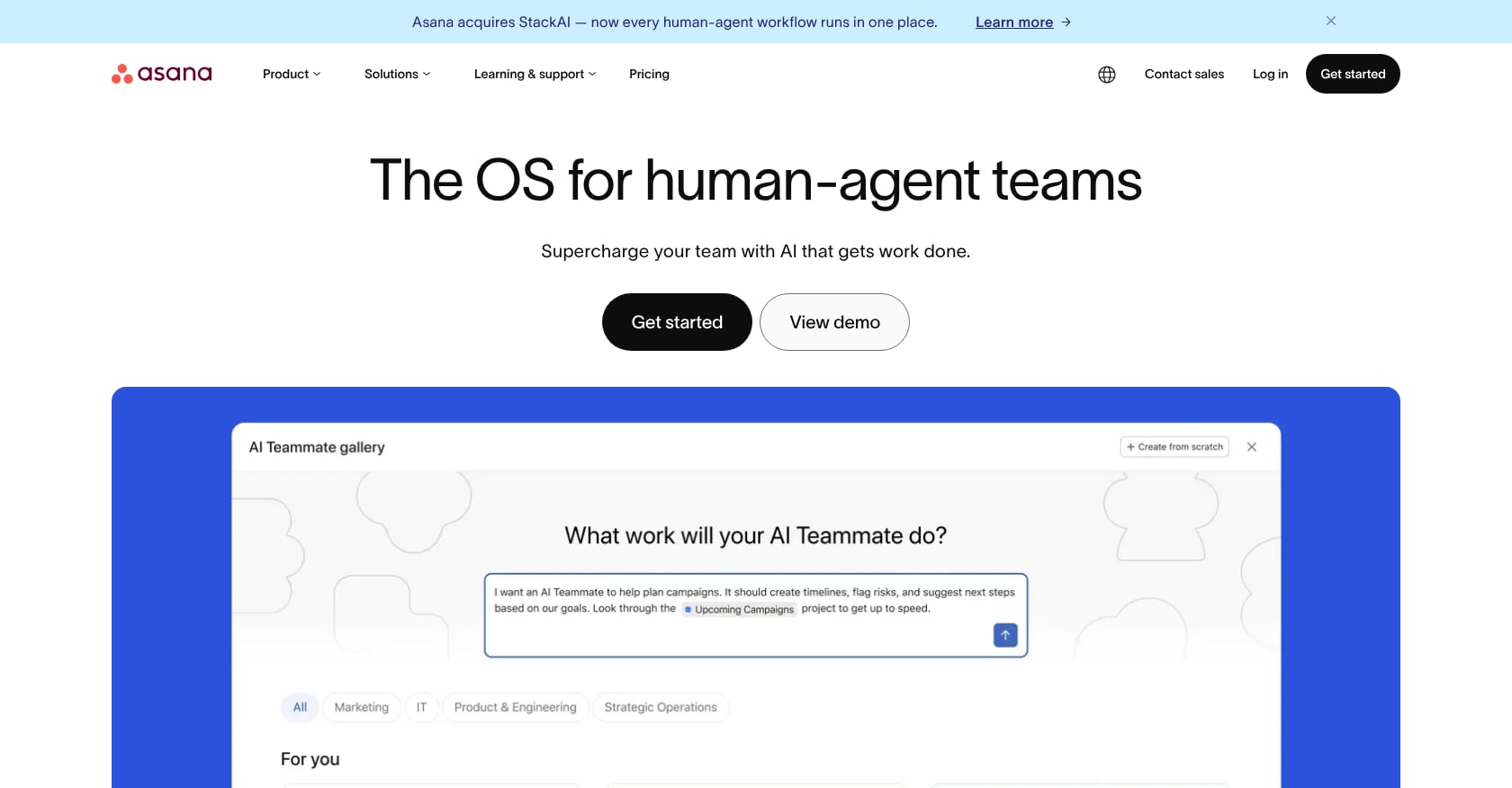
Best for: Internal task coordination in cross-functional teams that already use Asana and have simple, internally-managed implementations.
Pricing:
- Basic: free
- Starter: ~$11/user/month
- Advanced: ~$25/user/month
- Enterprise: custom
Key features:
- Work Graph data model connecting goals, projects, and tasks
- AI Studio for workflow suggestions
- Portfolios and timeline views
- Forms for intake
- 200+ integrations
Why it falls short: Like monday.com, Asana lacks a client-facing portal, engagement scoring, e-signatures, and implementation-specific analytics. Guest access is constrained. For teams running complex, client-facing implementations, Asana requires too many workarounds to be practical.
Tradeoffs:
- No client portal or guided customer experience
- Guest access limitations make external collaboration awkward
- No engagement scoring or risk detection
- Revenue growth slowing (9% in Q1 2026) suggests less product investment velocity compared to purpose-built competitors
- Better suited for internal project coordination than client-facing implementation work
For teams considering whether Asana can handle implementation management, the GoLiveFlow vs Asana comparison breaks down the differences in detail.
How to Choose: A Decision Framework
With nine tools on the table, the right choice depends on your specific situation. Here’s how to narrow it down:
If client-facing visibility is your top priority, stick with purpose-built implementation tracking software. GoLiveFlow, GuideCX, Rocketlane, and OnRamp all offer branded client portals. Generic PM tools simply don’t.
If you need engagement scoring and risk detection, GoLiveFlow is currently the only tool in this comparison with native engagement scoring that detects when clients disengage. Rocketlane users have specifically flagged this gap on G2, noting they had to leave the platform to monitor onboarding health.
If you’re a HubSpot-first organization, Arrows gives you the tightest CRM integration. GoLiveFlow also integrates with HubSpot while offering a broader feature set outside the CRM.
If budget is tight, GoLiveFlow Starter at $19/seat/month with no seat minimums or Rocketlane Essential at $19/user/month (5-seat minimum) are the most affordable purpose-built options. Both offer free trials, though GoLiveFlow’s 30-day window gives more room to evaluate than Rocketlane’s 14 days.
If you operate in a regulated industry, Moxo’s private cloud deployment, audit trails, and bank-grade security make it the right fit, despite the higher price.
If you already own monday.com or Asana, run an honest cost-benefit analysis. The customization overhead to make a generic PM tool work for client-facing implementations often matches or exceeds the cost of a purpose-built platform. In many cases, the hidden costs of workarounds, manual status updates, and missing engagement signals make the switch worthwhile.
The pricing trend in 2026 is worth noting: per-seat SaaS pricing is under pressure as AI agents handle more tasks autonomously. Tools with transparent, published pricing and no seat minimums (like GoLiveFlow) give you more flexibility as your team and workload evolve.
Start a free 30-day trial of GoLiveFlow
Frequently Asked Questions
What’s the difference between implementation tracking software and project management software?
Project management software (Asana, monday.com, Jira) tracks internal team work: tasks, timelines, and dependencies. Implementation tracking software adds a client-facing layer: portals where customers complete tasks, engagement scoring that flags disengagement, approval gates with e-signatures, and analytics focused on time-to-value rather than just task completion. The distinction matters because implementation success depends on what the client does, not just what your team does.
Can I use a free PM tool for implementation tracking?
You can try, but you’ll hit walls quickly. Free tiers on tools like Asana lack guest access, automation, and any form of client-facing portal. Teams that start with free tools typically outgrow them within a few months and end up migrating to a purpose-built platform anyway. If budget is the primary concern, GoLiveFlow’s Starter plan at $19/seat/month with no minimums and a 30-day free trial is a lower-risk starting point.
How much does implementation tracking software cost?
Prices range widely. On the low end, GoLiveFlow and Rocketlane start at $19/seat/month. Mid-range options like GuideCX begin around $143/month for 4 seats. Arrows charges $500/month flat. Moxo starts at $200/month. Several tools (OnRamp, Dock) don’t publish pricing at all. When evaluating cost, factor in seat minimums, feature gating across tiers, and the cost of integrations or add-ons that may be required.
What features should I prioritize if I’m switching from spreadsheets?
Start with three things: a client portal (so customers have a single place to see their tasks and progress), automated reminders (so you stop chasing people manually), and basic analytics (so you can report on time-to-value to leadership). Engagement scoring and AI risk detection are the next tier of capability that separates good from great. For a deeper look at structuring your process, the guide on onboarding software for SaaS covers the full evaluation framework.
Do implementation tracking tools integrate with Salesforce?
GuideCX, Rocketlane (Premium tier), Arrows, and Dock all offer Salesforce integration today. GoLiveFlow lists Salesforce integration as coming soon, with HubSpot, Zapier, Slack, and Google Calendar available now. If Salesforce is non-negotiable on day one, confirm the specific tier that includes it, as several tools gate CRM integrations behind higher-priced plans.
How long does it take to set up implementation tracking software?
Purpose-built tools with templates and playbooks can be operational within a few days. GoLiveFlow and Rocketlane both offer template libraries that let you map your existing process quickly. GuideCX provides dedicated onboarding support on higher tiers. Generic PM tools like monday.com typically take longer because of the customization required to approximate implementation-specific workflows.