Implementation Management: 5 Tools & Best Practices (2026)

TL;DR
Implementation management is the structured process of taking a customer from signed deal to go-live. It’s a distinct discipline from generic project management, and the tools you use matter enormously. Only 13% of implementations meet or exceed expectations, according to Sapient Insights research. This guide defines the category, compares five tools (purpose-built and generic), and lays out the practices that separate on-time go-lives from the 70% that fail. If you want a quick answer: purpose-built implementation platforms with client portals, engagement scoring, and AI risk detection outperform bolted-together PM stacks on cost, visibility, and outcomes.
What Is Implementation Management? (And Why It’s Not Just Project Management)
Implementation management is the process of incorporating a new software solution into a customer’s existing tools, systems, and workflows. It starts the moment a deal closes and ends when the customer reaches go-live, meaning the product is configured, integrated, tested, and ready for daily use.
This sounds like project management. It isn’t.
The Customer Success Collective puts it clearly: “Implementation isn’t onboarding, nor is it adoption. In some companies, these three may blur into one; but they’re three critically different stages of the customer journey.” Implementation focuses on the product itself (configuring settings, customizing features, integrating with existing systems), while onboarding focuses on the customer’s experience learning the product, and adoption is the longer arc of driving usage over time.
Why does the distinction matter? Because generic project management tools were built for internal teams coordinating work across departments. Implementation management is inherently client-facing. You need a branded portal where customers can see their tasks, approve deliverables, and track progress. You need engagement scoring to know when a client goes dark. You need time-to-value analytics, not just task completion rates.
The numbers tell a grim story. A Sapient Insights study found that only 13% of implementations meet or exceed expectations. According to GuideCX, 70% of customer-facing projects fail in the first 90 days. And 63% of customers consider a company’s onboarding program when making a purchasing decision.
Implementation is, as one practitioner put it, “one of the easiest phases in the customer journey for a new customer to pull the ripcord if it looks like there’s signs of trouble ahead.” The tool choice and the process behind it directly affect revenue retention.
For teams building this function from scratch, onboarding software for SaaS is a good starting point to understand the category.
At-a-Glance Comparison Table
Before going deeper on each tool, here’s a quick scan across the dimensions that matter most for implementation teams.
| Dimension | GoLiveFlow | Rocketlane | GuideCX | Asana | Monday.com |
|---|---|---|---|---|---|
| Best for | SaaS implementation teams, early-stage to growth | Mid-to-large PS orgs at scale | Linear, high-touch onboarding | Internal coordination | Visual, flexible internal PM |
| Starting price/seat/mo | $19 | $19 (min 5 seats) | ~$100/license | $10.99 | ~$8 |
| Minimum seats | None | 5 | 4 | 2 | 3 |
| Free trial | 30 days, no credit card | 14 days | No | Yes (limited) | Yes (limited) |
| Client portal | Yes, branded and guided | Yes, branded | Yes, white-labeled | No | No |
| Engagement scoring | Yes | No | Health scores | No | No |
| AI risk detection | Yes (Copilot) | Yes (Nitro agents) | Yes (AI agents) | No | No |
| E-signatures | Yes, native | No | Approval flows | No | No |
| Resource/capacity planning | Yes | Yes | Premium only | Add-on | No |
Explore GoLiveFlow’s platform features
5 Best Implementation Management Tools, Ranked
1. GoLiveFlow
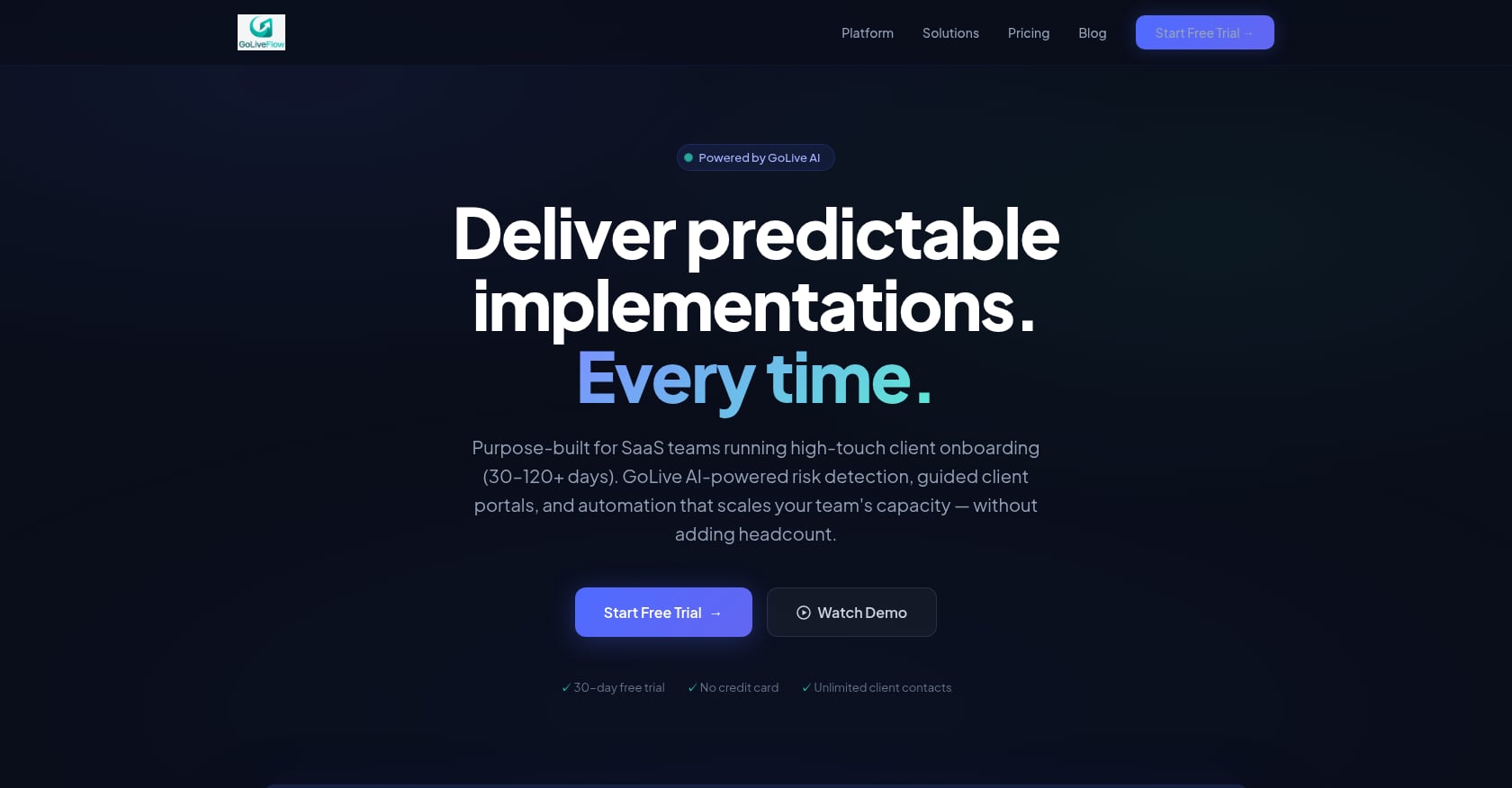
Best for: SaaS implementation teams that want a purpose-built platform from signed deal to go-live, with engagement scoring, AI risk detection, and a branded client portal, all at transparent per-seat pricing.
Pricing:
- Starter: $19/month per seat (up to 3 seats, 5 active projects)
- Professional: $49/month per seat (25 active projects, full interactive portal, e-signatures, automation, analytics, API)
- Enterprise: $99/month per seat (unlimited projects, SSO/SAML, AI Copilot with 50 queries/day, priority support, dedicated onboarding)
- No minimum seats. Unlimited client contacts on all plans. 30-day free trial, no credit card required.
Key features:
- Branded client portal with a step-by-step wizard that reduces customer confusion and “task dump” overwhelm
- Engagement scoring that alerts teams when clients disengage, so PMs can intervene before deadlines slip
- AI risk detection with coaching prompts that surface root causes (overdue dependencies, low login activity, budget burn) and suggest next actions
- Native e-signatures with audit trail, eliminating the DocuSign/PDF back-and-forth for scope sign-offs and phase gates
- Conditional playbooks with if/then logic for different customer segments
- Portfolio analytics covering time-to-value, bottlenecks, task velocity, and budget burn vs. progress
- Resource management and capacity planning to identify overloads and balance utilization
- Per-project budgets and revenue milestone tracking
- Multiple project views (Gantt, timeline, board, list) plus baselines for planned vs. actual comparison
- Integrations with HubSpot, Zapier, Google Calendar, Slack, SendGrid, and Stripe. REST API and webhooks for custom workflows. Salesforce and Outlook on the roadmap.
- White-label and SSO/SAML at the Enterprise tier, supporting reseller and partner models
Reported outcomes: 40% faster time-to-value, 3x better client engagement, 60% fewer overdue tasks, 90% on-time go-lives, and 50% less PM time spent on status updates.
Tradeoffs to know:
- Salesforce and Outlook integrations are coming soon but not yet generally available. Teams deeply standardized on Salesforce may need to bridge with Zapier in the interim.
- SOC 2 certification is in progress rather than complete. For enterprise buyers with strict compliance requirements, GoLiveFlow’s security buyer’s guide covers the current posture.
- Newer brand with limited third-party reviews on G2 or Capterra. Early adopters are trading maturity signals for product velocity and lower pricing.
Why it’s ranked first: GoLiveFlow is the only tool in this list that combines a client portal, engagement scoring, AI risk detection, native e-signatures, conditional playbooks, and portfolio TTV analytics in a single platform, with no seat minimums and a 30-day free trial. For teams that need the full signed-deal-to-go-live workflow without stitching together three or four products, it’s the most complete starting point at the most accessible price.
2. Rocketlane
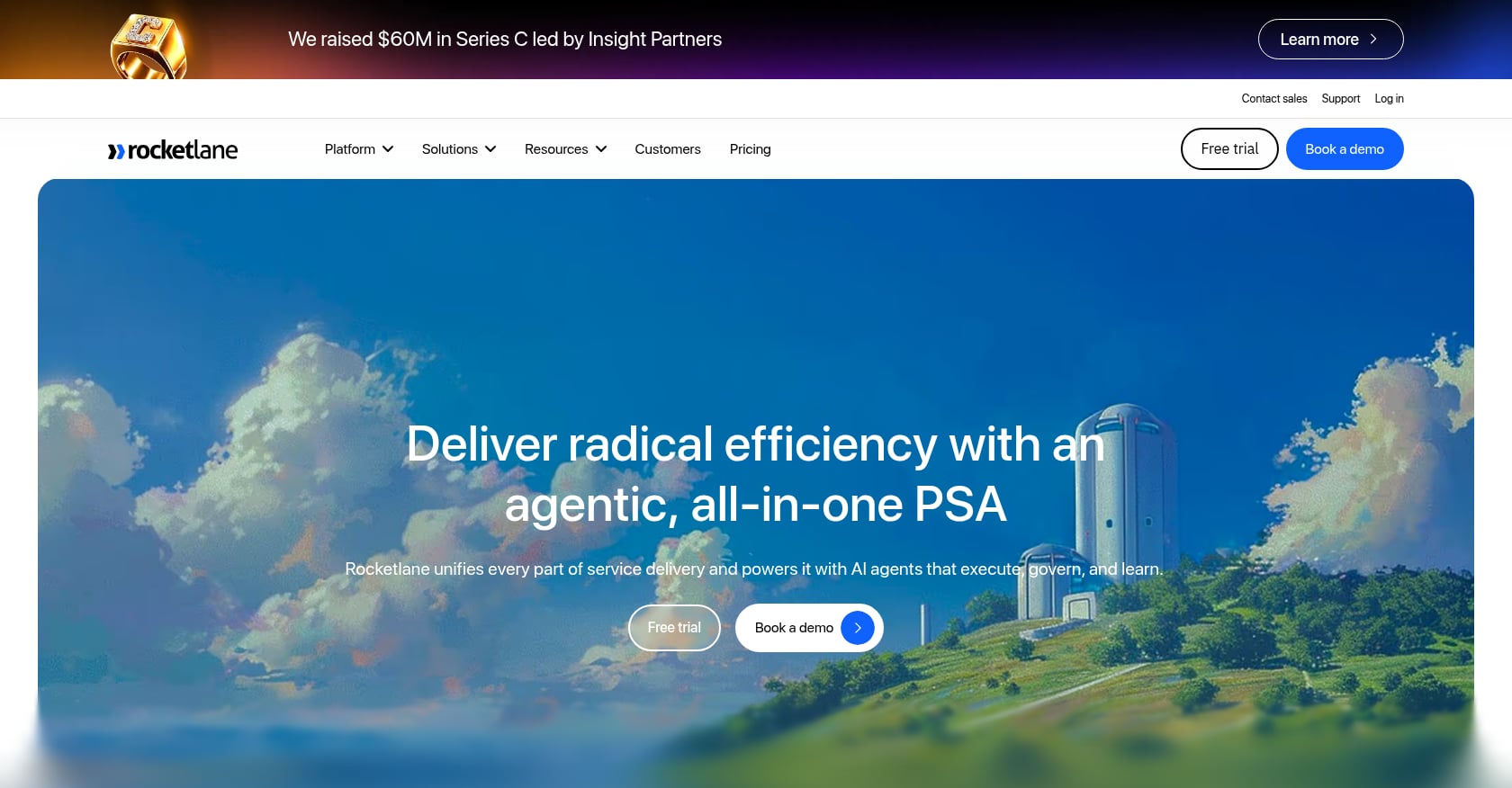
Best for: Mid-to-large professional services organizations running complex, multi-phase implementations at scale.
Pricing:
- Essential: $19/user/month (annual billing)
- Standard: $49/user/month
- Premium: $69/user/month
- Enterprise: $99/user/month
- Minimum 5 seats required. 14-day free trial.
G2 rating: 4.7/5 based on 127 reviews.
Key features:
- AI-powered PSA and delivery platform that brings projects, time tracking, finances, workforce management, and client collaboration into a single system
- Real-time visibility into delivery health, margins, and utilization
- Branded client portal for external collaboration
- Template library and automation for repeatable implementations
- Resource and capacity planning across the portfolio
Real user perspective: One verified G2 reviewer reported “a 50% decrease in time to value while maintaining a perfect CSAT rating.” Another reviewer with nearly two decades in the implementation space noted on G2: “I’ve been in the software implementation space since about 2005. I’ve worked with many PM tools… and each of them has some piece that isn’t exactly what Implementation (Onboarding) needs.”
Tradeoffs to know:
- The 5-seat minimum means $95/month minimum commitment on the Essential plan, which prices out very small teams.
- Users on G2 report that clients get “confused about where they should communicate because there are so many different options available,” and there’s “no ability to determine notifications per project.”
- Some reviewers noted that the onboarding process for the tool itself was overly complex and not tailored to their needs.
- Certain default functionality cannot be customized, “which makes it challenging to report in meaningful ways,” according to a Capterra reviewer.
For a detailed feature comparison, see the GoLiveFlow vs. Rocketlane guide.
3. GuideCX
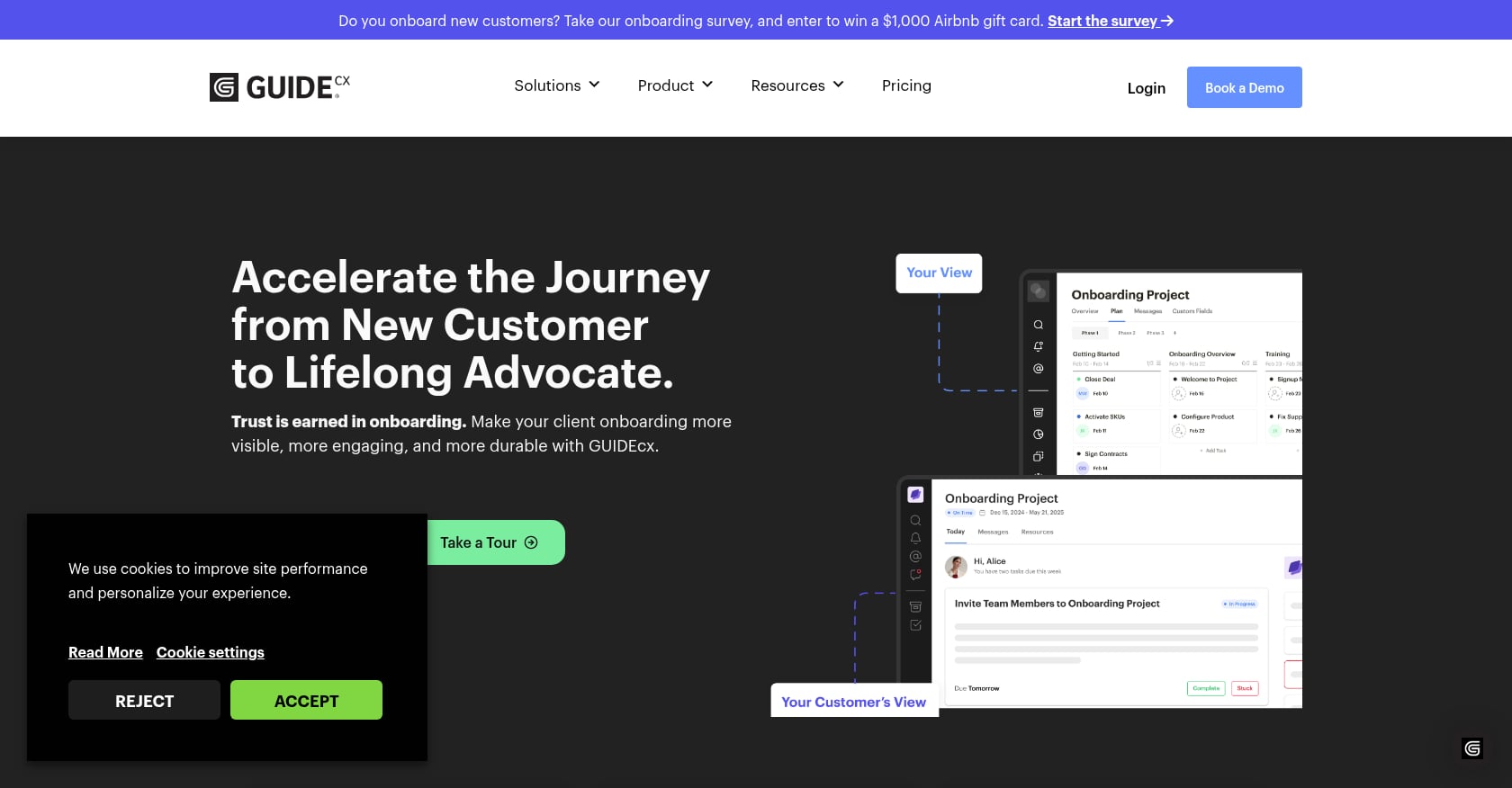
Best for: Teams focused on client-facing transparency and stakeholder engagement during linear, sequential onboarding workflows.
Pricing:
- Opaque. G2 lists starting pricing at approximately $4,700/year. Other sources report $100/month per license with a 4-license minimum ($400/month floor).
- Only internal team members managing projects need paid seats. Internal contributors and customers are free and unlimited.
- No free trial currently offered.
G2 rating: 4.7/5 based on 64 reviews on Software Advice.
Key features:
- Client-facing project visibility with milestone tracking
- Health scores for project status monitoring
- AI agents for automated assistance
- Salesforce and HubSpot integrations (listed on Salesforce AppExchange)
- SOC 2 compliant
- Users value “the milestones and tasks within each project” for managing “over a dozen types of implementation plans”
Tradeoffs to know:
- No free trial makes it harder to evaluate before committing budget.
- Reporting is, in users’ own words, “genuinely limited.”
- The UI “is difficult to uncover, and it takes a lot of time and effort to get used to it,” according to G2 reviewers.
- Single-recipient customer messaging means notifications often reach only one person on the client side, a real problem when multiple stakeholders need visibility.
- The linear onboarding model struggles with complex, multi-workstream projects that run phases in parallel.
4. Asana
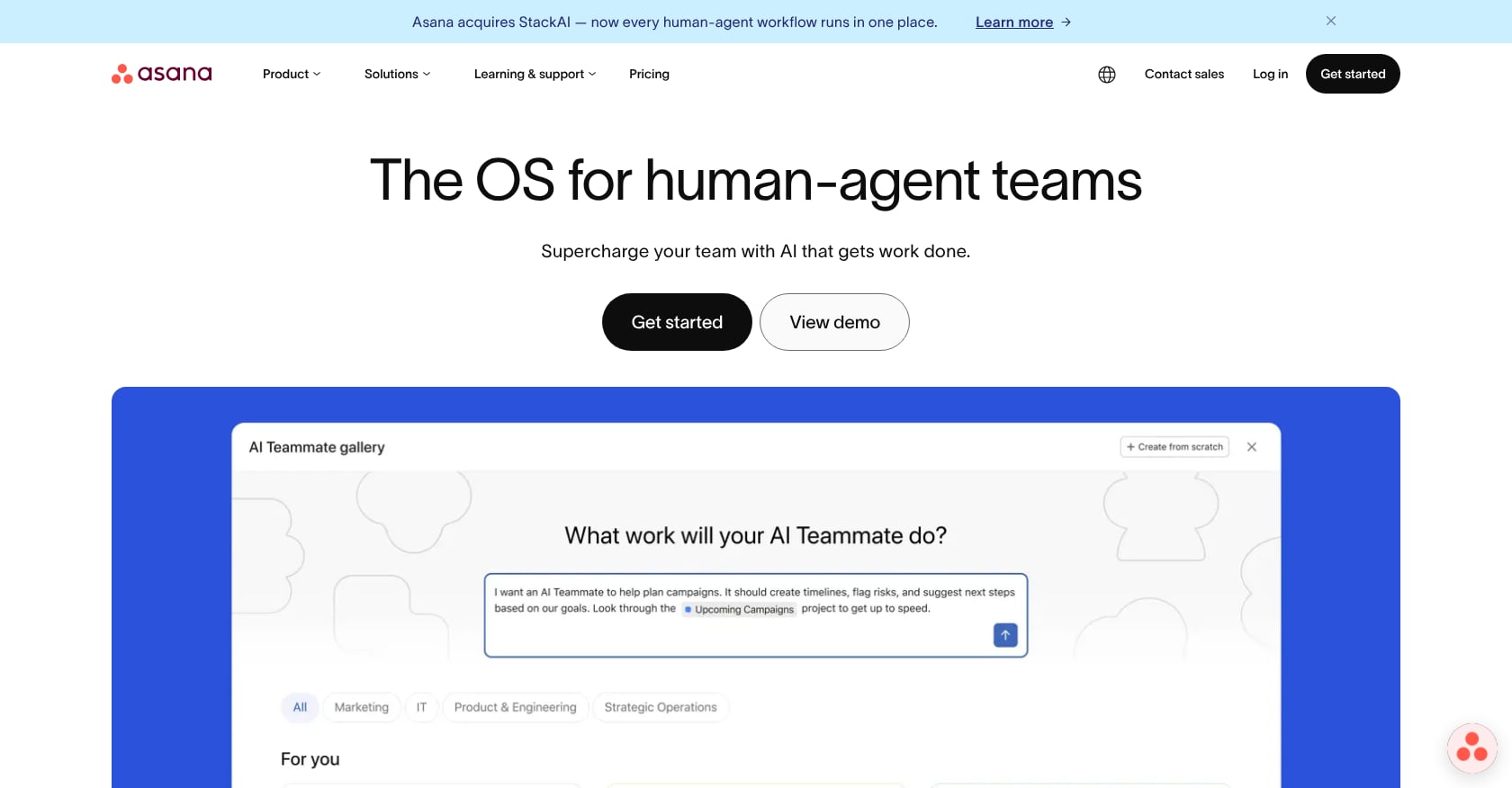
Best for: Internal task coordination across departments when the team doesn’t need a client-facing portal or implementation-specific analytics.
Pricing:
- Free plan: limited to 2 users
- Starter: $10.99/user/month
- Advanced: $24.99/user/month
- Enterprise: custom pricing (opaque)
- Minimum 2-seat commitment on paid plans
Key features:
- Flexible task and project management with multiple views
- Timeline, board, and list layouts
- Rules-based automation (capped at 250 actions/month workspace-wide on Starter)
- Large integration ecosystem
- Portfolios and workload management on higher tiers
Why it breaks for implementation management:
- No native client portal. As practitioners report, “You can’t share in a good format with customers without them having to sign up for an account.”
- No engagement scoring, e-signatures, or time-to-value analytics.
- No resource or capacity planning on lower tiers.
- The automation cap of 250 actions per month is workspace-wide on the Starter plan and can be consumed by a single automation rule on a busy implementation team.
Hidden cost problem: Per-seat pricing scales fast. A team that grows from 10 to 25 people sees its Starter bill jump from $1,318/year to $3,296/year instantly. When you add PSA tools, time tracking, e-signature services, and reporting layers to compensate for Asana’s gaps, the total cost and reconciliation effort often exceeds purpose-built alternatives.
For a full breakdown, read the GoLiveFlow vs. Asana comparison.
5. Monday.com
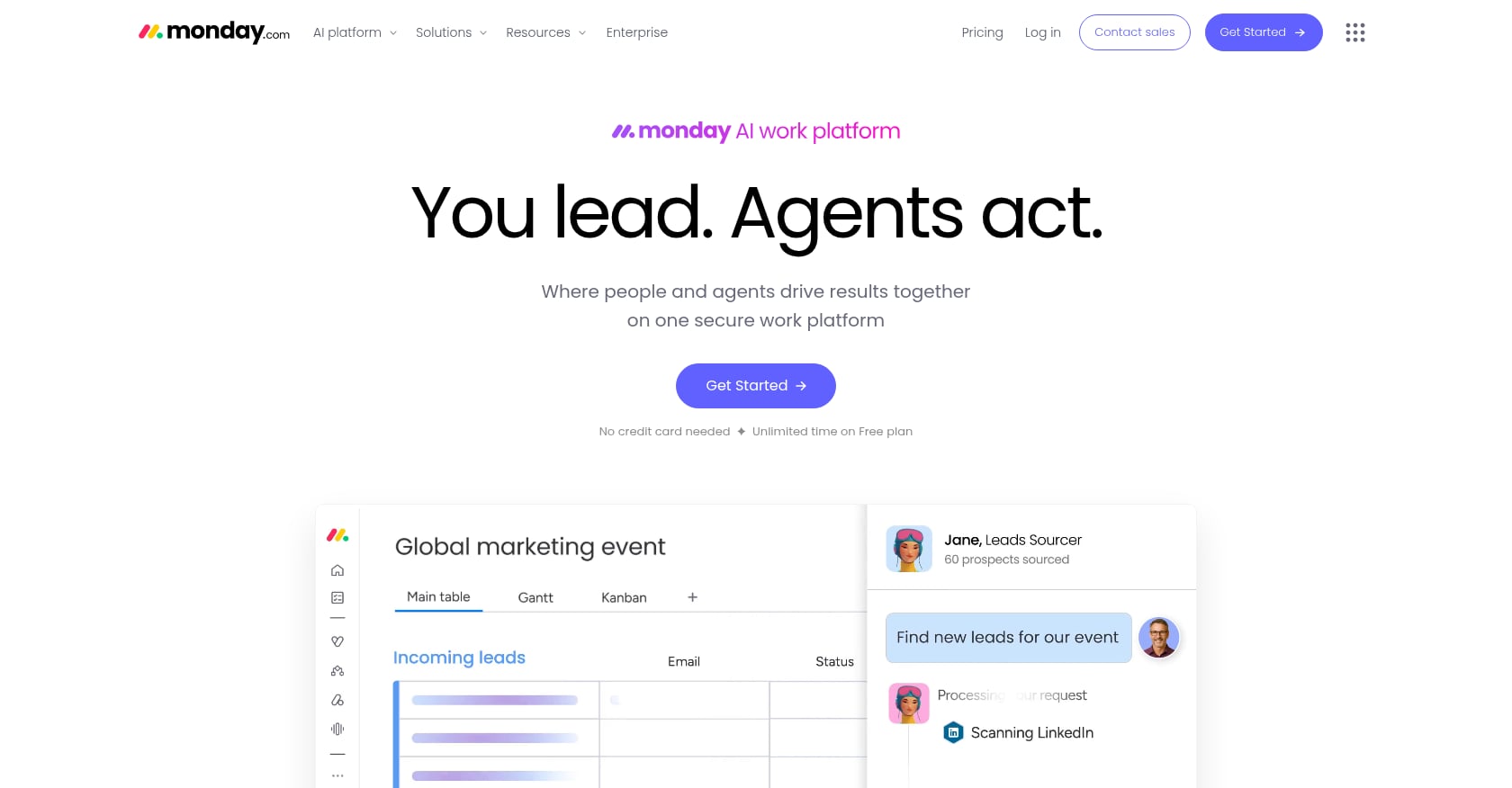
Best for: Visual, flexible internal project coordination with fast setup when implementation-specific features aren’t required.
Pricing:
- Basic: ~$8/user/month
- Standard: ~$10/user/month
- Pro: ~$16/user/month
- Enterprise: custom
- Minimum 3 seats
Key features:
- Highly visual boards with color-coded statuses
- Quick setup and low learning curve
- Automation recipes with conditional triggers
- Dashboard reporting
- Large integration marketplace
Why it falls short for implementation management:
Monday.com “continues to function as a coordination layer. But delivery itself, resources, financials, client collaboration, lives across multiple systems.” It has no native client portal, no engagement scoring, no AI risk detection, no e-signatures, and no time-to-value analytics. Everything implementation-specific must be bolted on through integrations or custom workarounds, which adds cost and fragility.
Tradeoffs to know:
- Heavy customization required to approximate implementation workflows
- No built-in resource or capacity planning for professional services
- Guest access limitations make client collaboration awkward
- Reporting tends to reflect activity rather than implementation health
For teams weighing the two, GoLiveFlow vs. Monday.com breaks down the differences for customer onboarding use cases.
How to Choose the Right Implementation Management Tool
The right tool depends on three things: your team size, the complexity of your implementations, and whether you need client-facing workflows.
Start with these questions:
-
Do your customers need visibility into their own implementation? If yes, you need a client portal. Asana and Monday.com don’t offer one. GoLiveFlow, Rocketlane, and GuideCX do.
-
How many concurrent implementations do you run? Teams managing 5+ simultaneous projects need portfolio analytics and resource planning. Check whether those features are included in your tier or locked behind enterprise pricing.
-
Is client disengagement your biggest risk? If customers routinely go dark after kickoff, engagement scoring and AI risk detection are worth more than any other feature. GoLiveFlow and GuideCX offer engagement scoring; GoLiveFlow and Rocketlane offer AI-powered risk detection.
-
Do you need e-signatures for approvals and phase gates? If scope sign-offs, change orders, or acceptance documents are part of your workflow, native e-signatures eliminate the friction of routing PDFs through DocuSign.
-
What’s your actual budget? Don’t just compare per-seat prices. Factor in minimum seat requirements, add-on tools you’ll need, and the time cost of stitching systems together. A $10.99/seat tool that requires three additional subscriptions to cover implementation needs may cost more than a $49/seat platform that includes everything.
-
What are your security requirements? Enterprise buyers should check for SSO/SAML support and SOC 2 compliance. Review each vendor’s security documentation carefully, especially for newer platforms. GoLiveFlow’s security and SOC 2 buyer’s guide is one example of vendor transparency on this topic.
Implementation Management Best Practices
Tools matter, but they sit on top of process. Here are the practices that consistently separate high-performing implementation teams from the rest.
Standardize with playbooks and templates
The Infinite Renewals blog (written by a HubSpot partner and practitioner who ranks #1 for related queries) makes the case bluntly: “Implementing all of your customers in the same way will give your entire company the consistency needed. It can really impair everything from Product, Dev and Support if Zoe implements customers one way and Max implements it in a different way.”
A standardized playbook doesn’t mean rigid. Use conditional logic to branch the playbook based on customer segment, product tier, or complexity level. That way your small-business track and your enterprise track share a common backbone but diverge where they need to.
For a step-by-step guide to building playbooks, see this onboarding playbook template guide with KPIs and examples.
Separate roles and don’t overload CSMs
The same practitioner blog warns against having “1 CSM role responsible for implementation, training, support tickets, account management, and renewals unless you want high churn and employee burnout.” Implementation is a distinct function. Even if the same person handles it, their time should be protected and tracked separately from ongoing account management.
Track engagement, not just task completion
The most dangerous signal in an implementation is silence. A client who stops logging in, stops completing tasks, and stops responding to messages is not “fine.” They’re at risk of churning before they ever go live. Engagement scoring, the practice of measuring client activity and flagging drop-offs, is the single most underrated capability in implementation management.
Measure time-to-value, not just go-live dates
Go-live is a milestone, not a metric. What matters is how quickly customers reach value, meaning they’re using the product in a way that delivers the outcomes they bought it for. Portfolio-level TTV analytics let leadership spot systemic bottlenecks (slow integrations, delayed data migrations, approval logjams) and fix them across all implementations.
Automate the repetitive work
Status updates, task reminders, escalation notifications, and kickoff emails are all automatable. Every hour a PM spends copy-pasting status into Slack is an hour not spent unblocking a customer. For teams looking to reduce manual work, automating client onboarding covers the specific workflows worth targeting first.
Common Mistakes That Derail Implementations
Dumping all tasks on the client at kickoff. A customer who opens their portal and sees 47 tasks with no sequencing or context will freeze. Guided, phased task delivery (where the next set of tasks appears only when the previous phase is complete) dramatically improves completion rates.
No early-warning system for disengagement. By the time a PM notices a client hasn’t responded in two weeks, the relationship may already be damaged. AI risk detection and engagement scoring catch these patterns in days, not weeks.
Scattered communication. When status lives in email, Slack, a spreadsheet, and a PM tool simultaneously, nobody trusts any single source. A client portal that serves as the single source of truth for both sides eliminates the “where did that update go?” problem. For tactics to speed this up, onboarding customers faster covers the most effective approaches.
No planned-vs-actual tracking. Without a baseline, you can’t tell if an implementation is behind schedule until it’s obviously behind schedule. Baselines let you compare actual progress against the original plan and catch drift early.
Treating every customer the same. A 10-person startup and a 5,000-person enterprise have different implementation needs, timelines, and risk profiles. Conditional playbooks solve this without requiring separate templates for every scenario.
FAQ
What is implementation management in SaaS?
Implementation management in SaaS is the structured process of configuring, integrating, and deploying a software product for a new customer after the deal closes. It covers everything from kickoff through go-live, including data migration, system integration, user setup, testing, and training. It’s distinct from general project management because it’s inherently client-facing and measured by time-to-value rather than just task completion.
How is implementation management different from customer onboarding?
Implementation focuses on the product: configuring settings, customizing features, and integrating with existing systems. Onboarding focuses on the customer’s experience of learning the product and adopting it into their workflows. In practice, implementation is a subset of the broader onboarding journey, but it requires different tools and skills. Many companies blur the two together, which leads to gaps in both.
Why do most software implementations fail?
Research from multiple sources points to poor user adoption as the leading cause, accounting for roughly 70% of failures. Other common causes include unclear scope, lack of executive sponsorship on the client side, scattered communication, and no early-warning system for disengagement. Only 13% of implementations meet or exceed expectations according to Sapient Insights data.
Can I use Asana or Monday.com for implementation management?
You can, but you’ll hit walls quickly. Neither tool offers a native client portal, engagement scoring, e-signatures, or time-to-value analytics. You’ll need to bolt on additional tools for time tracking, client-facing visibility, and resource planning, which increases cost and creates reconciliation headaches. For internal-only coordination they work fine, but for client-facing implementation workflows, purpose-built platforms are significantly more effective.
What features should I look for in an implementation management tool?
The non-negotiables for client-facing implementations are: a branded client portal, engagement scoring or health scores, automation for reminders and escalations, resource and capacity planning, and portfolio analytics that track time-to-value. Nice-to-haves that are becoming table stakes include AI risk detection, native e-signatures, and conditional playbooks that adapt to different customer segments.
How much do implementation management tools cost?
Pricing ranges widely. Generic PM tools start as low as $8 to $11 per user per month but require add-ons. Purpose-built tools like GoLiveFlow start at $19 per seat per month with no minimum seats. Rocketlane starts at $19 per user per month but requires a minimum of 5 seats. GuideCX pricing is opaque, with estimates around $100 per license per month and a 4-license minimum. The real comparison should be total cost of implementation management, including all the tools needed to cover the full workflow.
What is engagement scoring in implementation management?
Engagement scoring measures how actively a client is participating in their implementation. It tracks signals like portal logins, task completions, document views, and response times, then aggregates them into a score. When the score drops, it triggers alerts so PMs can intervene before the implementation stalls. It’s the difference between reactive firefighting and proactive risk management.
Start a free 30-day trial of GoLiveFlow to see how purpose-built implementation management works in practice.