GoLiveFlow or monday.com for Customer Onboarding (2026)
TL;DR
Choosing between GoLiveFlow or monday.com for customer onboarding comes down to one question: do you need a purpose-built client-facing onboarding platform, or are you trying to stretch a general project management tool into that role? GoLiveFlow ships with a branded client portal, built-in e-signatures, engagement scoring, and portfolio time-to-value analytics from day one. monday.com offers enormous flexibility and a massive integration ecosystem, but running external customer onboarding on it requires add-ons, portal workarounds, and careful attention to automation quotas and seat minimums. For most B2B SaaS implementation teams, GoLiveFlow gets you to a structured, client-ready onboarding workflow faster and at a more predictable cost.
At-a-Glance Comparison
Dimension | GoLiveFlow | monday.com |
|---|---|---|
Starting price (per seat/mo) | $19 (Starter) | ~$9 (Basic Work Management) |
Minimum seats | None | 3 seats |
Client access method | Native branded portal with step-by-step wizard | Guests, shareable boards, or Customer Portal (monday service only) |
E-signatures | Built-in with audit trail | Add-on (DocuSign, GetSign marketplace apps) |
Engagement/risk scoring | Native AI-powered scoring and alerts | DIY via dashboards and automations |
Automation allowance | Rules engine included, no published action cap | Standard: 250 actions/mo; Pro: 25,000 actions/mo |
Portfolio analytics (TTV) | Native cross-project TTV, bottlenecks, velocity | Custom dashboards, manually modeled |
Free trial / client contacts | 30-day trial, no credit card; unlimited client contacts on all plans | 14-day trial; guests free but UI limitations |
Who This Comparison Is For
If you’re a CS leader, head of implementations, or PMO evaluating GoLiveFlow or monday.com for customer onboarding, you’ve probably already noticed that most comparison articles are either vendor-biased listicles or high-level feature grids that don’t address the real friction points. This article is different. It covers the specific plan limits, portal realities, and practitioner workarounds that determine whether a tool actually works for external, client-facing onboarding, not just internal task management.
Every section below follows the same structure: what each tool offers, the tradeoffs, who it’s best for, and what real users say.
1. Client Portal: The Guided External Experience
Best for evaluating: Teams that need customers to log in, see their tasks, and move through onboarding without hand-holding.
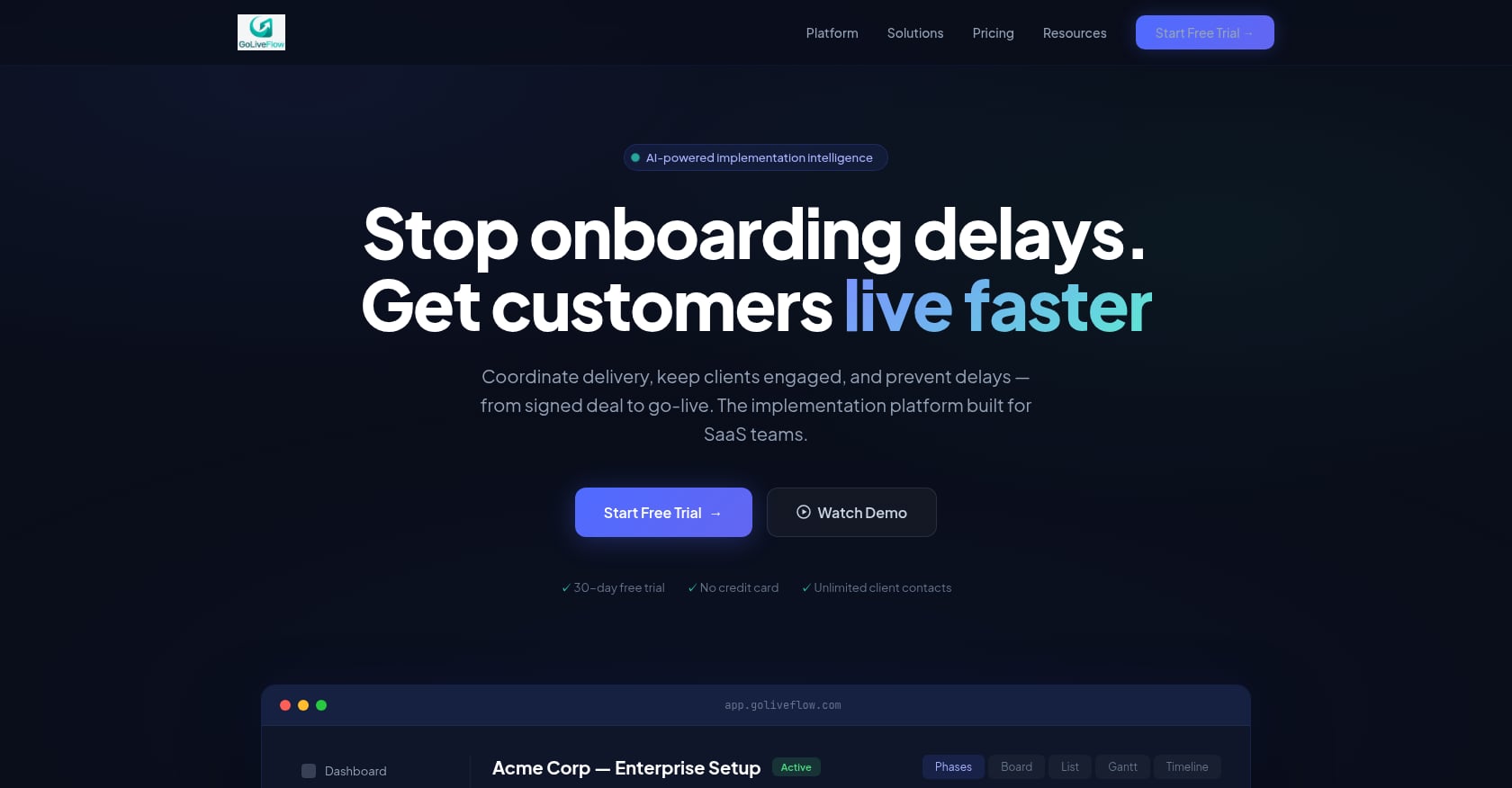
GoLiveFlow ships a branded client portal with a step-by-step wizard on every plan. Clients see only what’s relevant to them (forms, timelines, pending tasks), and every plan includes unlimited client contacts. There’s no separate product to buy and no portal cap to worry about. Explore the portal, automations, and analytics on the platform page.
monday.com has a Customer Portal, but it lives under monday service, not Work Management or CRM. The portal generates an external URL that non-monday users can access, which is useful for support ticket workflows. However, multiple portals require the Enterprise plan, which caps you at 500 portals according to monday’s support documentation. Work Management and CRM users don’t get a native onboarding portal at all.
Tradeoffs:
monday.com’s portal is oriented around support tickets and knowledge bases, not project-tracking onboarding. Practitioners on Reddit have specifically asked for a portal in Work Management and CRM, noting that the monday service portal doesn’t fit onboarding use cases.
GoLiveFlow’s portal is purpose-built but the platform is newer, so the ecosystem of third-party guides and community templates is smaller.
What practitioners say: Users on r/mondaydotcom report that clients get overwhelmed by the full monday interface. One user shared that their team resorted to embedding boards in SharePoint or using Softr to build a client-facing portal because guests couldn’t navigate the native UI effectively. This is a common pattern: monday works well internally, but the external experience requires significant workarounds.
2. Engagement Scoring and “Client Went Dark” Alerts
Best for evaluating: Implementation teams that manage 10+ concurrent onboarding projects and need early warning when clients disengage.
GoLiveFlow includes native engagement scoring tied to client login activity, task completion rates, and overdue dependencies. Its AI risk detection surfaces root causes (low portal activity, stalled approvals, budget burn) and suggests next actions. This is baked into the product, not something you build.
monday.com has no native engagement score for onboarding. You can approximate it with custom dashboards, formula columns, and automations that track item statuses, but this is entirely DIY. Every automation you build against this logic counts toward your monthly action allowance.
Tradeoffs:
GoLiveFlow’s AI features are strongest on the Enterprise plan (50 AI Copilot queries per day). Starter and Professional users still get engagement scoring, but the AI coaching layer is limited.
monday.com’s flexibility means you can model almost anything, but “can model” and “works out of the box” are very different when you’re onboarding your 30th customer this quarter.
Custom monday dashboards for engagement tracking require ongoing maintenance as your onboarding process evolves.
Why this matters for the GoLiveFlow or monday.com for customer onboarding decision: The #1 complaint from implementation leaders is that clients go silent after kickoff. A tool that flags this automatically, rather than requiring you to build and maintain detection logic, saves real hours every week.
3. Approvals and E-Signatures in the Flow
Best for evaluating: Teams with phase gates, scope sign-offs, or compliance steps that require documented approval.
GoLiveFlow includes built-in e-signatures with an audit trail. Clients can sign directly within the portal during the onboarding flow, eliminating the back-and-forth of emailing PDFs or switching to a separate signing tool.
monday.com handles e-signatures through marketplace apps, primarily DocuSign and GetSign. Setup involves connecting the app, configuring board columns, and mapping fields. This works, but practitioners on Reddit report a specific pain point: DocuSign and DocuGen integrations break when you duplicate boards or create templates, requiring re-activation each time. For teams that templatize onboarding (which is most teams), this adds ongoing overhead.
Tradeoffs:
If your legal team already standardizes on DocuSign and needs its advanced features (conditional routing, bulk send), monday’s integration may actually be preferable.
GoLiveFlow’s built-in e-sign is simpler but may not cover edge cases that a dedicated signing platform handles.
4. Automation Scale and Hidden Ceilings
Best for evaluating: Teams running automated onboarding workflows with notifications, escalations, and conditional task creation.
This is one of the most important and least discussed factors when comparing GoLiveFlow or monday.com for customer onboarding at scale.
GoLiveFlow includes a rules engine and SLA tracking as part of the product. Automations (escalations, notifications, conditional task creation based on client inputs) run without a published per-month action quota. Evaluate the specifics during the 30-day free trial.
monday.com enforces explicit automation limits by plan tier. Standard plans get 250 automation actions and 250 integration actions per month. Pro plans get 25,000 of each. Enterprise plans get higher limits.
Why 250 actions disappears fast: Consider a simple onboarding automation: “When status changes to Done, notify the client and update a summary board.” That’s potentially 2-3 actions per task. With 20 tasks per onboarding project and 5 concurrent clients, you could burn through 200-300 actions in a single month, and that’s before counting integration actions for CRM syncs, calendar updates, or Slack notifications.
Practitioners on r/mondaydotcom confirm this friction. The Standard plan’s 250-action ceiling forces most teams running automated onboarding to upgrade to Pro at minimum, which changes the cost equation significantly.
Tradeoffs:
monday.com’s Pro plan at 25,000 actions is generous enough for most mid-size teams. The ceiling is real but manageable if you plan for it upfront.
GoLiveFlow doesn’t publish action limits, which means you should verify during trial whether your specific workflow volume is supported without throttling.
5. Portfolio Analytics and Time-to-Value
Best for evaluating: CS and implementation leaders who need to report on onboarding efficiency across all active projects.
GoLiveFlow provides cross-project time-to-value analytics, bottleneck identification, task velocity metrics, and budget burn tracking out of the box. The AI Copilot (Enterprise) adds natural-language queries for portfolio triage: ask it which projects are at risk and why. For teams building an onboarding playbook with KPIs, this analytics layer turns raw project data into leadership-ready insights.
monday.com offers powerful dashboards that can pull data across boards. You can build portfolio views, chart status distributions, and create custom widgets. But the TTV logic (measuring elapsed time from deal close to go-live, identifying where delays cluster, comparing planned vs. actual timelines) must be modeled manually. This requires formula columns, date arithmetic, and dashboard configuration that someone needs to build and maintain.
Tradeoffs:
monday.com dashboards are more flexible in a general sense. If your analytics needs extend well beyond onboarding (sales pipeline, marketing, engineering), having everything in one dashboard substrate has value.
GoLiveFlow’s analytics are onboarding-specific, which means faster setup but less flexibility for unrelated use cases.
Neither tool replaces a dedicated BI platform for deep analysis, but GoLiveFlow gets you to “good enough” portfolio visibility much faster for onboarding specifically.
For more on building a structured onboarding process that these analytics can actually measure, see this guide on tactics and tools to onboard customers faster.
6. Capacity Planning and Resource Conflicts
Best for evaluating: Professional services teams juggling multiple concurrent implementations with shared resources.
GoLiveFlow includes resource workload views and assignment conflict detection as part of the platform. When an implementation consultant is overbooked across projects, the system flags it. Budget tracking per project is also native, letting managers compare burn rate against progress.
monday.com has a workload view that shows team allocation across boards. It’s functional for internal planning, but modeling it against onboarding milestones (not just task counts) requires custom setup. Automated rebalancing or conflict alerts count toward your action quotas.
Tradeoffs:
monday.com’s workload view is well-established and familiar to existing users. If your team already uses it for other purposes, the learning curve is zero.
GoLiveFlow’s capacity planning is tightly integrated with onboarding milestones, which makes it more useful for implementation-specific resource decisions but less applicable to general project work.
7. Integrations and CRM Handoff
Best for evaluating: Teams that need onboarding to connect seamlessly with their CRM, calendar, and communication tools.
GoLiveFlow integrates natively with HubSpot, Google Calendar, Slack, Zapier, SendGrid, and Stripe. Salesforce and Outlook integrations are listed as “coming soon.” A REST API and webhooks are available for custom workflows. For HubSpot-centric teams, the native integration means deals can flow directly into onboarding projects.
monday.com has over 200 integrations and a mature marketplace. Salesforce, HubSpot, Google Workspace, Slack, and dozens of other tools connect natively. If your stack is diverse, monday’s integration breadth is hard to beat.
Tradeoffs:
If your organization runs on Salesforce, GoLiveFlow’s “coming soon” status is a real gap. You can bridge it with Zapier, but that adds a dependency and potential points of failure.
monday.com’s integrations count toward your monthly action allowance, so heavy CRM syncing can eat into your automation budget.
GoLiveFlow’s Zapier integration opens access to 5,000+ apps, but native integrations are always more reliable than middleware connections.
Best for: GoLiveFlow wins for HubSpot-first teams. monday.com wins for Salesforce-heavy or deeply heterogeneous tool stacks.
8. Security, SSO, and White-Labeling
Best for evaluating: Enterprise buyers, partner/reseller models, and teams with strict compliance requirements.
GoLiveFlow offers SSO/SAML at the Enterprise tier and white-label options at the Partner tier. Role-based access control and encryption at rest and in transit are included. One important caveat: SOC 2 certification is listed as “in progress,” not complete. Security-conscious enterprises should ask for the current assessment status during evaluation.
monday.com has mature enterprise governance including ISO certifications, uptime SLAs, and HIPAA compliance options. For organizations that require established compliance credentials, monday’s security posture is more proven. Multi-portal in monday service requires Enterprise, but the underlying security infrastructure is well-documented.
Tradeoffs:
GoLiveFlow’s white-label option is compelling for agencies and resellers who onboard clients under their own brand. monday.com doesn’t offer this.
monday.com’s compliance certifications are complete and auditable today. GoLiveFlow’s SOC 2 gap could be a blocker for regulated industries or enterprise procurement processes.
monday service’s portal multi-tenancy (separate portals for separate clients) caps at 500 portals on Enterprise, per monday’s documentation.
9. Pricing Clarity and True Cost
Best for evaluating: Budget holders who need to model the real cost of running customer onboarding on each platform.
This section is where the comparison between GoLiveFlow or monday.com for customer onboarding gets concrete.
GoLiveFlow pricing (as of mid-2025):
Starter: $19/seat/month (up to 3 seats, 5 active projects)
Professional: $49/seat/month (25 active projects, full portal, e-signatures, automation rules, analytics, API)
Enterprise: $99/seat/month (unlimited projects, SSO/SAML, AI Copilot, priority support, dedicated onboarding)
No minimum seats. Unlimited client contacts on all plans. 30-day free trial, no credit card required.
See full plan details and start a free trial.
monday.com pricing (directional, as of mid-2025; verify at checkout):
Basic: ~$9/seat/month
Standard: ~$12/seat/month (includes 250 automation + 250 integration actions/month)
Pro: ~$19/seat/month (includes 25,000 actions/month)
Enterprise: custom pricing
3-seat minimum on all plans. G2 lists similar pricing tiers with a 4.7/5 overall rating.
The real cost comparison for a 5-person implementation team:
GoLiveFlow Professional | monday.com Pro | |
|---|---|---|
Monthly seat cost | $245 (5 × $49) | ~$95 (5 × $19) |
Client portal | Included | Requires monday service (separate product/plan) |
E-signatures | Included | DocuSign/GetSign add-on |
Engagement scoring | Included | DIY build |
Automation limits | No published cap | 25,000 actions/month |
Client contacts | Unlimited, free | Guests free but UI limitations |
monday.com looks cheaper on paper, but the sticker price doesn’t include the apps, plan upgrades, and internal build time needed to replicate what GoLiveFlow includes natively. For teams that need the full onboarding stack, the total cost of ownership is closer than the per-seat numbers suggest.
What practitioners say: Users on r/mondaydotcom express frustration with the 3-seat minimum, calling it a blocker for small teams or solo operators. Others note that pricing has been creeping upward with guest restrictions tightening over time.
10. Setup Time vs. Ongoing Admin
Best for evaluating: Teams that want to start onboarding clients within days, not weeks.
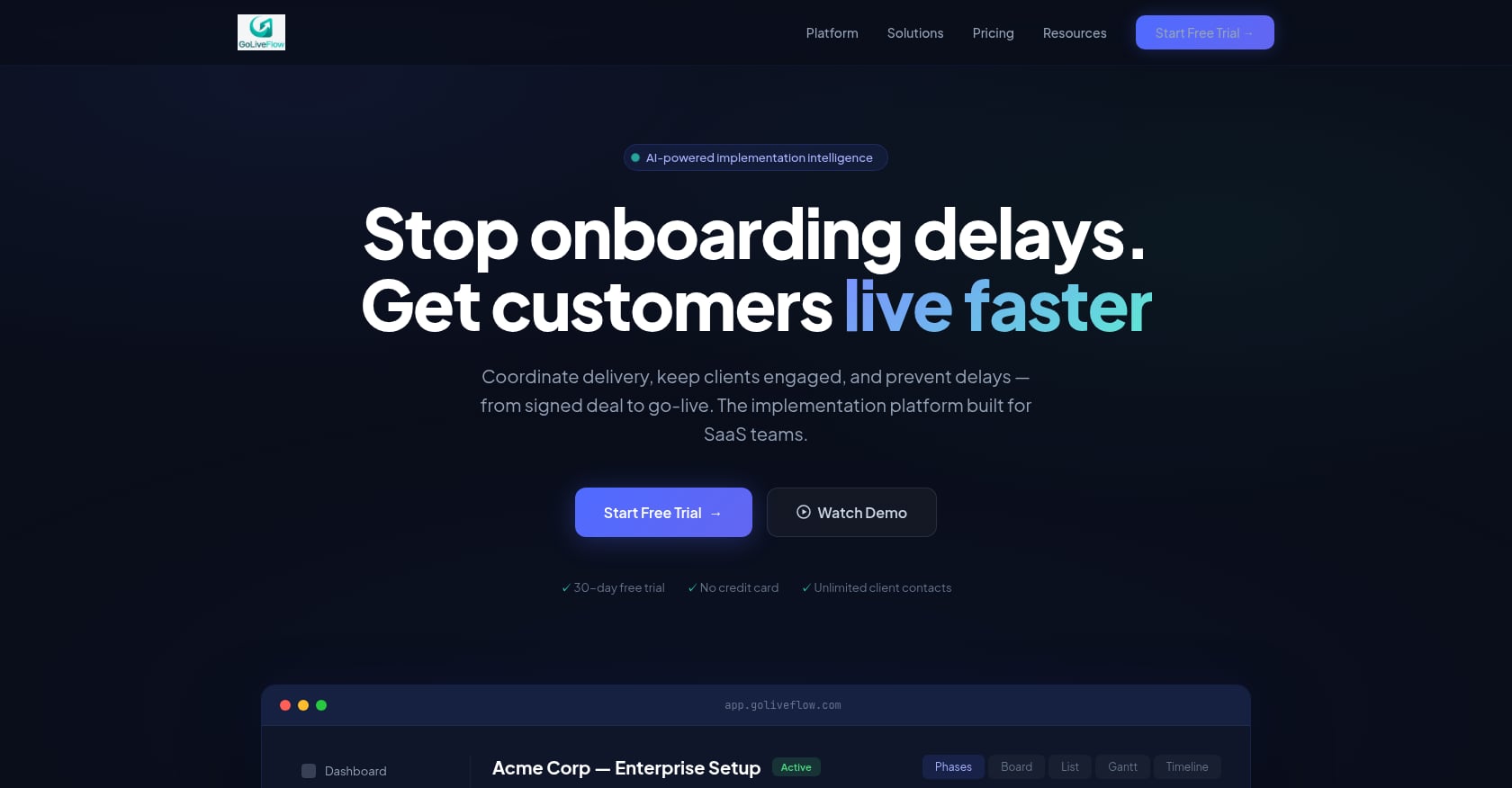
GoLiveFlow ships the onboarding-specific components ready to use: portal, approvals, playbooks with conditional logic, engagement scoring, and analytics. Configuration involves setting up your onboarding template, branding the portal, and connecting integrations. Teams with a clear onboarding process can be running live projects within a few days.
monday.com is extraordinarily flexible, which is both its strength and its weakness for onboarding. You’ll assemble boards, configure guest access or portal workarounds, install marketplace apps for e-signatures, build dashboards for tracking, and set up automations, all while monitoring your action quotas. Teams with an in-house monday.com power user or implementation partner can make this work well. Teams without that expertise should budget significant setup time.
Tradeoffs:
monday.com’s flexibility means it can adapt to unusual or complex onboarding processes that don’t fit GoLiveFlow’s model.
GoLiveFlow’s opinionated structure means less configuration but also less room to deviate from its intended workflow.
monday.com has a larger community, more YouTube walkthroughs, and more consultants available for hire. GoLiveFlow is newer with fewer community resources.
What practitioners say: Multiple reddit threads describe the ongoing maintenance burden of monday.com onboarding setups, from re-activating DocuSign connections after board duplication to rebuilding automations when action limits change behavior mid-month. Purpose-built tools reduce this category of admin work significantly.
Which Tool Should You Pick? Three Scenarios
Scenario A: SMB SaaS team, 2-6 implementers, many external stakeholders
Pick GoLiveFlow. The branded client portal, built-in e-signatures, and engagement scoring address the exact pain points of B2B onboarding without requiring you to become a monday.com architect. Predictable pricing with no seat minimums and unlimited client contacts makes budgeting straightforward. Start a 30-day free trial to test it against your actual onboarding workflow.
Scenario B: Organization already standardized on monday.com, with internal admin support
Stick with monday.com if you have a dedicated builder who can configure boards, manage automations within the action quotas, and handle the guest/portal experience. The value of keeping everything in one work OS can outweigh the limitations, especially if your onboarding needs are relatively simple (fewer than 10 steps, minimal client interaction required, no e-signature needs).
Scenario C: IT/support-led onboarding with ticket-based workflows
Consider monday service Enterprise if your onboarding looks more like support ticket resolution than project management. The Customer Portal under monday service is designed for this pattern. But if you need multiple portals for multiple clients, confirm you’re comfortable with Enterprise pricing and the 500-portal cap.
For teams still defining their onboarding process before choosing a tool, this onboarding playbook template guide covers the KPIs and structure that should inform your tooling decision.
Ready to see how GoLiveFlow handles your specific onboarding workflow? Book a tailored walkthrough with the team.
FAQ
Can monday.com actually handle external customer onboarding?
Yes, but with caveats. monday.com can manage the internal side of onboarding (task tracking, team coordination, timelines) very well. The external, client-facing side is where it gets complicated. The Customer Portal exists only under monday service (not Work Management or CRM), multiple portals require Enterprise, and many teams report that clients find the full monday interface overwhelming. Practitioners often build workarounds using SharePoint embeds, Softr portals, or shareable board links.
Does GoLiveFlow work if my CRM is Salesforce?
GoLiveFlow currently integrates natively with HubSpot and offers Zapier as a bridge to other CRMs. Salesforce and Outlook integrations are on the roadmap but not yet available. If your team is deeply embedded in Salesforce, confirm the timeline during your trial or use Zapier as an interim solution.
How does monday.com’s 3-seat minimum affect small onboarding teams?
If you need only one or two seats, you’re still paying for three. On the Pro plan at ~$19/seat/month, that’s ~$57/month minimum, not a huge amount, but a recurring point of frustration users raise on Reddit. GoLiveFlow has no seat minimum, so you pay only for the seats you use.
Is GoLiveFlow SOC 2 certified?
Not yet. SOC 2 certification is listed as “in progress” on the GoLiveFlow platform page. Teams with strict compliance requirements should ask for the current assessment status and timeline during evaluation. monday.com has established ISO certifications and enterprise governance in place today.
What happens when you hit monday.com’s automation limits during onboarding?
On the Standard plan (250 actions/month), exceeding the limit means your automations stop running until the next billing cycle or you upgrade. On Pro (25,000 actions/month), you have more headroom, but complex onboarding workflows with multiple triggers per task can still accumulate quickly. There’s no pay-per-action overflow option; you upgrade to the next tier.
Can GoLiveFlow replace my entire project management tool?
GoLiveFlow is built specifically for customer onboarding and implementation management, not general project management. If you need to manage marketing campaigns, engineering sprints, and customer onboarding in one tool, monday.com’s breadth is the better fit. If onboarding is your primary use case and you want depth over breadth, GoLiveFlow is the stronger choice.
How do client contacts work in GoLiveFlow vs. monday.com?
GoLiveFlow includes unlimited client contacts on all plans at no extra cost. Clients access a branded portal designed for onboarding. In monday.com, external users can be added as guests (free, but they interact with the full monday UI) or access the Customer Portal under monday service. Neither guest access nor the service portal is specifically designed for onboarding project tracking.
Which tool is faster to set up for customer onboarding?
GoLiveFlow is faster for onboarding-specific workflows because the portal, approvals, playbooks, and analytics come pre-built. Teams typically go live within days. monday.com requires more upfront configuration (boards, automations, app installations, guest/portal setup) and ongoing maintenance, especially around template duplication and action quota management. The tradeoff is that monday.com’s configuration effort buys you more flexibility for non-standard processes.