GoLiveFlow or Asana for Implementation Management — 2026
TL;DR
Asana is a strong general project management tool, but it lacks the client-facing features that SaaS implementation teams actually need: a branded portal, engagement scoring, e-signatures, and time-to-value analytics. GoLiveFlow is purpose-built for the signed-deal-to-go-live journey, with native tools for every stage of customer onboarding. If you run internal projects, Asana works fine. If you run client implementations, GoLiveFlow fits the job.
Why This Comparison Exists
Implementation management is not project management. They overlap, sure, but the core job is different. Project management coordinates internal work. Implementation management coordinates external work with your customers, guiding them from contract signature to go-live while keeping engagement high and timelines intact.
That distinction matters because 63% of customers consider a company’s onboarding program when making a purchasing decision. A bad onboarding experience is the single biggest driver of churn in the entire customer journey. The stakes are too high to treat this as a generic task-tracking problem.
So why do teams compare GoLiveFlow or Asana for implementation management? Usually because they’re already using Asana internally and wondering if it can stretch to cover client onboarding. Or they’ve heard about dedicated implementation platforms and want to know if the switch is worth it.
The short answer: what separates dedicated onboarding software from generic project management tools is the focus on reducing time-to-value and providing visibility into customer progress. That’s the lens we’ll use for this entire comparison. For a broader look at speeding up your process, check out these tactics to onboard customers faster.
At-a-Glance Comparison Table
Dimension | GoLiveFlow | Asana |
|---|---|---|
Starting price | $19/seat/mo | $10.99/user/mo (Starter) |
Best for | SaaS implementation teams | Internal team task management |
Client-facing portal | Native, branded, step-by-step wizard | No native portal; guest access workaround |
Engagement scoring | Built-in | Not available |
E-signatures | Built-in with audit trail | Not available |
AI risk detection | Yes (Enterprise tier) | AI Studio (not implementation-specific) |
Time-to-value analytics | Native portfolio analytics | Requires manual dashboard building |
Budget tracking per project | Yes, all paid plans | Not natively available |
Resource/capacity planning | Yes | Workload view (Advanced+ only, $24.99/user/mo) |
Free trial | 30 days, no credit card | Free plan (2 users); 14-day trial for paid |
Min seats required | None | 2 seats on paid plans |
Unlimited client contacts | All plans | Unlimited guests on paid plans |
SOC 2 | In progress | SOC 2 Type II certified |
G2 rating | Not yet listed | 4.4/5 from 12,000+ reviews |
Now let’s break each tool down in detail.
1. GoLiveFlow
Best for: SaaS implementation teams that need a purpose-built platform for client-facing onboarding projects.
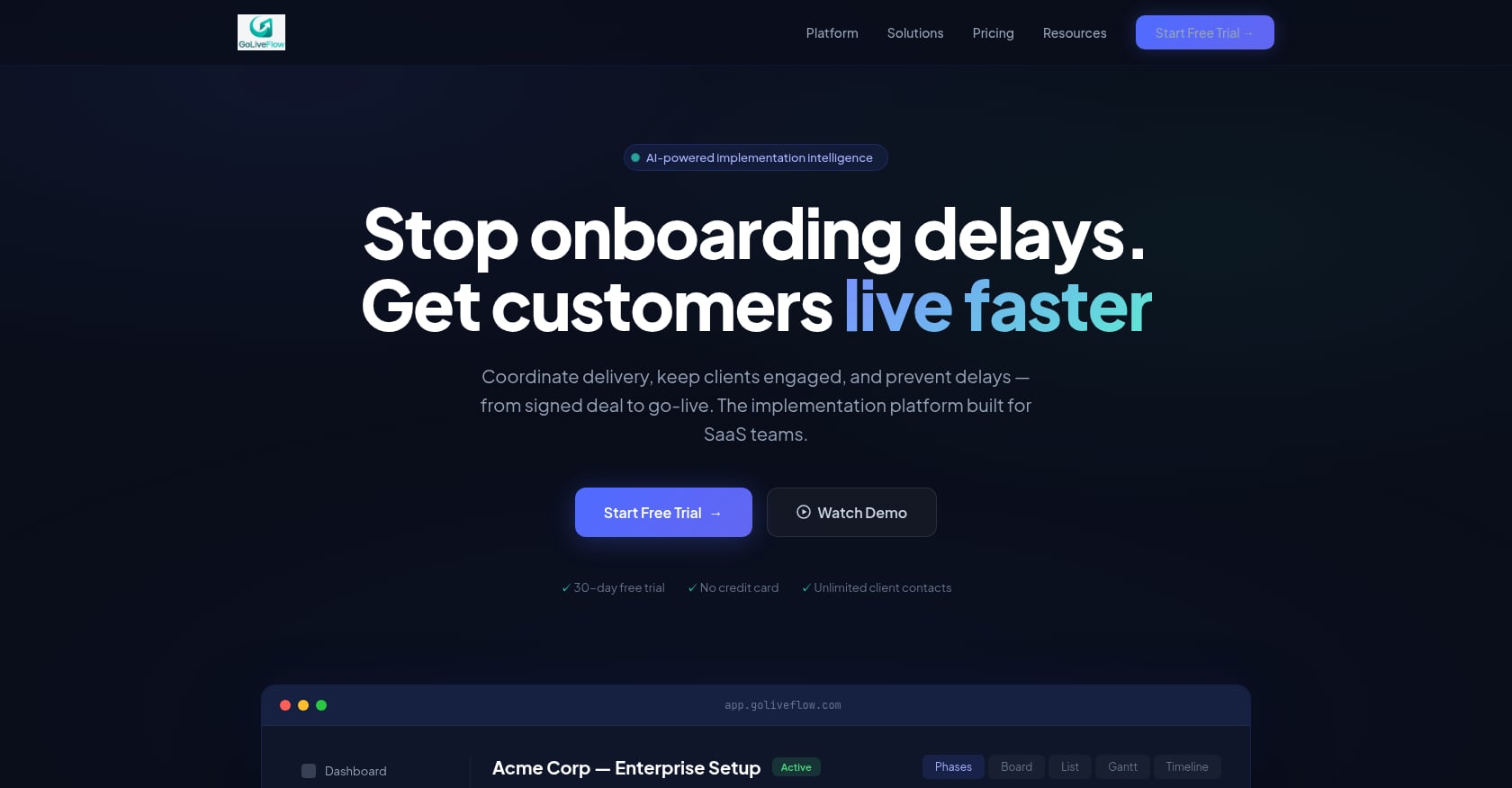
GoLiveFlow is an AI-powered implementation management platform designed specifically for the post-sale customer journey. Every feature exists to solve a problem that implementation managers face daily: clients going dark, approvals stalling, timelines slipping without early warning, and leadership having zero visibility into what’s actually happening across the portfolio.
Pricing:
Starter: $19/month per seat (up to 3 seats, 5 active projects)
Professional: $49/month per seat (25 active projects, full interactive portal, e-signatures, automation rules, analytics, API, Zapier)
Enterprise: $99/month per seat (unlimited projects, SSO/SAML, AI Copilot with 50 queries/day, priority support, custom integrations)
No minimum seats on any plan. All plans include unlimited client contacts. A 30-day free trial is available with no credit card required.
Key features for implementation management:
Branded client portal with step-by-step wizard. Instead of dumping clients into a project board full of tasks they don’t understand, GoLiveFlow walks them through a guided experience. This directly addresses the “task dump overwhelm” problem that kills client engagement in the first two weeks.
Engagement scoring. The platform tracks client activity and alerts your team when someone goes dark. This is the difference between catching a stalled project on day 3 versus day 30.
AI risk detection and coaching prompts. The system surfaces root causes like overdue dependencies, low login activity, and budget burn, then suggests next actions. This is operationally specific AI, not a chatbot bolted onto a task list.
E-signature approvals with audit trail. Phase gates, scope sign-offs, and compliance documents can be handled inside the platform. No more chasing PDFs through email threads.
Portfolio analytics. Time-to-value, bottleneck identification, and task velocity across all active implementations. Leadership gets the dashboard they’ve been asking for.
Resource management and capacity planning. See who’s overloaded, who has bandwidth, and where conflicts are brewing before they derail a project.
Financials and budgets per project. Track budget burn against progress and catch profitability risks early.
Multiple project views (Gantt, timeline, board, list) plus baselines comparing planned versus actual timelines.
Integrations: HubSpot, Zapier, Google Calendar, Slack, SendGrid, Stripe, plus a REST API for custom workflows.
If you want to build repeatable processes, GoLiveFlow supports conditional playbooks with if/then logic, which pairs well with an onboarding playbook template approach.
Tradeoffs to acknowledge:
Salesforce and Outlook integrations are listed as “coming soon,” not generally available yet. Teams deeply standardized on Salesforce may need to wait or use Zapier as a bridge.
SOC 2 certification is in progress, not completed. Security-conscious enterprises may need to review GoLiveFlow’s current posture before committing.
As a newer platform, GoLiveFlow has limited third-party reviews on G2 or Capterra. Early adopters are weighing product velocity and transparent pricing against the maturity signals that come with time.
Who should choose GoLiveFlow:
Teams that run SaaS customer implementations and need a single platform for the entire signed-deal-to-go-live journey. If you care about client engagement, risk visibility, and time-to-value metrics, this is purpose-built for your workflow.
Explore the implementation platform
2. Asana
Best for: Internal team coordination and general project management across departments.
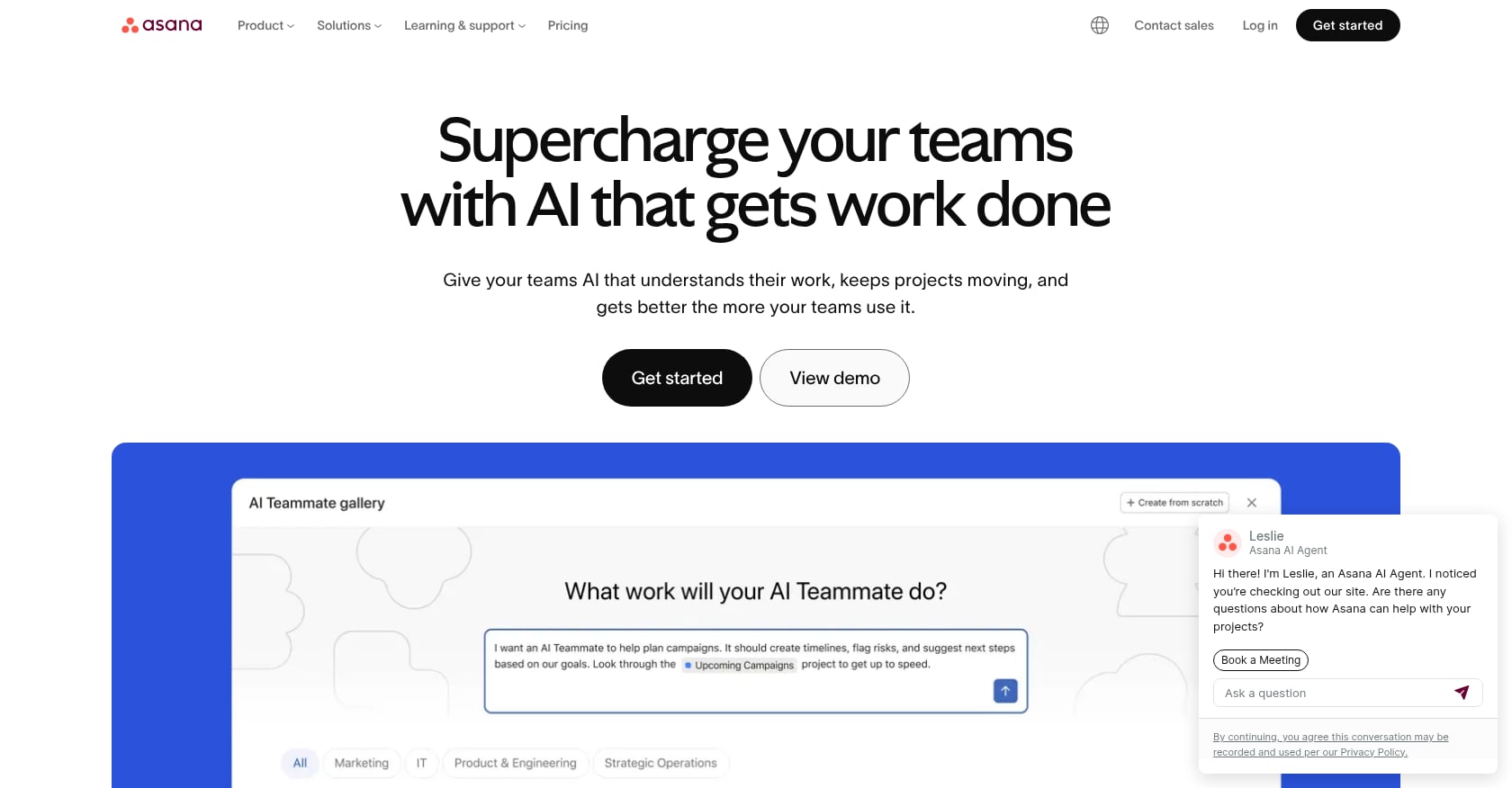
Asana is one of the most popular project management tools in the world, and for good reason. It excels at organizing internal work, tracking tasks, and keeping distributed teams aligned. With a 4.4 out of 5 rating on G2 from over 12,000 reviews, it has a massive user base and deep trust in the market.
The question isn’t whether Asana is a good tool. It is. The question is whether it’s the right tool for implementation management specifically.
Pricing (verified May 2026):
Personal: Free forever, up to 2 users
Starter: $10.99/user/mo (billed annually) or $13.49/user/mo (billed monthly)
Advanced: $24.99/user/mo (billed annually) or $30.49/user/mo (billed monthly)
Enterprise/Enterprise+: Custom pricing
Both Starter and Advanced tiers require a 2-seat minimum commitment.
Key strengths for implementation work:
Strong task management with multiple views (list, board, timeline, calendar)
Automation rules that assign tasks when projects begin, send reminders near due dates, or update statuses based on form submissions
Template system that lets you duplicate project structures for each new client
Over 200 integrations, covering most of the SaaS stack
High ease-of-use ratings (8.9/10 on G2)
Critical gaps for implementation management:
This is where the comparison between GoLiveFlow or Asana for implementation management gets decisive. Asana has several structural limitations that directly affect client-facing work.
No native client portal. Customers have to log into your Asana workspace to see updates. As one practitioner analysis put it, “Asana didn’t think at all of how to officially include clients. Asana is meant for team collaboration and not for building bridges between teams and their clients.” Multiple independent sources (AgencyHandy, Zendo, practitioner blogs) confirm the same finding. There is no native client portal in Asana.
Client access is messy. Workarounds exist, like creating parallel projects or inviting clients as guests. But practitioners on Asana’s own community forums have raised this problem repeatedly. One highly-engaged forum thread asked: “How am I supposed to work with clients on a project, where I want to invite them to approve and comment, but don’t want them seeing certain internal information like budget, cost, time tracked, time estimated?” There’s no satisfying answer. This is a structural limitation, not a configuration problem.
External guest permissions are a risk. If you invite an external guest to a project on lower-tier plans, those guests can invite other external guests without any admin control. The only way to prevent this is by purchasing an Enterprise plan.
No engagement scoring. Asana has no way to track whether a client is actively engaged or has gone silent. You won’t know a project is at risk until you manually check in.
No e-signatures. Any approval workflow that requires a signature needs an external tool like DocuSign, adding friction and fragmenting the audit trail.
No native budget tracking. Project financials aren’t built into Asana. There’s no time tracking, no timesheet reporting, and no way to monitor resource utilization at lower tiers. The workload view that helps with capacity planning is locked behind the Advanced tier at $24.99/user/month.
Single-assignee limitation. Asana only allows one person to be assigned to a task. In implementation management, tasks frequently involve both the internal PM and a client contact, making this a constant friction point. Practitioners on forums consistently flag this as a pain point.
Price escalation risk. Moving from Starter to Advanced represents a 127% price increase. For a 50-person team, that’s an $8,400 annual jump. G2 reviewers have noted that features sometimes migrate to higher tiers after purchase: “We’d just gotten on an Enterprise plan when not long after, they added another Enterprise plan and some of the items we’d joined for moved up into that higher bracket.”
Real user perspective:
One common sentiment across project management forums captures the tension well: “You can manage onboarding with just project management software, but it’s rarely ideal. Tools like Asana do a great job on internal coordination, but they’re not built as client-facing spaces.”
Who should choose Asana:
Teams that need a general-purpose project management tool for internal operations and don’t have client-facing requirements like portals, engagement scoring, or implementation-specific analytics. Asana is excellent at what it’s designed for. It’s just not designed for implementation management.
Pricing Breakdown: What You Actually Pay
Price is usually the first filter, so let’s be precise about what each tool costs for a typical implementation team.
GoLiveFlow pricing is straightforward. $19/seat/month for Starter, $49/seat/month for Professional (which includes the full portal, e-signatures, automation, and analytics), and $99/seat/month for Enterprise. No minimum seats. Unlimited client contacts on every plan. A 30-day free trial with no credit card required.
Asana pricing starts lower at $10.99/user/month for Starter, but the features that matter for implementation work (portfolio management, workload views, advanced reporting) are gated behind the Advanced tier at $24.99/user/month. And the features that matter for client security (admin controls for external guests) are gated behind Enterprise pricing, which requires a custom quote.
There are documented hidden costs beyond Asana’s list price, including implementation fees, training costs, and add-on charges. The tier structure also means that as your needs grow, you face steep jumps. Goals and OKRs, for example, are completely unavailable below $24.99/user/month.
For GoLiveFlow, the Professional plan at $49/seat/month includes everything an implementation team needs without worrying about feature gates. You can compare all plan details to see exactly what’s included at each tier.
The bottom line: Asana’s entry price is lower, but the cost of getting features relevant to implementation management is comparable or higher once you factor in tier upgrades and external tools needed to fill gaps.
What About Other Implementation Tools?
GoLiveFlow or Asana for implementation management covers the main comparison, but two other dedicated platforms deserve a mention if you’re doing a broader evaluation.
Rocketlane offers Essential ($19/team), Standard ($49/team), Premium ($69/team), and Enterprise ($99/team) plans, with a minimum of 5 users. It holds a 4.7 rating on Capterra based on 127 reviews, and one G2 reviewer reported “a 50% decrease in time to value while maintaining a perfect CSAT rating.” The tradeoff: practitioners report that the volume of communication channels inside Rocketlane can confuse clients about where to interact, and since you can’t guarantee a client will tag you, you end up subscribing to nearly all notifications.
GuideCX starts at $5,000/year for its Starter plan with unlimited projects and customers. It’s built specifically around the idea that onboarding is a collaborative, customer-facing process. The tradeoff: users have reported that the UI is difficult to navigate, and it takes significant time and effort to get comfortable with the platform.
Other names you might encounter include Dock, OnRamp, and Arrows. Each takes a slightly different approach, but the core category trend is clear: implementation teams are moving away from generic PM tools toward platforms built for client-facing work.
Which Should You Choose? Decision Framework
Rather than making a blanket recommendation, here’s a framework based on what your team actually needs.
Choose Asana if:
Your primary need is internal project management across departments
You don’t run client-facing onboarding or implementation projects
Your clients don’t need to interact with your project workspace
You have a small team (2-3 people) and want to start free
You already use Asana for other work and your implementation volume is minimal
Choose GoLiveFlow if:
You manage SaaS customer implementations from signed deal to go-live
You need a branded client portal that guides customers through their tasks
Client engagement tracking (who’s active, who’s gone dark) matters to your outcomes
You need e-signatures, approval workflows, or phase gates inside your implementation tool
Leadership needs portfolio-level analytics on time-to-value, bottlenecks, and capacity
You want project budgets, resource planning, and financials in one platform
You’re currently using Asana (or spreadsheets) for implementations and hitting the limits
If you’re migrating from Asana: The switch is most worth it when your implementation volume reaches the point where you can’t manually track client engagement, you’re losing visibility across projects, or your clients are confused by the Asana interface. GoLiveFlow’s template and automation system means you can rebuild your workflows without starting from scratch.
For teams ready to evaluate, book a demo or start a 30-day free trial to test it against your current process.
FAQ
Can Asana be used as a client portal?
Not natively. Asana has no built-in client portal. The workaround is inviting clients as guests to your project workspace, but this exposes internal tasks, lacks guided navigation, and creates permission management headaches. Multiple practitioners and independent reviewers confirm this is a structural gap, not something you can configure away.
Does GoLiveFlow integrate with HubSpot and Slack?
Yes. GoLiveFlow integrates with HubSpot, Slack, Google Calendar, SendGrid, Stripe, and Zapier (which connects to 5,000+ apps). A REST API is available for custom workflows. Salesforce and Outlook integrations are on the roadmap but not yet generally available.
What’s the minimum commitment for each tool?
GoLiveFlow has no minimum seat requirement on any plan, and all plans include unlimited client contacts. Asana’s paid plans (Starter and Advanced) require a 2-seat minimum. Enterprise pricing for both tools involves custom discussions.
Does GoLiveFlow have SOC 2 certification?
SOC 2 certification is currently in progress. GoLiveFlow supports SSO/SAML on its Enterprise plan, uses encryption at rest and in transit, and offers role-based access controls. Asana holds SOC 2 Type II certification. If your organization requires completed SOC 2 before procurement, factor this into your timeline.
Is GoLiveFlow only for SaaS companies?
The platform is designed for SaaS implementation teams, but its features (client portal, engagement scoring, project financials, resource planning) are relevant to any organization running structured client onboarding or professional services delivery.
How does engagement scoring work in GoLiveFlow?
GoLiveFlow tracks client activity like portal logins, task completions, and response times. When engagement drops below expected thresholds, the system alerts your team so you can intervene before a project stalls. Asana has no equivalent feature.
Can I build onboarding playbooks in GoLiveFlow?
Yes. GoLiveFlow supports conditional playbooks with if/then logic, allowing you to create standardized implementation processes that adapt based on client inputs. For guidance on building effective playbooks, see this onboarding playbook template guide.
What if I need both internal PM and implementation management?
Many teams use Asana (or a similar tool) for internal project management and GoLiveFlow specifically for client-facing implementations. The two serve different purposes, and GoLiveFlow’s Zapier and API integrations make it straightforward to connect them. You can explore more on the GoLiveFlow blog.