Customer Onboarding vs Project Management Tools: 2026 Guide

TL;DR
Project management tools like Asana, Monday.com, and ClickUp are built for internal teams, not client-facing delivery. They lack client portals, engagement scoring, and onboarding-specific analytics, which creates friction that drives churn. Purpose-built onboarding platforms solve these gaps but vary widely in depth and price. This guide breaks down exactly where PM tools fall short and compares 7 tools across both categories so you can pick the right one for your team.
Why This Comparison Matters Right Now
Every SaaS implementation team hits the same wall. You set up Asana or Monday.com during the early days, built a few templates, invited your first customers as guests, and things worked. Then they didn’t.
Clients stopped logging in. Tasks piled up without context. Your team spent more time managing the tool than managing the onboarding. Sound familiar?
The numbers back up what you’re feeling. Research shows that 74% of potential customers would switch to a competitor if the onboarding process feels too complicated. And 15-25% of annual churn happens in the first 90 days, precisely when onboarding breaks down.
The core issue isn’t that PM tools are bad. They’re just solving the wrong problem. The question of customer onboarding vs project management tools isn’t about which category is “better.” It’s about understanding that these are fundamentally different tool types built for different audiences.
This article covers why generic PM tools structurally fail at onboarding, what purpose-built platforms do differently, and which 7 tools deserve your evaluation time.
Explore the GoLiveFlow platform to see how a dedicated onboarding tool compares.
Why Project Management Tools Fail at Customer Onboarding
Before comparing specific tools, it helps to understand the structural mismatch between client implementation software vs project management. The gap shows up across six dimensions.
1. Client-Facing Experience vs. Internal Clutter
PM tools organize work for your team. When you invite a customer into that environment, they see everything: internal notes, tasks meant for your engineers, status fields that mean nothing to them. Separating customer tasks and visibility while ensuring no internal data leaks takes constant effort. You risk exposing clients to the “laundry” of your internal processes, and confused customers disengage.
2. The “Onboard-to-Onboard” Problem
This is a pattern practitioners on Reddit and LinkedIn describe repeatedly. Before customers can start your onboarding, they have to onboard onto your project management tool. They create an account. They learn the interface. They figure out where their tasks live. That’s two onboarding experiences stacked on top of each other, and the first one has nothing to do with your product.
3. Notification Pollution
The moment a customer signs up for your PM tool, they start receiving that tool’s own onboarding emails, marketing messages, and feature announcements. This disrupts the continuity of their relationship with your brand and pulls their attention away from what actually matters. No competing article talks about this, but it’s a real problem that erodes the professional experience you’re trying to create.
4. No Engagement Tracking or Risk Detection
PM tools tell you whether a task is done. They don’t tell you whether a client is engaged. There’s a big difference. What separates dedicated onboarding software from generic tools is the focus on reducing time-to-value and surfacing risk before deadlines slip. According to Forrester research cited by Arcade, activation depth in the first 60 days predicts retention better than any single CSM intervention later in the lifecycle.
5. CRM Disconnect
Data from PM tools doesn’t flow into your CRM. Why would it? So every customer’s journey through onboarding needs to be tracked and recorded manually. That means your CS team is flying blind on account health during the most critical phase of the customer relationship.
6. Tool Sprawl and PM Tool Decay
Because PM tools don’t cover all onboarding requirements, teams bolt on additional tools. Research indicates that 60% of companies use 4-6 tools for onboarding alone. And there’s a related failure mode that Rocketlane’s own content identifies: the PM tool was set up once and never maintained. Automations break. Fields go stale. Templates reflect a process the team abandoned months ago. Without system ownership, the tool becomes a burden.
These six gaps explain why the customer onboarding vs project management tools debate isn’t theoretical. It’s operational.
At-a-Glance Comparison Table
| Tool | Type | Starting Price | Client Portal | Engagement Scoring | AI Risk Detection | E-Signatures | Min Seats | Free Trial |
|---|---|---|---|---|---|---|---|---|
| GoLiveFlow | Onboarding Platform | $19/seat/mo | Branded, guided | Yes | Yes | Yes | None | 30 days |
| GuideCX | Onboarding Platform | ~$143/license/mo | Login-less | Yes (v2.0) | Yes (v2.0) | No | 4 | Yes |
| Rocketlane | PSA + Onboarding | $19/seat/mo | Branded | No (per G2 user) | Partial | No | 5 | 14 days |
| Dock | Client Portal | $350/mo (5 users) | Personalized | Basic | No | No | 5 | Free plan |
| Asana | Generic PM | $10.99/user/mo | Guest access only | No | No | No | None | Free tier |
| Monday.com | Generic PM | $14/seat/mo | Limited guest | No | No | No | 3 | Free tier |
| ClickUp | Generic PM | $7/user/mo | Guest access only | No | No | No | None | Free tier |
The 7 Tools Compared
1. GoLiveFlow
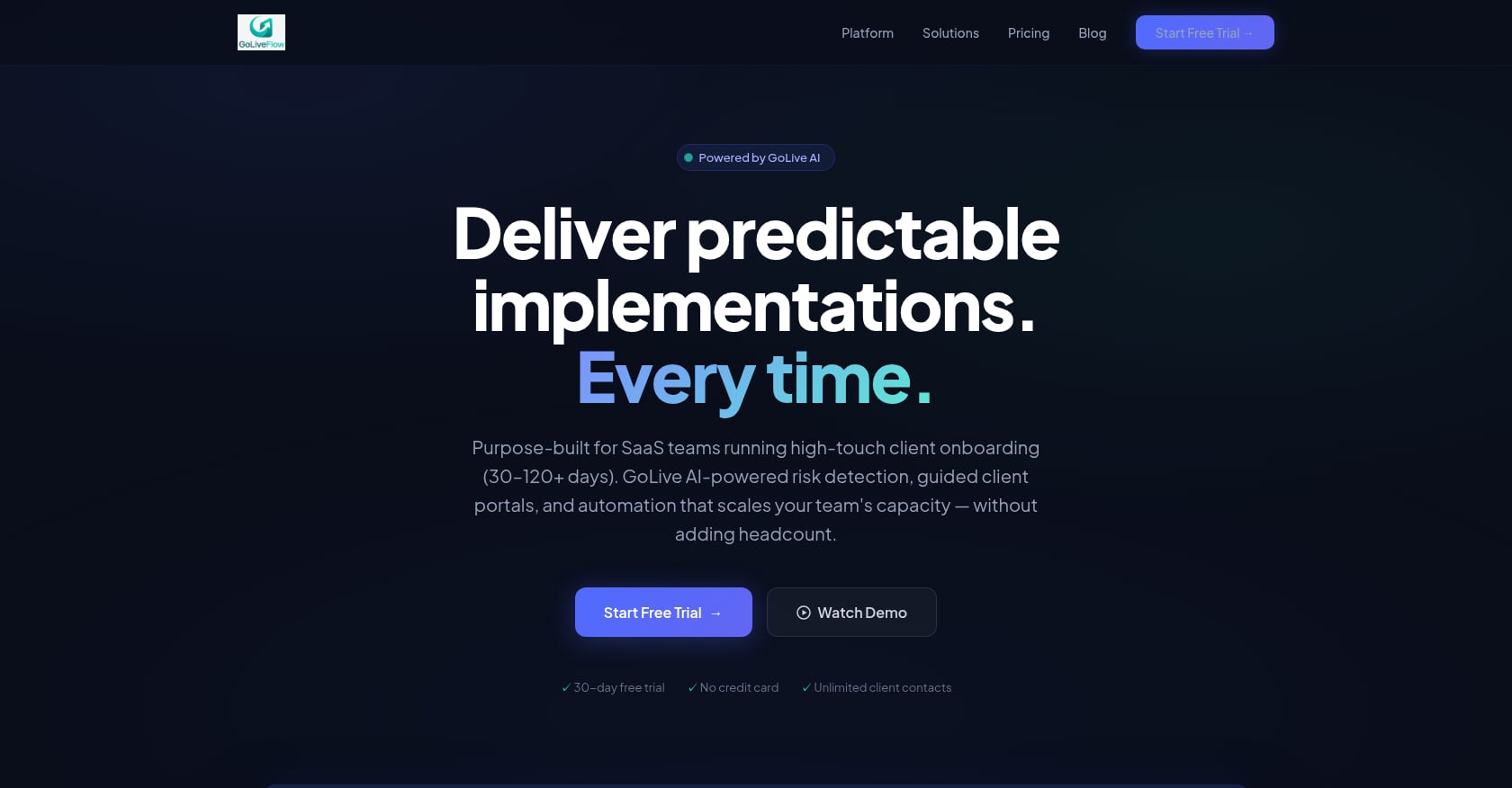
Best for: SaaS implementation teams wanting onboarding-specific depth (portal, engagement scoring, AI risk detection, e-signatures, playbooks) at transparent per-seat pricing with no minimums.
Pricing:
- Starter: $19/month per seat (up to 3 seats, 5 active projects)
- Professional: $49/month per seat (25 active projects, full portal, e-signatures, automation, analytics, API)
- Enterprise: $99/month per seat (unlimited projects, SSO/SAML, AI Copilot)
- No minimum seats. Unlimited client contacts on all plans. 30-day free trial, no credit card required.
See GoLiveFlow pricing for full plan details.
Key features:
- Branded client portal with step-by-step wizard that avoids “task dump” overwhelm
- Engagement scoring with alerts when clients go dark
- AI risk detection that surfaces root causes (overdue dependencies, low login activity, budget burn) and suggests next actions
- E-signature approvals with audit trail, eliminating DocuSign/PDF back-and-forth
- Automation rules engine with SLA tracking
- Portfolio analytics covering time-to-value, bottlenecks, and task velocity
- Resource management and capacity planning
- Financials and budgets per project
- Multiple views (Gantt, timeline, board, list) with baselines for planned vs. actual
- Integrations: HubSpot, Google Calendar, Slack, Zapier (5,000+ apps), SendGrid, Stripe; REST API and webhooks
Tradeoffs:
- Salesforce and Outlook integrations are coming soon but not yet available
- SOC 2 certification is in progress
- Newer brand with limited third-party reviews compared to established competitors
Real-world results: Site-reported outcomes include 40% faster time-to-value, 3x better client engagement, 60% fewer overdue tasks, and 90% on-time go-lives.
GoLiveFlow stands out in the customer onboarding vs project management tools comparison because it was built from the ground up for the specific problem: managing both internal work and the external client experience in one place. The engagement scoring directly addresses the pattern of customers going dark after kickoff, which is one of the most common onboarding failures.
2. GuideCX
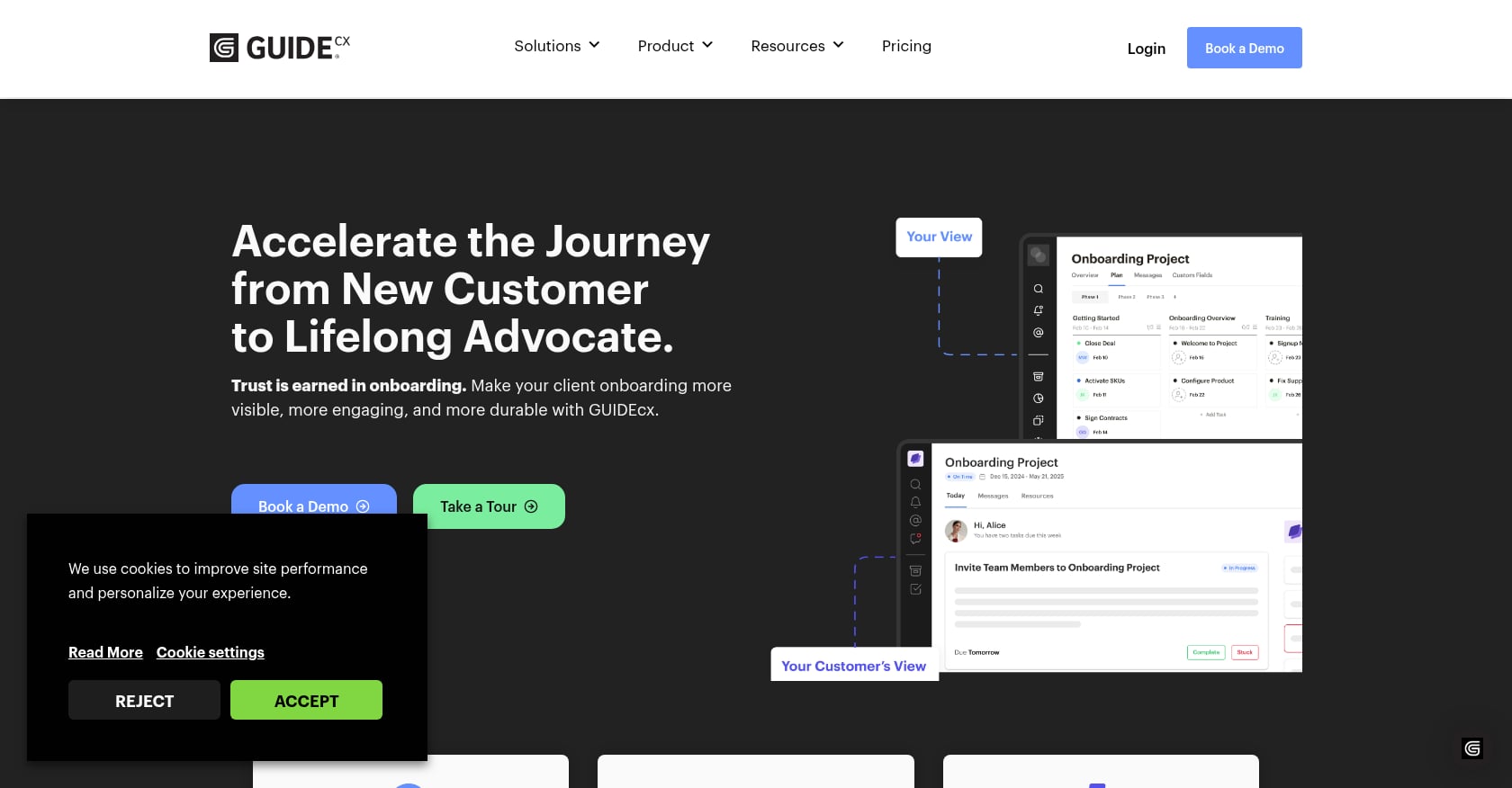
Best for: Mid-market to enterprise teams running high volumes of complex implementations with multiple stakeholders.
Pricing:
- Starter: $143/month per license (minimum 4 licenses)
- Entry-level tier begins at approximately $4,700/year
- Higher tiers (Professional, Premium, Advanced) unlock progressively more capabilities: Salesforce/HubSpot integrations, API access, native integrations, SSO, resource management, and custom reporting
Key features:
- White-labeled portals with login-less client access
- Mobile access and Gantt views
- Smart assignment dispatching and dynamic resource management (v2.0)
- AI agent for risk detection (v2.0)
- Alert-based reporting
Tradeoffs:
- UI customization is limited. According to G2 reviews, formatting and customization options for customer-facing emails are constrained
- Resource management and time tracking are gated behind higher tiers
- Entry price is significantly higher than alternatives, which prices out smaller teams
Real user perspective: One G2 reviewer noted GuideCX cut implementation time by 57%, while another credited it with doubling implementation capacity without adding headcount. On the flip side, some users report initial confusion for less tech-savvy clients and request more customization.
GuideCX is a serious platform for enterprise onboarding. The 2.0 release addressed several gaps. But the pricing structure means you’re committing to nearly $5,000/year minimum before you’ve validated the workflow.
3. Rocketlane
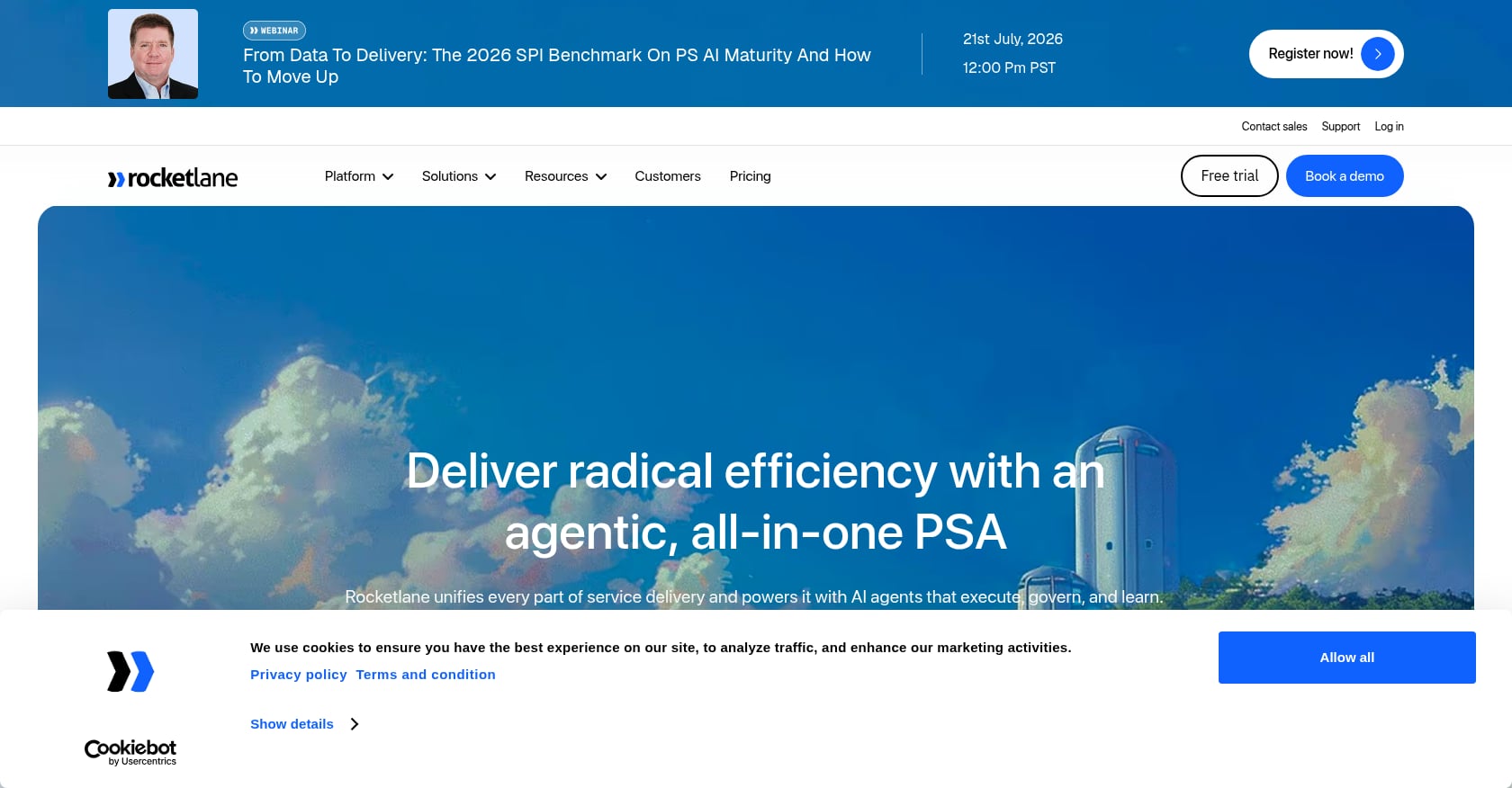
Best for: Professional services and implementation orgs that need to run delivery as an operation, with capacity planning, time tracking, billing, and client-facing execution in one system.
Pricing:
- Essential: $19/seat/month
- Standard: $49/seat/month
- Premium: $69/seat/month
- Enterprise: $99/seat/month
- Minimum 5 seats required on all plans
- 14-day free trial available
Key features:
- AI-powered PSA and delivery platform purpose-built for services teams
- Projects, time tracking, finances, workforce management, and client collaboration unified
- Branded client portal
- Integrations: Salesforce, HubSpot, Slack, Google Calendar, Zapier, Jira
Tradeoffs:
- No native customer health scoring. One verified reviewer on G2 noted “the absence of a customer health score forced us to go outside the platform to our CSP to monitor onboarding health”
- Some default functionality cannot be customized (e.g., calendar quarters are hardcoded, which doesn’t work for teams operating on different cadences)
- Setup complexity. Some customers noted on G2 that their onboarding experience with Rocketlane itself was overly complex
Real user perspective: Rocketlane has an overall rating of 4.7 on Capterra based on 127 user reviews. One verified user reported “a 50% decrease in time to value while maintaining a perfect CSAT rating.”
Rocketlane leans into the services operations layer rather than the customer experience layer. If you need to know who’s staffed, how time is tracked, and how delivery maps to invoices and margins, it’s a strong choice. If engagement scoring and client experience are the priority, you may want to evaluate alternatives to Rocketlane.
4. Dock
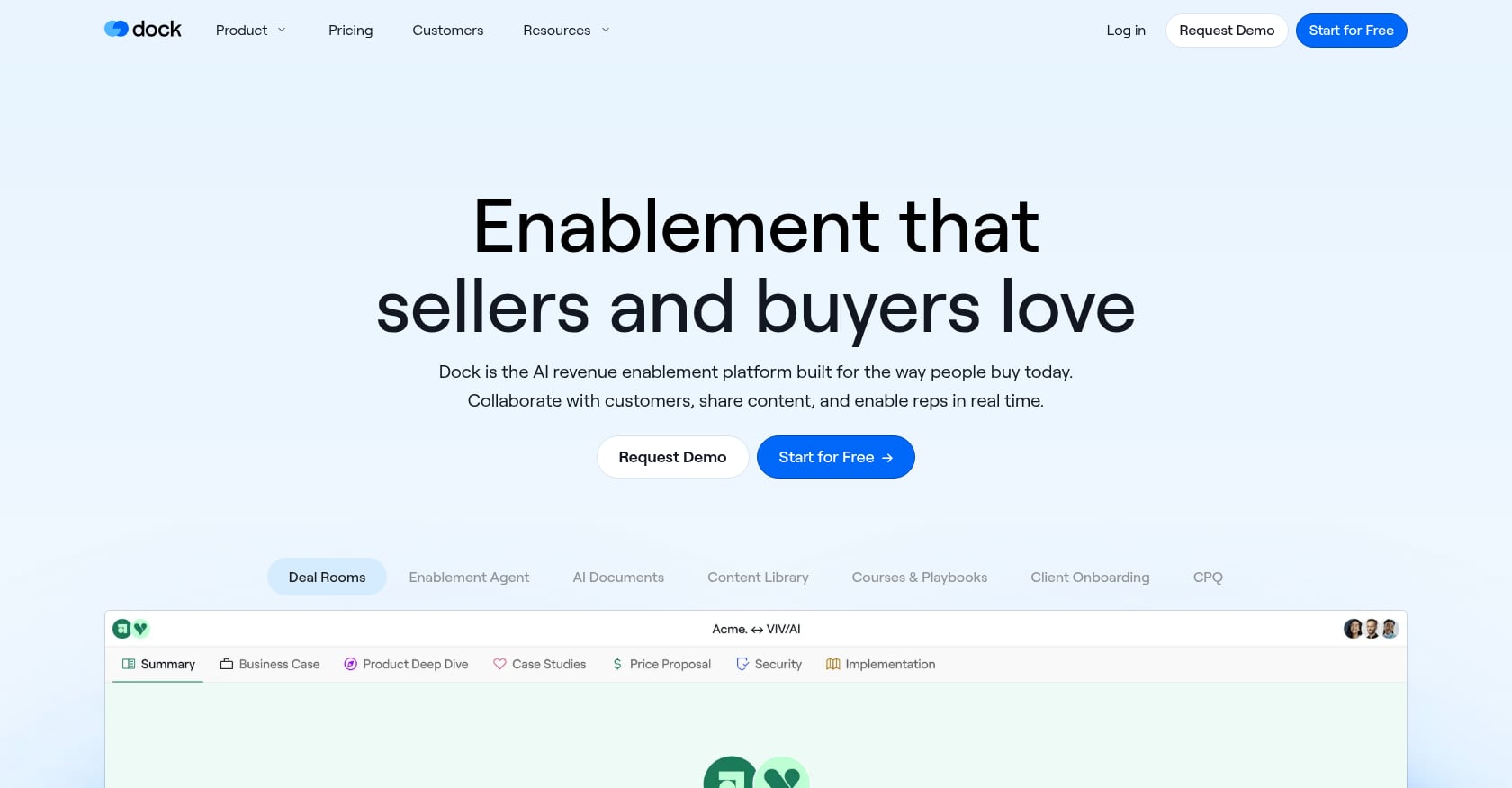
Best for: Teams prioritizing a beautiful, lightweight client-facing workspace for onboarding without heavy PSA features.
Pricing:
- Free plan: 50 workspaces with basic integrations
- Paid plans: Starting at $350/month for up to 5 users
Key features:
- Personalized client workspaces that consolidate tasks, timelines, documents, and resources
- Pre-built templates and embedded content
- Real-time collaboration tools
- HubSpot and Salesforce integrations
- Basic engagement analytics
Tradeoffs:
- Not a complete CRM or project management replacement; you’ll need other tools for full customer management
- Limited functionality for post-onboarding workflows
- No e-signatures, AI risk detection, or deep automation
- The $350/month entry point makes it expensive per seat if your team is small
Real user perspective: Dock works well when transparency and client experience matter more than deep customization or low per-seat pricing. It fills a specific niche between generic PM tools and full onboarding platforms.
5. Asana
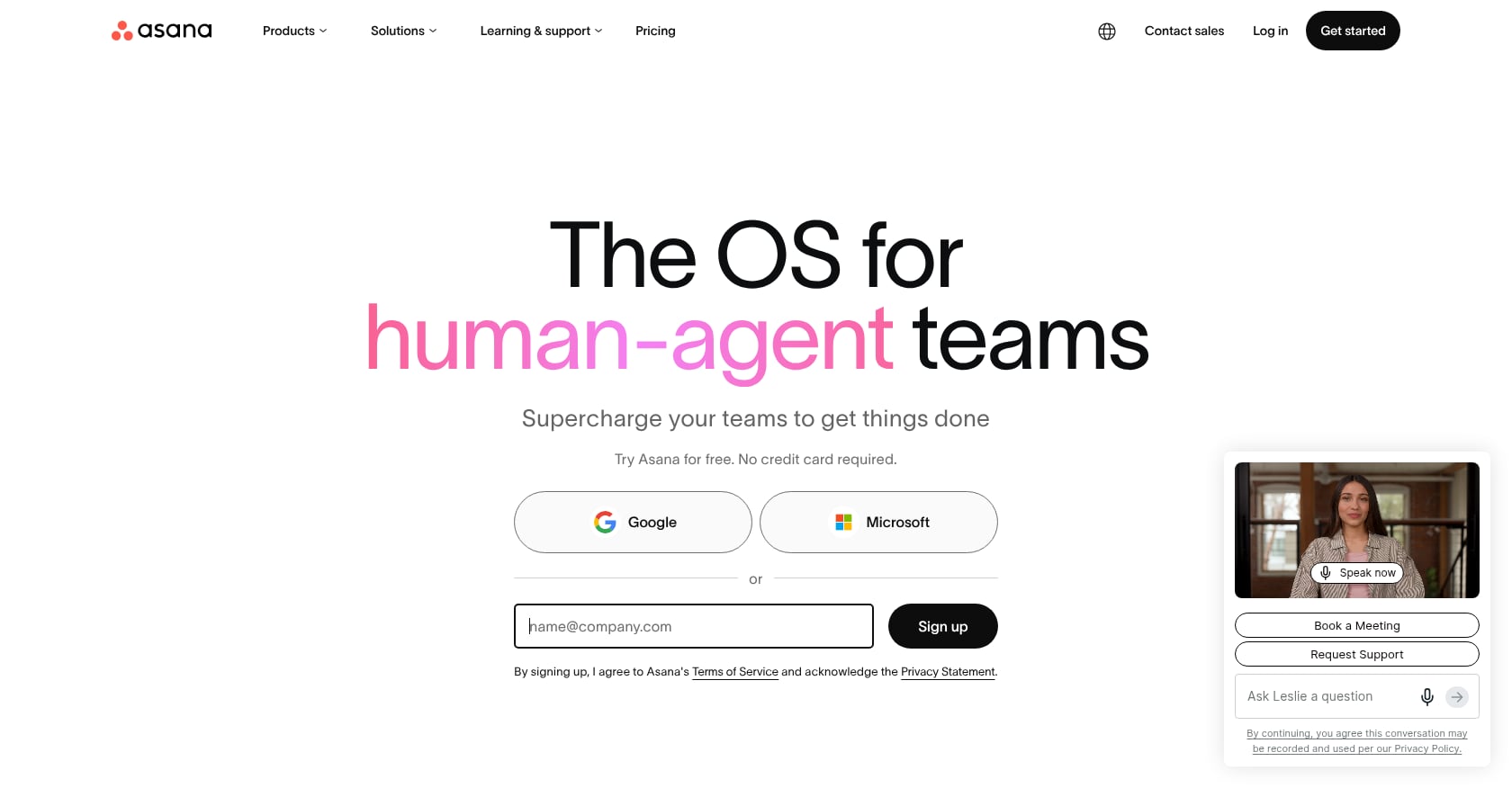
Best for: Internal project teams that occasionally need to track onboarding tasks but don’t need client-facing collaboration or engagement tracking.
Pricing:
- Free tier: Basic task management
- Starter: $10.99/user/month (unlimited projects, multiple views, basic reporting)
- Advanced: $24.99/user/month (AI features, workload management, advanced search)
Key features:
- Task management with Gantt/timeline views
- Goal tracking and forms
- Automation rules
- Extensive integration ecosystem
Tradeoffs:
- No native client portal. Customers must be added as guests or given full access, which exposes internal work
- No engagement scoring, health metrics, or disengagement alerts
- No e-signatures or document collection workflows
- No time-to-value analytics or onboarding-specific reporting
- Guests experience the full Asana interface, creating the “onboard-to-onboard” problem
Real user perspective: One product tester reviewing PM tools for onboarding noted: “It still felt like I was forcing a project tool into an onboarding role because it has a very limited ability to personalize each customer’s experience.” This sentiment appears consistently across practitioner discussions on Reddit and LinkedIn.
Asana is excellent at what it’s designed for: internal project coordination. For a detailed breakdown, see GoLiveFlow vs Asana for client-facing projects.
6. Monday.com
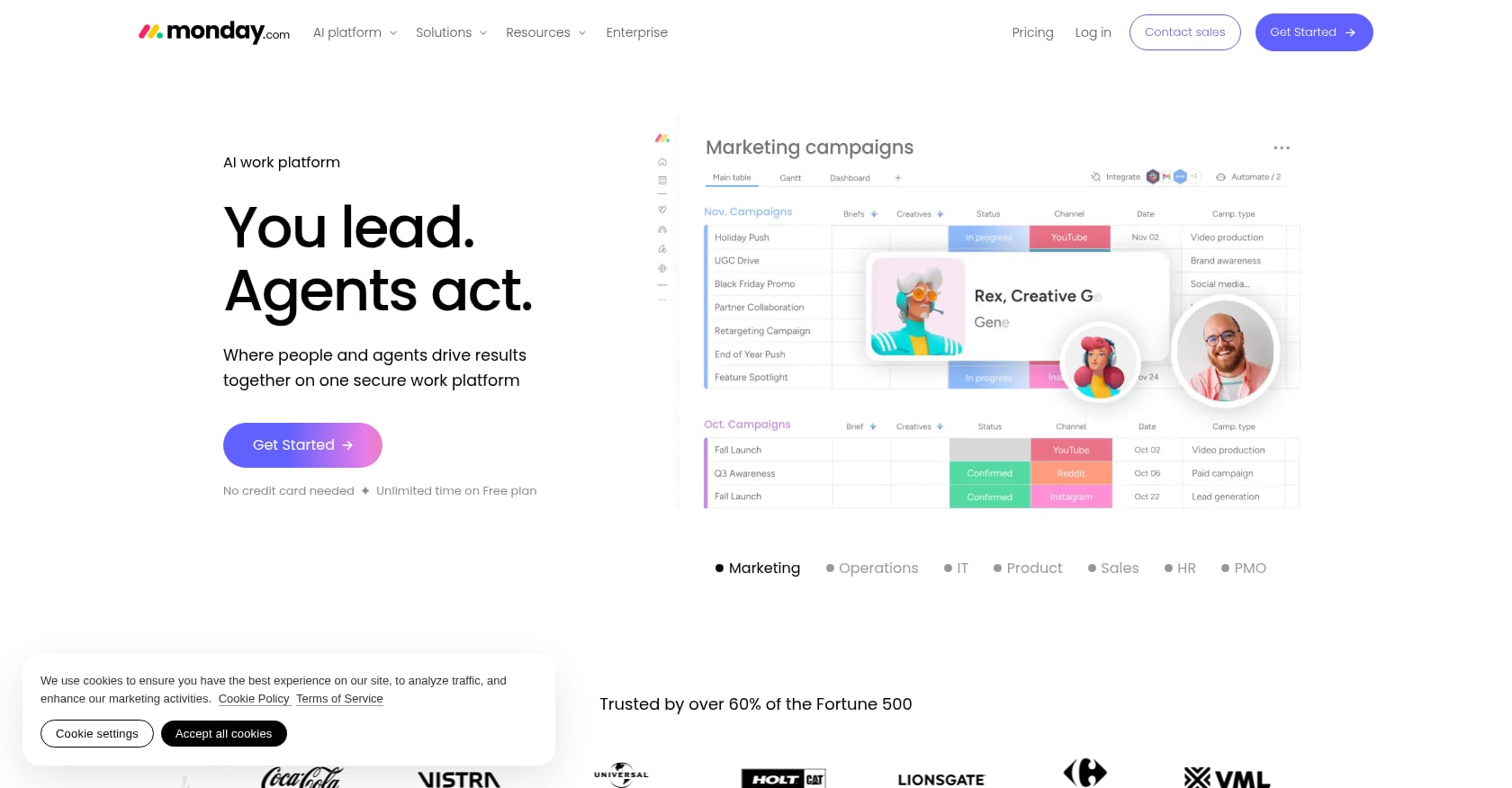
Best for: Small teams already using Monday.com for other workflows who want to track basic onboarding tasks without adopting a new tool. Will hit walls at scale.
Pricing:
- Standard: $14/seat/month
- Pro: $27/seat/month (required for AI features, more than double the Standard price)
- Seat bucket pricing means a team of 8 pays for 10 seats
Key features:
- Visual work management with reusable boards and checklists
- Each client tracked as an item with statuses, owners, and timelines
- Templates for basic onboarding workflows
- Automations (capped at 250/month on Standard)
Tradeoffs:
- Boards degrade past 500 items with automations
- Guest access is limited; external collaborators often require a paid seat
- Time tracking, workload views, and advanced reporting locked behind higher tiers
- The things that make Monday.com easy to start are the same things that make it expensive to scale
- No client portal, engagement scoring, or onboarding-specific analytics
Real user perspective: Practitioners on forums frequently note that Monday.com’s pricing escalation catches teams off guard. The gap between Standard and Pro effectively doubles costs when you need features like workload management or AI.
For a deeper comparison, see GoLiveFlow vs Monday.com for customer onboarding.
7. ClickUp
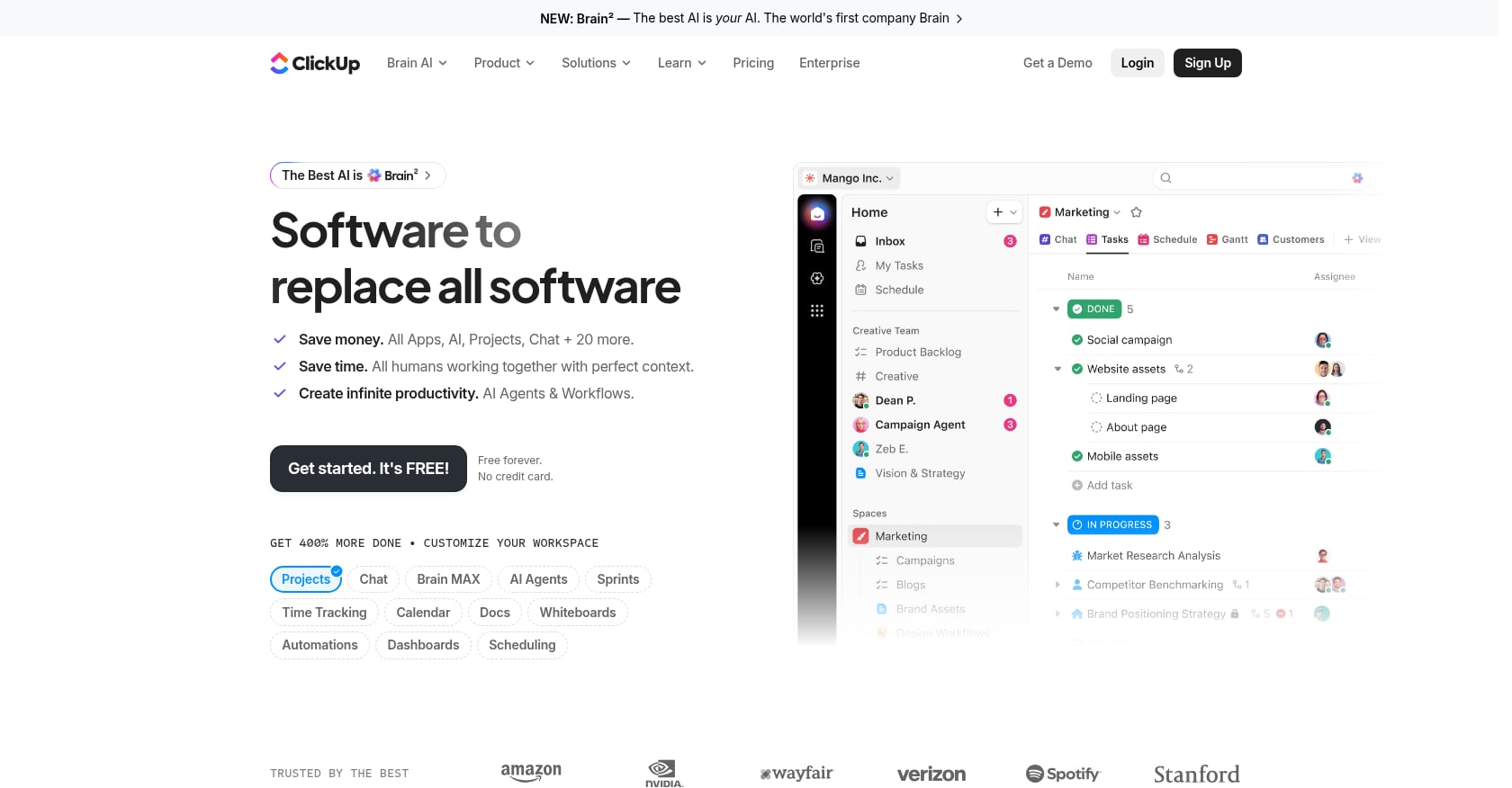
Best for: Budget-conscious teams that want maximum flexibility and are willing to build custom onboarding workflows from scratch.
Pricing:
- Free plan available
- Unlimited: $7/user/month
- Business: $12/user/month
Key features:
- Highly customizable task management with multiple view types
- Automation and conditional logic
- Templates for onboarding workflows
- Docs, whiteboards, and goals built in
Tradeoffs:
- Like Asana and Monday.com, no native client portal, engagement scoring, or onboarding-specific analytics
- No e-signatures
- The flexibility is a double-edged sword: teams must build onboarding workflows from scratch, which means significant setup time
- Risk of PM tool decay is high because nothing is opinionated toward onboarding
Real user perspective: ClickUp’s strength is raw capability per dollar. But that same openness means there’s no guardrail keeping your onboarding process structured. Teams that start with ClickUp for onboarding often find themselves duct-taping together portals, forms, and external tools to fill the gaps, which is exactly the tool sprawl problem that dedicated platforms solve.
How to Choose: The Onboarding Stack Spectrum
The customer onboarding vs project management tools decision isn’t binary. Tools exist on a spectrum of onboarding-specific depth:
Generic PM tools (Asana, Monday.com) → Flexible PM with guest access (ClickUp) → Client portals (Dock) → Dedicated onboarding platforms (GoLiveFlow, GuideCX) → Full PSA platforms (Rocketlane)
Each step to the right adds more onboarding-specific capability but also more workflow opinions and, in some cases, higher cost. The right choice depends on where you are on the onboarding maturity curve.
Here’s a simple decision framework:
If you’re onboarding fewer than 5 clients per quarter and the process is simple, ClickUp or Asana will work. The gaps won’t hurt you yet.
If you need a client portal but want to keep things lightweight, Dock gives you a polished client experience without heavy operational features.
If you want onboarding-specific features at accessible pricing, GoLiveFlow offers portal, engagement scoring, AI risk detection, e-signatures, and automation starting at $19/seat with no seat minimums.
Start a 30-day free trial to test the workflow with your team.
If you’re mid-market or enterprise with complex, multi-stakeholder implementations, GuideCX is built for that scale, though the entry cost is substantially higher.
If you need full professional services automation (time tracking, billing, resource capacity planning), Rocketlane unifies delivery operations in one system.
For broader guidance on choosing onboarding software for SaaS, that resource covers additional evaluation criteria.
Features That Actually Matter When Evaluating Onboarding Tools
Not all features carry equal weight. Based on the patterns that drive churn (and the gaps PM tools consistently miss), here’s a ranked checklist for evaluating any customer onboarding tool:
-
Client portal (branded, guided, minimal login friction). This is the single biggest differentiator between onboarding tools and PM tools. A good portal eliminates the “onboard-to-onboard” problem entirely.
-
Engagement scoring and disengagement alerts. You need to know when a client is going dark before the deadline passes, not after. Research from Optifai’s 2026 Pipeline Study (N=939) found that companies with strong onboarding where time-to-first-value is under 7 days see 50% lower churn rates.
-
Playbook templates with conditional logic. Different customer types need different paths. According to research cited by multiple sources, 58% of customers say they must receive a personalized experience when interacting with a vendor. A one-size-fits-all approach doesn’t cut it.
-
Automation (task creation, escalations, reminders). Manual follow-ups drain PM time. Good automation handles the routine so your team can focus on the strategic.
-
E-signatures and approvals. Phase gates shouldn’t require switching to DocuSign or chasing PDFs. Built-in e-signatures keep momentum within the onboarding flow.
-
Analytics (time-to-value, bottleneck identification, portfolio views). You can’t improve what you can’t measure. Onboarding-specific analytics reveal patterns across your entire customer portfolio.
-
CRM integration. Onboarding data should flow back to your CRM automatically. Manual tracking introduces errors and delays.
For teams building their first structured onboarding process, an onboarding playbook template guide can accelerate the setup.
The Bottom Line
The customer onboarding vs project management tools comparison comes down to one question: is your tool built for the people doing the work, or for the people receiving the outcome?
PM tools answer the first question. Onboarding platforms answer both.
Bad onboarding causes 23% of all customer churn. Companies that implement structured onboarding programs see 20-30% reductions in first-90-day churn. The tooling choice isn’t just a workflow preference. It’s a revenue decision.
If you’re still managing customer onboarding in a generic PM tool and feeling the friction, the move to a purpose-built platform is worth testing.
Book a demo with GoLiveFlow to see how it works with your current process.
FAQ
Can I use Asana for customer onboarding?
You can, but you’ll hit friction quickly. Asana lacks a client portal, engagement scoring, e-signatures, and onboarding-specific analytics. Customers get added as guests and see the full Asana interface, which creates confusion and the “onboard-to-onboard” problem. It works for very simple, low-volume onboarding but breaks down as you scale.
What’s the difference between customer onboarding and user onboarding?
Customer onboarding (sometimes called implementation or client onboarding) is the process of getting a new B2B customer from signed deal to successfully using your product. It involves multiple stakeholders, project plans, approvals, and data migrations. User onboarding is the in-app experience that guides individual users through product features, like tooltips, walkthroughs, and checklists. Different problems, different tools.
How much do customer onboarding tools cost?
Prices range widely. Generic PM tools start from free to $10-15/user/month. Dedicated onboarding platforms like GoLiveFlow start at $19/seat/month with no minimums, while enterprise options like GuideCX start around $143/license/month with a 4-license minimum ($4,700+/year). Rocketlane requires a minimum of 5 seats starting at $19/seat. The right budget depends on your onboarding volume and complexity.
When should I switch from a PM tool to an onboarding platform?
Three signals suggest it’s time: (1) clients regularly disengage or “go dark” during onboarding and you have no way to detect it early, (2) your team spends significant time manually updating CRM records, chasing approvals via email, or explaining the PM tool to customers, and (3) you’re managing more than 10 concurrent onboarding projects and need portfolio-level visibility into time-to-value and bottlenecks.
Do onboarding tools replace project management tools entirely?
No. Most teams keep their PM tool for internal projects and use a dedicated onboarding platform for client-facing implementation work. The onboarding tool handles the external collaboration, engagement tracking, and client portal, while the PM tool manages internal sprints, product development, and other team workflows. They serve different purposes.
What is the “onboarding stack spectrum”?
It’s a framework for thinking about where different tools fall on the continuum from internal task management to full client delivery operations. At one end are generic PM tools (Asana, Monday.com), in the middle are client portals (Dock) and dedicated onboarding platforms (GoLiveFlow, GuideCX), and at the far end are full PSA platforms (Rocketlane). The right position on this spectrum depends on your team’s onboarding maturity and operational needs.