8 Alternatives to Rocketlane for Onboarding Automation 2026

TL;DR
Rocketlane works well for some teams, but its 5-seat minimum, hidden implementation fees, and CRM integration gaps push many to look elsewhere. The strongest alternatives to Rocketlane for onboarding automation include GoLiveFlow (best overall for SaaS teams of any size), GuideCX (mid-market with high project volume), Arrows (HubSpot-native shops), and Dock (content-rich, low-complexity onboarding). This guide breaks down pricing, features, and honest tradeoffs for eight options so you can pick the right fit without sitting through a dozen demos.
Quick Comparison Table
| Tool | Starting Price | Seat Minimum | Free Trial | Client Portal | Engagement Scoring / AI Risk | Best For |
|---|---|---|---|---|---|---|
| GoLiveFlow | $19/seat/mo | None | 30 days, no card | Native, branded | Yes, both | SaaS implementation teams of any size |
| GuideCX | ~$400/mo (4 licenses) | 4 | Contact sales | Native | AI Agents (limited) | Mid-market, 10+ concurrent projects |
| Arrows | $500/mo flat | None | Yes | HubSpot-embedded | No | HubSpot-native CS teams |
| Dock | Free (50 workspaces) | None | Free plan | Collaborative workspace | No | Content-rich, low-complexity onboarding |
| OnRamp | $15,000/yr | Varies | No | Dual-interface | AI portfolio analysis | Enterprise, high volume |
| ClickUp | Free; $7/user/mo paid | None | Free plan | No native portal | No | Teams already on ClickUp |
| monday.com | ~$8/user/mo | None | 14 days | No native portal | No | General PM + basic onboarding tracking |
| ClientEnforce | £29/mo | None | Yes | Document collection portal | No | Agencies and consultants |
Why Teams Switch from Rocketlane
Before jumping into alternatives, it helps to understand what drives the search. Rocketlane earns a solid 4.7/5 on Capterra across 127 reviews, so it’s not a bad product. But specific pain points keep surfacing in user feedback.
The 5-seat minimum prices out small teams. Every Rocketlane plan requires a minimum of 5 seats. At $19/user/month on the Essentials tier, your floor is $95/month before you unlock meaningful features. One G2 reviewer put it bluntly: “My wish is that we could add non-PM seats without any additional cost to be able to keep AEs in the loop during implementation.” For a 2-3 person implementation team, you’re paying for seats nobody uses.
Hidden costs add up fast. According to Vendr data, Rocketlane’s implementation fees range from $2,000 to $10,000+, with annual price escalators of 5-10% per year. Vendr also reports Rocketlane is 20-40% more expensive than competitors like Arrows when total cost is factored in. These numbers rarely appear on pricing pages.
CRM integrations frustrate users. Verified Rocketlane users on G2 have flagged data sync limitations with Salesforce. For teams running on HubSpot, the native integration story isn’t much better. If your CRM is the system of record, broken sync is a dealbreaker.
Reporting and UX draw complaints. G2 records 18 mentions of limited customization and another 18 mentions of confusing interface elements. One user wrote: “The UX initially was very confusing… Its Analytics is very poor. Very difficult to see a summary or high level overview of team performance.”
Onboarding the onboarding tool is ironic but real. Multiple G2 reviews note that Rocketlane’s own setup experience was overly complex and not tailored to their needs. A Capterra reviewer managing 3-5 active projects found “the system has quite a way to go to be robust enough to replace other client-facing tools.”
For a deeper side-by-side breakdown, see our GoLiveFlow vs. Rocketlane comparison.
These pain points shape the criteria that matter most when evaluating alternatives to Rocketlane for onboarding automation: transparent pricing, no seat minimums, strong CRM integrations, engagement visibility, and a platform that doesn’t need its own onboarding project to set up.
The Alternatives
1. GoLiveFlow
Best for: SaaS implementation teams of any size wanting engagement scoring, AI risk detection, and e-signatures without a seat minimum.
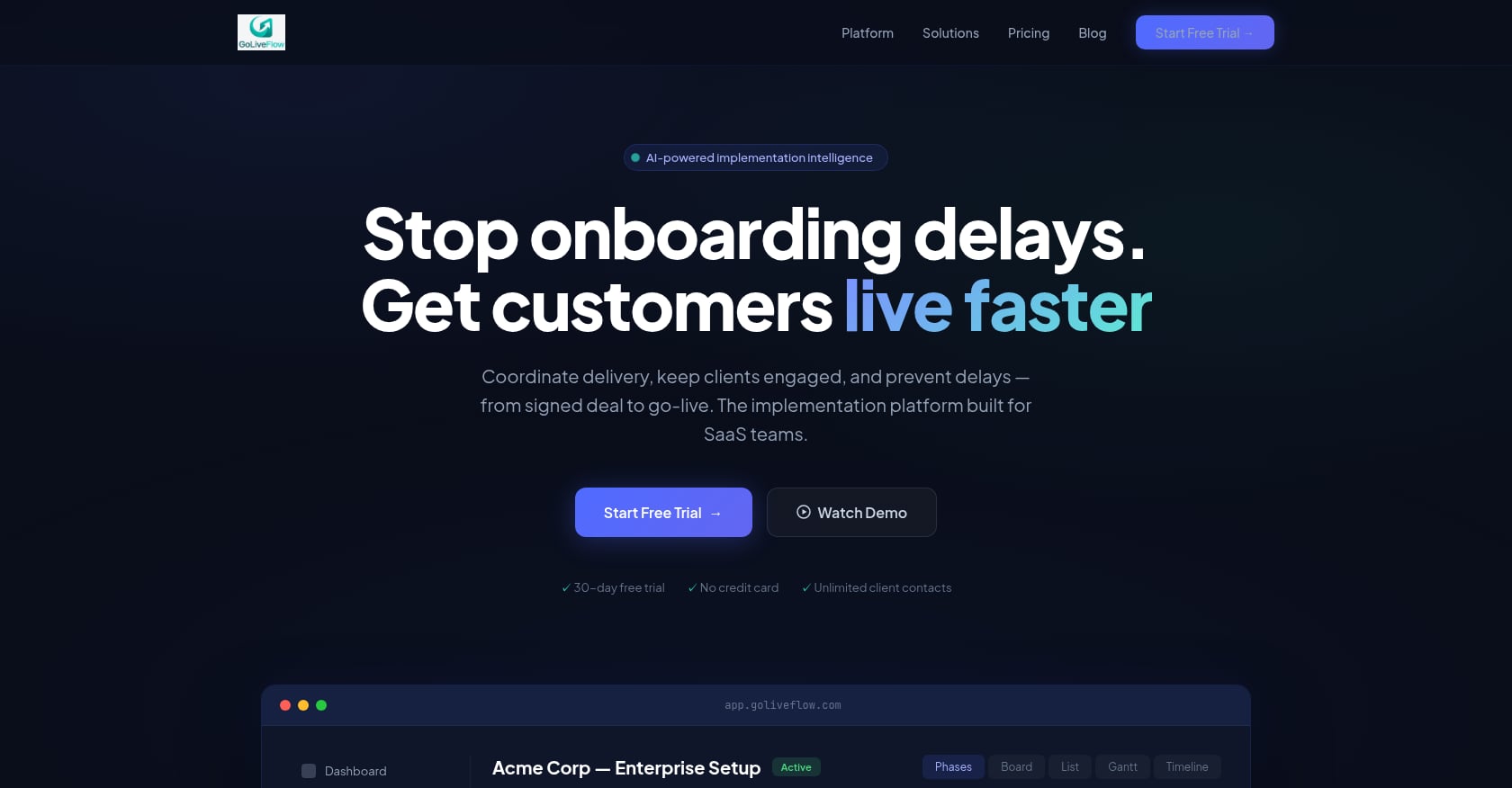
GoLiveFlow is an AI-powered implementation platform built specifically for the signed-deal-to-go-live workflow. Where Rocketlane requires you to buy 5 seats upfront, GoLiveFlow has no seat minimum and includes unlimited client contacts on every plan. That alone makes it the most accessible dedicated onboarding platform for small teams.
Pricing:
- Starter: $19/month per seat (up to 3 seats, 5 active projects)
- Professional: $49/month per seat (25 active projects, full interactive portal, e-signatures, automation rules, analytics, API, Zapier)
- Enterprise: $99/month per seat (unlimited projects, SSO/SAML, AI Copilot with 50 queries/day, priority support, custom integrations)
- 30-day free trial, no credit card required
For a 5-person team on the Professional plan, annual cost comes to $14,700. On Starter, a 3-person team pays $684/year. Compare that to Rocketlane’s minimum floor of $1,140/year before you get past the Essentials tier.
Start a free 30-day trial to test it with your own projects.
Key features:
- Engagement scoring that alerts your team when clients go dark, before deadlines slip
- AI risk detection with coaching prompts identifying root causes (overdue dependencies, low login activity, budget burn)
- Native e-signature approvals with audit trail, no DocuSign required
- Branded client portal with a step-by-step wizard that prevents task-dump overwhelm
- Conditional playbooks with if/then logic for different customer segments
- Portfolio analytics covering time-to-value, bottlenecks, and task velocity
- Resource management and capacity planning
- Integrations: HubSpot, Zapier, Google Calendar, Slack, SendGrid, Stripe, plus REST API and webhooks
Limitations:
- Salesforce and Outlook integrations are coming soon but not yet generally available
- SOC 2 certification is in progress, not yet complete
- Newer brand with limited third-party reviews compared to established competitors
User perspective: GoLiveFlow reports outcomes including 40% faster time-to-value, 60% fewer overdue tasks, and 90% on-time go-lives. While these are vendor-stated figures rather than independently verified case studies, the feature set (engagement scoring, AI risk detection, conditional playbooks) directly addresses the gaps practitioners on G2 consistently flag in Rocketlane.
Why it stands out: GoLiveFlow is the only alternative on this list that combines engagement scoring, AI risk detection, native e-signatures, and conditional playbooks at a price point accessible to teams as small as one person. For teams frustrated by Rocketlane’s seat minimums and hidden costs, the transparent pricing and 30-day trial remove the evaluation friction.
2. GuideCX
Best for: Mid-market companies managing 10+ concurrent implementations with complex, multi-stakeholder onboarding.
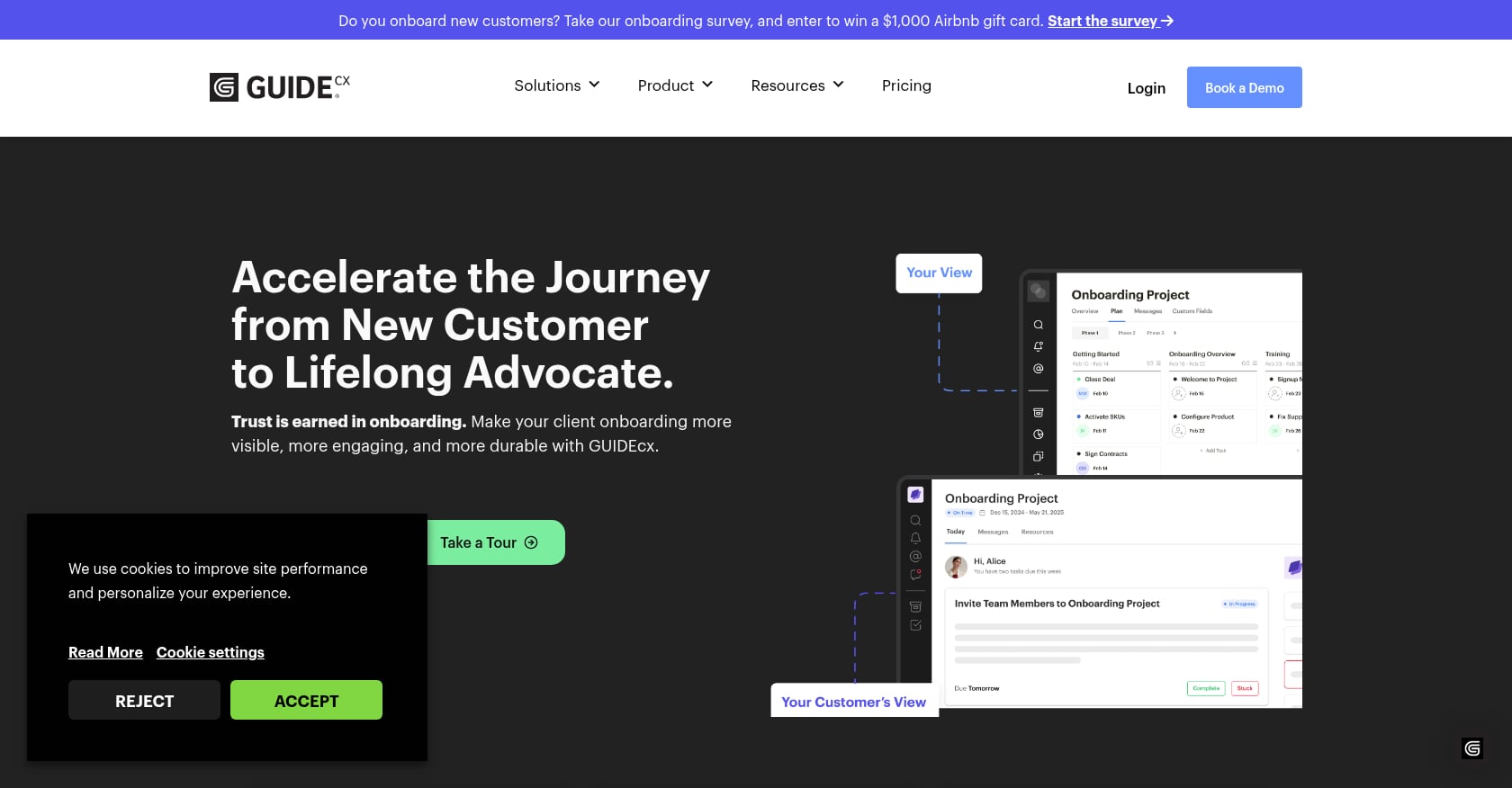
GuideCX is one of the more established players in the onboarding automation space. It targets software, IT services, and technology companies that need task automation, role-based project views, and intelligently forecasted end dates.
Pricing:
- Entry-level Starter tier starts at $4,700/year (approximately $100/month per license, minimum 4 licenses)
- Professional tier unlocks Salesforce and HubSpot integrations
- Higher tiers add AI Agents that identify process leaks
For a 5-person team, expect to pay $6,000+ annually on the Starter plan.
Key features:
- Task automation with intelligent follow-ups that reduce manual chasing
- Role-based project views for internal teams and clients
- Client portal accessible via web, email, or mobile app
- AI Agents that surface process bottlenecks
- Salesforce and HubSpot integrations (Professional tier and above)
Limitations:
- Reporting is a known weak spot. One reviewer on ToolsForHumans noted that dashboards “give a surface-level view but don’t support drill-down analysis,” making it “genuinely hard to justify the cost to anyone above the team level.”
- Customer messaging only reaches a single recipient on the client side, which is a real problem for multi-stakeholder implementations
- The 4-license minimum creates the same seat-cost friction smaller teams face with Rocketlane
User perspective: Reviews across G2 and Capterra sit in the 4.6 to 4.7 range. Practitioners appreciate automated task follow-ups and the client portal view, but consistently flag reporting depth as a gap.
3. Arrows
Best for: Customer success and implementation teams that run on HubSpot.
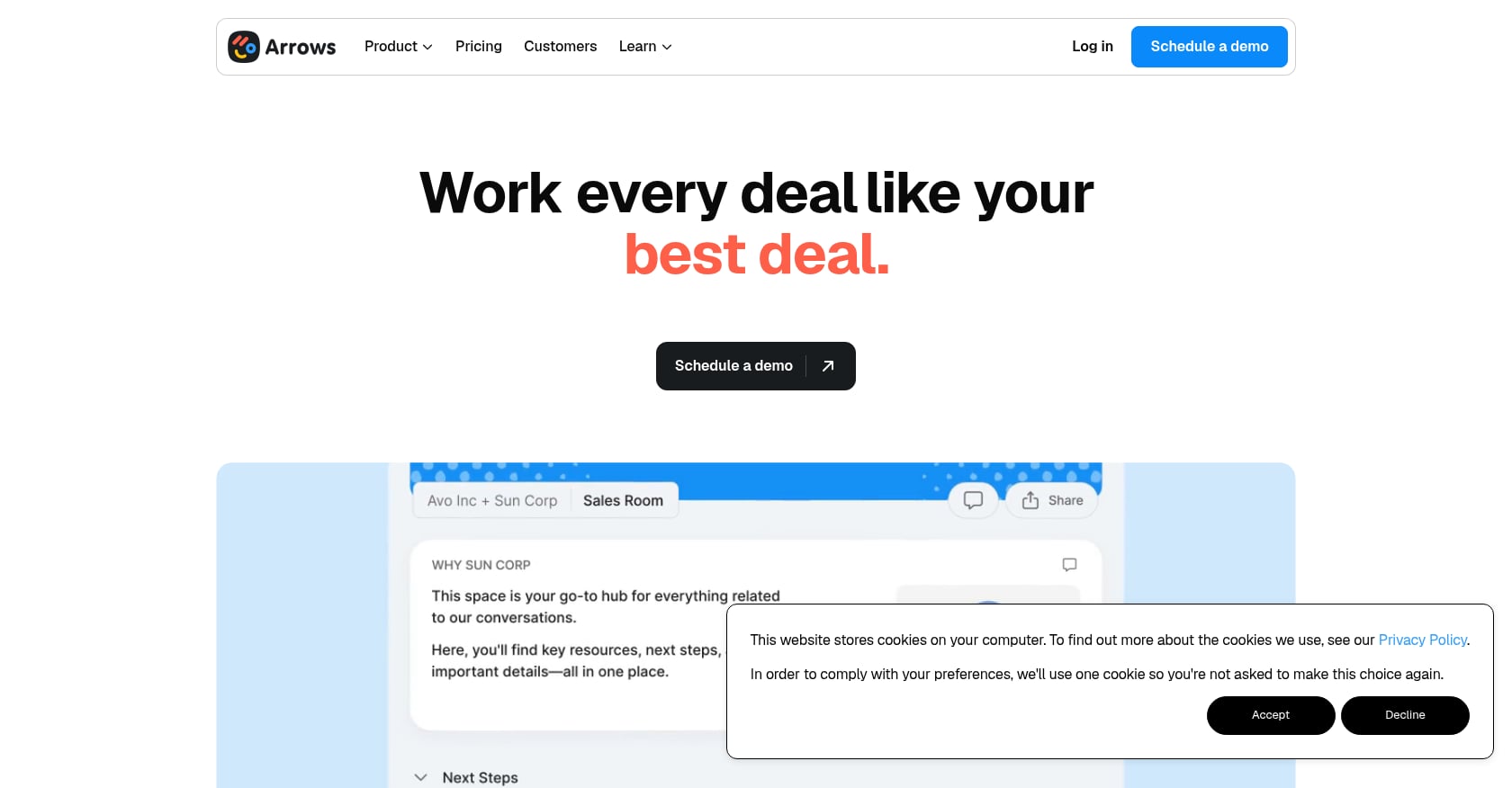
Arrows takes a fundamentally different approach from most alternatives to Rocketlane for onboarding automation. Instead of building a standalone platform, Arrows embeds directly into your HubSpot instance. Onboarding plans attach to HubSpot deals, tickets, or custom objects, syncing over 60 data points directly into your CRM.
Pricing:
- Growth: $500/month (includes 200 sales rooms or 100 onboarding plans)
- Business: $1,250/month
- Enterprise: custom pricing
- No per-seat pricing
At $6,000/year minimum, Arrows costs more than GoLiveFlow’s Starter or Professional tiers but less than OnRamp. The flat pricing model means you’re paying for plan volume, not headcount.
Key features:
- Customer-facing onboarding plans with shared visibility into progress
- Deep HubSpot integration (also expanding to Salesforce)
- 60+ data points synced to CRM per plan
- Templated plans that standardize onboarding across the team
Limitations:
- Highly CRM-dependent. If you’re not on HubSpot (or soon Salesforce), Arrows offers limited value
- No native resource management, financial tracking, or engagement scoring
- Not a full implementation platform; it’s a CRM-embedded onboarding layer
- No conditional playbooks or AI risk detection
User perspective: One Arrows customer reported that “average implementation time went down by 58% from just turning on Arrows.” G2 reviewers consistently praise the HubSpot integration quality. Another noted: “On the customer side, we haven’t had a single person run into snags or halt their onboarding because of the tool.” That said, teams needing onboarding playbooks with conditional logic will find Arrows too limited.
4. Dock
Best for: CS teams wanting a beautiful, content-rich onboarding workspace that bridges the sales-to-CS handoff.
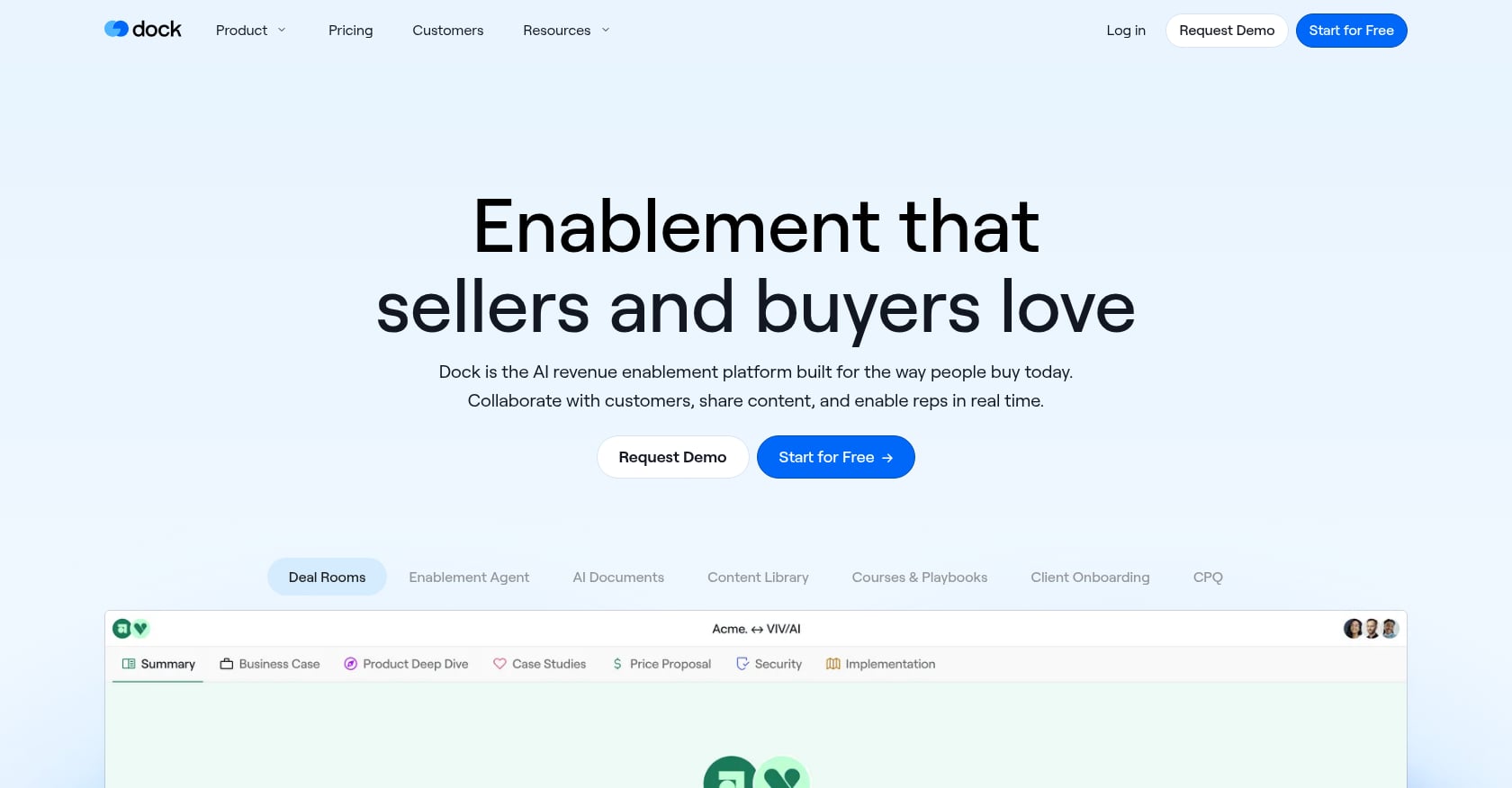
Dock positions itself more as a revenue enablement and content workspace than a dedicated implementation management tool. It excels when onboarding involves sharing resources, guides, and documents in a collaborative environment rather than managing complex project timelines.
Pricing:
- Free: up to 50 workspaces with basic integrations
- Starter: $350/month (unlimited workspaces, CRM sync)
- Premium: $750/month (content management, branding removal)
The free tier is genuinely useful for small teams evaluating the tool.
Key features:
- Collaborative workspaces with beautiful UI
- Templated onboarding flows
- Content management and learning management capabilities
- AI document generation
- HubSpot and Salesforce integrations
Limitations:
- Not a complete project management tool. No Gantt charts, resource planning, or financial tracking
- Users note it’s “not a complete CRM and task manager”
- May feel redundant for companies already invested in comprehensive PM tools
- No engagement scoring or AI risk detection
- No native e-signatures
User perspective: Practitioners on G2 love Dock’s UI, reporting it’s “very easy to navigate and clients love it.” The tradeoff is clear: you get a polished content experience but sacrifice the depth needed for complex, multi-phase implementations.
5. OnRamp
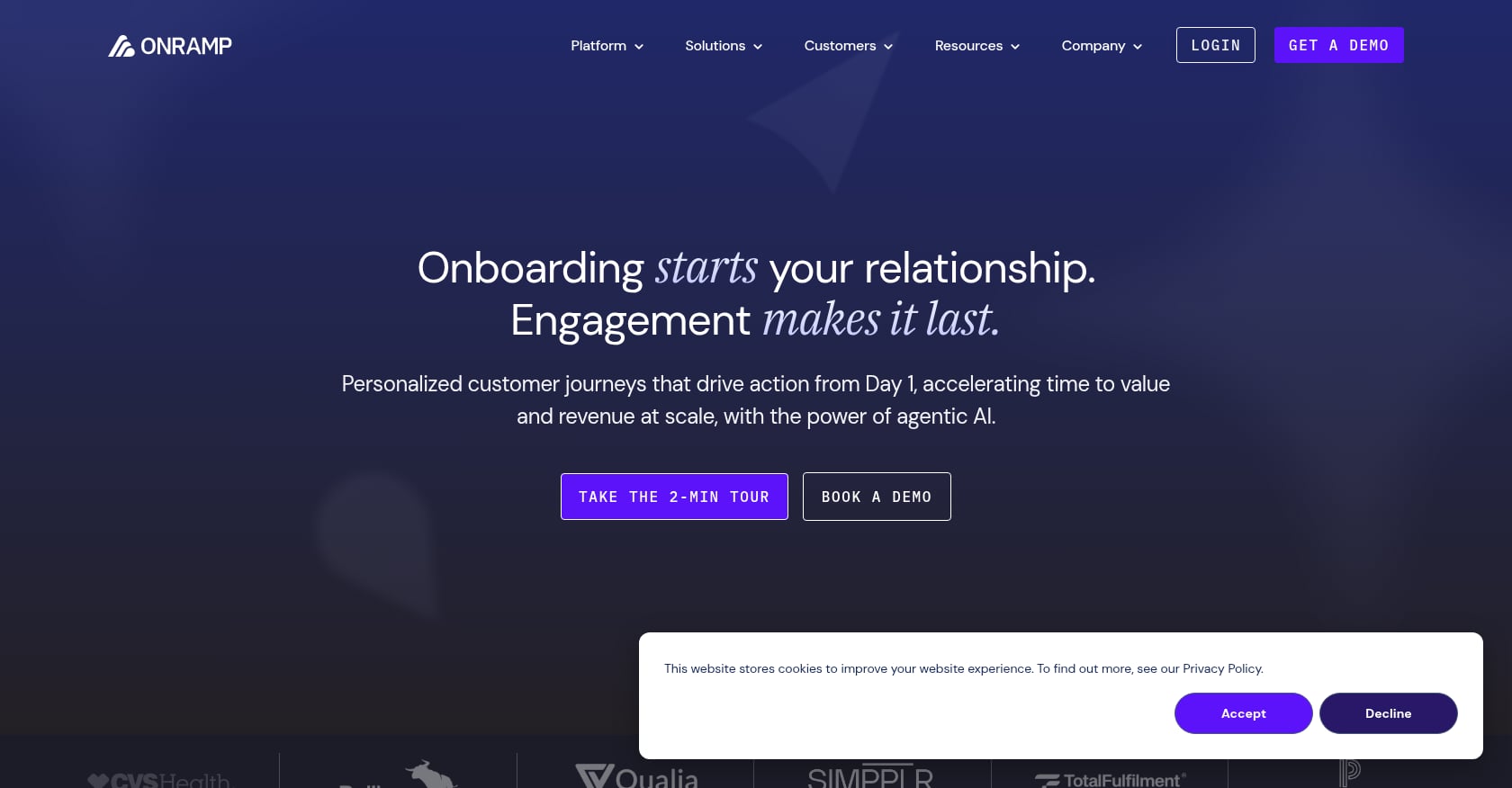
Best for: Enterprise SaaS teams with high onboarding volume and a budget of $15,000+ per year.
OnRamp is a purpose-built onboarding platform with a dual-interface design: a polished client portal on one side and internal project management on the other. It targets companies running dozens or hundreds of concurrent onboardings.
Pricing:
- Plans start at $15,000/year
- No free version, no free trial
- All tiers include user roles, customer accounts, and playbooks
- Per-seat pricing means costs scale with team size
Key features:
- Dual-interface (client portal + internal PM view)
- CRM-triggered project creation
- Conditional onboarding paths
- AI portfolio analysis
Claimed outcomes: 53% reduction in go-live time, onboarding completion jumping from 92% to 99%, and 3x scaling of onboarding capacity.
Limitations:
- The $15,000/year entry point with no trial makes evaluation difficult
- Users note the platform “can feel a bit stiff and hard to customize, making it difficult to change tasks once a project starts”
- Per-seat pricing adds up quickly for growing teams
- Limited third-party review volume compared to GuideCX or Rocketlane
User perspective: Practitioners praise OnRamp for ease of use and streamlined onboarding but flag customization rigidity as a recurring issue. The lack of a free trial is a significant barrier, especially when competing alternatives to Rocketlane for onboarding automation offer 14-30 day trials.
6. ClickUp
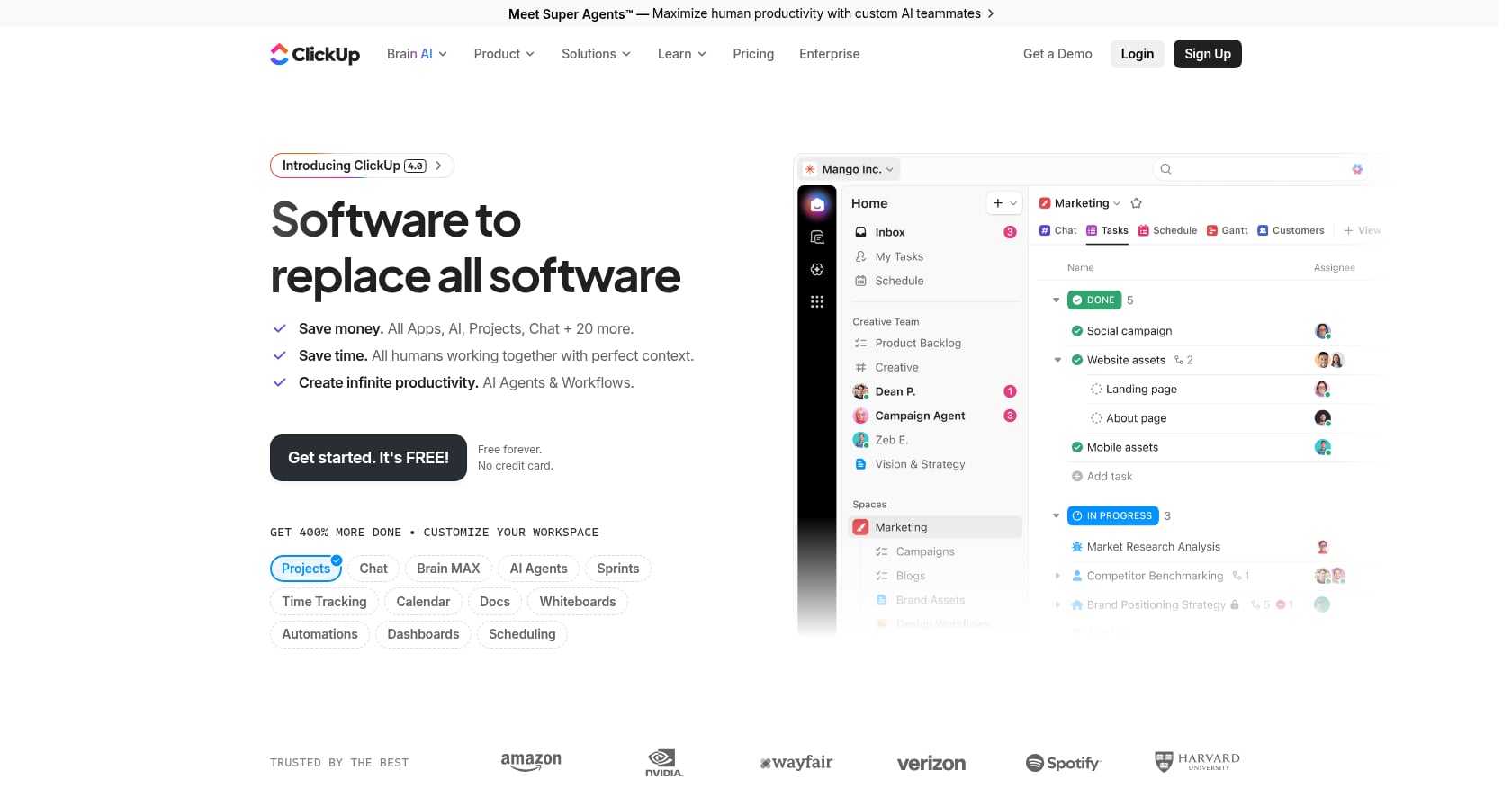
Best for: Teams already using ClickUp for project management who want to repurpose it for onboarding without paying for another tool.
ClickUp is a general-purpose project management platform, not an onboarding tool. But its flexibility, free plan, and automation capabilities make it a common fallback for teams that can’t justify dedicated onboarding software.
Pricing:
- Free plan available
- Unlimited: $7/user/month
- Business: $12/user/month
For a 5-person team, you’re looking at $420/year on the Unlimited plan, making it by far the cheapest option.
Key features:
- Gantt charts, automations, docs, and AI features
- Extensive template library
- Custom fields and views
- Broad integration ecosystem
Limitations:
- No native client portal. Your customers see the same cluttered PM interface your internal team does
- No engagement scoring, no onboarding playbooks, no e-signatures
- Requires heavy template customization to approximate an onboarding workflow
- Guest access is limited and lacks branding options
- No portfolio-level onboarding analytics
User perspective: Practitioners on Reddit and in customer success forums repeatedly note that generic PM tools “work” for onboarding but create friction on the client side. The lack of a guided, branded experience means more email back-and-forth and lower client engagement. If you’re evaluating onboarding software purpose-built for SaaS, ClickUp will feel like a compromise.
7. monday.com
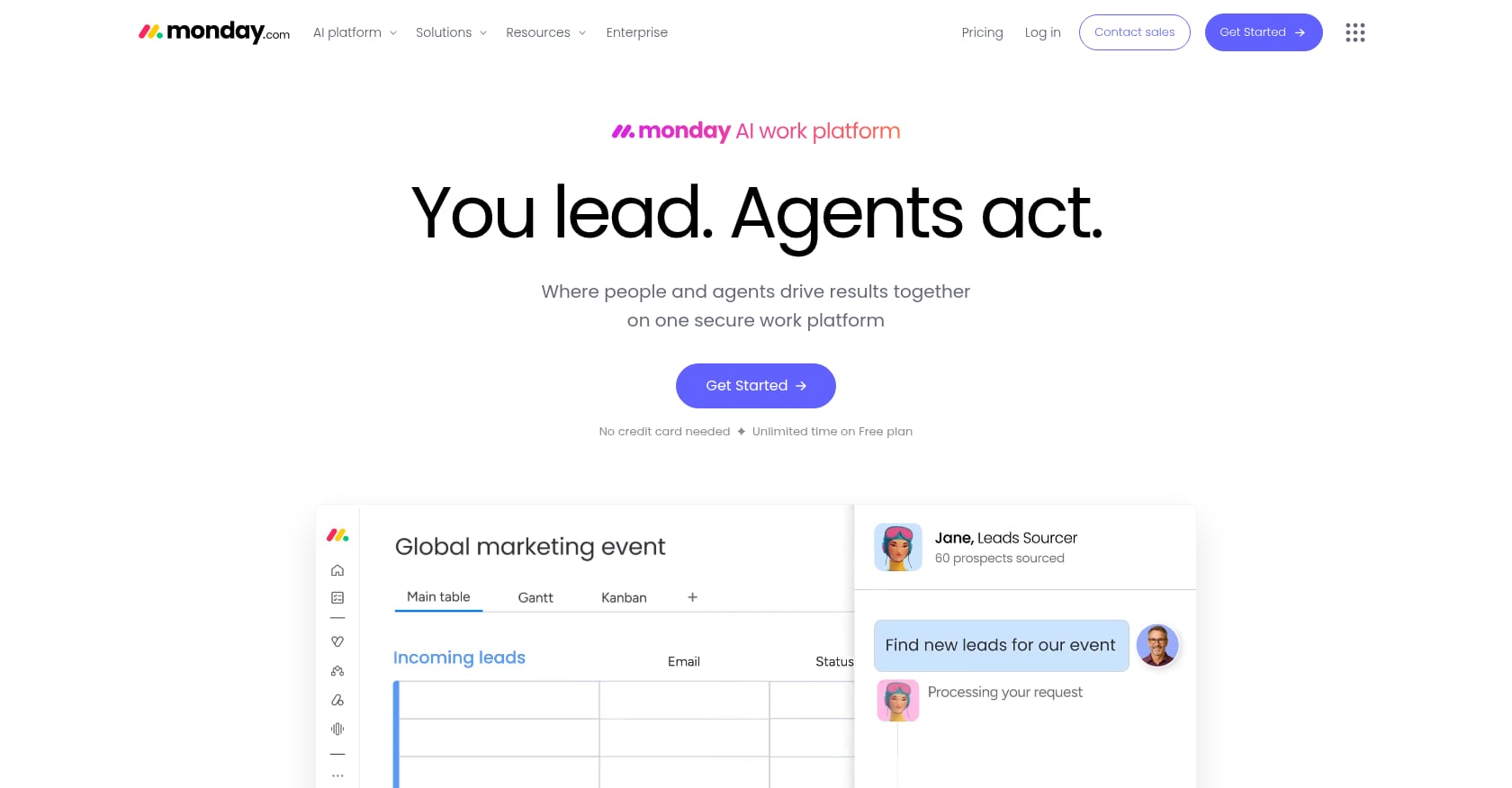
Best for: Teams needing basic onboarding project tracking combined with general work management in one tool.
Like ClickUp, monday.com is a work management platform that can be adapted for onboarding, not a purpose-built solution. Its visual interface and automation builder make it friendlier for non-technical teams.
Pricing:
- Basic: ~$8/user/month
- Standard: $10/user/month
- Pro: $16/user/month
A 5-person team on the Standard plan costs $600/year. But guest access for clients can add significantly to that total.
Key features:
- Flexible boards with automations
- CRM module (separate product)
- Gantt charts and dashboards
- Extensive integration marketplace
Limitations:
- No native client portal
- No engagement scoring or AI risk detection
- No onboarding-specific features (playbooks, phase gates, SLA tracking)
- Guest access pricing inflates costs when you need client-facing visibility
- Significant customization required to build onboarding workflows
For a more detailed breakdown, read our GoLiveFlow vs. monday.com comparison.
User perspective: monday.com works when onboarding is simple and internal-only. Once you need clients to complete tasks, upload documents, or track progress in a branded portal, the gaps become obvious.
8. ClientEnforce
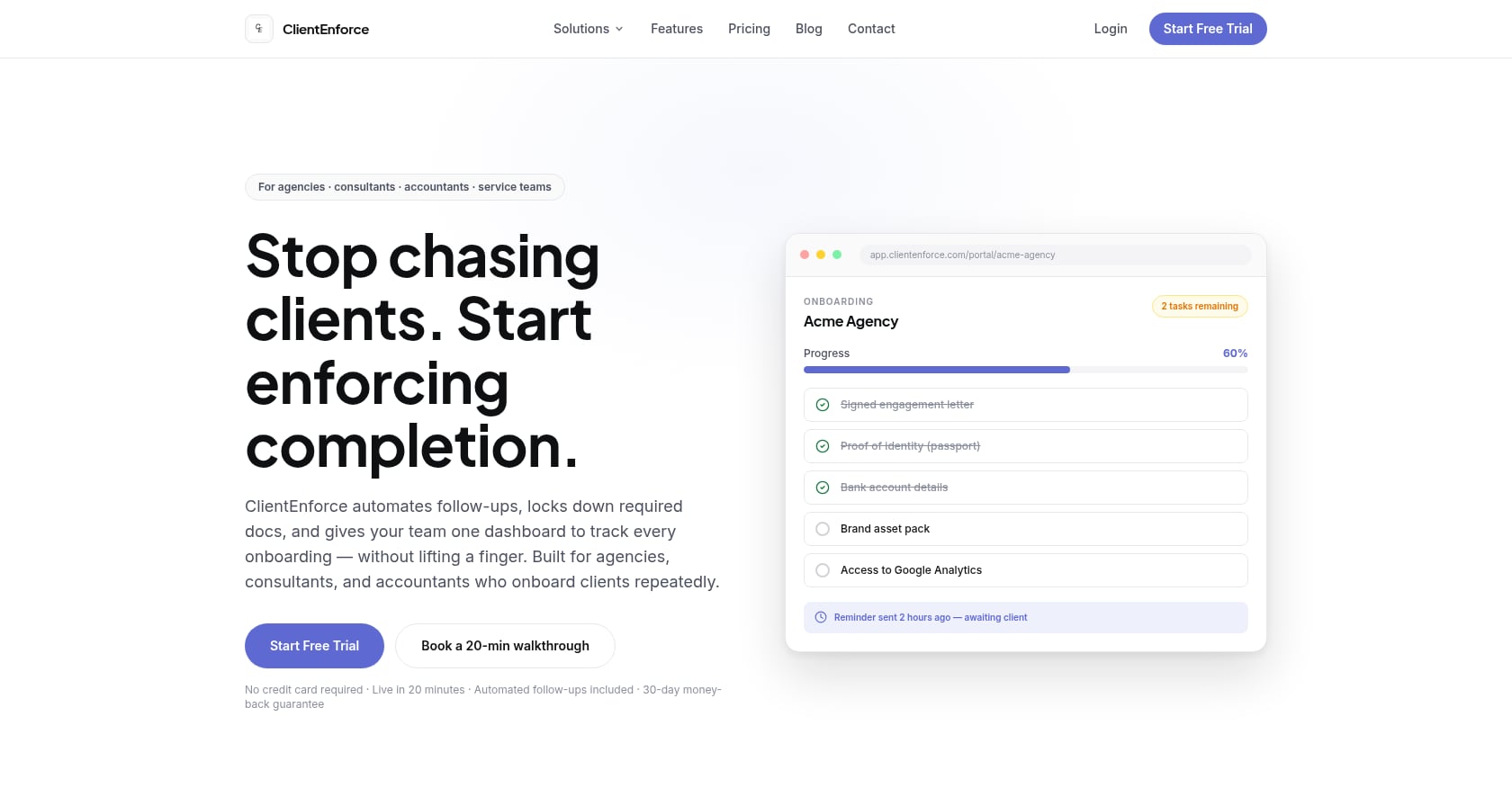
Best for: Agencies, consultants, and service operators who need structured document collection and compliance workflows.
ClientEnforce is intentionally narrow. It turns messy client onboarding into a structured workflow for collecting documents, capturing signatures, and tracking every step in one portal. It’s not trying to be an implementation management platform.
Pricing:
- Plans start from £29/month (~$37 USD)
- Free trial available
Key features:
- Structured document collection workflows
- Signature capture
- Step-by-step client portal
- Progress tracking
Limitations:
- No project management, resource planning, or analytics
- No invoicing, proposals, or pipeline management
- Not designed for SaaS implementation teams
- Lacks automation rules, conditional playbooks, and CRM integrations
User perspective: ClientEnforce fills a narrow niche well. If your “onboarding” means collecting signed contracts and compliance documents from new clients, it does that cleanly. But if you’re managing multi-phase SaaS implementations with dependencies, milestones, and cross-functional stakeholders, you need something more comprehensive.
How to Choose: Decision Framework
Picking the right alternative to Rocketlane depends on three things: your team size, your CRM stack, and the complexity of your onboarding process.
If you need engagement scoring and AI risk detection, GoLiveFlow is the clear choice. It’s the only tool on this list (besides GuideCX’s limited AI Agents) that surfaces early warning signals when clients disengage. Explore the full platform feature set to see how this works in practice.
If you’re a HubSpot shop, both Arrows and GoLiveFlow integrate natively. Arrows goes deeper into HubSpot’s data model but lacks project management depth. GoLiveFlow gives you HubSpot sync plus a full onboarding platform with engagement scoring and playbooks.
If your budget is under $100/month, GoLiveFlow Starter ($19/seat/month, no minimum), ClickUp ($7/user/month), or monday.com ($8/user/month) are your realistic options. Only GoLiveFlow offers a native client portal and onboarding-specific features at this price point.
If you manage 10+ concurrent implementations and need forecasting, GuideCX or GoLiveFlow Enterprise give you the portfolio-level visibility and resource planning that lighter tools lack.
If you want a content workspace, not a PM tool, Dock’s free plan is worth testing. Just know you’ll need something else for project tracking.
If you need document collection for compliance-heavy onboarding, ClientEnforce does one thing well at £29/month.
What to Look For in an Onboarding Automation Platform
Regardless of which tool you evaluate, these six capabilities separate purpose-built onboarding platforms from generic project management tools that have been force-fit into the role.
Native client portal. Your customers shouldn’t see the same cluttered workspace your internal team uses. A branded, guided portal with step-by-step progress reduces confusion and increases task completion. Guest access in ClickUp or monday.com is not the same thing.
Engagement scoring and risk alerts. Knowing that a client hasn’t logged in for 10 days or has three overdue dependencies is worth more than any status report. This is the single biggest gap in most alternatives to Rocketlane for onboarding automation, and it’s the feature that prevents go-live dates from slipping. For tactics to speed up customer onboarding, engagement visibility is foundational.
E-signatures without a third-party dependency. Phase gate approvals, scope sign-offs, and compliance documents all need signatures. Routing these through DocuSign or PDF email chains adds days to every milestone.
Conditional playbooks. Not every customer follows the same onboarding path. If/then logic that adjusts tasks, phases, and dependencies based on customer inputs (industry, plan tier, integration requirements) saves hours of manual project plan editing.
Portfolio analytics. Leadership needs to see time-to-value trends, bottleneck patterns, and resource utilization across all active implementations, not just one project at a time.
No seat minimums for small teams. A 5-seat minimum is a tax on small implementation teams. Look for platforms that let you start with one or two seats and scale as your team grows.
Annual Cost Comparison for a 5-Person Team
This is the math most comparison pages skip. Here’s what you’d actually pay for a team of five implementation managers across a full year:
| Tool | Plan | Annual Cost (5 seats) | Notes |
|---|---|---|---|
| GoLiveFlow | Professional | $2,940 | No seat minimum, 30-day free trial |
| Rocketlane | Standard | $2,940+ | 5-seat minimum, plus $2K-$10K+ implementation fees, 5-10% annual escalators |
| GuideCX | Starter | $4,700+ | 4-seat minimum, reporting limitations |
| Arrows | Growth | $6,000 | Flat pricing, no per-seat cost |
| OnRamp | Entry | $15,000+ | No free trial |
| Dock | Starter | $4,200 | Free plan available for evaluation |
| ClickUp | Unlimited | $420 | No onboarding-specific features |
| monday.com | Standard | $600 | Guest access adds to total cost |
The sticker price for GoLiveFlow and Rocketlane looks identical at the Professional/Standard tier. The difference shows up in what’s included: GoLiveFlow bundles engagement scoring, e-signatures, and conditional playbooks with no implementation fee and no annual escalators.
Compare GoLiveFlow plans and pricing to see which tier fits your team.
FAQ
Is Rocketlane worth it for small teams?
For teams with fewer than 5 people, Rocketlane’s seat minimum creates an artificial cost floor. You’ll pay for seats you don’t use. Platforms like GoLiveFlow (no minimum) or ClickUp (free plan) make more sense for teams of 1-4.
Which Rocketlane alternative has the best HubSpot integration?
Arrows offers the deepest HubSpot integration, syncing 60+ data points per onboarding plan directly into HubSpot objects. GoLiveFlow also integrates natively with HubSpot and adds engagement scoring and playbooks on top. GuideCX offers HubSpot integration on its Professional tier and above.
Do any Rocketlane alternatives offer engagement scoring?
GoLiveFlow is the only alternative on this list with full engagement scoring that alerts teams when clients go dark, combined with AI risk detection that surfaces root causes. GuideCX offers AI Agents that identify process leaks, but the functionality is less granular. Arrows, Dock, ClickUp, monday.com, and ClientEnforce do not offer engagement scoring.
What’s the cheapest alternative to Rocketlane for onboarding automation?
ClickUp’s free plan is the cheapest option, but it lacks onboarding-specific features. For a dedicated onboarding platform, GoLiveFlow Starter at $19/seat/month with no minimum is the most affordable option that still includes a client portal. ClientEnforce starts at £29/month but only handles document collection.
Can I use monday.com or ClickUp for client onboarding?
You can, but you’ll be building the onboarding workflow from scratch using generic PM features. Neither tool offers a native client portal, engagement scoring, onboarding playbooks, or e-signatures. Practitioners in customer success communities consistently report that generic PM tools create friction on the client side and require significant customization.
Which alternative is best for enterprise teams?
OnRamp targets enterprise teams with high onboarding volume, starting at $15,000/year. GoLiveFlow Enterprise ($99/seat/month) offers unlimited projects, SSO/SAML, AI Copilot, and custom integrations. GuideCX also serves mid-market to enterprise teams with its higher-tier plans.
How long are free trials for Rocketlane alternatives?
Rocketlane offers 14 days. GoLiveFlow offers 30 days with no credit card required. Dock has a free plan (50 workspaces). ClickUp and monday.com both have free plans. OnRamp has no free trial at all. For complex B2B evaluations, 14 days is often too short to set up templates, invite clients, and run a real pilot.
Do I need a dedicated onboarding tool, or is a generic PM tool enough?
It depends on whether your onboarding is client-facing. If customers need to complete tasks, upload documents, sign approvals, and track their own progress, a dedicated platform with a client portal dramatically reduces email back-and-forth and improves completion rates. If onboarding is purely internal, a generic PM tool may suffice. For guidance on the full category, read our guide to onboarding software for SaaS.